
BLACK+DECKER BPP10WTB
BLACK+DECKER 14,000 BTU көчмө кондиционеринин колдонуучу колдонмосу
Model: BPP10WTB
1. Коопсуздук боюнча маанилүү маалымат
Before operating this appliance, please read all instructions thoroughly. Failure to follow these instructions may result in electric shock, fire, or property damage. Always ensure the unit is placed on a stable, level surface and is connected to a properly grounded electrical outlet. Do not block air vents or exhaust openings. For detailed safety guidelines, refer to the official Коопсуздук жөнүндө маалымат PDF форматында.
2. Продукт бүтүп калдыview
The BLACK+DECKER BPP10WTB is a versatile 3-in-1 portable air conditioner designed to provide cooling, dehumidification, and fan-only operation for your living space.

Image: The BLACK+DECKER BPP10WTB portable air conditioner unit shown alongside its remote control.
Негизги өзгөчөлүктөрү:
- Портативдик жана күчтүү: Our 14,000 BTU (10,000 BTU SACC) air conditioner portable will keep you cool and comfortable all summer. Three fan speeds cool the air down to 65 degrees Fahrenheit.
- Үчөө бир жерде функциясы: This AC unit combines cooling, dehumidifying, and fan modes. It efficiently reduces humidity and cools spaces.
- Perfect for Large Rooms: This room air conditioner provides fast, effective cooling for spaces up to 704 sq. ft. Ideal for dorms, apartments, cabins, campers, offices, master bedrooms, or living rooms.
- Колдонуучуга ыңгайлуу алыстан башкаруу: Equipped with an LCD full-function remote, this portable AC unit allows adjustments of every feature and function for ease of use.
- Экологиялык жактан таза: Utilizing R-32 refrigerant, this small portable air conditioner is eco-friendly. The room AC operates at 57 dB, making it a top choice for a quiet air conditioner portable.

Image: Visual representation of the unit's 3-in-1 capabilities: Air Conditioner, Fan, and Dehumidifier.
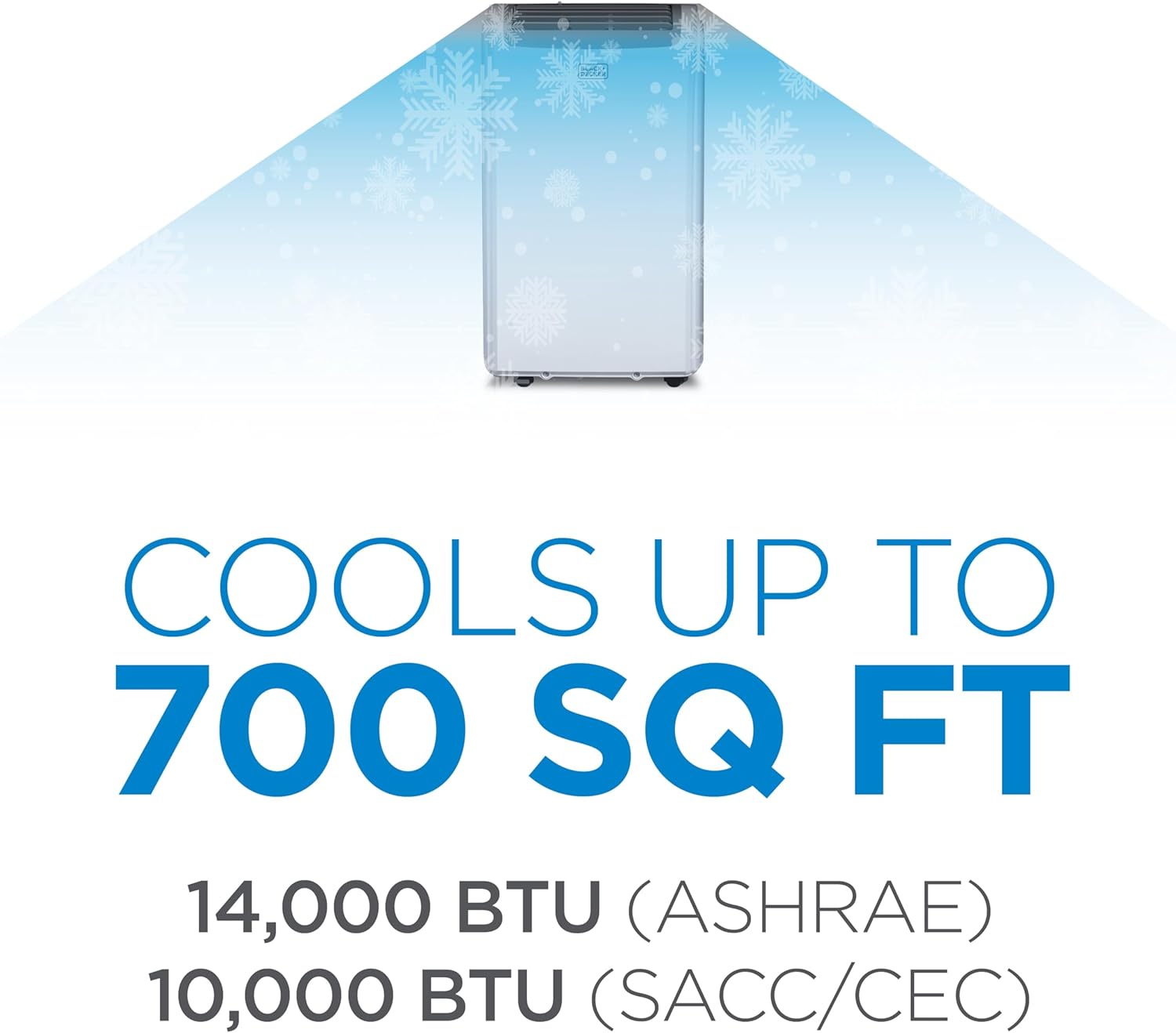
Image: Text overlay indicating the unit cools up to 700 sq ft with 14,000 BTU (ASHRAE) / 10,000 BTU (SACC/CEC).

Image: The portable air conditioner with its dimensions labeled: 16.5 inches (width), 11.7 inches (depth), and 27.9 inches (height).

Image: A floor plan illustrating suitable room sizes for 12,000 BTU (up to 550 sq ft) and 14,000 BTU (up to 700 sq ft) units, helping users choose the right unit for their room.
3. Орнотуу нускамалары
Proper setup is crucial for optimal performance and safety. Please follow these steps carefully. For a comprehensive guide, refer to the official Орнотуу боюнча колдонмо (PDF).
Орнотуу кадамдары:
- Пакеттен чыгаруу: Бирдикти жана бардык аксессуарларды таңгактан этияттык менен алып салыңыз. Келечекте сактоо же ташуу үчүн таңгактарды сактаңыз.
- Жайгашкан жерди тандоо: Place the unit on a firm, level surface near a window and a grounded electrical outlet. Ensure there is at least 20 inches of space around the unit for proper airflow.
- Терезе топтомун орнотуу: Assemble the window slider kit according to the instructions in the installation manual. Insert the exhaust hose into the window kit and connect it to the unit's exhaust outlet. Ensure a tight seal to prevent air leakage.
- Дренаж шлангынын туташуу: For continuous dehumidification, connect the drain hose to the unit's drain port and direct it to a suitable drainage area.

Image: Components of the included window kit, featuring the exhaust hose, slider bracket, hose inlet, and outlet.

Image: The portable AC unit highlighting its integrated handles and smooth-rolling castors for easy relocation between rooms.
4. Иштөө нускамалары
Your BLACK+DECKER portable air conditioner can be operated using the control panel on the unit or the included full-function remote control.

Image: The remote control with an LCD display, indicating its full functionality for controlling the unit.
Алыстан башкаруу функциялары:
- Күйгүзүү/өчүрүү: Кубат баскычын басыңыз (U) аппаратты күйгүзүү же өчүрүү.
- Режим тандоо: Cycle through Cooling, Dehumidifier, and Fan-only modes using the Mode button.
- Температураны жөндөө: Жогору жакты колдонуу (^) жана Down (v) arrows to set your desired temperature.
- желдеткич ылдамдыгы: Select Low, Medium, or High fan speed to control airflow.
- Таймер функциясы: Set a timer for the unit to automatically turn on or off after a specified period.
- Уйку режими: Activates a quiet operation mode that gradually adjusts the temperature for comfortable sleep.
- Fan Swing: Engage the fan swing function to oscillate the air vents, distributing air more widely.
- Цельсий/Фаренгейт которуштуруу: Switch between Celsius and Fahrenheit temperature displays.
5. Техникалык тейлөө
Regular maintenance ensures the longevity and efficient operation of your portable air conditioner. Always unplug the unit before performing any maintenance.
Тейлөө процедуралары:
- Аба чыпкасын тазалоо: Аба чыпкасын колдонууга жана абанын сапатына жараша эки жумада же андан көп жолу тазалап туруу керек.

Image: The removable and washable air filter being taken out from the back of the unit for cleaning.
- Gently slide out the filter from its housing.
- Чыпканы жылуу, самындуу суу менен жууңуз.
- Кылдаттык менен жууп, кайра салаардан мурун аны толугу менен кургатуу керек.
6. Кыйынчылыктарды
If you encounter issues with your portable air conditioner, refer to the following common troubleshooting steps. For more detailed solutions, consult the full user manual PDF.
| Көйгөй | Мүмкүн себеп | Чечим |
|---|---|---|
| Түзмөк күйбөйт | Электр жок, автоматтык өчүргүч иштебей калган, суу багы толуп калган. | Check power connection, reset breaker, drain water tank. |
| Агрегат эффективдүү муздабай жатат | Dirty air filter, blocked exhaust hose, room too large, open windows/doors. | Clean filter, ensure hose is clear and properly installed, close windows/doors, check room size. |
| Бирдиги ызы -чуу | Unit not level, foreign object in fan, normal operation sounds. | Ensure unit is on a level surface, check for obstructions, some noise is normal during operation. |
| Суунун агып чыгышы | Drain plug not secured, drain hose kinked or blocked. | Secure drain plug, clear any kinks or blockages in the drain hose. |
7. Техникалык шарттар
| Спецификация | Нарк |
|---|---|
| Продукциянын өлчөмдөрү | 17.32 x 27.2 x 13.2 дюйм |
| Элемент Салмагы | 65.1 фунт |
| Өндүрүүчү | W Appliance Company |
| ASIN | B08THDN9TR |
| Элементтин моделинин номери | BPP10WTB |
| Форма фактору | Portable |
| Жыйын талап кылынат | Жок |
| Батареялар талап кылынат | Жок |
| Кубаттуулугу | 0.5 литр |
| Кабат аянты | 700 чарчы фут |
| Тtage | 115 вольт (AC) |
| Ызы-чуу деңгээли | 53 дБ |
| Бренд | BLACK+DECKER |
| Муздатуу күчү | 1.25E+3 Ватт |
| Түс | Ак |
8. Кепилдик жана колдоо
This BLACK+DECKER portable air conditioner comes with a 1-year warranty covering labor and parts for manufacturing defects only. For warranty claims, technical assistance, or customer support, please refer to the contact information provided in your product's original documentation or visit the official BLACK+DECKER support webсайт.
Ask a question about this manual
Ask about setup, troubleshooting, compatibility, parts, safety, or missing instructions. Manuals+ will review the question and use this page’s manual context to help answer it.