
1. Киришүү
Thank you for choosing the LAXIHUB P2 2K/3MP Indoor Wi-Fi Security Camera. This manual provides essential information for setting up, operating, and maintaining your device. The P2 camera offers advanced features such as 2K/3MP video resolution, 360-degree pan and tilt functionality, enhanced night vision, two-way audio communication, and intelligent motion and sound detection. It is designed to help you monitor your home, pets, or children with ease and peace of mind.

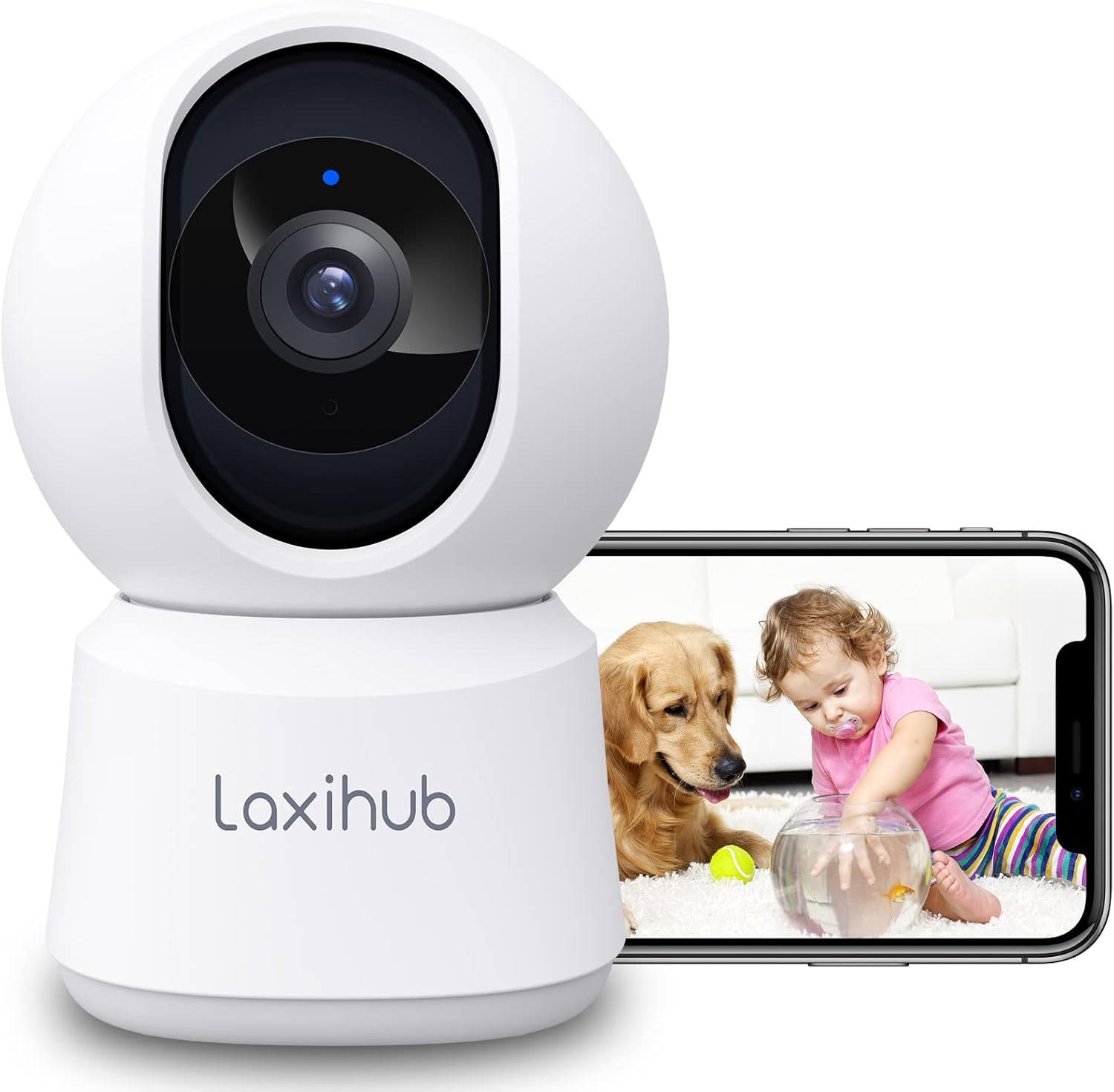
LAXIHUB P2 Indoor Security Camera showing a golden retriever and a baby, with a smartphone displaying the live feed.
2. Features Overview
The LAXIHUB P2 camera is equipped with a range of features to enhance your home monitoring experience:
- 2K/3MP Video Resolution: Так жана деталдуу видео foo камсыз кылатtage.
- 360° панорамалоо жана кыйшайтуу: Кеңири сунуштайт viewing angle with 355° horizontal and 93° vertical rotation.
- Жакшыртылган түнкү көрүнүш: Clear visibility up to 33 feet (10 meters) in complete darkness.
- Эки тараптуу аудио: Реалдуу убакыт режиминде байланышуу үчүн орнотулган микрофон жана динамик.
- Кыймыл жана үндү аныктоо: Sends instant alerts to your smartphone upon detecting activity.
- Ыңгайлаштырылуучу иш-аракеттер зоналары: Кыймылды аныктоо үчүн белгилүү бир аймактарды аныктаңыз.
- Ийкемдүү сактоо параметрлери: Supports local SD card storage (up to 256GB, not included) and cloud storage.
- Купуялык режими: Turn off the camera with one click via the app.
- Үн менен башкаруу: Amazon Alexa жана Google Assistant менен шайкеш келет.

Infographic detailing LAXIHUB P2 camera features: 2K 3MP view, customizable privacy mode, flexible 256GB storage, sharing, night vision, real-time alerts, and Alexa compatibility.
3. Пакеттин мазмуну
Сураныч, пакетте төмөнкү нерселерди текшериңиз:
- LAXIHUB P2 Camera (1)
- Электр менен камсыздоо (1)
- Mounting Accessories (Screws, Wall Plugs, Mounting Plate)
- Колдонуучунун колдонмосу (бул документ)
4. Орнотуу колдонмосу
4.1 Колдонмону жүктөп алуу жана каттоо эсебин түзүү
- Download the Arenti App from the App Store (iOS) or Google Play Store (Android).
- Колдонмону ачып, жаңы аккаунт түзүңүз же сизде мурунтан эле бар болсо, кириңиз.
4.2 Камераны күйгүзүү
- Connect the power supply to the camera's power port.
- Кубат адаптерин розеткага сайыңыз.
- The camera will power on, and the indicator light will flash, indicating it's ready for pairing.
4.3 Device Pairing (Wi-Fi Connection)
- In the Arenti App, tap the "+" icon to add a new device.
- Select your LAXIHUB P2 camera model from the list.
- Follow the on-screen instructions to connect the camera to your 2.4GHz Wi-Fi network. Ensure your phone is connected to the same Wi-Fi network.
- Телефонуңуздун экранында көрсөтүлгөн QR кодун камеранын линзасы менен сканерлеңиз. Телефонду камерадан болжол менен 15-20 см (6-8 дюйм) аралыкта кармаңыз.
- Once connected, the camera's indicator light will turn solid blue, and you will hear a confirmation sound.
4.4 Орнотуу жана орнотуу
The LAXIHUB P2 camera can be placed on a flat surface or mounted on a wall or ceiling.
- Столдун үстүнө жайгаштыруу: Simply place the camera on a stable surface with a clear view сиз көзөмөлдөгүңүз келген аймак.
- Дубалга/шыпка орнотуу:
- Attach the mounting plate to the desired location using the provided screws and wall plugs.
- Securely attach the camera to the mounting plate by twisting it into place.
- Adjust the camera angle in the app if necessary to ensure proper orientation.
5. Иштөө нускамалары
5.1 Live View жана панорамалоо/кыйшайтуу башкаруусу
Access the live video feed from your camera through the Arenti App. Use the on-screen controls to remotely adjust the camera's viewбурч.
- Пан: Камераны туурасынан 355 градуска чейин буруңуз.
- Россия: Камераны вертикалдуу 93 градуска чейин тууралаңыз.

LAXIHUB P2 camera demonstrating 355-degree horizontal and 93-degree vertical rotation, controlled via a smartphone app.
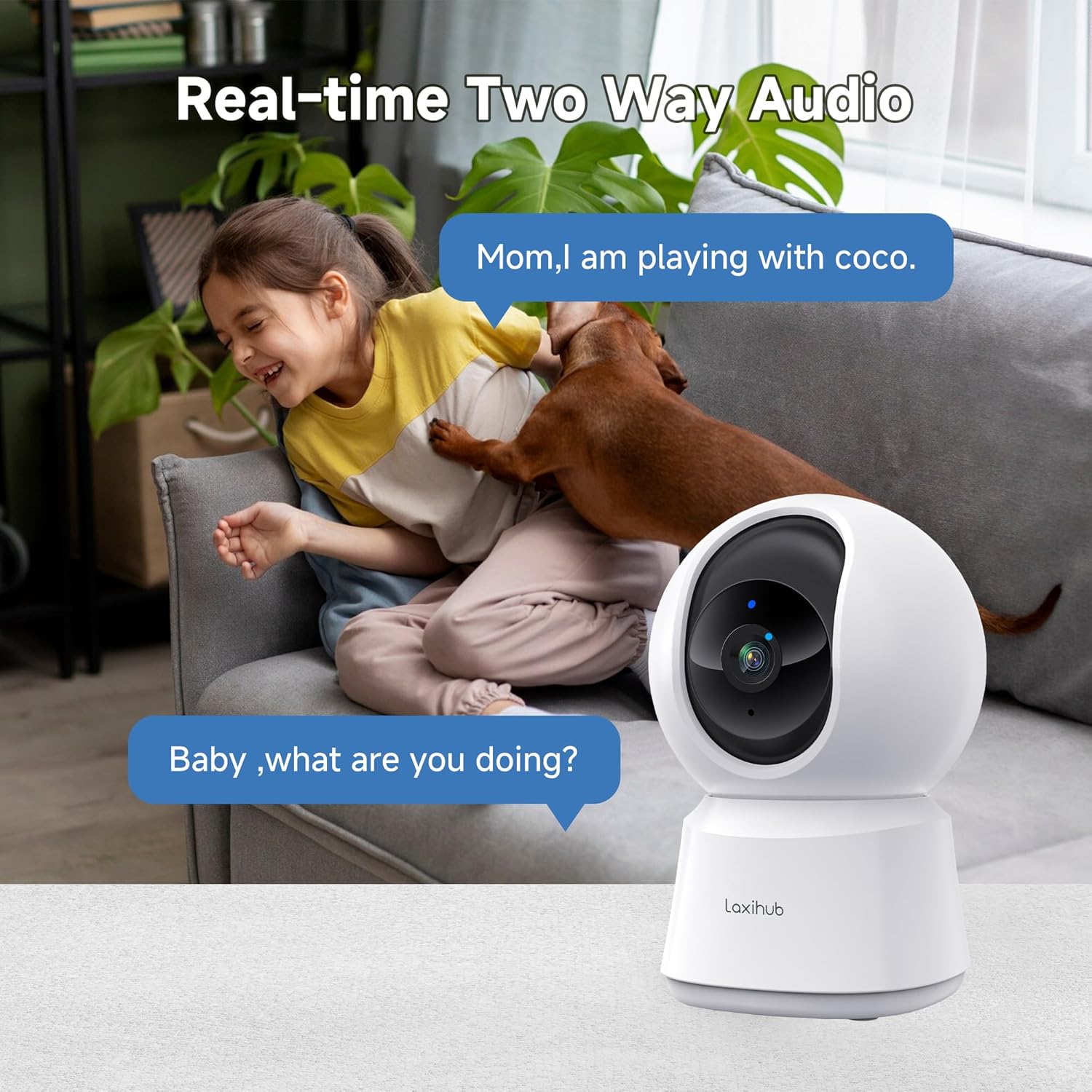
5.2 Эки тараптуу аудио
The camera features a built-in microphone and speaker, allowing you to listen to your environment and speak through the camera.
- Tap the microphone icon in the app to speak. Your voice will be transmitted through the camera's speaker.
- Ensure the speaker icon is enabled to hear audio from the camera's location.

A child and a dog interacting in a living room, with the LAXIHUB P2 camera in the foreground, depicting two-way audio communication.
5.3 Кыймылды жана үндү аныктоо
The camera can detect motion and sound, sending instant alerts to your smartphone.
- Motion Tracking: When motion is detected, the camera can automatically track the subject to keep it in view.
- Жөнгө салынуучу сезгичтик: Customize the sensitivity levels for both motion and sound detection in the app to minimize false alarms.
- Иш зоналары: Камералардын ичиндеги белгилүү бир аймактарды коюңуз view for motion detection, ignoring irrelevant areas.
LAXIHUB P2 camera tracking multiple cats in a living room, illustrating its smart motion tracking feature.

A cat on a sofa with a phone displaying a 'P2T Sound detected...' alert message, illustrating the camera's noise detection feature.
5.4 Түнкү көрүнүш
The camera automatically switches to enhanced infrared night vision in low-light conditions, providing clear black and white video up to 33 feet (10 meters).

A sleeping baby in a crib, viewed through the LAXIHUB P2 camera's enhanced night vision, showing the LED IR sensor and automatic activation up to 33ft in darkness.
5.5 Видео сактагыч
Видео жаздырууларыңызды эки жол менен сактоого болот:
- Micro SD картасы: Insert a Micro SD card (up to 256GB, not included) into the camera's slot for local storage. Recordings can be exported from the SD card.
- Булуттагы сактагыч: LAXIHUB offers a free 3-month cloud storage trial. Your data is securely stored on AWS servers.

LAXIHUB P2 camera with an inset showing an SD card being inserted, and icons for SD card and cloud storage options.
5.6 Купуялык режими
Activate Privacy Mode via the Arenti App to temporarily turn off the camera and stop recording, ensuring your privacy when needed.
5.7 Үн жардамчысын интеграциялоо
The LAXIHUB P2 camera is compatible with Amazon Alexa and Google Assistant. You can use voice commands to view шайкеш келген акылдуу дисплейлердеги түз эфир.
- Follow the instructions in your Alexa or Google Home app to link your Arenti account.
- Example command: "Alexa, show me the living room camera."
6. Техникалык тейлөө
6.1 Тазалоо
To ensure optimal performance, keep the camera lens clean.
- Gently wipe the lens with a soft, dry, lint-free cloth.
- Катуу химиялык заттарды же абразивдүү тазалагычтарды колдонуудан алыс болуңуз.
6.2 Микропрограмма жаңыртуулары
Periodically check the Arenti App for available firmware updates. Keeping your camera's firmware up-to-date ensures you have the latest features and security enhancements.
- Колдонмодогу камера жөндөөлөрүнө өтүңүз.
- Select "Firmware Update" and follow the prompts.
7. Кыйынчылыктарды
| Көйгөй | Мүмкүн себеп | Чечим |
|---|---|---|
| Камера оффлайн | No power; Wi-Fi disconnected; Weak Wi-Fi signal | Check power connection; Restart camera and router; Ensure camera is within Wi-Fi range. |
| Wi-Fi'га туташпай жатат | Incorrect Wi-Fi password; Not 2.4GHz network; Too far from router | Verify password; Ensure you are connecting to a 2.4GHz network; Move camera closer to router. |
| Кыймыл/үн эскертүүлөрү алынган жок | Notifications disabled; Sensitivity too low; App not running in background | Enable app notifications; Adjust sensitivity settings; Ensure app is allowed to run in background. |
| Видеонун сапаты начар | Wi-Fi сигналы начар; Кир линза | Improve Wi-Fi signal strength; Clean the camera lens. |
| Эки тараптуу аудио көйгөйлөр | Microphone/speaker muted; Network latency | Check audio settings in app; Ensure stable internet connection. |
8. Техникалык шарттар
| Өзгөчөлүк | Деталь |
|---|---|
| Модель номери | P2 |
| Өлчөмдөрү (L x W x Y) | 7.6 x 7.3 x 11.7 см |
| Салмагы | 190 грамм |
| Video Resolution | 2K/3MP (2560 x 1080 pixels) |
| Frame Rate | секундасына 25 кадр |
| Пан бурчу | 355 градус горизонталдуу |
| Тит бурч | 93 градус вертикалдуу |
| Түнкү көрүү диапазону | 33 фут (10 метр) чейин |
| IR LED | 2 |
| Байланыш | Wi-Fi (2.4GHz only), Wired |
| Power Source | Electric Cable, 5V, 4.5W |
| Сактагыч параметрлери | Micro SD карта (256 ГБ чейин), булут сактагычы |
| Башкаруу ыкмасы | Arenti App |
| Voice Assistant шайкештиги | Amazon Alexa, Google Жардамчысы |
| Колдонуу чөйрөсү | Indoor |
| IP рейтинги | IP65 (Note: While rated IP65, this camera is recommended for indoor use.) |
Comparison image showing the difference between 1080P and LAXIHUB P2's 2K/3MP video resolution.
9. Кепилдик жана колдоо
9.1 Кепилдик маалыматы
LAXIHUB products typically come with a limited warranty. Please refer to the warranty card included in your product packaging or visit the official LAXIHUB webСиздин аймакка тиешелүү деталдуу кепилдик шарттары жана шарттары үчүн сайт.
9.2 Кардарларды колдоо
If you encounter any issues or have questions regarding your LAXIHUB P2 camera, please contact our customer support team:
- Электрондук почта: Check the LAXIHUB official webэң акыркы колдоо электрондук почта дареги үчүн сайт.
- Онлайн ресурстар: Visit the LAXIHUB support page for FAQs, video tutorials, and additional resources.