
Introduction
Thank you for choosing the VOYEE Wireless Controller for PlayStation 4. This manual provides detailed instructions on how to set up, operate, maintain, and troubleshoot your new controller. Please read this manual thoroughly before use to ensure optimal performance and longevity of your device.
Продукт бүттүview
Негизги өзгөчөлүктөрү
- Зымсыз туташуу: Seamless connection to your PlayStation 4 console.
- Кош титирөө кайтарым байланышы: Enhanced haptic feedback for immersive gaming.
- 6-октуу кыймыл сенсору: Integrated gyroscope and accelerometer for precise motion control.
- Multi-touch Touchpad: Interactive input for various game functions.
- Интегралдык спикер: Delivers additional sound effects directly from the controller.
- 3.5 мм гарнитура уячасы: Connect your headset for private audio and chat.
- Эргономикалык дизайн: Узак убакытка созулган оюн сессиялары үчүн ыңгайлуу кармагыч.
- Fast Charging Port: Efficient charging for minimal downtime.
Контроллердин компоненттери
Familiarize yourself with the various buttons and features of your VOYEE Wireless Controller:
- Аракет баскычтары: Triangle, Circle, Cross, Square.
- Багыттоочу такта (D-Pad): Up, Down, Left, Right.
- Аналогдук таякчалар: Left and Right analog sticks for movement and camera control.
- L1/R1 баскычтары жана L2/R2 триггерлери: Shoulder buttons and triggers.
- PS баскычы: Powers on the controller, accesses the PS Home screen.
- БӨЛҮШҮҮ баскычы: Оюндун мазмунун бөлүшөт.
- ПАРАМЕТРЛЕР баскычы: Оюн ичиндеги менюларга жана опцияларга кирүү мүмкүнчүлүгү.
- Сенсордук такта: Interactive surface for gestures and clicks.
- Light Bar: Indicates player number, health, and other game information.
- Микро-USB порту: Заряддоо жана зымдуу туташуу үчүн.
- ЧЫГЫШ порту: For connecting accessories.
- Баяндамачы: Built-in mono speaker.
- Гарнитура уясы: 3.5mm port for headsets.

Сүрөт 1: Алдыңкы view of the VOYEE Wireless Controller, highlighting its ergonomic design and button layout.

2-сүрөт: Детальдуу view of the SHARE, OPTIONS, and VOYEE buttons, along with the D-pad and R1 trigger.
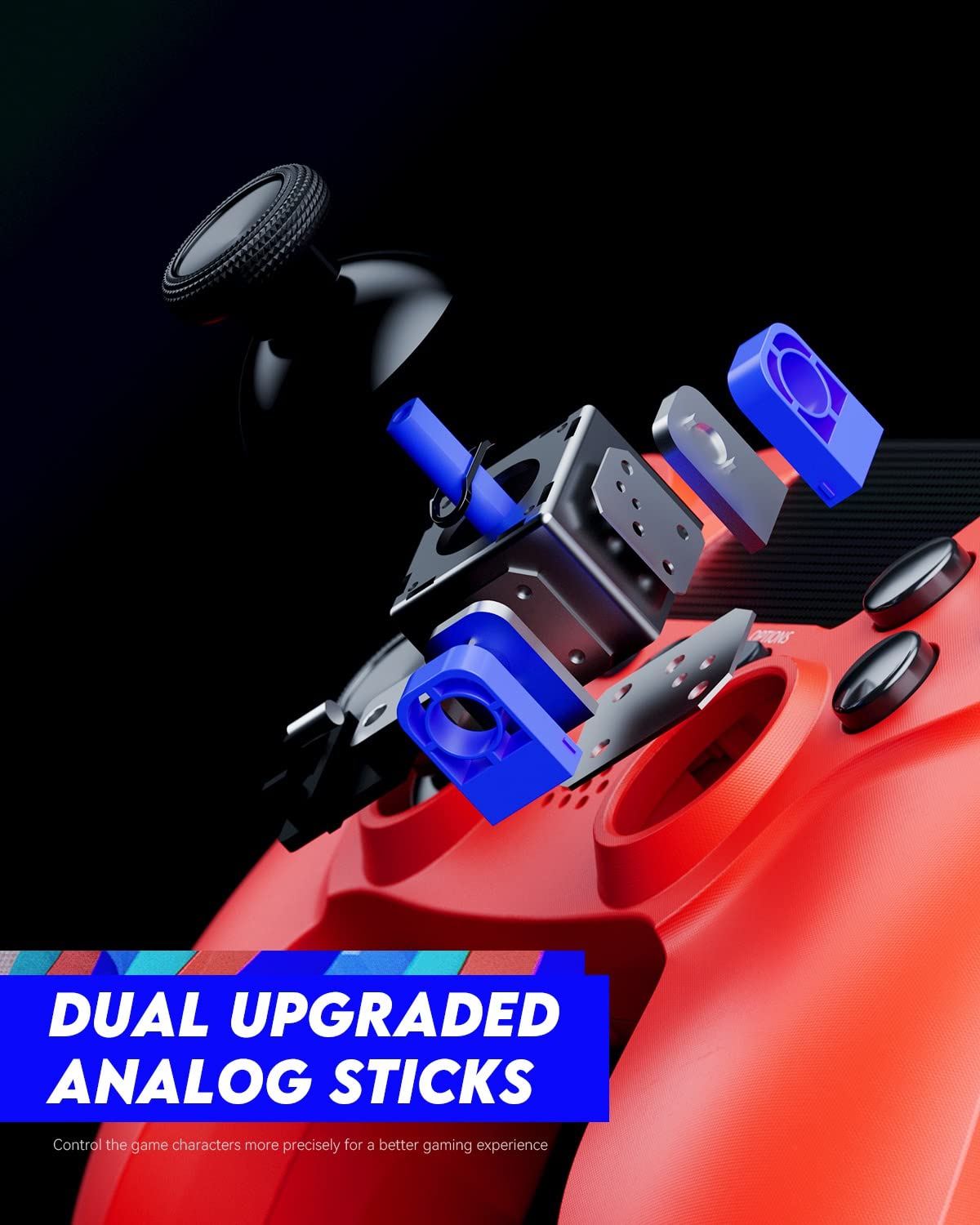
Figure 3: An exploded diagram illustrating the internal components of the dual analog sticks, emphasizing precision control.
Жайгашуу
Контроллерди заряддоо
Before first use, fully charge the controller. The controller features an 800mAh battery for extended playtime.
- Connect the supplied USB cable to the Micro-USB port on the controller.
- Connect the other end of the USB cable to a USB port on your PlayStation 4 console (console must be powered on or in rest mode) or a compatible USB wall charger.
- Контроллердеги жарык тилкеси кубаттоо учурунда кызгылт сары түстө жай күйүп-өчөт жана толук кубатталганда өчөт.

Figure 4: The controller's light bar illuminates, indicating power or charging status.
PlayStation 4 менен жупташуу
To use the controller wirelessly, it must be paired with your PlayStation 4 console.
- PlayStation 4 консолуңуз күйүп турганын текшериңиз.
- Connect the controller to the PS4 console using the USB cable.
- басыңыз PS баскычы on the controller. The controller will power on and automatically pair with the console.
- Once paired, you can disconnect the USB cable and use the controller wirelessly.
- To pair additional controllers, repeat these steps for each controller. The light bar will indicate the player number (Player 1: Blue, Player 2: Red, Player 3: Green, Player 4: Pink).
Иштөө нускамалары
Негизги башкаруу элементтери
The VOYEE Wireless Controller functions similarly to the original PlayStation 4 controller. Refer to your game's instructions for specific button mappings.
- Аналогдук таякчалар: Use for character movement, camera control, and menu navigation.
- D-Pad: Так багыттуу киргизүү үчүн, көбүнчө менюларда же мушташ оюндарында колдонулат.
- Аракет баскычтары (Үч бурчтук, Тегерек, Крест, Төрт бурчтук): Perform in-game actions such as jumping, attacking, or confirming selections.
- L1/R1 баскычтары: Көбүнчө тез аракеттер же куралды алмаштыруу үчүн колдонулат.
- L2/R2 триггерлери: Typically used for aiming, shooting, or acceleration/braking in driving games.
- PS баскычы: Press once to return to the PS Home screen. Press and hold to access the Quick Menu.
- БӨЛҮШҮҮ баскычы: Press to open the Share menu, allowing you to take screenshots or record video clips.
- ПАРАМЕТРЛЕР баскычы: Press to pause games or access in-game options/menus.
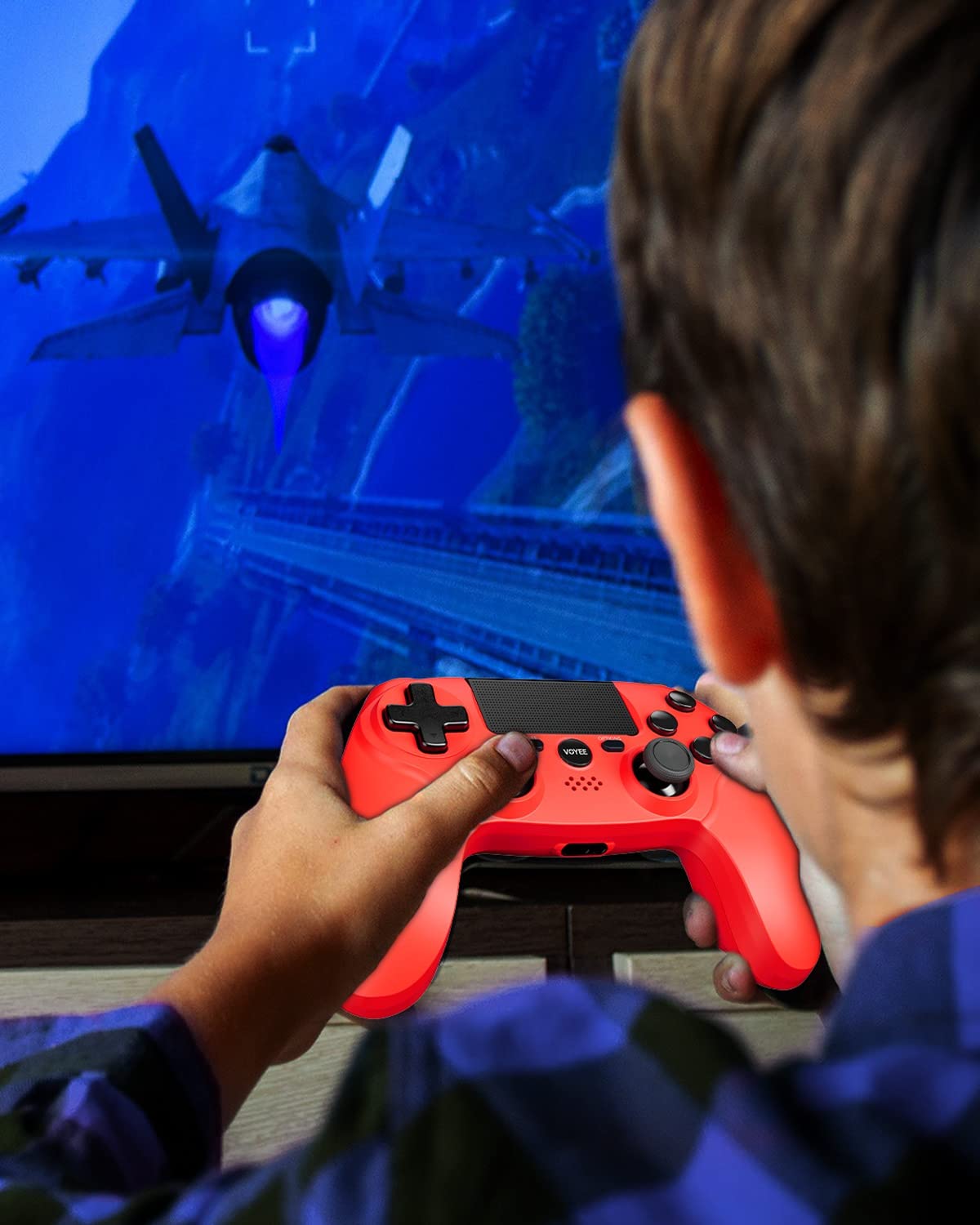
Figure 5: A user actively engaged in gameplay using the VOYEE Wireless Controller.
Атайын мүмкүнчүлүктөрдү колдонуу
- Сенсордук такта: Swipe, tap, or click the touchpad for various in-game interactions, depending on the game's design.
- Кыймыл сенсору: Tilt and move the controller to control certain game elements, such as steering in racing games or aiming in shooters.
- Дирилдөө боюнча пикир: The controller will vibrate to provide tactile feedback during gameplay, such as impacts, explosions, or specific in-game events.
- Гарнитура уячасы: Plug any standard 3.5mm headset into the jack for game audio and voice chat. Adjust audio settings via the PS4 Quick Menu.

Figure 6: Two players using VOYEE Wireless Controllers for a shared gaming experience.
Техникалык тейлөө
Тазалоо
To keep your controller in optimal condition:
- Wipe the controller regularly with a soft, dry cloth.
- өжөр кир үчүн, бир аз гampчүпүрөктү суу же жумшак тазалоо эритмеси менен жууп салыңыз. Катуу химиялык заттардан алыс болуңуз.
- Суюктуктардын контроллердин тешиктерине киришине жол бербеңиз.
Сактагыч
Колдонулбаган учурда контроллерди салкын, кургак жерде күн нурунан жана өтө температурадан алыс сактаңыз.
Батареяга кам көрүү
The controller contains a rechargeable lithium-ion battery. To maximize battery life:
- Батареяны бат-баттан толук кубаттап калуудан алыс болуңуз.
- Charge the controller regularly, even if not in constant use.
- Do not expose the controller to temperatures above 60°C (140°F).
Проблемаларды чечүү
Туташуу маселелери
- Контроллер туташпай жатат: Ensure the controller is charged. Connect it to the PS4 with a USB cable and press the PS button to re-pair.
- Тез-тез өчүрүүлөр: Ensure there are no obstructions between the controller and the PS4. Move closer to the console. Other wireless devices might cause interference.
Заряддоо көйгөйлөрү
- Контроллер кубатталбай жатат: Try a different USB cable or a different USB port on the PS4 or wall charger. Ensure the PS4 is powered on or in rest mode.
- Жай кубаттоо: Use the original USB cable or a high-quality replacement. Ensure the power source provides sufficient current.
Button/Stick Unresponsiveness
- Buttons or analog sticks not responding: Reset the controller by inserting a small, pointed object (like a straightened paperclip) into the small hole on the back of the controller near the L2 button. Hold for 5 seconds. Then, re-pair the controller with the PS4.
- Drift in analog sticks: Perform a controller reset. If the issue persists, contact customer support.
Техникалык шарттар
| Бренд | VOYEE |
| Шайкеш түзмөктөр | PlayStation 4 |
| Controller Type | Gamepad |
| Байланыш | Зымсыз |
| Өзгөчөлүктөр | Ergonomic, Headphone Jack, Rumble, Touchpad, 6-Axis Motion Sensor |
| баскычтардын саны | 16 |
| Батарея сыйымдуулугу | 800mAh (ички) |
| Элементтин өлчөмдөрү (L x W x Y) | 6.61 x 4.53 x 2.95 дюйм |
Коопсуздук маалыматы
Сураныч, төмөнкү коопсуздук чараларын сактаңыз:
- Do not expose the controller to extreme temperatures, direct sunlight, or high humidity.
- Көзөмөлдөгүчтү кулап же катуу таасирлерге дуушар кылуудан качыңыз.
- Контроллерди суудан жана башка суюктуктардан алыс кармаңыз.
- Do not attempt to disassemble or modify the controller. This may void your warranty and cause damage.
- Кичинекей балдар жетпеген жерде сактаңыз.
Кепилдик жана колдоо
For warranty information or technical support, please refer to the documentation included with your purchase or contact VOYEE customer service through the retailer where the product was purchased. Please have your product model and purchase date available when contacting support.