
4DRC 4D-M3
4DRC 4D-M3 Mini Drone with Camera User Manual
Модель: 4D-M3
Introduction
This manual provides detailed instructions for the safe operation and maintenance of your 4DRC 4D-M3 Mini Drone with Camera. Please read this manual thoroughly before operating the drone to ensure proper function and to avoid damage or injury. Keep this manual for future reference.
Коопсуздук чаралары
- Дронду ар дайым ачык жерлерде, адамдардан, жаныбарлардан жана тоскоолдуктардан алыс иштетиңиз.
- Жогорку вольттуу учактын жанына учпаңызtage lines, airports, or restricted airspace.
- Ensure all propellers are securely attached and undamaged before each flight.
- Колдоруңузду жана бетиңизди айлануучу пропеллерлерден алыс кармаңыз.
- Дронду катуу шамалда же жагымсыз аба ырайында иштетпеңиз.
- Supervise children during drone operation. This product is intended for children.
- Charge batteries using only the provided charger and follow all charging instructions.
- In case of emergency, use the one-key emergency stop function.
Пакеттин мазмуну
Пакетиңизде бардык буюмдар бар экенин текшериңиз:
- 4DRC 4D-M3 Mini Drone
- Remote Controller
- Module Batteries (x2)
- USB заряддоо кабели
- Запастык пропеллер
- Propeller Guards (x4)
- Screwdriver
- User Manual
- Сактоочу куту
Продукт бүттүview
Familiarize yourself with the drone's components.
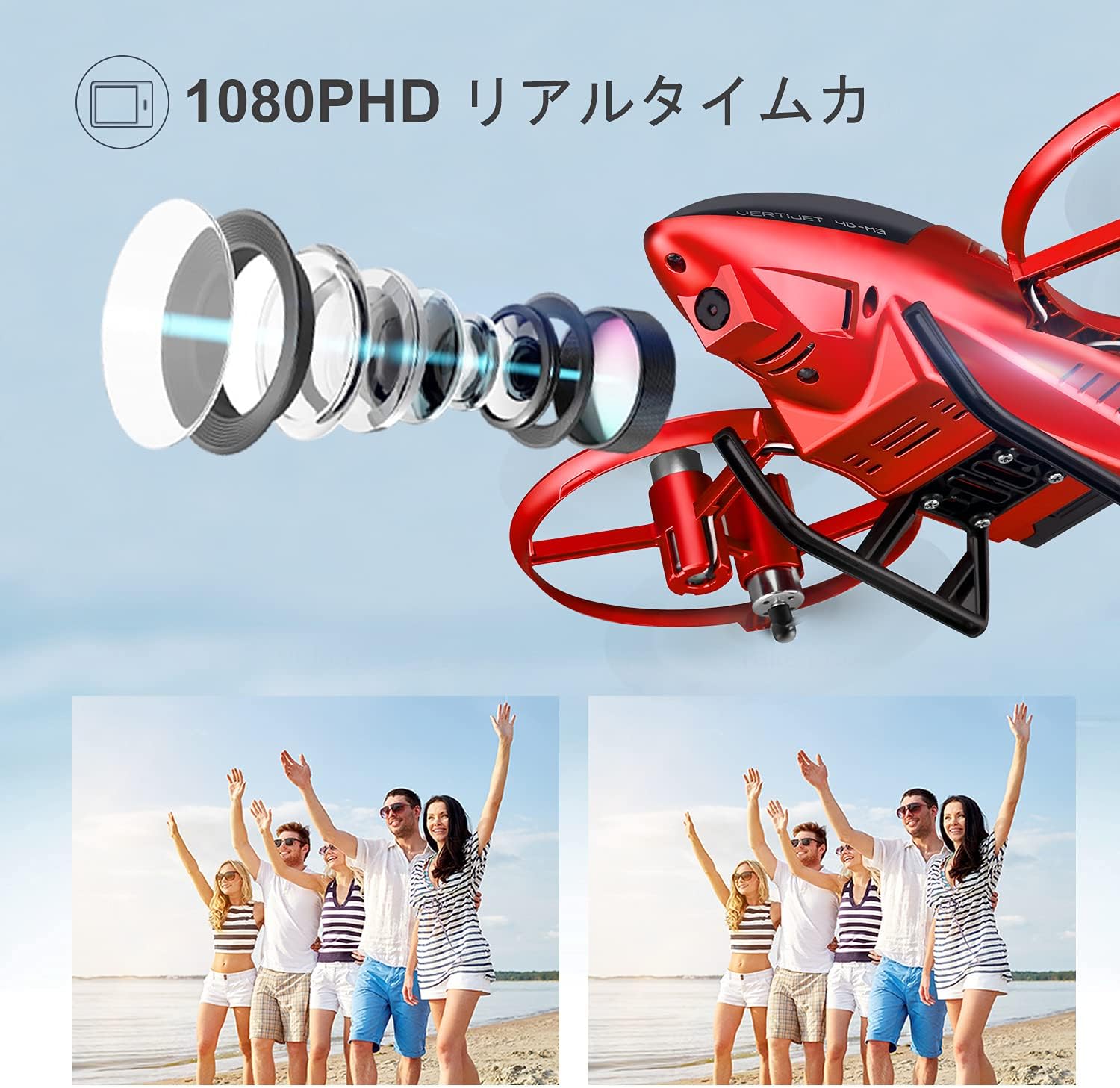
Image: The 4DRC 4D-M3 Mini Drone, showcasing its compact design and propeller guards.

Сүрөт: деталдуу view of the 4DRC 4D-M3 drone, highlighting its camera lens and overall structure.
Жайгашуу
1. Батареяны орнотуу жана заряддоо
The drone uses module batteries for extended flight time. Ensure batteries are fully charged before use.
- Insert the module battery into the drone's battery compartment.
- Connect the USB charging cable to the battery and a USB power source.
- The charging indicator will show the charging status. Disconnect once fully charged.
Video: Demonstrates the drone's features including battery installation and flight capabilities.
2. Алыстан башкаруу пультун жупташтыруу
Follow these steps to pair the remote controller with the drone:
- Дрондогу кубат.
- Алыстан башкаруучуну күйгүзүңүз.
- Move the left joystick up and then down. The drone's lights will stop flashing, indicating successful pairing.
Иштөө нускамалары
Негизги учуу операциялары
- Бир баскычтуу учуу/конуу: Press the one-key takeoff/landing button to automatically launch or land the drone.
- Бийиктикте кармоо режими: The drone maintains a stable altitude, making it easier to control.
- Башсыз режим: In headless mode, the drone's orientation is relative to the pilot, simplifying flight control regardless of the drone's front direction.
- 3 ылдамдык режими: Adjust the flight speed according to your skill level and environment.

Image: Illustrates one-key takeoff/landing, headless mode, and altitude hold features for easy flight.
Advanced Features
- HD Camera & FPV Function: The 120° wide-angle 1080P HD camera captures high-quality videos and clear aerial photos. Enjoy live FPV (First Person View) transmission up to 60m directly to your smartphone.
- Жаңсоо башкаруу: Perform specific hand gestures (e.g., raising a hand, V-gesture) in front of the drone's camera to trigger photo or video recording.
- Track Flight Mode: Смартфонуңуздун экранында учуунун траекториясын чийиңиз, ошондо дрон белгиленген маршрут боюнча автоматтык түрдө жүрөт.
- 3D Flip: Execute exciting 3D flips with a single button press for dynamic flight maneuvers.
- Gravity Induction Mode: Control the drone's flight direction by tilting your smartphone.
- Шашылыш токтотуу: In critical situations, press the emergency stop button to immediately halt the drone's motors.

Image: Demonstrates gesture control for photos and the track flight mode feature.

Image: The drone performing a 3D flip, illustrating its acrobatic capabilities.

Image: Shows FPV real-time transmission to a smartphone, allowing instant sharing of photos and videos.

Image: Depicts voice control commands for basic flight maneuvers like "Fly" and "Left".
Техникалык тейлөө
- Regularly inspect propellers for damage. Replace any bent or broken propellers immediately using the provided spare parts.
- Clean the drone body with a soft, dry cloth. Avoid using water or harsh chemicals.
- Дронду жана батареяларды салкын, кургак жерде, күн нуру түз тийген жана өтө жогорку температурадан алыс сактаңыз.
- Ensure batteries are partially charged (around 50%) before long-term storage to prolong their lifespan.
Проблемаларды чечүү
| Көйгөй | Мүмкүн себеп | Чечим |
|---|---|---|
| Drone does not respond to controller. | Жупташтырылган эмес, батареясы аз, байланыш аймагынан тышкары. | Re-pair the controller, charge batteries, ensure drone is within operating range. |
| Учуу учурунда учкучсуз учат. | Calibration needed, uneven surface at takeoff, wind interference. | Perform gyroscope calibration, take off from a flat surface, avoid flying in windy conditions. |
| Camera not recording/transmitting. | App not connected, insufficient storage, camera malfunction. | Ensure the app is correctly connected via Wi-Fi, check SD card (if applicable) or phone storage, contact customer support if issue persists. |
| Кыска учуу убактысы. | Батарея толук заряддалган эмес, эски батарея, агрессивдүү учуп жатат. | Fully charge batteries, consider replacing old batteries, fly more conservatively. |
Техникалык шарттар
- Бренд: 4DRC
- Модел: 4D-M3
- Видео тартуу токтому: 1080P HD
- Зымсыз байланыш: Wi-Fi, 2.4 GHz
- Башкаруу түрү: Remote Control, Gesture Control, Gravity Induction, Voice Control
- Батарея түрү: Lithium Ion Module Battery (x2 included)
- Максималдуу учуу убактысы: Approximately 20 minutes (with 2 batteries)
- FPV диапазону: 60 метрге чейин
- Максаттуу курагы: Балдар
- Түсү: Кызыл
- UPC: 781858651988
- ASIN: B08ZNQJSDQ
Кардарларды колдоо
If you have any questions regarding the functions, maintenance, or repair of your drone, please do not hesitate to contact our dedicated customer service team. We are available to assist you with any flight-related issues in a timely manner.
For support, please refer to the contact information provided with your product packaging or visit the official 4DRC webсайт.
Ask a question about this manual
Ask about setup, troubleshooting, compatibility, parts, safety, or missing instructions. Manuals+ will review the question and use this page’s manual context to help answer it.