
Introduction
Thank you for choosing the MEDION MD 10319 Tower Fan. This manual provides essential information for the safe and efficient operation of your new fan. Please read these instructions carefully before use and keep them for future reference.
Маанилүү коопсуздук нускамалары
Өрт, электр тогуна урунуу жана адамдардын жаракат алуу коркунучун азайтуу үчүн электр шаймандарын колдонууда ар дайым негизги коопсуздук чараларын сактаңыз.
- электр менен жабдууну камсыз кылуу voltage желдеткичтеги баалоо этикеткасына дал келет.
- Желдеткичти шнур же сайгыч бузулган менен иштетпеңиз. Эгерде шнур бузулса, коркунучту болтурбоо үчүн аны өндүрүүчү, анын тейлөө агенти же ушул сыяктуу квалификациялуу адамдар алмаштырышы керек.
- Вентиляторду суудан же башка суюктуктардан алыс кармаңыз. Вентиляторду сууга салбаңыз.
- Вентилятор иштеп жатканда, торчого манжаларыңызды же бөтөн нерселерди киргизбеңиз.
- Вентилятор колдонулбай турганда, аны бир жерден экинчи жерге жылдырганда жана тазалоонун алдында аны розеткадан сууруп коюңуз.
- Бул шайман физикалык, сезүү же акыл-эс жөндөмү начар же тажрыйбасы жана билими жок адамдар (анын ичинде балдар) үчүн, эгерде алардын коопсуздугуна жооптуу адам тарабынан көзөмөлсүз же шайманды колдонуу боюнча көрсөтмө болбосо, колдонууга арналбайт.
- Балдар шайман менен ойнобошу үчүн аларды көзөмөлгө алуу керек.
- Ал оодарылып кетпеши үчүн желдеткичти туруктуу, тегиз бетке коюңуз.
Пакеттин мазмуну
Сураныч, таңгакта төмөнкү компоненттер бар-жогун текшериңиз:
- MEDION MD 10319 Tower Fan
- Негизги бөлүгү (эки жарымы)
- Сактоочу гайка
- 4 Mounting Screws for Base
- Remote Control (with 2 x AAA batteries)
- Instruction Manual
Ассамблея жана орнотуу
Follow these steps to assemble your tower fan:
- Бардык компоненттерди таңгактан кылдаттык менен алып салыңыз.
- Assemble the two halves of the base by interlocking them.
- Align the assembled base with the bottom of the fan unit. Ensure the power cord passes through the designated slot in the base.
- Secure the base to the fan unit using the 4 mounting screws provided.
- Tighten the securing nut from underneath the base to firmly attach it to the fan body.
- Полярдуулукту байкап, алыстан башкаруу пультуна 2 AAA батарейканы салыңыз.
- Желдеткичти катуу, тегиз жерге кой.
- Электр шнурын ылайыктуу электр розеткасына сайыңыз (220V).
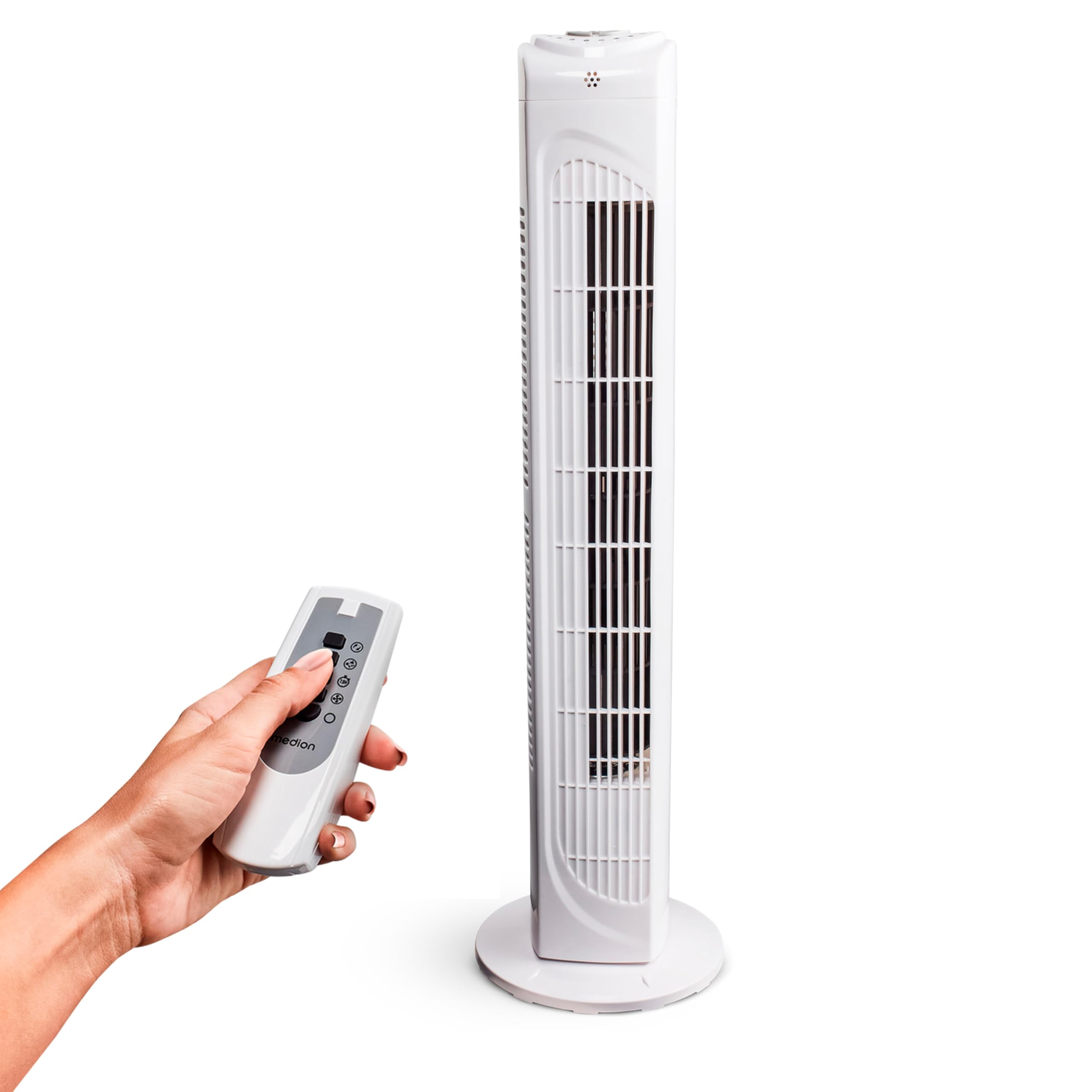
Image: The MEDION MD 10319 Tower Fan, fully assembled with its base, ready for use.

Image: A hand demonstrating the integrated carrying handle on top of the fan for easy portability.
Продукт бүттүview
Башкаруу панели
The control panel is located on the top of the fan unit. It features buttons for power, speed, oscillation, and timer functions.

Сүрөт: деталдуу view of the fan's top control panel, showing buttons for power, speed settings (3 levels), timer, and oscillation.
Алыстан башкаруу
The included remote control allows you to operate all fan functions from a distance.
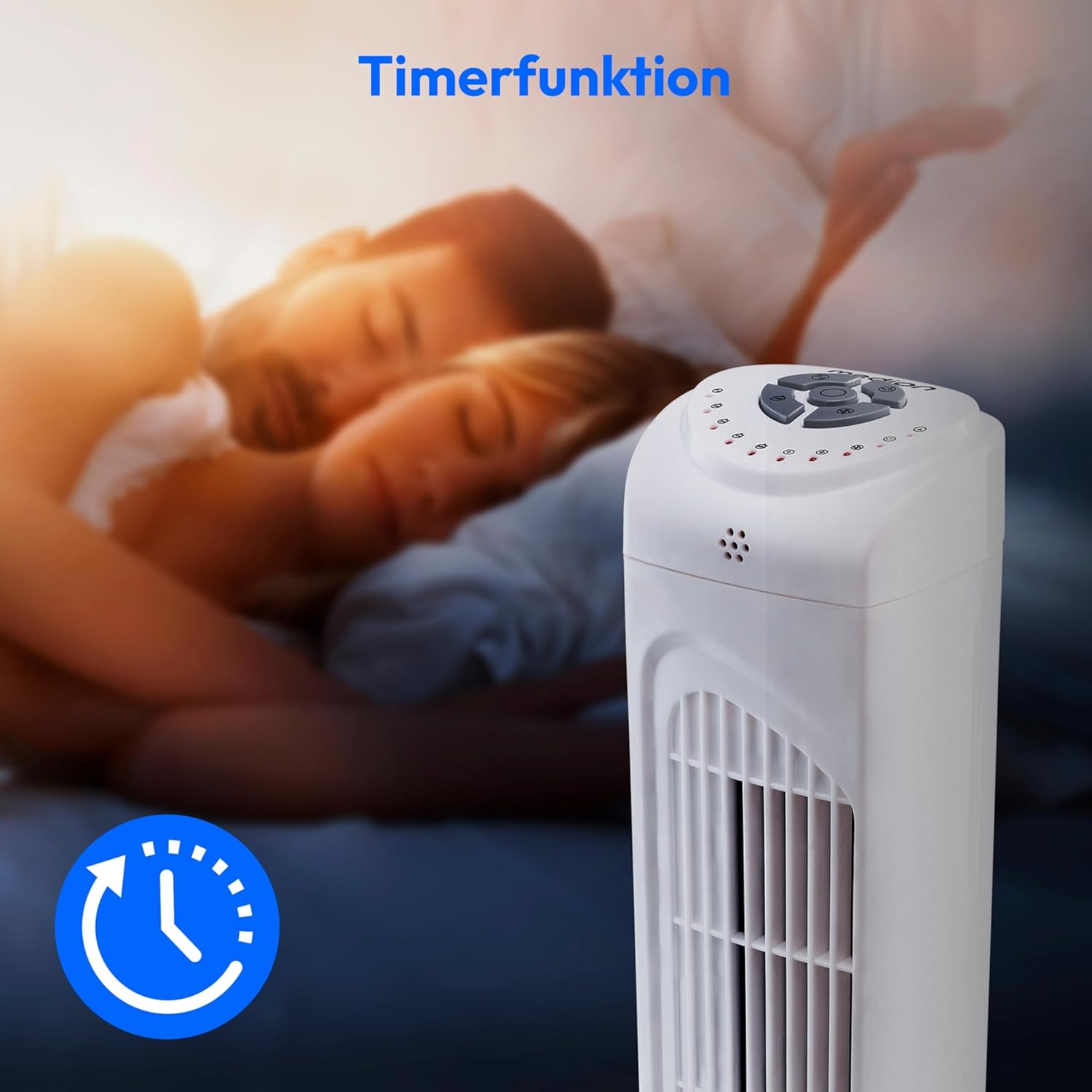
Image: A hand holding the remote control, which features buttons for power, speed, oscillation, and timer, mirroring the main control panel.
Иштөө нускамалары
Күйгүзүү/өчүрүү
- басыңыз КҮЧ button on the control panel or remote control to turn the fan ON.
- басыңыз КҮЧ желдеткичти ӨЧҮРҮҮ үчүн кайра баскычын басыңыз.
Желдетүүчү ылдамдыкты жөндөө
The fan has 3 speed settings: Low, Medium, and High.
- басыңыз ЫЛДАМ button repeatedly to cycle through the speed settings.
- The current speed level will be indicated by LED lights on the control panel.
Термелүү функциясы
The oscillation function allows the fan to rotate horizontally, distributing air over a wider area.
- басыңыз OSC button on the control panel or remote control to activate oscillation. The fan will rotate approximately 60 degrees.
- басыңыз OSC button again to stop oscillation. The fan will stop in its current position.

Image: The tower fan oscillating, indicated by blue arrows showing a 60-degree rotation for wider air distribution.
Таймер функциясы
The timer function allows you to set the fan to automatically turn off after a specified period, up to 7.5 hours.
- басыңыз ТАЙМЕР button repeatedly to set the desired operating time (e.g., 0.5h, 1h, 2h, 4h, up to 7.5h).
- The selected timer duration will be indicated by LED lights on the control panel.
- To cancel the timer, cycle through the settings until no timer LEDs are illuminated, or turn the fan off.

Image: The fan with a timer icon, illustrating its use for setting automatic shut-off, ideal for use during sleep.
Техникалык тейлөө
Regular cleaning will help maintain the performance and extend the lifespan of your fan.
- Тазалоодон мурун ар дайым желдеткичти розеткадан сууруп алыңыз.
- жумшак колдонуу, damp вентилятордун сырткы беттерин сүртүүчү чүпүрөк. Абразивдүү тазалагычтарды же эриткичтерди колдонбоңуз.
- Аба кирүүчү жана чыгуучу торчолордон чаңды акырын кетирүү үчүн щетка тиркемеси бар чаң соргучту колдонуңуз.
- Do not allow water to drip into the interior of the fan.
- Вентилятор көпкө колдонулбаган учурда салкын, кургак жерде сактаңыз.
Проблемаларды чечүү
If you encounter any issues with your MEDION MD 10319 Tower Fan, please refer to the following common problems and solutions:
| Көйгөй | Мүмкүн себеп | Чечим |
|---|---|---|
| Желдеткич күйбөйт. | Электр энергиясы жок. Кубат баскычы басылган жок. | Электр шнурунун иштеген розеткага бекем сайылганын текшериңиз. Press the POWER button on the fan or remote. |
| Пульт иштебей жатат. | Батареялар өлүп калган же туура эмес салынган. Пульт менен желдеткичтин ортосундагы тоскоолдук. | Батареяларды алмаштырыңыз (2 x AAA) жана туура полярдуулукту камсыз кылыңыз. Сигналдын жолун тосуп турган нерселерди алып салыңыз. Сиз сигналдын ичинде экениңизди текшериңиз. |
| Желдетүүчү адаттан тыш үн чыгарып жатат. | Вентилятор тегиз жерде эмес. Obstruction in the fan grille. | Желдеткичти туруктуу, тегиз бетке коюңуз. Unplug the fan and carefully check for any foreign objects in the grilles. |
| Термелүү функциясы иштебейт. | Термелүү баскычы иштетилген эмес. | Press the OSC button on the control panel or remote control. |
Техникалык шарттар
| Өзгөчөлүк | Деталь |
|---|---|
| Бренд | MEDION |
| Модель аты | MD 10319 |
| Type | Tower Fan / Floor Fan |
| Түс | Ак |
| Power Source | Электр зымдары |
| Ватtage | 45 Вт |
| Тtage | 220 вольт |
| Ылдамдыктын саны | 3 |
| Өзгөчөлүктөр | Oscillating, Timer Function |
| Термелүү бурч | 60° |
| Таймер функциясы | 7.5 саатка чейин |
| Башкаруу ыкмасы | Remote, On-unit buttons |
| Ызы-чуу деңгээли | 50 децибел |
| Продукциянын өлчөмдөрү (D x W x Y) | 28 см х 28 см х 79 см |
| Элемент Салмагы | 2.5 килограмм |
| Материал | Пластик |
| Негизги электр туташтыргычынын түрү | CEE 7/7 (Schuko) |

Image: The MEDION MD 10319 Tower Fan with its height (79 cm) and base width (28 cm) clearly indicated.
Кепилдик жана колдоо
Your MEDION MD 10319 Tower Fan comes with a manufacturer's warranty. Please refer to the warranty card included in your package for detailed terms and conditions, including the warranty period and coverage.
For technical support, service, or spare parts, please contact MEDION customer service. Contact information can typically be found on the MEDION official webсайтында же кепилдик документтеринде.


