
1. Продукт бүтүп калдыview
The ELRO DV477W-M is an additional indoor monitor designed to expand your existing ELRO DV477W or DV477IP series video intercom system. This 7-inch color monitor allows for clear two-way communication with visitors at your door and provides convenient door opening functionality.
Негизги өзгөчөлүктөрү:
- 7-inch (18 cm) color display for clear video.
- High-quality microphone and speaker for two-way audio communication.
- Door opening function for convenient access control.
- Modern design with brushed aluminum finish.
- Compatible with ELRO DV477W and DV477IP series video intercoms.
Пакеттин мазмуну:
- ELRO DV477W-M 7-inch Indoor Monitor
- Кронштейн орнотуу
- 15m 4-wire Electrical Cable
- Кубаттуу адаптер
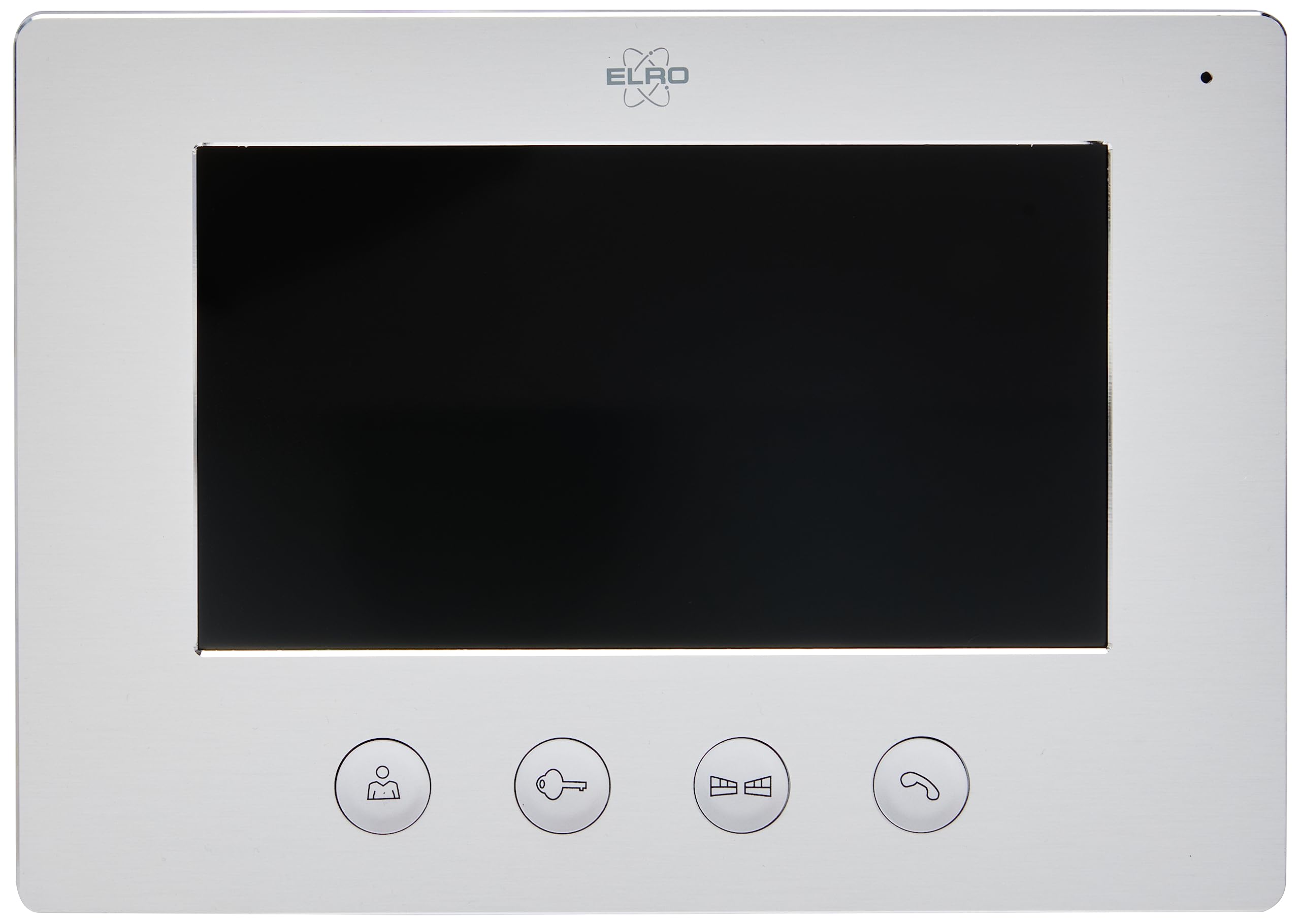
Image 1.1: The ELRO DV477W-M 7-inch indoor monitor, featuring a sleek design and control buttons.
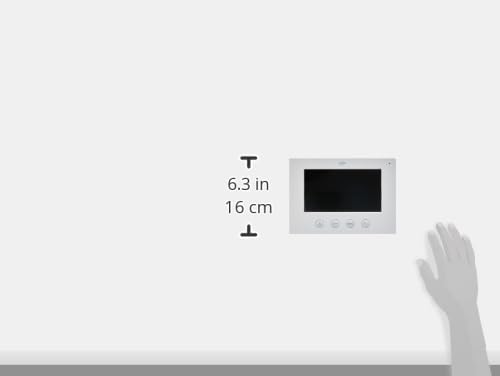
Image 1.2: Diagram showing the dimensions of the ELRO DV477W-M monitor, approximately 6.3 inches (16 cm) in height.
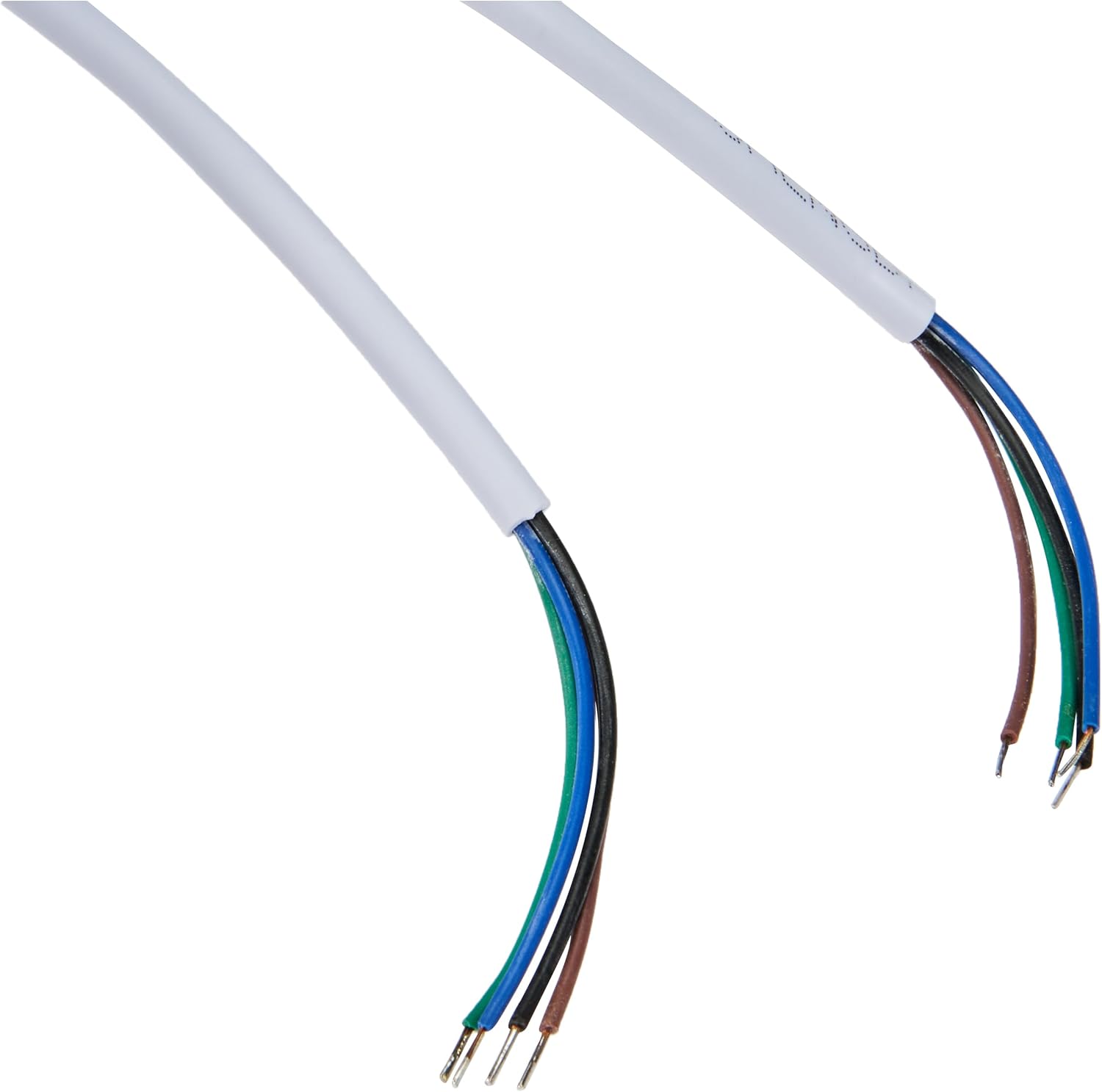
Image 1.3: The included 15-meter 4-wire electrical cable for connecting the monitor to the intercom system.
2. Орнотуу жана орнотуу
This section provides instructions for installing your ELRO DV477W-M additional indoor monitor. Ensure all power is disconnected from your existing intercom system before beginning installation.
2.1 Коопсуздук чаралары:
- Орнотуудан же тейлөөдөн мурун ар дайым электр кубатын ажыратыңыз.
- Эгерде сиз зымдарды орнотуунун кандайдыр бир жол-жоболору боюнча күмөн санасаңыз, квалификациялуу электрикке кайрылыңыз.
- Do not expose the monitor to moisture or extreme temperatures.
2.2 Mounting the Monitor:
- Choose a suitable indoor location for the monitor, ensuring it is within reach of the 15m cable and a power outlet.
- Дубалга бургулоо чекиттерин белгилөө үчүн берилген монтаждык кронштейнди үлгү катары колдонуңуз.
- Тешиктерди бургула жана зарыл болсо, дубал тыгындарын салгыла.
- Тиешелүү бурамалар аркылуу монтаждык кронштейнди дубалга бекитиңиз.
2.3 Зымдарды туташтыруу:
- Connect the 4-wire electrical cable from your existing ELRO DV477W or DV477IP outdoor unit/main monitor to the corresponding terminals on the back of the DV477W-M additional monitor. Ensure correct polarity for each wire (e.g., power, ground, audio, video). Refer to your main intercom system's manual for specific wiring diagrams.
- Connect the power adapter to the monitor's power input and then plug it into a wall outlet.
- Мониторду орнотулган кронштейнге этияттык менен бекитиңиз.
Эскертүү: The 4-wire cable typically carries power, ground, audio, and video signals. Incorrect wiring can damage the device or prevent proper operation.
3. Иштөө нускамалары
Once installed and powered on, the ELRO DV477W-M monitor is ready for use. It functions as an extension of your main intercom system.
3.1 Чакырууну кабыл алуу:
- When a visitor presses the doorbell button on the outdoor unit, the monitor will ring and display the visitor's image.
- басыңыз Жооп button (usually indicated by a telephone icon) to initiate two-way audio communication.
- Сүйлөшүүнү аяктоо үчүн басыңыз Чакырууну аяктоо баскычы.
3.2 Opening the Door:
- Чалуу учурунда же качан viewing the visitor, press the Door Unlock button (often depicted as a key or unlock icon) to activate the electronic door lock connected to your main intercom system.
- Эшик кыска убакытка ачылып, коноктордун кирүүсүнө мүмкүнчүлүк берет.
3.3 Monitoring:
- Some systems allow you to manually activate the camera on the outdoor unit to view the entrance area without a visitor pressing the doorbell. Refer to your main intercom system's manual for this feature.
4. Техникалык тейлөө
Proper maintenance ensures the longevity and optimal performance of your ELRO DV477W-M monitor.
4.1 Тазалоо:
- Wipe the monitor screen and casing with a soft, dry, lint-free cloth.
- өжөр белгилери үчүн, бир аз гampкездемени суу менен сүртүңүз. Катуу химиялык заттарды, абразивдүү тазалоочу каражаттарды же эриткичтерди колдонуудан алыс болуңуз, анткени алар капталга зыян келтириши мүмкүн.
- Do not spray cleaning liquids directly onto the monitor.
4.2 Жалпы кам көрүү:
- Keep the monitor away from direct sunlight, heat sources, and areas with high humidity.
- Ensure ventilation openings (if any) are not blocked.
- Мониторду түшүрүп алуудан же катуу соккуга кабылтуудан алыс болуңуз.
5. Кыйынчылыктарды
If you encounter issues with your ELRO DV477W-M monitor, refer to the following common problems and solutions.
| Көйгөй | Мүмкүн себеп | Чечим |
|---|---|---|
| No image or sound on the monitor. |
|
|
| Image is distorted or unclear. |
|
|
| Байланыш учурунда үн жок. |
|
|
| Door unlock function does not work. |
|
|
If these solutions do not resolve the issue, please contact ELRO customer support.
6. Техникалык шарттар
| Өзгөчөлүк | Деталь |
|---|---|
| Модель номери | DV477W-M |
| Өндүрүүчү | ЭЛРО |
| Дисплей өлчөмү | 7 дюйм (18 см) |
| Продукциянын өлчөмдөрү (L x W x Y) | 21.5 x 2.5 x 15 см |
| Салмагы | 386 грамм |
| Материал | Алюминий |
| Камтылган компоненттер | Monitor, Mounting Bracket, 15m 4-wire Electrical Cable, Power Adapter |
| Батареялар талап кылынат | Жок |
| Шайкештик | ELRO DV477W and DV477IP series video intercom systems |
7. Кепилдик жана колдоо
ELRO products are designed for reliability and performance. For specific warranty information, please refer to the documentation included with your original ELRO video intercom system or visit the official ELRO webсайт.
If you require technical assistance, have questions about installation, or need to report a fault, please contact ELRO customer support. Contact details can typically be found on the ELRO webсайтында же продуктунун таңгагында.
Эскертүү: Availability of spare parts information is currently unavailable.