
Westclox 71051
Westclox 71051 Sunrise Alarm Clock User Manual
Модель: 71051
1. Киришүү
The Westclox 71051 Sunrise Alarm Clock is designed to enhance your sleep and wake-up experience. This clock features a simulated natural sunrise to gently wake you, a restful sunset simulator to help you fall asleep, and a dimmable nightlight. It is easy to set and operate, providing a refreshing start to your day.

Figure 1: Westclox 71051 Sunrise Alarm Clock
2. Негизги өзгөчөлүктөрү
- Күн чыгышын симуляциясы: Gradually brightens to simulate a natural sunrise, promoting a gentle wake-up.
- Күндүн батышын симуляциясы: Gradually dims to simulate a natural sunset, aiding in relaxation and sleep.
- Dimmable Nightlight: Provides a soft glow for nighttime use, adjustable for comfort.
- Ascending Audible Alarm: Gently increases in volume after the light alarm, ensuring you wake up.
- Large 0.6" Red Digital LED Display: Clear and easy to read time display, day or night.
- Electric Operated with Battery Backup: Ensures time and alarm settings are maintained during power outages (2 AAA батарейка талап кылынат, комплектке кирбейт).
- Колдонууга оңой башкаруу элементтери: Simple buttons for setting time, alarm, and other functions.
- Чырым Function: Allows for extra minutes of sleep.
3. Орнотуу
3.1 Кубат туташтыруу
Connect the alarm clock to a standard electrical outlet using the provided power cord. The clock is primarily electric operated.
3.2 Батареянын резервдик көчүрмөсүн орнотуу
Электр энергиясы учурунда үзгүлтүксүз иштөө үчүн utages, install 2 AAA batteries (not included) into the battery compartment located on the underside of the unit. This will preserve your time and alarm settings.

Figure 2: Battery Backup Feature
4. Иштөө нускамалары

3-сүрөт: Арткы башкаруу элементтериview
4.1 Убакытты коюу
- басып, кармап туруңуз TIME button located on the back of the clock.
- Кармап жатканда TIME, басыңыз HOUR саатты жөндөө үчүн баскыч.
- Кармап жатканда TIME, басыңыз MINUTE мүнөттү жөндөө үчүн баскыч.
- бошотуңуз TIME button once the desired time is set.
4.2 Сигналды коюу
- басып, кармап туруңуз АЛАРМ button located on the back of the clock.
- Кармап жатканда АЛАРМ, басыңыз HOUR ойготкуч саатын жөндөө үчүн баскыч.
- Кармап жатканда АЛАРМ, басыңыз MINUTE ойготкуч мүнөтүн жөндөө үчүн баскыч.
- бошотуңуз АЛАРМ button once the desired alarm time is set.
4.3 Ойготкучту иштетүү/өчүрүү
басыңыз КҮЙГҮЗҮҮ / КҮЧҮРҮҮ button to toggle the alarm function. An indicator light on the display will show if the alarm is active.
4.4 Күн чыгышын симуляциялоо
The sunrise simulation feature will gradually brighten the light before your set alarm time, mimicking a natural sunrise. This helps to gently prepare your body for waking.

Figure 4: Sunrise Light Feature
4.5 Sunset Simulation / Nightlight
To activate the sunset simulation or use the dimmable nightlight:
- басып, кармап туруңуз КҮН БАТЫШ баскычы.
- Кармап жатканда КҮН БАТЫШ, басыңыз MINUTE or HOUR buttons to set the duration of the sunset simulation.
- The light will gradually dim over the set period, helping you relax and fall asleep.
- To use as a static nightlight, simply press the КҮН БАТЫШ button briefly to turn the light on/off. The brightness can be adjusted by holding the button.
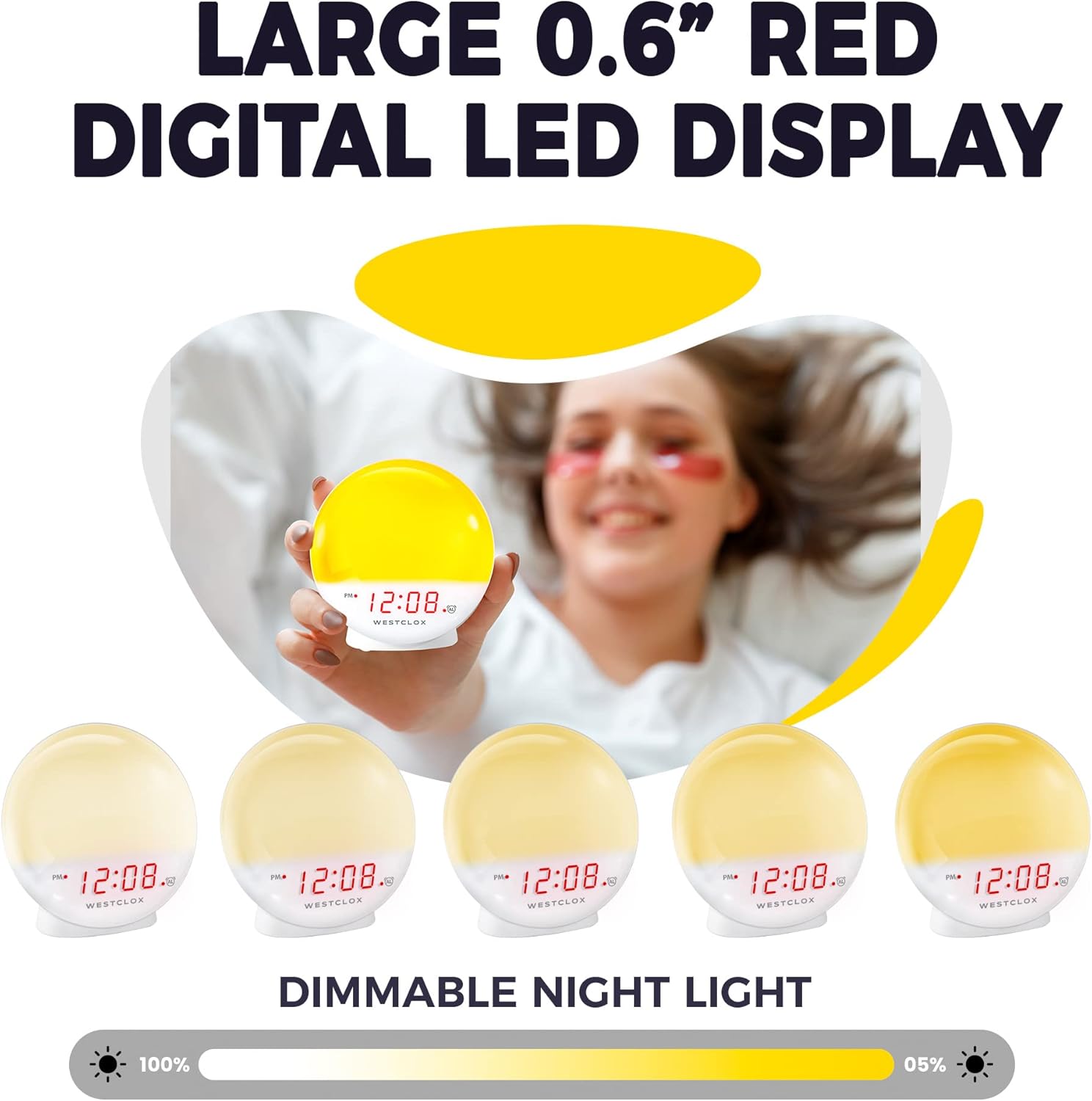
Figure 5: Dimmable Night Light
4.6 Тындыруу функциясы
Сигнал чыкканда чоң баскычты басыңыз СОЮЗ button (typically located on top) to temporarily silence the alarm and get a few extra minutes of sleep. The alarm will sound again after the snooze period.

Figure 6: Snooze Button
4.7 Дисплейдин күңүрткүсү
The digital LED time display can be adjusted to be dim or bright according to your preference. Refer to the product's specific controls for dimmer adjustment, usually a dedicated button or a combination of buttons.
5. Техникалык тейлөө
- Тазалоо: Саатты жумшак, кургак чүпүрөк менен сүртүңүз. Абразивдүү тазалагычтарды же эриткичтерди колдонбоңуз.
- Батареяны алмаштыруу: Replace AAA batteries in the backup compartment annually or when the display shows signs of dimming during power outages.
- Сактагыч: Эгер саатты көпкө сактап койсоңуз, агып кетүүнүн алдын алуу үчүн камдык батареяларды алып салыңыз.
6. Кыйынчылыктарды
- Clock Not Working/Display Blinking: Ensure the power cord is securely plugged into a working electrical outlet. If using battery backup, check if batteries are correctly installed and not depleted.
- Ойготкуч угулбайт: Verify that the alarm is activated using the ALARM ON/OFF button. Check the alarm time setting.
- Light Not Bright Enough: The sunrise simulation gradually increases brightness. If the nightlight is too dim, adjust the dimmer setting. Note that the light intensity is designed for a gentle wake-up, not as a primary room light source.
- Ызы-чуу: If you experience an unusual humming sound, try plugging the clock into a different outlet. If the issue persists, contact customer support.
7. Техникалык шарттар
| Өзгөчөлүк | Деталь |
|---|---|
| Бренд | Westclox |
| Модель номери | 71051 |
| Түс | Кызыл |
| Дисплей түрү | Санарип |
| Өзгөчө өзгөчөлүк | Small, Sound Machine |
| Продукциянын өлчөмдөрү | 5"W x 5.1"H |
| Power Source | Battery Powered, Electrical |
| Бөлмө түрү | Уктоочу бөлмө |
| Форма | Тегерек |
| Ички/тышкы колдонуу | Indoor |
| Frame Material | Пластик |
| Батареялар камтылган | Жок |
| Монтаж түрү | Стол үстү |
| Ойготкуч саат | Ооба |
| Кепилдик түрү | Чектелген |
| Иштөө режими | Электрдик |
| Саат формасы | Күн чыгышы |
| Байланыш технологиясы | USB |
| Элемент Салмагы | 10.2 унция |
| Өндүрүүчү | Nyl Holdings llc |
| Дата биринчи жеткиликтүү | 21-май, 2021-жыл |
8. Видео демонстрация
Видео 1: Расмий бүттүview of the Westclox 71051 Sunrise Alarm Clock, demonstrating its features and functionality.
9. Кепилдик жана колдоо
This Westclox 71051 Sunrise Alarm Clock comes with a Limited Warranty. For specific details regarding warranty coverage, terms, and conditions, please refer to the documentation included with your product or contact Westclox customer support directly.
For technical assistance, troubleshooting not covered in this manual, or warranty claims, please reach out to the manufacturer, Nyl Holdings llc, or visit the official Westclox webколдоо байланыш маалыматы үчүн сайт.
Ask a question about this manual
Ask about setup, troubleshooting, compatibility, parts, safety, or missing instructions. Manuals+ will review the question and use this page’s manual context to help answer it.