
Introduction
This manual provides comprehensive instructions for the Mesqool Vibrating Alarm Clock, designed for heavy sleepers, individuals with hearing impairment, and those who prefer a silent wake-up. Please read this manual thoroughly before using the device to ensure proper operation and to maximize its features.
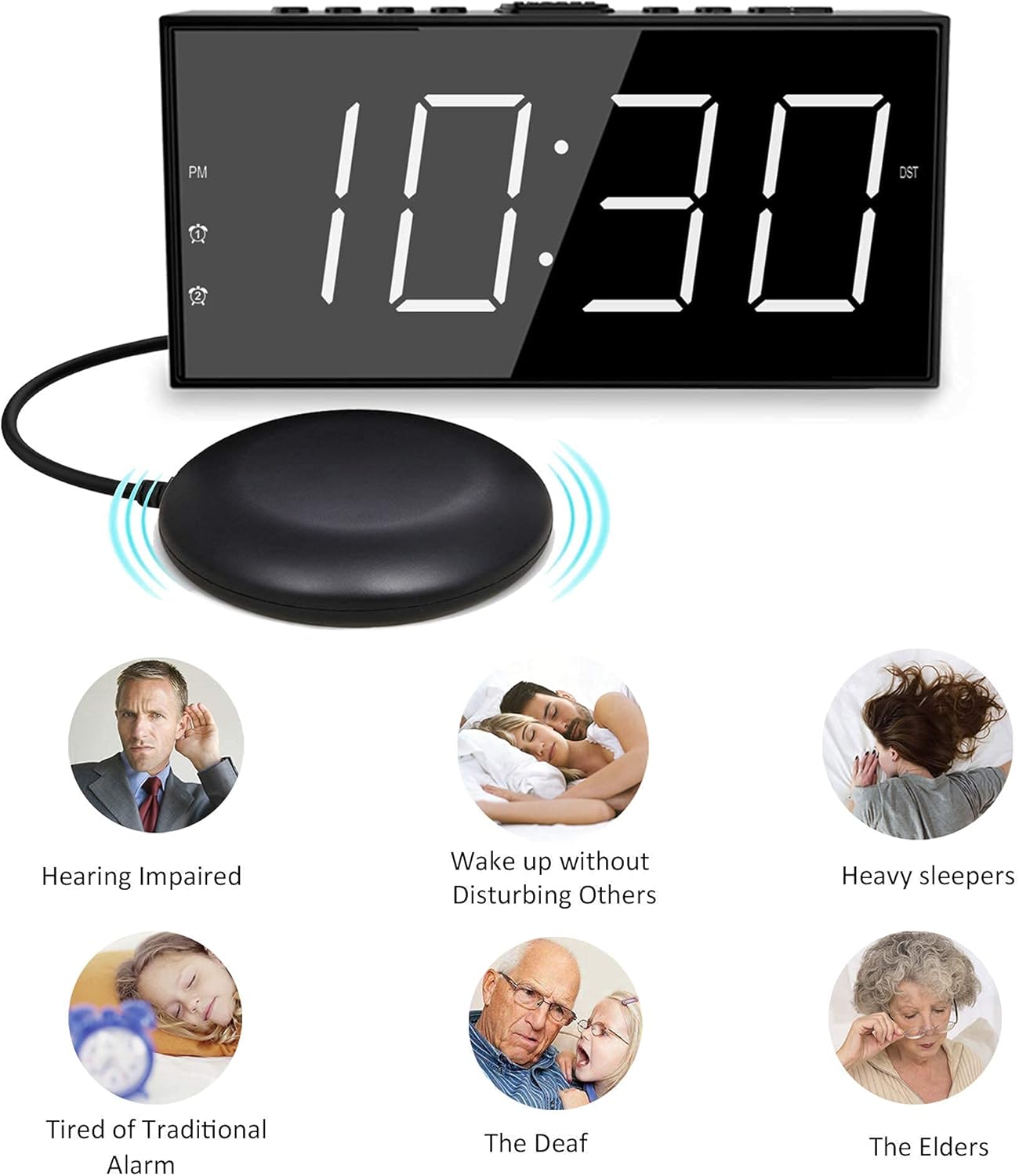
Image: The Mesqool Vibrating Alarm Clock with its bed shaker, illustrating its use for hearing impaired, heavy sleepers, and for waking without disturbing others.
Пакеттин мазмуну
Пакетте бардык буюмдар бар экенин текшериңиз:
- 1 x Mesqool Digital Alarm Clock
- 1 x US Plug Power Adapter
- 1 x Bed Shaker with 78-inch Cable
- 2 x Black Brackets (for stability)
- 1 х Колдонуучунун колдонмосу (бул документ)
Продукт өзгөчөлүктөрү
- Бир нече ойготуу режимдери: Choose from bed shaker only, loud buzzer only, or both.
- Adjustable Buzzer Volume: 4 levels of buzzer volume to suit individual preferences.
- Кош ойготкуч функциясы: Ар кандай графиктер үчүн эки көз карандысыз ойготкучту коюңуз.
- Чоң "Тынчымды алуу" баскычы: Кошумча 9 мүнөттүк уйкуну камсыз кылат.
- 7 дюймдук LED дисплей: Large, clear digits for easy readability.
- 5-деңгээлдүү жарыктыкты күңүрттөөчү: Adjustable display brightness from completely dark to extra bright.
- USB кубаттоо порту: Conveniently charge mobile devices (5V/1A output).
- Батареянын камдык көчүрмөсү: Maintains time settings and ensures alarm function during power outages (2 AAA батарейка талап кылынат, комплектке кирбейт).
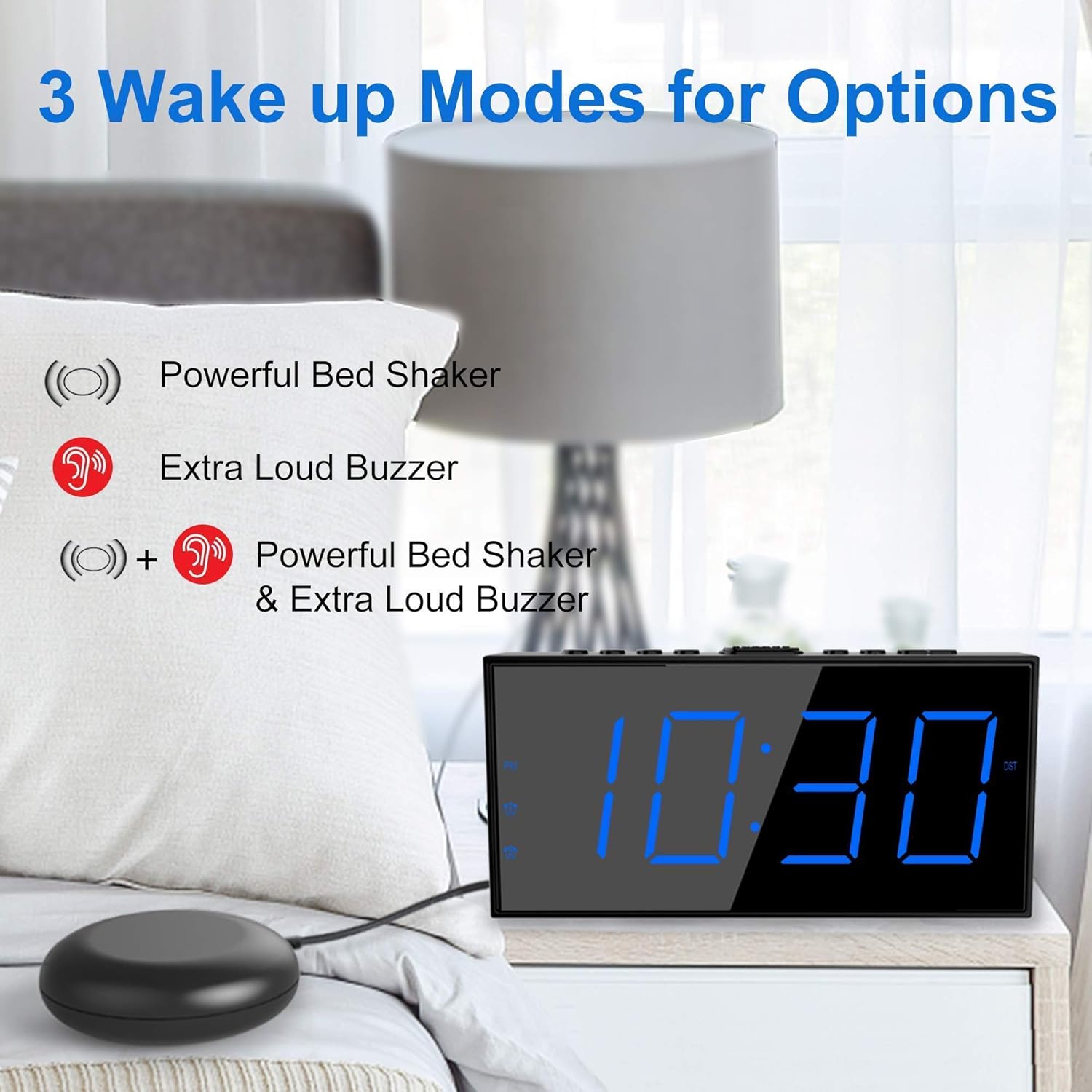
Image: The alarm clock illustrating its three wake-up modes: bed shaker, buzzer, or a combination of both.
Control жана дисплей
Familiarize yourself with the buttons and display indicators:

Image: The alarm clock's large LED display, physical dimensions, and the bed shaker with its 78-inch cable.
Жогорку панелдеги баскычтар:
- SET TIME/HOUR: Press to enter time setting mode; use to adjust hour.
- MIN/DIMMER: Press to adjust minute; use to adjust display brightness.
- 12/24H: 12 сааттык жана 24 сааттык убакыт форматтарынын ортосунда которулуңуз.
- DST: Activate/deactivate Daylight Saving Time.
- ALM PAUSE: Temporarily silence the alarm.
- ОЙГОЛГОН 1/ОЙГОЛГОН 2: Set or activate/deactivate Alarm 1 or Alarm 2.
- ALM OFF: Turn off all active alarms.
- УЙКУ/ТЫНЧТЫК: Large button for snooze function.
Дисплей көрсөткүчтөрү:
- PM: Indicates PM in 12-hour format.
- Alarm 1 Icon: 1-ойготкуч иштеп турганда күйөт.
- Alarm 2 Icon: 2-ойготкуч иштеп турганда күйөт.
- DST: Lights up when Daylight Saving Time is active.
Жайгашуу
1. Power Connection
- Connect the provided US Plug Power Adapter to the DC IN port on the back of the alarm clock.
- Адаптерди стандарттуу розеткага сайыңыз. Дисплей күйөт.

Сүрөт: Арткы view of the alarm clock highlighting the USB charging port and the battery backup compartment.
2. Батареянын камдык көчүрмөсүн орнотуу (милдеттүү эмес, бирок сунушталат)
- Сааттын астыңкы жагындагы батарея бөлүмүнүн капкагын ачыңыз.
- Insert 2 AAA batteries (not included) according to the polarity markings (+ and -).
- Close the battery compartment cover. These batteries will maintain time settings and alarm function during a power outage.
3. Керебет чайкагычтын туташуусу
- Plug the bed shaker cable into the designated port on the back of the alarm clock.
- Place the bed shaker under your mattress or pillow. Ensure the cable is not pinched or damaged.
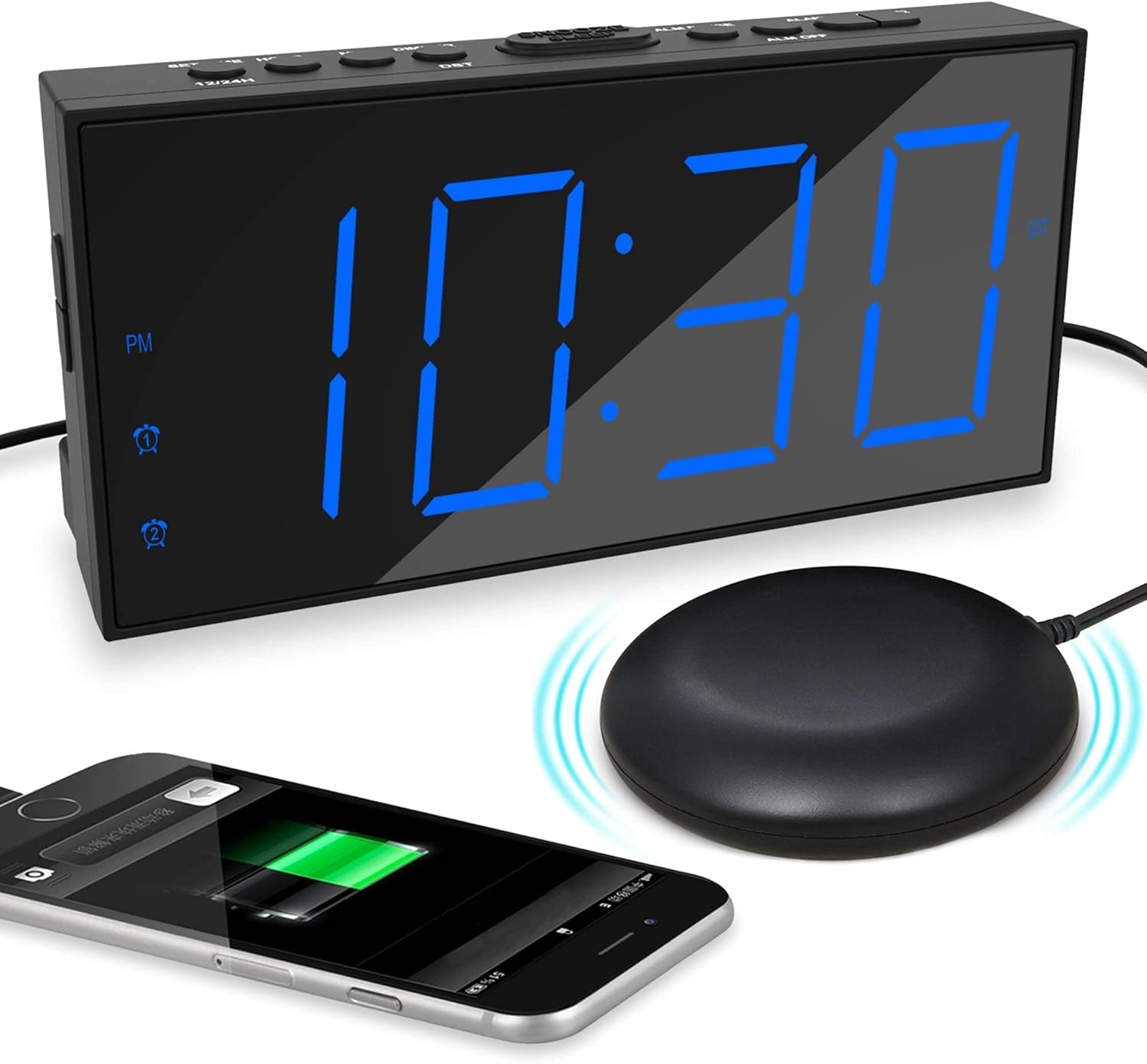
Image: The alarm clock displaying time with a blue LED, connected to a bed shaker, and a smartphone charging from its USB port.
Иштөө нускамалары
Убакытты коюу
- басып, кармап туруңуз SET TIME/HOUR баскычын сааттын цифралары жарк этмейинче басыңыз.
- Басыңыз SET TIME/HOUR саатты тууралоо үчүн кайра-кайра басыңыз.
- басыңыз MIN/DIMMER мүнөттөрдү тууралоо үчүн кайра-кайра баскычын басыңыз.
- Басыңыз SET TIME/HOUR again to confirm and exit time setting mode, or wait for 5 seconds for it to exit automatically.
- 12 сааттык жана 24 сааттык форматтын ортосунда которулуу үчүн, басыңыз 12/24H баскычы.
- To activate/deactivate Daylight Saving Time (DST), press the DST button. The DST indicator will light up when active.
Ойготкучтарды орнотуу (1-ойготкуч жана 2-ойготкуч)
Саат эки көз карандысыз ойготкучту колдойт.

Image: The alarm clock demonstrating its dual alarm capability with two distinct alarm times.
- басып, кармап туруңуз 1-ДАБЛ or 2-ДАБЛ ойготкуч сааттын цифралары жарк этмейинче басыңыз.
- Тийиштүү баскычты басыңыз АЛАРМ button repeatedly to adjust the alarm hour.
- басыңыз MIN/DIMMER Ойготкучтун мүнөттөрүн тууралоо үчүн баскычын кайра-кайра басыңыз.
- Тийиштүү баскычты басыңыз АЛАРМ убакытты ырастоо үчүн баскычын кайра басыңыз.
- Next, select the wake-up mode by pressing the АЛАРМ баскыч:
- Баззер сүрөтчөсү: Buzzer only.
- Shaker Icon: Bed shaker only.
- Buzzer + Shaker Icons: Both buzzer and bed shaker.
- Тийиштүү баскычты басыңыз АЛАРМ button one more time to confirm the wake-up mode and activate the alarm. The alarm icon will light up on the display.
- Ойготкучту өчүрүү үчүн, тиешелүү баскычты басыңыз АЛАРМ сигнализация сүрөтчөсү дисплейден жок болгонго чейин баскычын басыңыз.
Adjusting Buzzer Volume
Сигнал жаңырганда, баскычын басыңыз MIN/DIMMER button to cycle through the 4 volume levels.
Тындырма функциясы

Image: A hand pressing the large snooze button on the alarm clock.
Ойготкуч чыкканда чоң баскычты басыңыз УЙКУ/УКТОО button to temporarily silence the alarm for 9 minutes. The alarm will sound again after 9 minutes. To cancel snooze and turn off the alarm, press the ALM OFF баскычы.
Дисплей жарыктыгын жөндөө
басыңыз MIN/DIMMER button (when not in time setting mode) to cycle through the 5 brightness levels (including OFF) for the LED display.
USB заряддоо порту
The USB port on the back of the clock provides 5V/1A output for charging mobile phones or other small electronic devices. Connect your device's charging cable to this port.
Техникалык тейлөө
- Тазалоо: Саатты жумшак, кургак чүпүрөк менен сүртүңүз. Абразивдүү тазалагычтарды же эриткичтерди колдонбоңуз.
- Жайгашкан жери: Place the clock on a stable, flat surface. Avoid direct sunlight, extreme temperatures, and high humidity.
- Bed Shaker Care: Ensure the bed shaker cable is not tangled or damaged. Avoid placing heavy objects directly on the shaker.
- Батареяны алмаштыруу: Replace AAA backup batteries annually or when the battery backup function is no longer reliable.
Проблемаларды чечүү
| Көйгөй | Мүмкүн себеп | Чечим |
|---|---|---|
| Сааттын дисплейи өчүк. | No power, or display brightness set to OFF. | Check power adapter connection. Press MIN/DIMMER жарыктыгын тууралоо үчүн. |
| Сигнализация үн чыгарбайт/дирилдебейт. | Alarm not activated, wrong wake-up mode selected, or volume too low. | Ensure alarm icon is lit. Verify correct wake-up mode (buzzer/shaker). Adjust buzzer volume. Check bed shaker connection. |
| Time/Alarm settings reset after power outage. | Резервдик батареялар орнотулган эмес же түгөнгөн. | 2 жаңы AAA батарейкасын орнотуңуз. |
| USB кубаттоо иштебей жатат. | Clock not powered, or device cable faulty. | Ensure clock is plugged into wall power. Try a different USB cable or device. |
Техникалык шарттар
- Бренд: Meskool
- Модел: B096F79526
- Дисплей түрү: Digital LED
- Дисплей өлчөмү: 7 дюйм
- Жарыктык деңгээли: 5 (including OFF)
- Ойготкуч режимдери: Buzzer, Vibrator (Bed Shaker), Both
- Үндүн үнү: 4 жөнгө салынуучу деңгээл
- Кубат булагы: Corded Electric (DC adapter), 2x AAA batteries (backup, not included)
- USB кубаттоо чыгаруу: 5V/1A
- Bed Shaker Cable Length: Approximately 78 inches (6.5 feet)
- Өлчөмдөрү (болжолдуу): 6.77 дюйм (W) x 3.26 дюйм (H) x 1.18 дюйм (D)
- Материал: Пластик
Кепилдик жана колдоо
For warranty information or technical support, please refer to the contact details provided on the product packaging or visit the official Mesqool webсайт. Кепилдик дооматтары үчүн сатып алуу дүмүрчөгүңүздү сактаңыз.
Mesqool Official Store: Visit Mesqool Store on Amazon