
1. Продукт бүтүп калдыview
The REXING HS01 is a 1080p wireless smart home security camera system designed for both indoor and outdoor use. It features a rechargeable battery, solar panel charging capability, two-way intercom, motion activation, infrared night vision, and cloud storage options. The camera connects to your home WiFi network and is managed via a mobile application.
Негизги өзгөчөлүктөрү:
- 1080p Full HD Video: Records clear video with a 120-degree wide-angle lens.
- Зымсыз жана кайра заряддалуучу: Operates wirelessly with a 6000mAh rechargeable battery.
- Күн энергиясы: Can be continuously charged by the included solar panel.
- Эки тараптуу интерком: Allows for real-time communication via the mobile app.
- Суу өткөрбөйт дизайн: IP65 rated for outdoor weather resistance.
- Кыймылды аныктоо: PIR motion sensor with adjustable sensitivity up to 33ft.
- Инфракызыл түнкү көрүнүш: Provides clear visibility up to 33ft in low light conditions.
- Булуттагы сактагыч: Offers free 3-day cloud storage with options for extended plans.
- Мобилдик колдонмону башкаруу: Manage and monitor the camera from your smartphone.
2. Пакеттин мазмуну
Сураныч, пакетте төмөнкү нерселерди текшериңиз:
- REXING HS01 коопсуздук камерасы
- Күн панели
- Монтаждоо кронштейндери жана буроолор
- USB заряддоо кабели
- User Manual
3. Орнотуу колдонмосу
3.1 Алгачкы заряддоо
Before first use, fully charge the camera's internal 6000mAh battery using the provided USB cable. Connect the cable to the camera's charging port and a standard USB power adapter (not included). The charging indicator will show the charging status.
3.2 Колдонмону орнотуу
жүктөп алыңыз Rexing Home application from your smartphone's app store (available on iOS and Android). Издөө "Rexing Home" and install the application.
3.3 Wi-Fi туташуусу
- Open the Rexing Home app and create an account or log in.
- Жаңы түзмөк кошуу үчүн колдонмодогу нускамаларды аткарыңыз.
- Смартфонуңуздун a'га туташып турганын текшериңиз 2.4GHz Wi-Fi тармагы. The HS01 camera does not support 5GHz Wi-Fi.
- Суралганда, телефонуңузда көрсөтүлгөн QR кодун камеранын линзасы менен сканерлеңиз.
- Wait for the camera to connect to your Wi-Fi network. A voice prompt will confirm successful connection.
3.4 Камераны жана күн панелин орнотуу
The REXING HS01 camera and solar panel can be mounted indoors or outdoors. Choose a location that provides the desired viewing angle and ensures the solar panel receives ampОптималдуу кубаттоо үчүн күн бою түз күн нурунан сактаңыз.

Image: The REXING HS01 camera with its solar panel mounted on an exterior wall, highlighting its 100% wireless and solar-powered operation. The camera is designed for outdoor use and is weatherproof.
- Use the provided mounting bracket and screws to securely attach the camera to a wall or desired surface.
- Mount the solar panel in a location that receives maximum direct sunlight. Connect the solar panel cable to the camera's charging port.
- Adjust the camera's angle to cover the desired monitoring area.
4. Иштөө нускамалары
4.1 Live View and Remote Playback
Once connected, open the Rexing Home app to access the live video feed from your camera. You can view реалдуу убакыт footage from anywhere with an internet connection. The app also allows you to review жаздырылган видеоtage stored in the cloud.

Сүрөт: Смартфондун экранында түз эфир көрсөтүлүүдө view from the REXING HS01 camera, with icons for remote playback and indicating motion alerts. This demonstrates complete control from the Rexing Home App.
4.2 Эки тараптуу аудио байланыш
The HS01 camera features a built-in microphone and speaker, enabling two-way audio communication. From the live view in the Rexing Home app, you can speak to individuals near the camera and hear their responses.
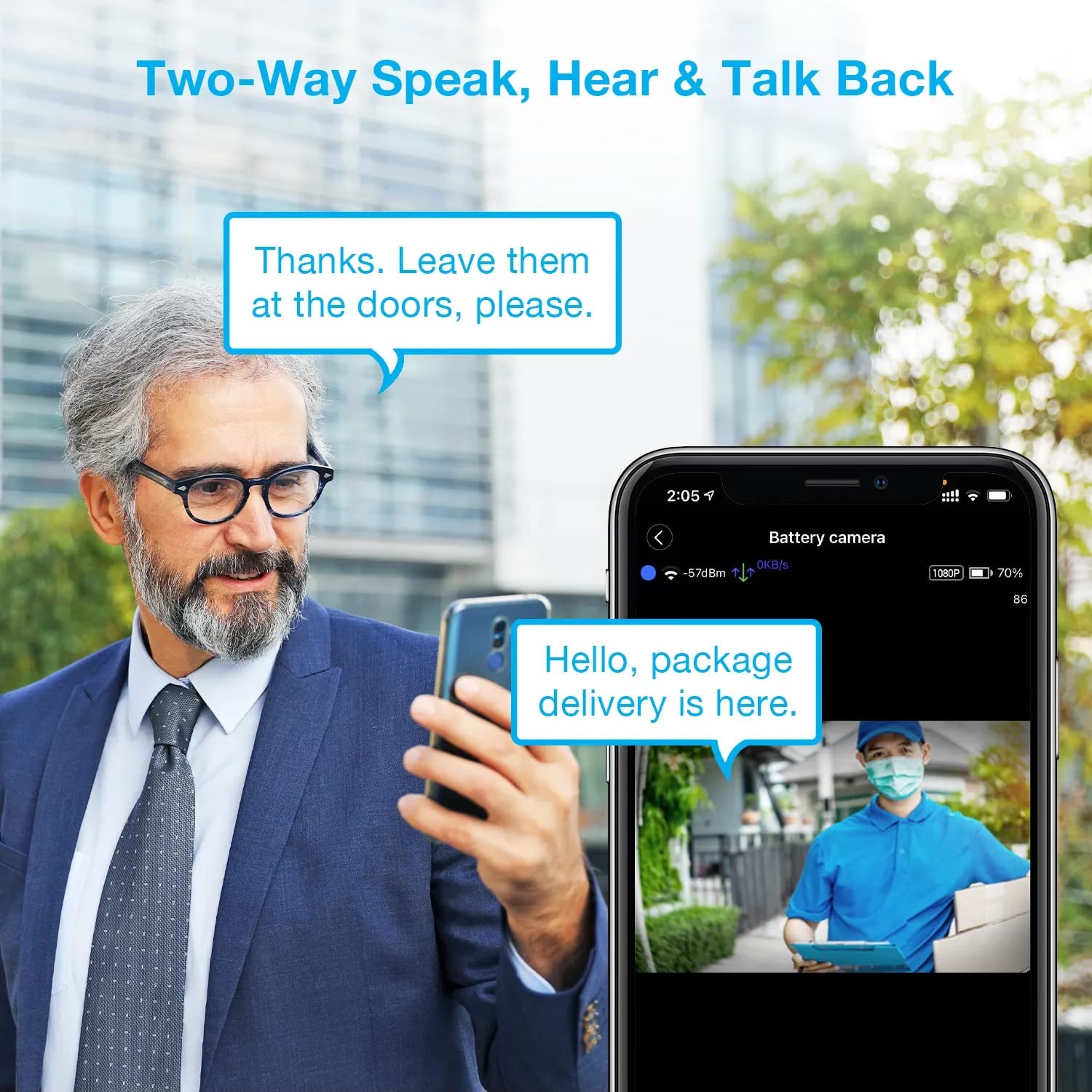
Image: A man using his smartphone to communicate with a delivery person visible on his screen, demonstrating the two-way speak and talk-back functionality of the REXING HS01 camera.
4.3 Кыймылды аныктоо жана эскертүүлөр
The camera utilizes a PIR (Passive Infrared) motion sensor to detect movement. When motion is detected, the camera will begin recording and send instant notifications to your smartphone via the Rexing Home app.
- Сезгичтикти жөндөө: You can adjust the PIR motion sensitivity settings within the app, with options up to 33ft.
- Эскертме жөндөөлөрү: Customize alert preferences in the app to receive notifications for every detected motion.
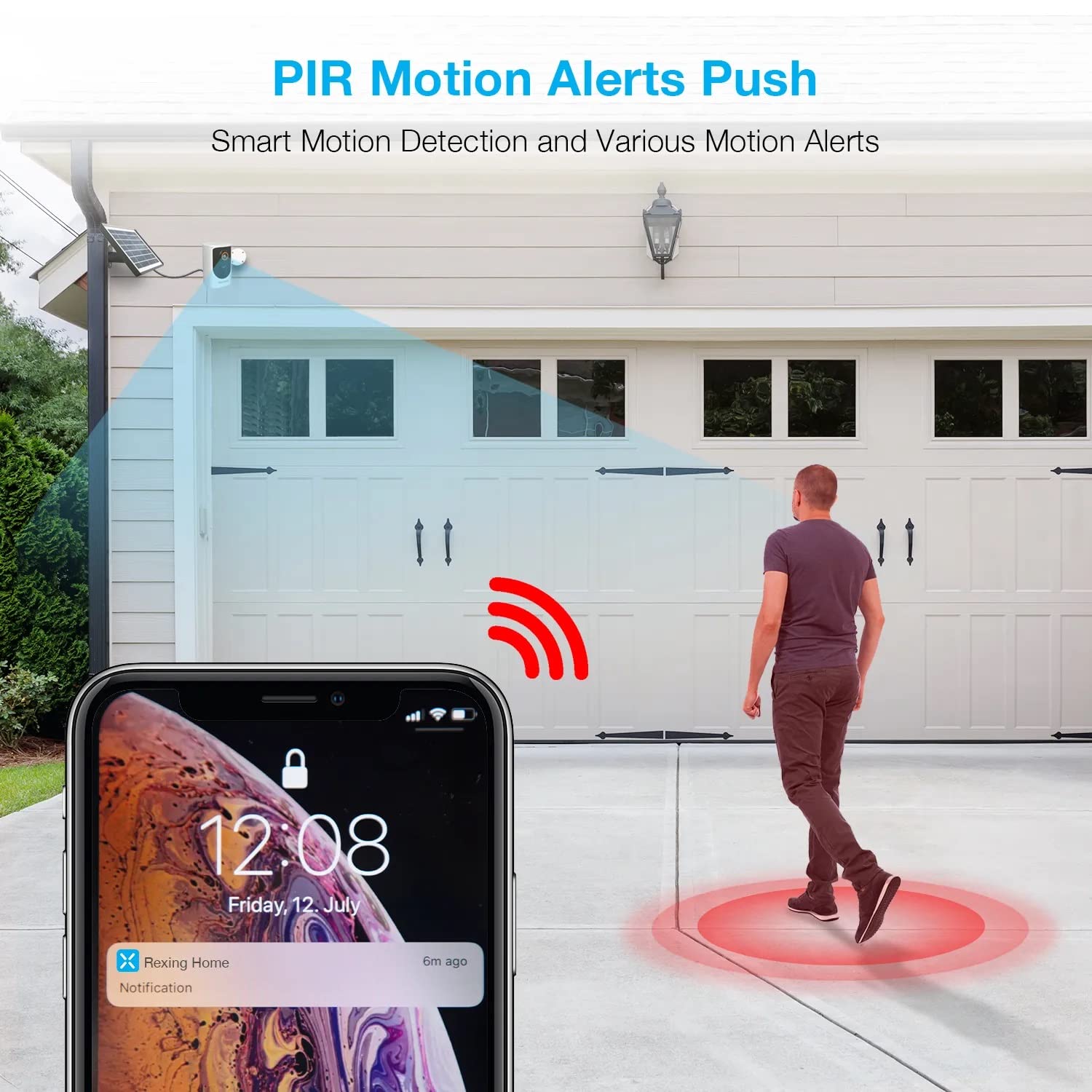
Image: A smartphone screen showing a notification from the Rexing Home app indicating a motion alert, with a visual representation of a person walking into the camera's detection zone.
4.4 Түнкү көрүнүш
The HS01 camera is equipped with 8 built-in 850nm Infrared LEDs and enhanced CMOS imaging sensors, providing clear night vision up to 33ft. The night vision mode activates automatically in low-light conditions.
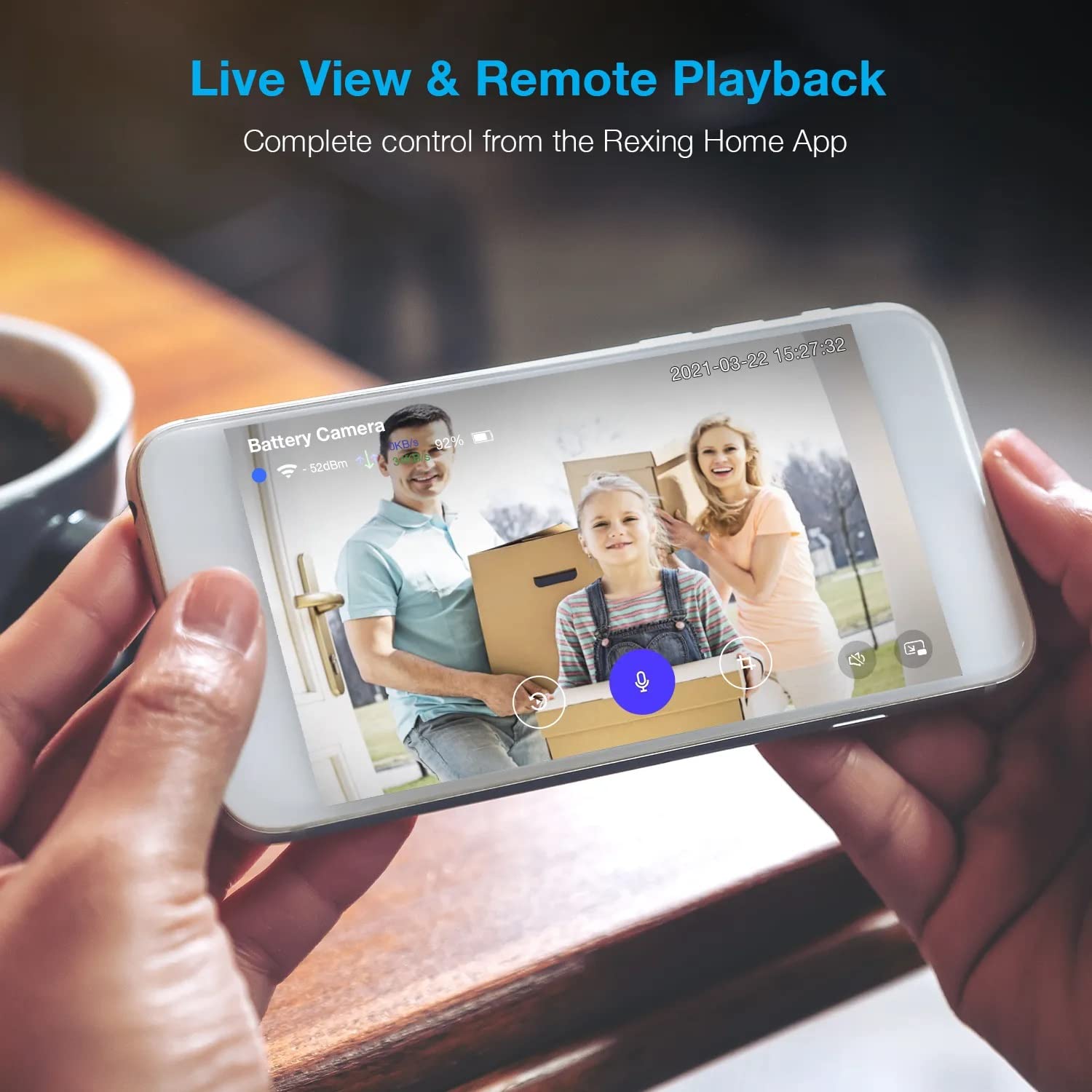
Image: A smartphone displaying a split screen, with one side showing a daytime view of a house in full color and the other side showing the same house in enhanced infrared night vision, demonstrating the camera's 1080p HD and night vision capabilities.
4.5 Булуттагы сактагыч
The camera offers secure cloud storage for recorded video footage. You can access the past 3 days of video recordings for free. Extended cloud storage plans are available for purchase through the Rexing Home app.
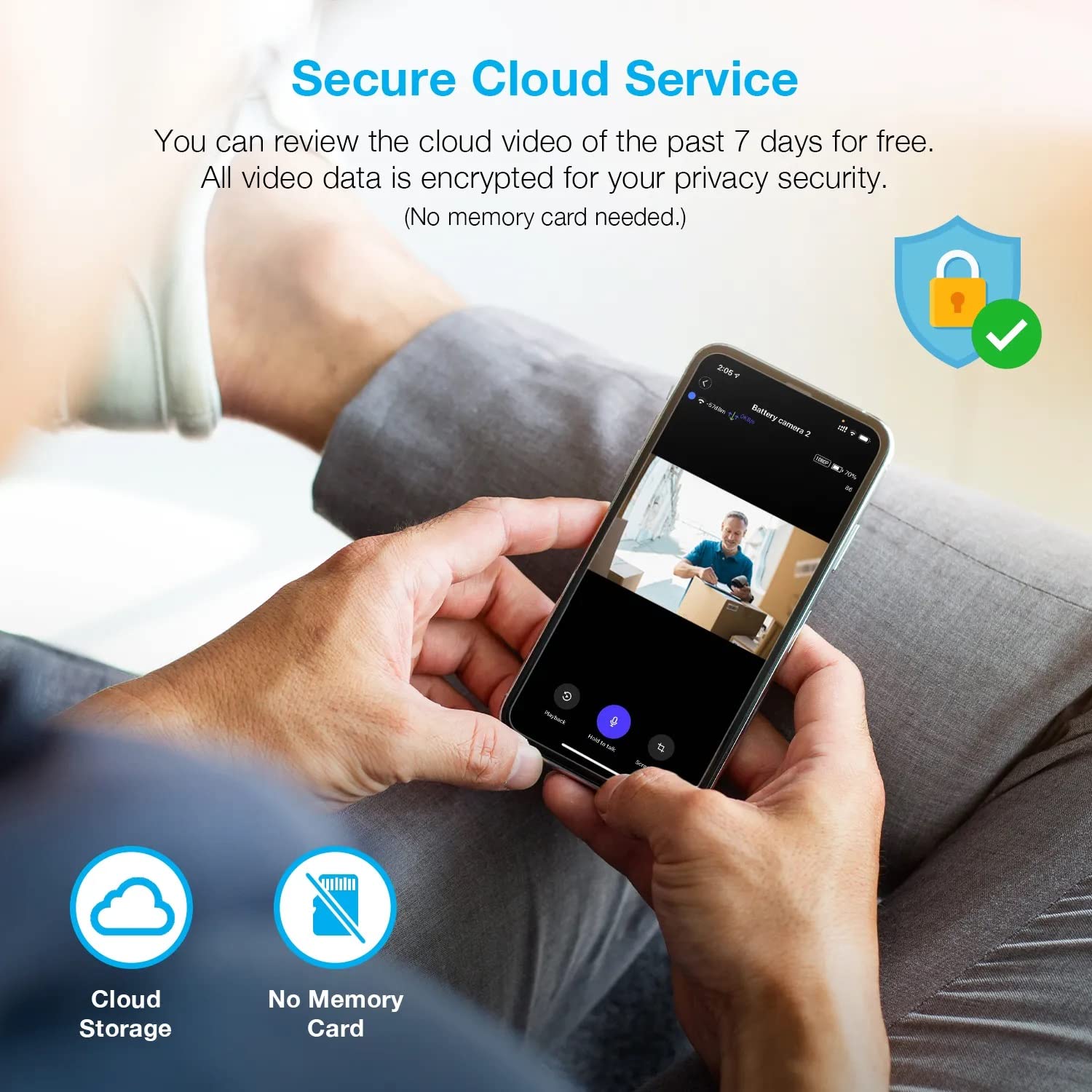
Сүрөт: адам viewing recorded camera footage on a smartphone, accompanied by icons for cloud storage and indicating that no memory card is needed, highlighting the secure cloud service feature.
5. Техникалык тейлөө
5.1 Батареяны башкаруу
The HS01 camera is powered by a 6000mAh rechargeable battery. For continuous operation, ensure the solar panel is positioned to receive adequate direct sunlight. If the camera is used in an area with limited sunlight, periodic manual charging via the USB cable may be required.
5.2 Тазалоо
To maintain optimal performance, periodically clean the camera lens and the solar panel surface with a soft, damp беттерге зыян келтириши мүмкүн болгон абразивдүү тазалоочу каражаттарды же эриткичтерди колдонуудан алыс болуңуз.
6. Кыйынчылыктарды
- Камера Wi-Fi'га туташпай жатат:
- Wi-Fi тармагыңыз 2.4 ГГц экенин текшериңиз. Камера 5 ГГц тармактарды колдоого албайт.
- Камеранын жайгашкан жеринен Wi-Fi сигналынын күчүн текшериңиз.
- Колдонмого киргизилген Wi-Fi сырсөзү туура экенин текшериңиз.
- Роутериңизди жана камераңызды өчүрүп күйгүзүңүз.
- Видеонун сапаты начар:
- Ensure a strong Wi-Fi signal. Weak signals can affect streaming quality.
- Эгерде камеранын линзасы кир же тактар бар болсо, аны тазалаңыз.
- Кыймылды аныктоо иштебей жатат же өтө сезгич эмес:
- Adjust the PIR motion sensitivity settings in the Rexing Home app.
- Камераны тоскон эч кандай тоскоолдуктар жок экенин текшериңиз view же PIR сенсору.
- Check the camera's battery level. Low battery can affect sensor performance.
- Battery not holding charge or solar panel not working:
- Ensure the solar panel is positioned to receive direct sunlight for several hours daily.
- Clean the solar panel surface to remove any dirt or debris.
- Күн панелинин кабелинин камерага бекем туташтырылганын текшериңиз.
- If issues persist, try charging the camera directly via USB.
- No audio or poor two-way audio:
- Check the volume settings on your smartphone and in the Rexing Home app.
- Колдонмо үчүн телефонуңуздун микрофону иштетилгенин текшериңиз.
- Verify a stable internet connection for both the camera and your smartphone.
7. Техникалык шарттар
| Өзгөчөлүк | Спецификация |
|---|---|
| Модель номери | HS01 |
| Video Resolution | 1080p толук HD |
| талаасы View | 120 градус |
| Түнкү көрүү диапазону | 33 Фут |
| Батарея сыйымдуулугу | 6000 мАч |
| Байланыш | Зымсыз (Wi-Fi 2.4 ГГц) |
| Суу өткөрбөйт рейтинги | IP65 |
| Шайкеш түзмөктөр | Smartphone (Amazon Alexa, Google Assistant) |
| Элементтин өлчөмдөрү | 8.5 x 7.25 x 3.75 дюйм |
| Элемент Салмагы | 1 фунт |
| Power Source | Кайра заряддалуучу батарея, күн панели |
8. Кепилдик жана колдоо
8.1 Кепилдик маалыматы
For detailed warranty information regarding your REXING HS01 Smart Home Security Camera System, please refer to the warranty card included with your product or visit the official REXING webсайт. Кепилдиктин шарттары аймакка жана сатуучуга жараша өзгөрүшү мүмкүн.
8.2 Кардарларды колдоо
If you encounter any issues or have questions about your REXING HS01 camera, please contact REXING customer support. You can typically find support contact information on the official REXING website or within the Rexing Home mobile application.
For the latest updates, FAQs, and additional resources, please visit the official REXING webсайт: www.rexingusa.com