
1. Киришүү
The EVTSCAN PM8908C is a non-contact voltage detector pen designed for safe and efficient electrical testing. It features multi-sensor technology, an LED indicator, and a wide voltage sensitivity range of AC 12V-1000V, making it suitable for various household and industrial applications. This manual provides essential information for the safe and proper use of your device.
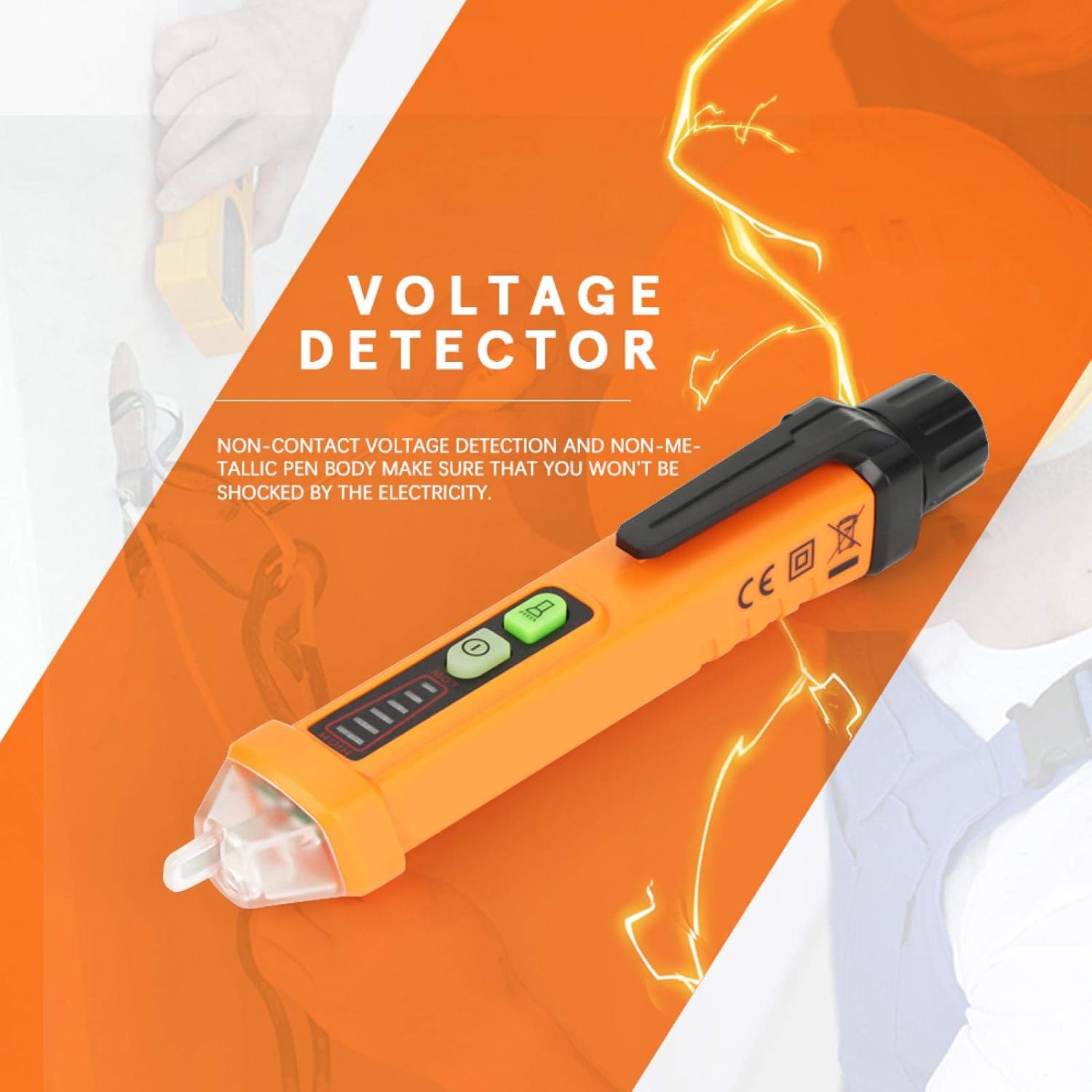
Image 1: General view of the EVTSCAN PM8908C Non-Contact Voltage Tester Pen.
2. Коопсуздук маалыматы
- Always adhere to local safety regulations and standards when working with electricity.
- The device is designed for non-contact voltage detection. Do not attempt to make direct contact with live circuits.
- Томtage detection pen complies with EU safety standards EN61010-1-2-030 1000V CAT III.
- Ар бир колдонуудан мурун түзмөктүн жакшы иштеп жатканын текшериңиз. Бузулган болсо, колдонбоңуз.
- Do not rely solely on this device for determining if a circuit is de-energized. Always verify with a known working voltage булагы.
- Балдар жетпеген жерде сактаңыз.
3. Продукциянын өзгөчөлүктөрү
- Байланышсыз тtagкүчөтүлгөн коопсуздук үчүн электрондук аныктоо.
- Non-metallic pen body to prevent electrical shock.
- Compliance with EU safety standards (EN61010-1-2-030 1000V CAT III) and environmental certifications (ROHS/REACH).
- Automatic selection of 3 sensitivity levels (High, Medium, Low) for accurate detection.
- Тtage sensitivity range: AC 12V-1000V.
- Frequency range: 50-500Hz.
- Sound and light alarm mode for clear indications.
- Integrated flashlight for use in dimly lit areas.
- Durable engineering plastic construction, wear-resistant and insulated.
- Intelligent chips for auto sensitivity, auto shutdown, NCV null and live line testing.
- Батареянын төмөн көрсөткүчү.
- Auto power off function to conserve battery life.
4. Пакеттин мазмуну
Пакет төмөнкү нерселерди камтыйт:
- 1 x EVTSCAN PM8908C Voltage Tester Pen
- 1 х Колдонуучунун колдонмосу (бул документ)
Note: 2pcs 1.5V AA Batteries are NOT included and must be purchased separately.
5. Орнотуу
5.1 Батареяны орнотуу
- Unscrew the battery cap at the rear of the voltage tester pen.
- Туура полярдуулукту (+/-) камсыз кылып, эки (2) 1.5V AA батарейкасын салыңыз.
- Securely screw the battery cap back into place.
- The device will indicate low battery when replacement is needed.

Сүрөт 2: Жакын пландан view of the non-contact tip and the battery compartment for installation.
6. Иштөө нускамалары
6.1 Күйгүзүү/өчүрүү
- Press the power button (usually marked with a circle and a vertical line) to turn the device on.
- Press and hold the power button to turn the device off. The device also features an auto power-off function after a period of inactivity.
6.2 Контактсыз томtage (NCV) аныктоо
- Hold the pen with the tip near the object to be tested (e.g., wire, outlet).
- The device will automatically select the appropriate sensitivity (High, Medium, Low) to detect the electromagnetic field.
- A sound alarm and flashing LED indicator will activate when AC voltage is detected. The intensity of the alarm and the number of illuminated LED segments indicate the strength of the detected voltage.
6.3 Live/Null Wire Identification
- When testing an AC circuit, the device can distinguish between live and null (neutral) wires.
- Place the tip near each wire. A stronger indication (faster beeping, brighter LED, more segments lit) typically signifies the live wire. A weaker or no indication suggests the null wire.
6.4 Фонардын функциясы
- Press the flashlight button (if separate, or a quick press of the power button on some models) to turn the built-in white LED flashlight on or off. This is useful for working in dark environments.

Image 3: The LED flashlight function in use, illuminating a power strip for better visibility.
6.5 Батареянын төмөн көрсөткүчү
- When the battery power is low, the device will provide a visual or audible alert. Replace the batteries promptly to ensure accurate readings.
7. Техникалык тейлөө
- Тазалоо: Аппаратты кургак, жумшак чүпүрөк менен сүртүңүз. Абразивдүү тазалагычтарды же эриткичтерди колдонбоңуз.
- Батареяны алмаштыруу: Replace batteries when the low battery indicator appears. Always use new 1.5V AA batteries. Remove batteries if the device will not be used for an extended period to prevent leakage.
- Сактагыч: Аппаратты салкын, кургак жерде, тике күн нурунан жана экстремалдык температурадан алыс сактаңыз.
8. Кыйынчылыктарды
- Түзмөк күйбөйт:
- Батареялар туура орнотулганын текшериңиз.
- Жаңы 1.5V AA батарейкалары менен алмаштырыңыз.
- Кубат баскычы бекем басылганын текшериңиз.
- Том жокtage detection or inconsistent readings:
- Ensure the device tip is close enough to the object being tested.
- Батареянын деңгээлин текшерип, аз болсо алмаштырыңыз.
- Verify the device is functioning by testing a known live circuit.
- Кол чырак иштебей жатат:
- Батареянын деңгээлин текшериңиз.
- Ensure the flashlight button is pressed correctly.
9. Техникалык шарттар
| Өзгөчөлүк | Спецификация |
|---|---|
| Модел | PM8908C |
| Тtage Сезгичтик | AC 12V-1000V |
| Жыштык | 50-500 Гц |
| NCV сезгичтиги | Automatically selecting 3 kinds (High, Medium, Low) |
| Ойготкуч режими | Үн жана жарык |
| Flash Light Color | Ак |
| Авто өчүрүү | Ооба |
| Батареянын төмөн көрсөткүчү | Ооба |
| Live/Null Wire идентификациясы | Ооба |
| Иштөө температурасы | 0-50 ℃ (32-122 ℉) |
| Сактоо температурасы | -20-60 ℃ (-4-140 ℉) |
| Нымдуулук | <85% RH |
| Power Source | 2pcs 1.5V AA Batteries (NOT included) |
| Өлчөмдөр | 16 x 2 x 2 cm (6.30 x 0.79 x 0.79 in) |
| Салмагы | Approx. 64g (0.05 kg) |
| Коопсуздук стандарттары | EN61010-1-2-030 1000V CAT III |
| Environmental Certs | ROHS/REACH |

Image 4: Illustration of the dimensions of the EVTSCAN PM8908C voltage tester pen.
10. Кепилдик жана колдоо
For warranty information or technical support, please refer to the product packaging or contact the seller/manufacturer directly. Keep your purchase receipt for warranty claims.