
1. Киришүү
Thank you for choosing the GIM CF-P30 120mm RGB LED Case Fan. This product is designed to provide efficient cooling for your computer system while offering customizable RGB lighting effects. This manual provides detailed instructions for installation, operation, and maintenance to ensure optimal performance and longevity of your fans.
2. Продукциянын өзгөчөлүктөрү
- Күчтүү жылуулуктун таркашы: 120mm fan with 800-1500 RPM speed, capable of improving airflow up to 48.5 CFM for effective cooling.
- Synchronizable RGB Lighting: Compatible with 5V 3-pin addressable RGB headers on motherboards for software control (e.g., ASUS Aura Sync, Gigabyte RGB FUSION, MSI Mystic Light Sync).
- RF Wireless Remote Control: Allows easy adjustment of fan speed, LED speed, lighting effects, and brightness without opening the PC case.
- Quiet Operation & Long Lifespan: Features a revised curve blade design and hydraulic bearing technology, resulting in a maximum noise level of 21 dB(A) and a lifespan exceeding 40,000 hours.
- Бир нече RGB жарык режимдери: Offers 7 solid colors in Solid Mode and 87 dynamic color modes in Multicolor mode.
3. Пакеттин мазмуну
Сураныч, кутудан чыкканда пакеттин мазмунун текшериңиз:
- 3 x GIM CF-P30 120mm RGB LED Case Fans
- 1 x RF Wireless Remote Control
- 1 x Control Hub/Controller
- Mounting Screws (quantity sufficient for 3 fans)
4. Орнотуу жана орнотуу
4.1 Физикалык орнотуу
- Identify suitable mounting locations within your PC case (e.g., front, top, rear, bottom).
- Align each fan with the screw holes on the case or radiator.
- Secure each fan using the provided mounting screws. Ensure the fan is oriented correctly for desired airflow (intake or exhaust).
4.2 Электр өткөргүч схемасы
Follow the wiring diagram below to connect the fans and control hub to your power supply and motherboard.

Сүрөт: Wiring diagram illustrating the connections for the GIM RGB LED Case Fans. It shows fans connecting to a central control hub, which then connects to a SATA power source, a 4-pin PWM header on the motherboard for fan speed control, and a 5V 3-pin ARGB header on the motherboard for RGB lighting synchronization.
- Connect each GIM RGB LED Case Fan to the designated ports on the control hub.
- Connect the SATA power cable from the control hub to an available SATA power connector from your PC's power supply unit (PSU).
- For fan speed control, connect the 4-pin PWM cable from the control hub to a 4-pin PWM fan header on your motherboard.
- For RGB lighting synchronization with your motherboard, connect the 5V 3-pin ARGB cable from the control hub to a compatible 5V 3-pin addressable RGB header on your motherboard. Эскертүү: Do not connect to a 12V RGB header, as this may damage the LEDs.
5. Иштөө нускамалары
5.1 Using the RF Wireless Remote Control
The included RF wireless remote control allows for convenient adjustment of fan and lighting settings.

Сүрөт: Two GIM RGB LED Case Fans showcasing different color modes, with text indicating '87 Multicolor modes' and '7 Solid Modes', highlighting the variety of lighting options available.
- Күйгүзүү/өчүрүү: Use the designated button to turn the fan lights on or off.
- Желдетүүчү ылдамдыкты жөндөө: Increase or decrease the fan's rotational speed.
- LED Speed Adjustment: Динамикалык жарыктандыруу эффекттеринин ылдамдыгын башкаруу.
- Lighting Effects Selection: Cycle through various pre-programmed RGB lighting modes, including 7 solid colors and 87 multicolor options.
- Жарыктыкты жөндөө: Adjust the intensity of the LED lighting.
5.2 Motherboard Synchronization
If connected to a compatible 5V 3-pin ARGB header on your motherboard, you can control the fan lighting through your motherboard's RGB software (e.g., ASUS Aura Sync, Gigabyte RGB FUSION, MSI Mystic Light Sync). Refer to your motherboard's manual for specific instructions on using its RGB control software.
6. Техникалык тейлөө
Regular maintenance helps ensure the longevity and optimal performance of your GIM CF-P30 fans.
- Чаңды тазалоо: Periodically clean the fan blades and housing to prevent dust buildup, which can impede airflow and increase noise. Use compressed air or a soft brush. Ensure the PC is powered off before cleaning.
- Текшерүү: Occasionally check fan cables for secure connections and signs of wear or damage.
7. Кыйынчылыктарды
- Айланбаган күйөрмандар:
- Ensure the SATA power cable from the control hub is securely connected to the PSU.
- Verify that the 4-pin PWM cable from the control hub is correctly connected to the motherboard.
- Желдеткичтин аталыштары туура иштетилгенин жана конфигурацияланганын текшерүү үчүн BIOS/UEFI жөндөөлөрүн текшериңиз.
- RGB Lights Not Working/Incorrect Colors:
- Confirm the 5V 3-pin ARGB cable from the control hub is securely connected to a 5V 3-pin addressable RGB header on the motherboard, not a 12V 4-pin header.
- Эгерде энелик платаны синхрондоштурууну колдонсоңуз, энелик платанын RGB программасы туура орнотулганын жана конфигурацияланганын текшериңиз.
- If using the remote control, ensure it has a working battery and is pointed towards the control hub (if line-of-sight is required, though RF typically doesn't).
- Алыстан башкаруу жооп бербейт:
- Пульттун батареясын текшерип, керек болсо алмаштырыңыз.
- Ensure the control hub is receiving power.
8. Техникалык шарттар
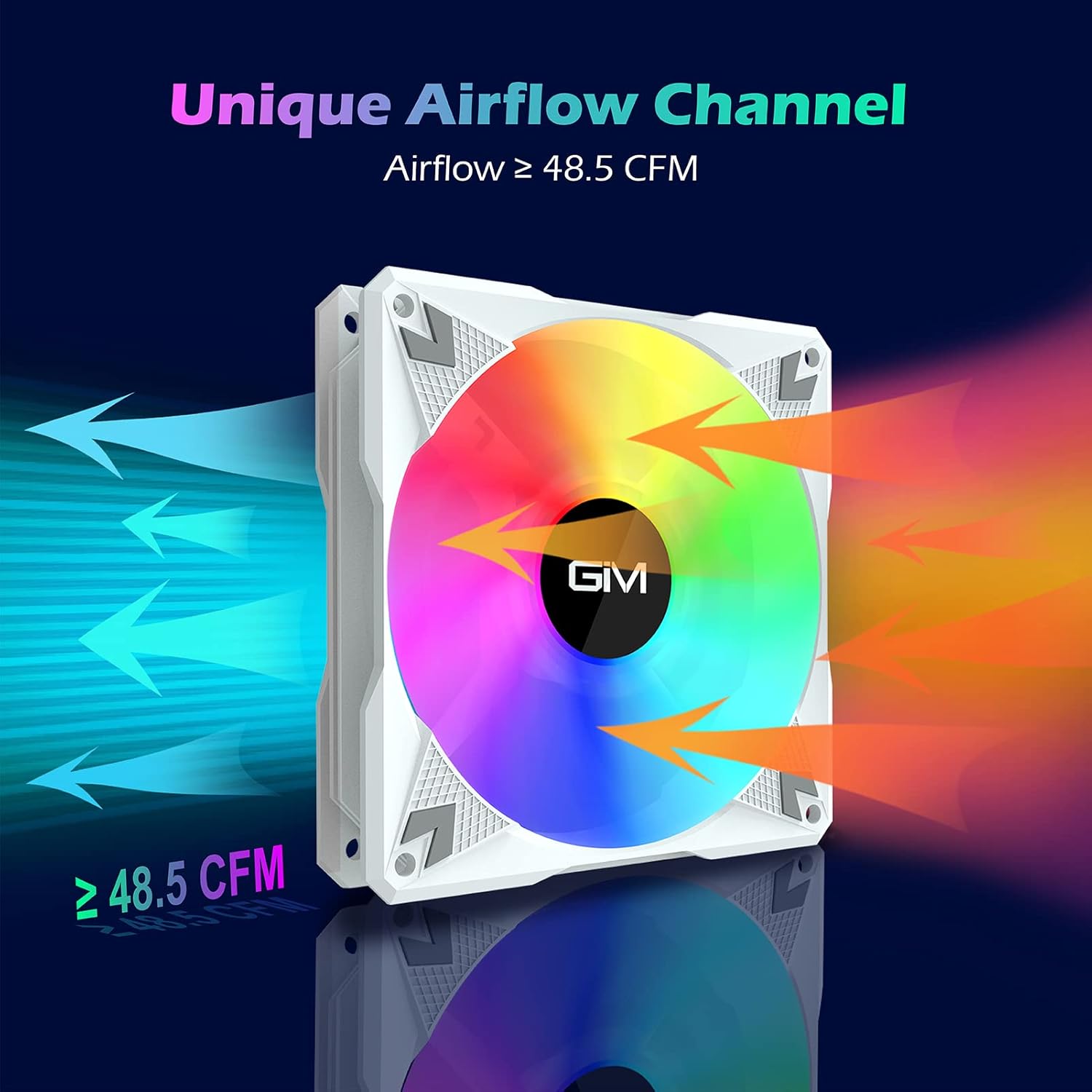
Сүрөт: A GIM RGB LED Case Fan illustrating its unique airflow channel, with arrows indicating airflow direction and a label showing 'Airflow ≥ 48.5 CFM', emphasizing its strong heat dissipation capability.
| Өзгөчөлүк | Спецификация |
|---|---|
| Бренд | GIM |
| Модел | CF-P30 |
| Fan Size | 120мм |
| Айлануу ылдамдыгы | 800-1500 RPM |
| Аба агымы | 48.5 XNUMX CFM чейин |
| Ызы-чуу деңгээли | Макс. 21 дБ(А) |
| Подшипник түрү | Гидравликалык подшипник |
| Өмүр | > 40,000 саат |
| Power Connector (Fan) | 3-Pin |
| Power Connector (Hub) | SATA |
| RGB туташтыргычы | 5V 3-Pin Addressable RGB |
| Тtage | 12V (Fan), 5V (RGB) |
| Материал | Поликарбонат |
| Шайкеш түзмөктөр | Рабочий компьютер |

Сүрөт: А жарылды view diagram illustrating the hydraulic bearing technology within the GIM fan, highlighting its quiet operation (≤ 21 dB(A)) and extended lifetime (≥ 40,000 hours).
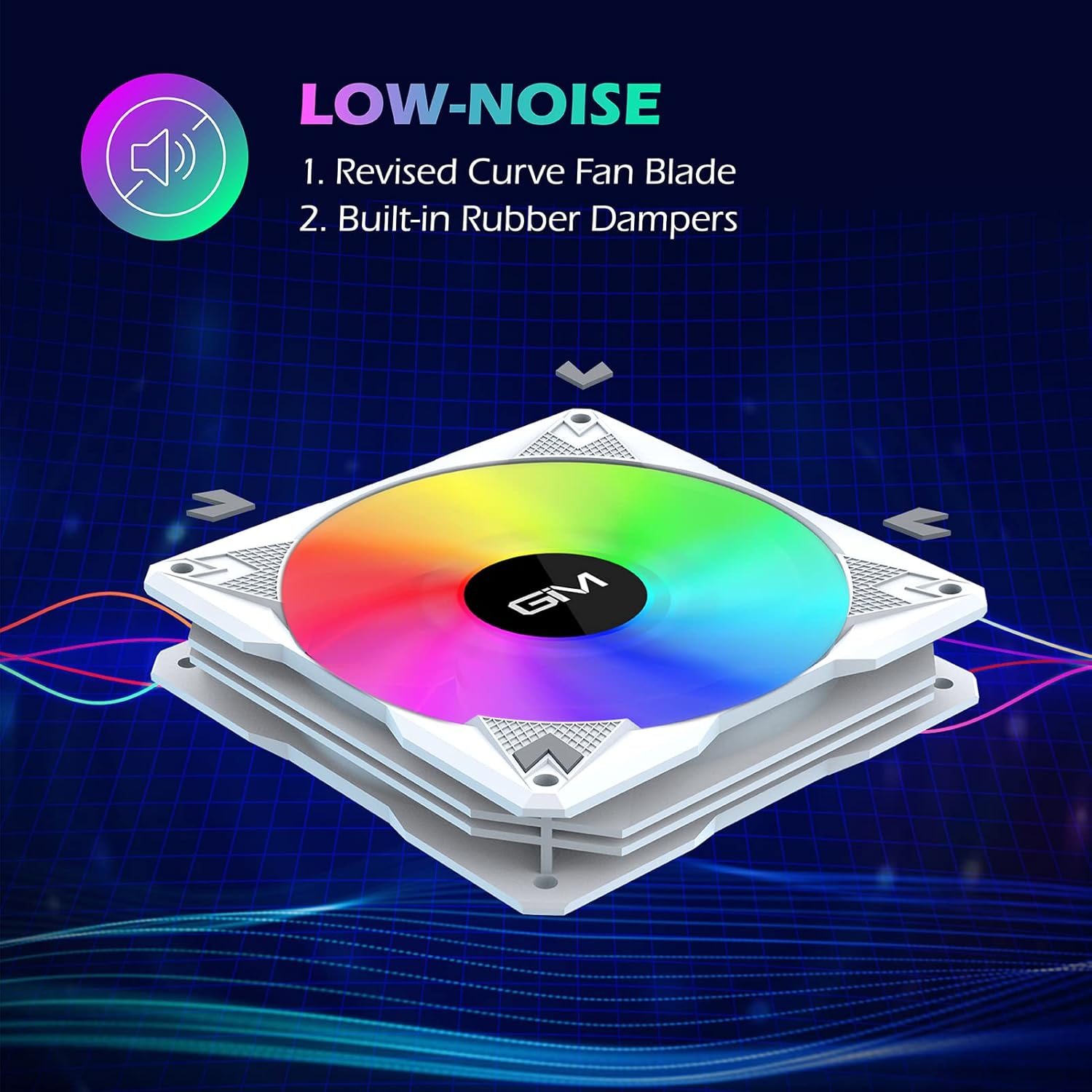
Сүрөт: A GIM fan emphasizing its low-noise design, pointing out the revised curve fan blade and built-in rubber dampers as key features contributing to quiet operation.
9. Кепилдик жана колдоо
GIM products are manufactured to high-quality standards. For specific warranty information or technical support, please refer to the warranty card included with your product or visit the official GIM webсайт. Сатып алуу квитанциясын кепилдик дооматтары үчүн сатып алуунун далили катары сактаңыз.