
YIJIA YJ-F16Y/F/J-11/22/33BN/ZS
YIJIA 16mm Push Button Switch User Manual
Model: YJ-F16Y/F/J-11/22/33BN/ZS
Продукт бүттүview
The YIJIA 16mm Push Button Switch is a versatile electrical component designed for various industrial and control applications. Available in round, square, and rectangular shapes, these switches feature a 16mm installation hole diameter and are offered in multiple colors including red, green, yellow, blue, white, and black. They are equipped with silver contacts for reliable performance and are certified by CCC and CE standards, ensuring compliance with safety and quality regulations.
This manual provides essential information for the proper installation, operation, and maintenance of your YIJIA Push Button Switch.
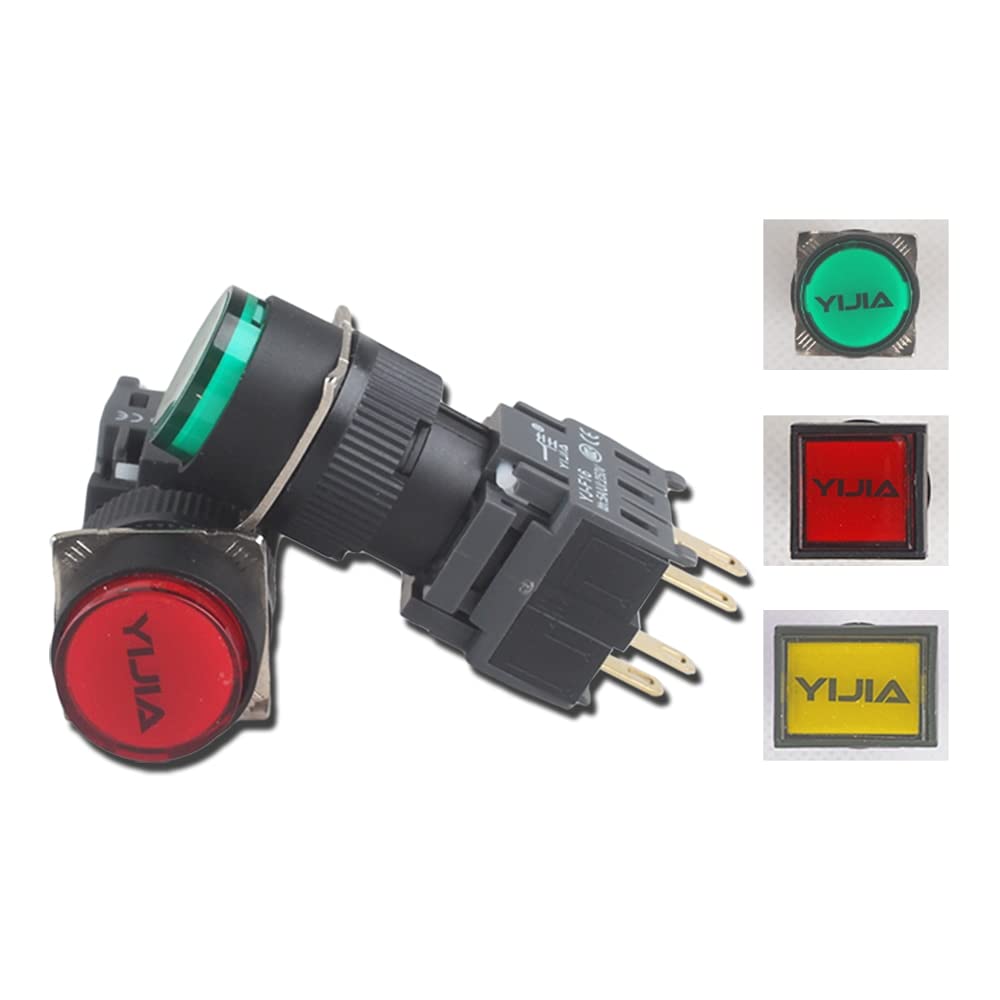
Figure 1: Assortment of YIJIA 16mm push button switches, showcasing different shapes (round, square, rectangular) and colors (red, green, yellow).
Техникалык шарттар
| Атрибут | Нарк |
|---|---|
| Модель номери | YJ-F16Y/F/J-11/22/33BN/ZS |
| Installation Hole Diameter | 16мм |
| Которуу түрү | Push Button Switch |
| Учурдагы рейтинг | 5A |
| Байланыш материалы | Silver Contact |
| Дене материалы | Пластик |
| Сертификаттар | CCC, CE |
| Иштөө режими | Momentary (as per product title, if applicable to all models) |
| Байланыш конфигурациясы | 1NO1NC (as per product title, if applicable to all models) |
Note: Specific configurations (e.g., Momentary, 1NO1NC) may vary by individual product variant. Refer to product packaging for exact details.
Орнотуу
Proper installation is crucial for the safe and reliable operation of the push button switch. Always ensure power is disconnected before beginning installation.
- Монтаждоо тешигин даярдаңыз: Ensure the panel has a 16mm diameter hole for mounting the switch. The panel thickness should be compatible with the switch's mounting mechanism.
- Insert the Switch: Carefully insert the switch body through the mounting hole from the front of the panel.
- Гайка менен бекитүү: Thread the retaining nut onto the switch body from the rear of the panel and tighten it securely to hold the switch in place. Do not overtighten.
- Wire the Terminals: Connect the appropriate wires to the switch terminals. These switches typically feature screw terminals or quick-connect terminals. Refer to the wiring diagram below for common configurations. Ensure all connections are firm and insulated.
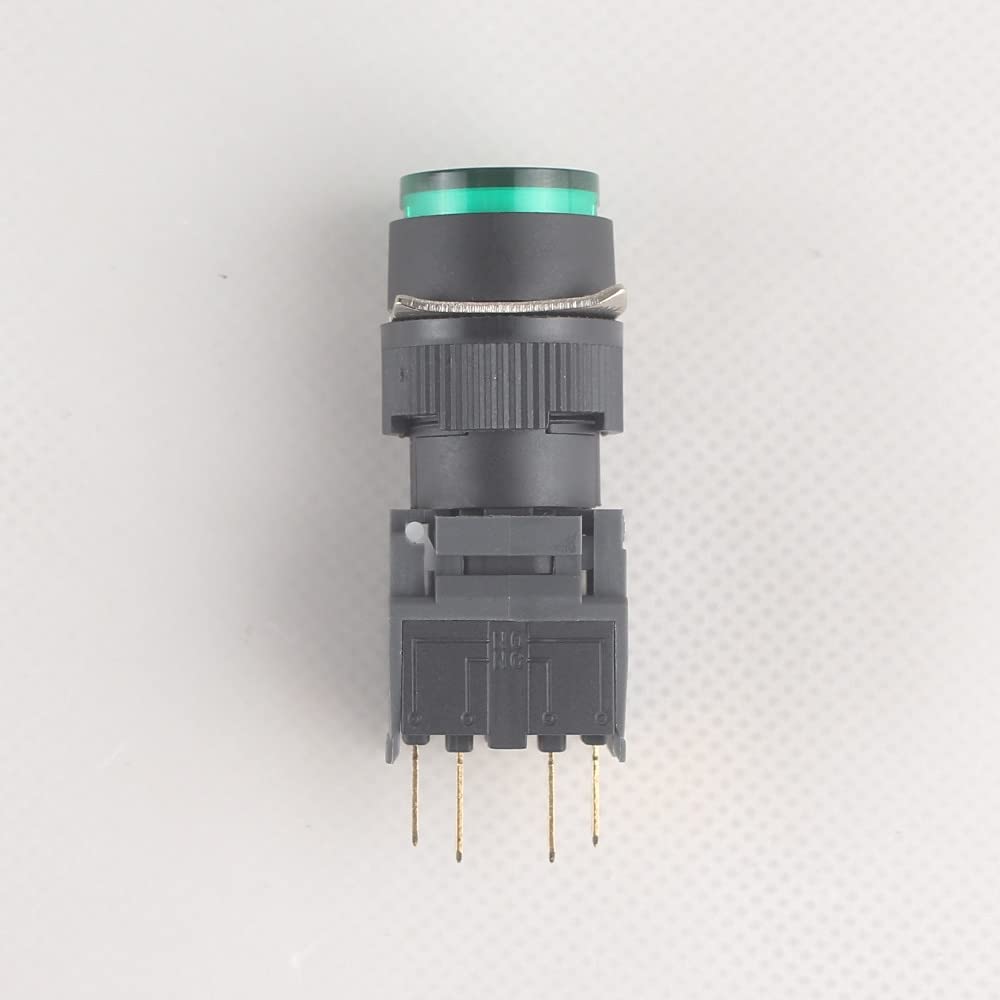
2-сүрөт: Каптал view of the push button switch, illustrating the mounting nut and terminal connections.
Зым схемасы (мис.)ample for 1NO1NC)
The YIJIA push button switches typically feature multiple terminals for Normally Open (NO) and Normally Closed (NC) contacts, along with common terminals. A common configuration is 1NO1NC.
- ЖОК (Негизде ачык): Circuit is open when the button is not pressed, and closes when pressed.
- NC (Нормалдуу жабык): Circuit is closed when the button is not pressed, and opens when pressed.
Consult the specific markings on your switch for precise terminal identification.
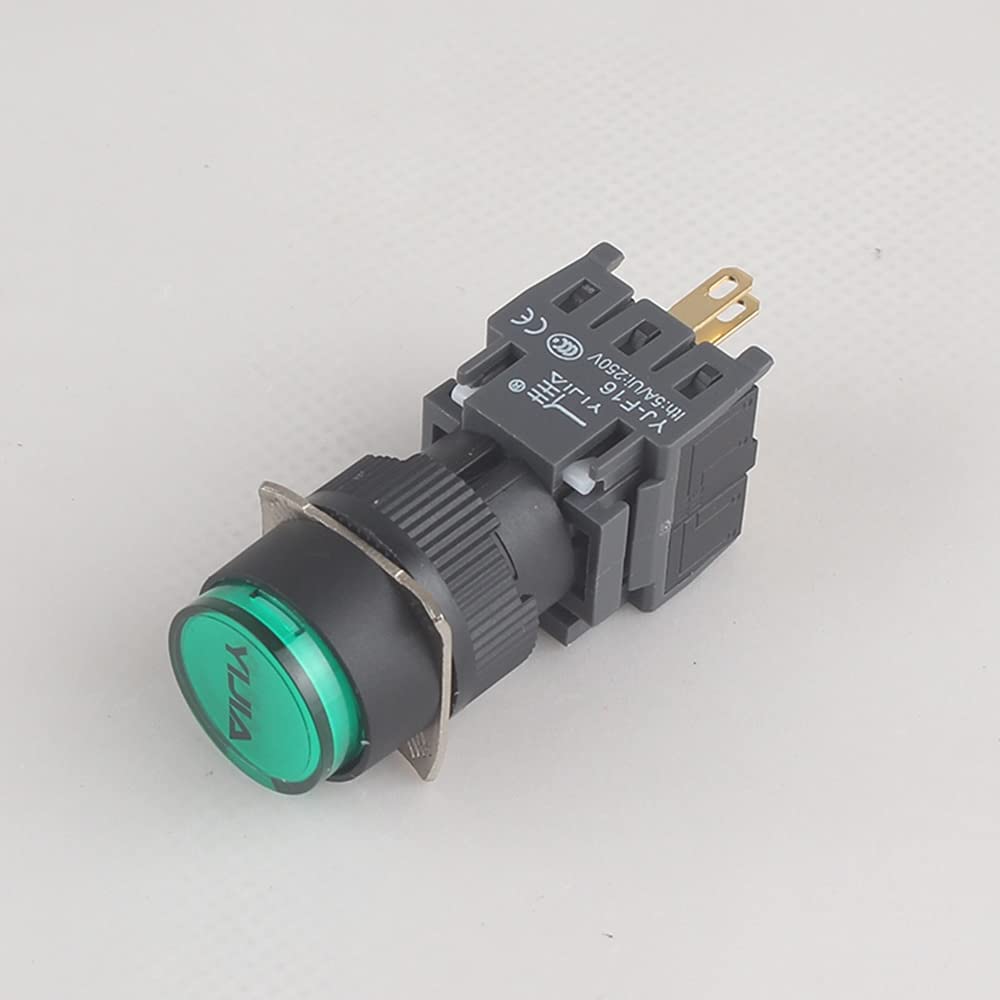
3-сүрөт: Бурчтуу view of the switch, highlighting the terminal block and certification markings.
Операция
Operating the YIJIA push button switch is straightforward. The switch functions by changing the state of its electrical contacts when the button is pressed.
- Momentary Action: For momentary switches, the contacts change state only while the button is physically held down. Upon release, the button returns to its original position, and the contacts revert to their initial state.
- Latching Action (if applicable): Some variants may offer latching action, where pressing the button changes the contact state and it remains in that state until pressed again. Verify your specific switch type.
Ensure the switch is used within its specified current and voltage ratings (e.g., 5A current rating) to prevent damage and ensure safe operation.
Техникалык тейлөө
YIJIA push button switches are designed for durability and require minimal maintenance. However, periodic checks can extend their lifespan and ensure reliable performance.
- Тазалоо: If the switch surface becomes dirty, gently wipe it with a soft, dry cloth. Avoid using abrasive cleaners or solvents, which can damage the plastic material.
- Туташуу текшерүү: Periodically inspect the wiring connections to ensure they remain secure and free from corrosion. Loose connections can lead to intermittent operation or overheating.
- Экологиялык шарттар: Ensure the switch is operating within appropriate environmental conditions (temperature, humidity) as specified for industrial electrical components.
Кандайдыр бир тейлөө же текшерүү жүргүзүүдөн мурун ар дайым электр кубатын ажыратыңыз.
Проблемаларды чечүү
If you encounter issues with your YIJIA push button switch, consider the following common troubleshooting steps:
| Көйгөй | Мүмкүн себеп | Чечим |
|---|---|---|
| Switch does not activate/deactivate circuit. |
|
|
| Button feels stuck or does not return. |
|
|
| Үзгүлтүксүз иштөө. |
|
|
If problems persist after attempting these steps, consider consulting a qualified electrician or contacting customer support.
Кепилдик жана колдоо
As the brand is listed as "Unknown" and specific warranty information is not provided, please refer to the retailer or point of purchase for details regarding warranty coverage and return policies. For technical support or further inquiries, please contact the seller directly through the platform where the product was purchased.
Always retain your proof of purchase for any warranty claims or support requests.
Ask a question about this manual
Ask about setup, troubleshooting, compatibility, parts, safety, or missing instructions. Manuals+ will review the question and use this page’s manual context to help answer it.