
Introduction
Welcome to the user manual for your new KXD D68S 4G Unlocked Smartphone. This guide provides essential information to help you set up, operate, maintain, and troubleshoot your device. Please read this manual thoroughly to ensure optimal performance and longevity of your smartphone.
The KXD D68S is designed for ease of use, featuring a 6.088-inch display, Android 11 operating system, dual SIM capability, and a 4000mAh battery. It includes an 8MP main camera and supports face unlock and fingerprint recognition for enhanced security.
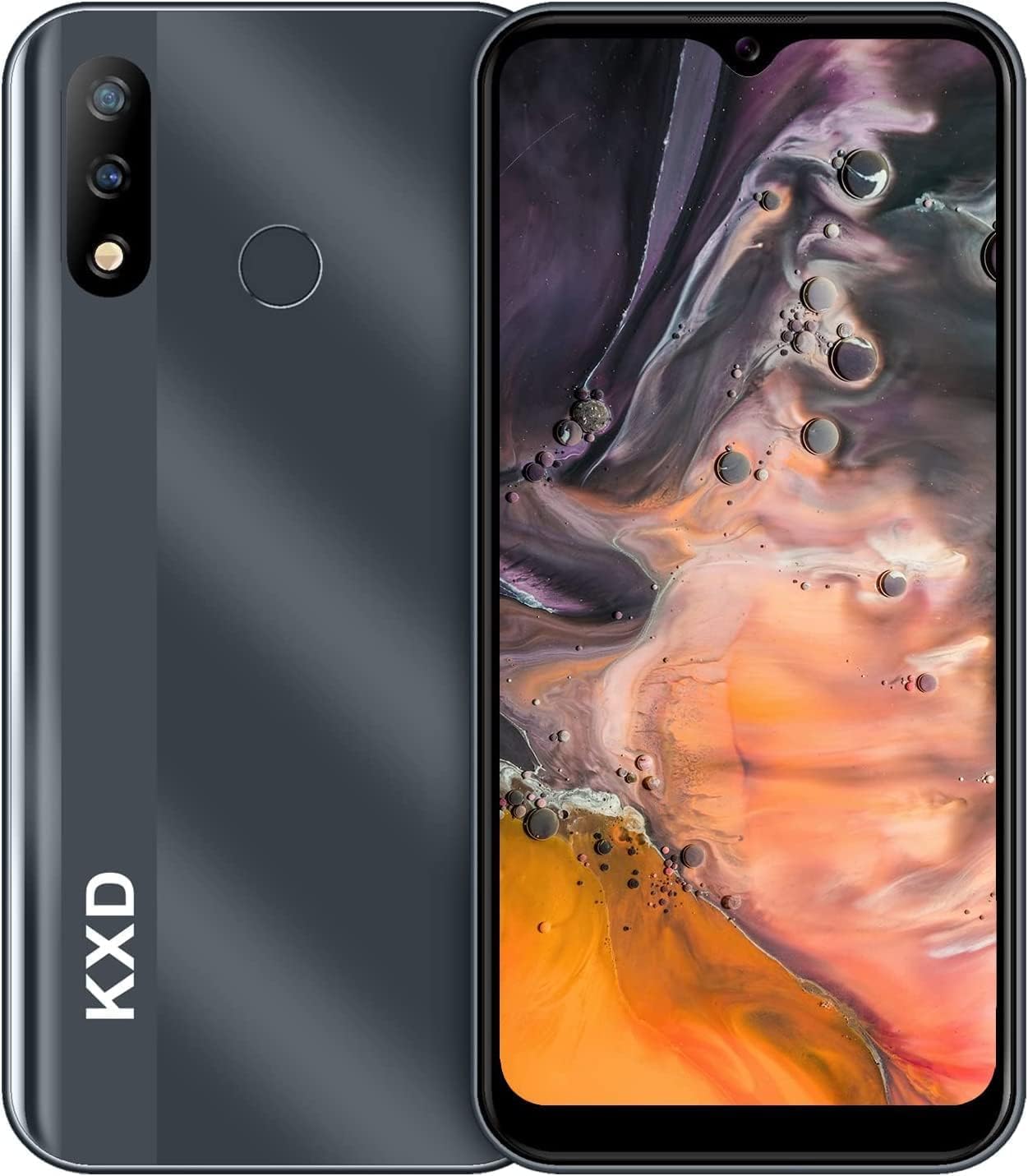
Сүрөт: алдыңкы жана арткы view of the KXD D68S smartphone, showcasing анын кооз дизайны жана камера модулу.
Жайгашуу
1. SIM карта жана MicroSD карта орнотуу
Your KXD D68S supports dual SIM cards and a MicroSD card for expanded storage. Ensure the phone is powered off before inserting or removing cards.
- Аппараттын капталындагы SIM карта салгычын табыңыз.
- Берилген SIM картаны чыгаруучу куралды колдонуп, лотоктун кичинекей тешиги чыгып кеткенге чейин акырын түртүңүз.
- Place your Nano-SIM cards into the designated slots with the gold contacts facing down. If using a MicroSD card, place it in its dedicated slot.
- Табаны телефондун капталына дал келгенче кылдаттык менен кайра түртүңүз.
Сүрөт: An overview of the KXD D68S smartphone, highlighting its dual SIM capability and expandable storage.
2. Баштапкы күйгүзүү жана негизги конфигурация
After inserting your SIM cards, press and hold the power button located on the side of the phone until the KXD logo appears. Follow the on-screen prompts to complete the initial setup:
- Тилди жана аймакты тандаңыз.
- Тезирээк орнотуу жана программалык камсыздоону жаңыртуу үчүн Wi-Fi тармагына туташыңыз.
- Google аккаунтуңуз менен кириңиз же жаңысын түзүңүз. Бул Google Play Дүкөнүнөн колдонмолорду жүктөп алуу үчүн абдан маанилүү.
- Set up screen lock (PIN, pattern, or password) and biometric security (Face Unlock, Fingerprint).
Түзмөгүңүздү иштетүү
1. Навигация жана колдонуучу интерфейси
The KXD D68S runs on Android 11, offering an intuitive user experience. Swipe up from the bottom of the screen to access the app drawer. Swipe down from the top to view эскертмелер жана тез орнотуулар.

Image: The KXD D68S display showcasing the Android interface with Google Assistant and various applications, demonstrating the user experience.
2. Чалуулар жана билдирүүлөр
- Чалууларды жасоо: Телефон сөлөкөтүн таптап, номерди киргизип, чалуу баскычын таптаңыз.
- Кабарларды жөнөтүү: Open the Messages app, tap 'Start chat', enter the recipient's number or select from contacts, type your message, and send.
- Dual SIM Management: When making a call or sending a message, you will be prompted to select which SIM card to use if both are active.
3. Камераны колдонуу
The KXD D68S features an 8MP rear camera and an 8MP front camera. Open the Camera app to capture photos and videos.
- Сүрөткө тартуу: Сүрөт тартуу үчүн жапкычты басыңыз.
- Видеолорду жаздыруу: Видео режимине которулуп, жазууну баштоо/токтотуу үчүн жазуу баскычын таптаңыз.
- Камераларды алмаштыруу: Алдыңкы жана арткы камералардын ортосунда которулуу үчүн камераны которуштуруу сүрөтчөсүн таптаңыз.

Image: Close-up of the KXD D68S rear camera module, detailing the 8-megapixel high-definition lens and 2-megapixel depth-of-field lens, along with the fingerprint sensor.

Сүрөт: Мисamples of photographs captured using the KXD D68S camera, demonstrating its imaging capabilities.
4. Security Features: Face Unlock & Fingerprint
Enhance your device security and convenience with biometric authentication.
- Орнотуу: Go to Settings > Security > Face Unlock / Fingerprint. Follow the on-screen instructions to register your face or fingerprint.
- Колдонуу: To unlock, simply look at the front camera for Face Unlock or place your registered finger on the rear fingerprint sensor.
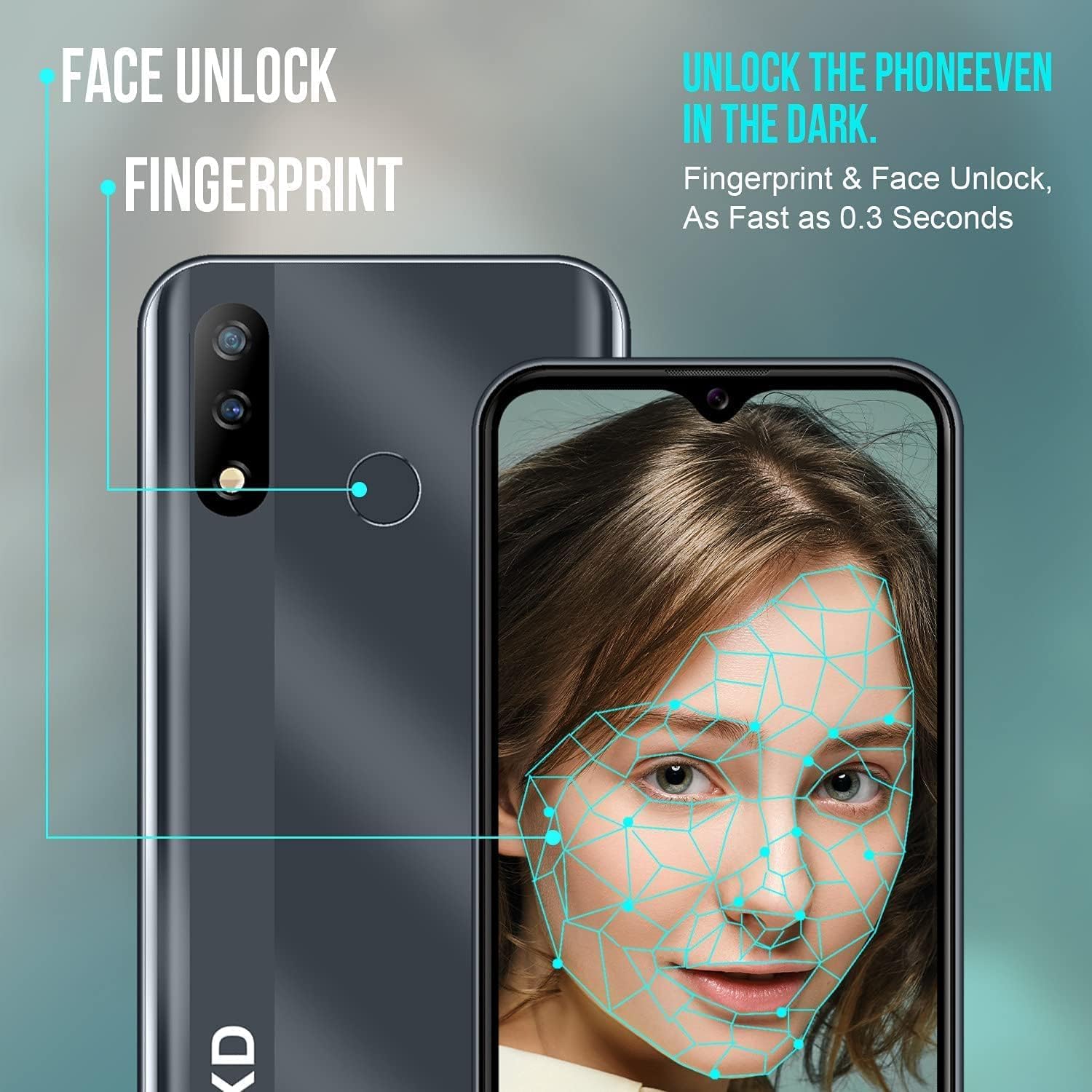
Image: Visual representation of the KXD D68S's Face Unlock and Fingerprint recognition features, showing how they function for quick and secure access.
5. Батареяны башкаруу
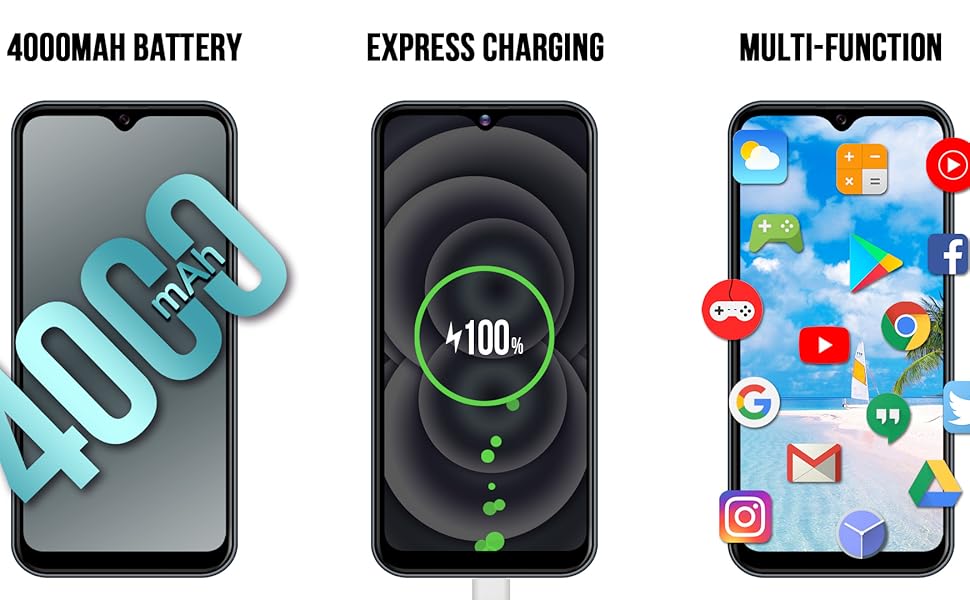
The KXD D68S is equipped with a 4000mAh battery. To optimize battery life:
- Экран жарыктыгын тууралаңыз.
- Фондо иштеп жаткан колдонулбаган колдонмолорду жабыңыз.
- Колдонулбаган учурда Wi-Fi, Bluetooth жана GPSти өчүрүңүз.
- Enable Battery Saver mode from Quick Settings or Battery settings.

Сүрөт: Side profile of the KXD D68S smartphone, emphasizing its 4000mAh battery capacity, designed for extended usage.

Image: An illustration depicting the KXD D68S charging, alongside estimated usage times for music playback, talk time, and standby time on a full charge.
Техникалык тейлөө
1. Программалык камсыздоону жаңыртуу
Түзмөгүңүздө эң акыркы коопсуздук жаңыртуулары жана функциялары бар экенине ынануу үчүн программалык камсыздоонун жаңыртууларын үзгүлтүксүз текшерип жана орнотуп туруңуз. Орнотуулар > Система > Системаны жаңыртуу бөлүмүнө өтүңүз.
2. Аппаратыңызды тазалоо
Телефонуңуздун экранын жана корпусун тазалоо үчүн жумшак, түксүз чүпүрөктү колдонуңуз. Аппаратка зыян келтирүүчү катаал химиялык заттарды же абразивдүү материалдарды колдонуудан алыс болуңуз.
3. Сактагычты башкаруу
Your KXD D68S comes with 32GB of internal storage, expandable up to 128GB with a MicroSD card. Regularly manage your storage to maintain optimal performance:
- Керексиз жок кылуу fileс, сүрөттөр жана видеолор.
- Колдонулбаган колдонмолорду чыгарып салыңыз.
- Чоң жылдырыңыз fileMicroSD картасына же булут сактагычына сактаңыз.

Image: The KXD D68S display showcasing various application icons, with text indicating 2GB RAM, 32GB ROM, and 128GB SD extension, illustrating the device's memory and storage capabilities.
Проблемаларды чечүү
Жалпы маселелер жана чечимдер
- Түзмөк жооп бербейт: Кайра күйгүзүүгө мажбурлоо үчүн кубат баскычын 10-15 секунд басып туруңуз.
- Батарея бат эле түгөнөт: Review battery management tips in the "Operating Your Device" section. Check for background apps consuming power.
- Cannot Connect to Wi-Fi/Mobile Data: Ensure Wi-Fi is enabled and you are within range. For mobile data, check SIM card installation and network settings. Restarting the phone can often resolve connectivity issues.
- Колдонмолор бузулуп жатат: Clear the cache and data for the problematic app (Settings > Apps > [App Name] > Storage > Clear Cache/Clear Data). If the issue persists, uninstall and reinstall the app.
- Жай аткаруу: Free up storage space, close unused background apps, and restart your device.
Заводдук баштапкы абалга кайтаруу (Акыркы чара)
Эгер түзмөгүңүздө көйгөйлөрдү чечүүнүн башка кадамдары аркылуу чечилбей турган туруктуу маселелер пайда болсо, баштапкы абалга кайтаруу зарыл болушу мүмкүн. Эскертүү: Бул телефонуңуздагы бардык дайындарды жок кылат. Улантуудан мурун маанилүү маалыматтардын камдык көчүрмөсүн сактаңыз.
- Орнотуулар > Система > Калыбына келтирүү параметрлерине өтүңүз.
- "Бардык маалыматтарды өчүрүү (заводдук абалга кайтаруу)" тандаңыз.
- Чечимиңизди ырастаңыз жана суралса, PIN/үлгү/сырсөзүңүздү киргизиңиз.
- Телефон кайра күйүп, баштапкы абалга келтирүү процессин баштайт.
Техникалык шарттар
| Модель аты | KXD D68S |
| Операция системасы | Android 11.0 |
| Процессор | SC9832E Quad-Core |
| RAM | 2 ГБ |
| Ички сактагыч | 32 GB (Expandable up to 128GB via MicroSD) |
| Screen Size | 6.088 дюйм |
| Резолюция | 1280*600 FW+ |
| Арткы камера | 8 MP + 2 MP (Depth-of-field) |
| Алдыңкы камера | 8 депутат |
| Батарея сыйымдуулугу | 4000 мАч |
| Уюлдук технология | 4G LTE |
| Зымсыз оператор | Бардык операторлор үчүн кулпусу ачылды |
| Байланыш | Wi-Fi, Bluetooth, GPS |
| Өзгөчөлүктөр | Dual SIM, Face Unlock, Fingerprint Sensor, Fast Charging Support |
| Аудио Jack | 3.5 мм |
| Өлчөмдөр | 6.1 x 2.91 x 0.39 дюйм |
| Салмагы | 5.3 унция (0.15 килограмм) |

Image: The KXD D68S's 6.088-inch high-definition display, illustrating its resolution (1280*600 FW+) and screen-to-body ratio (89.25%).
Кепилдик жана колдоо
For warranty information and customer support, please refer to the warranty card included with your product packaging or visit the official KXD webсайт. Кепилдик дооматтар үчүн сатып алганыңыздын далилин сактаңыз.
If you encounter issues not covered in this manual, please contact KXD customer service for assistance. Provide your model number (D68S) and a detailed description of the problem.