
Iproda 1169YM
Iproda Laptop User Manual
Model: 1169YM | Brand: Iproda
1. Киришүү
This manual provides essential information for the safe and efficient use of your Iproda 1169YM Laptop. The Iproda Laptop is a versatile 2-in-1 convertible device, designed for portability and performance. It features a 360-degree hinge, allowing it to transform between laptop and tablet modes, and an intuitive touchscreen display.
We recommend reading this manual thoroughly to understand all features and ensure proper operation and maintenance of your device.

Image: The Iproda Laptop showcasing its 360-degree convertible design and touchscreen capabilities.
2. Негизги өзгөчөлүктөрү
- 2-in-1 Convertible Дизайн: The laptop features a 360-degree hinge, allowing it to be used as a traditional laptop or folded into a tablet. It is ultra-thin at 0.5 inches and weighs 2.2 pounds, making it highly portable.
- Жогорку өндүрүмдүү процессор: Equipped with an efficient Intel Celeron N4100 processor (up to 2.4 GHz), 4 GB DDR4 RAM, and 64 GB SSD storage, ensuring smooth operation for daily tasks.
- Vibrant Touchscreen Display: Features an 11.6-inch FHD IPS display with 1920x1080 resolution and multi-point precision touchscreen functionality.
- Windows 10 Pro: Comes with an authorized and activated Windows 10 Pro operating system.
- Узак мөөнөттүү батарея: A 3500 mAh battery provides up to 8 hours of usage for work, reading, browsing, or entertainment.
- Ар тараптуу байланыш: Includes a Type-C port (for power), Micro-HDMI (for external display), Micro-USB, Micro-SD card slot (expandable up to 128 GB), and a headphone jack.
- Кеңейтүүчү сактагыч: Supports M.2 2242 SSD expansion (up to 512 GB) for additional storage capacity.
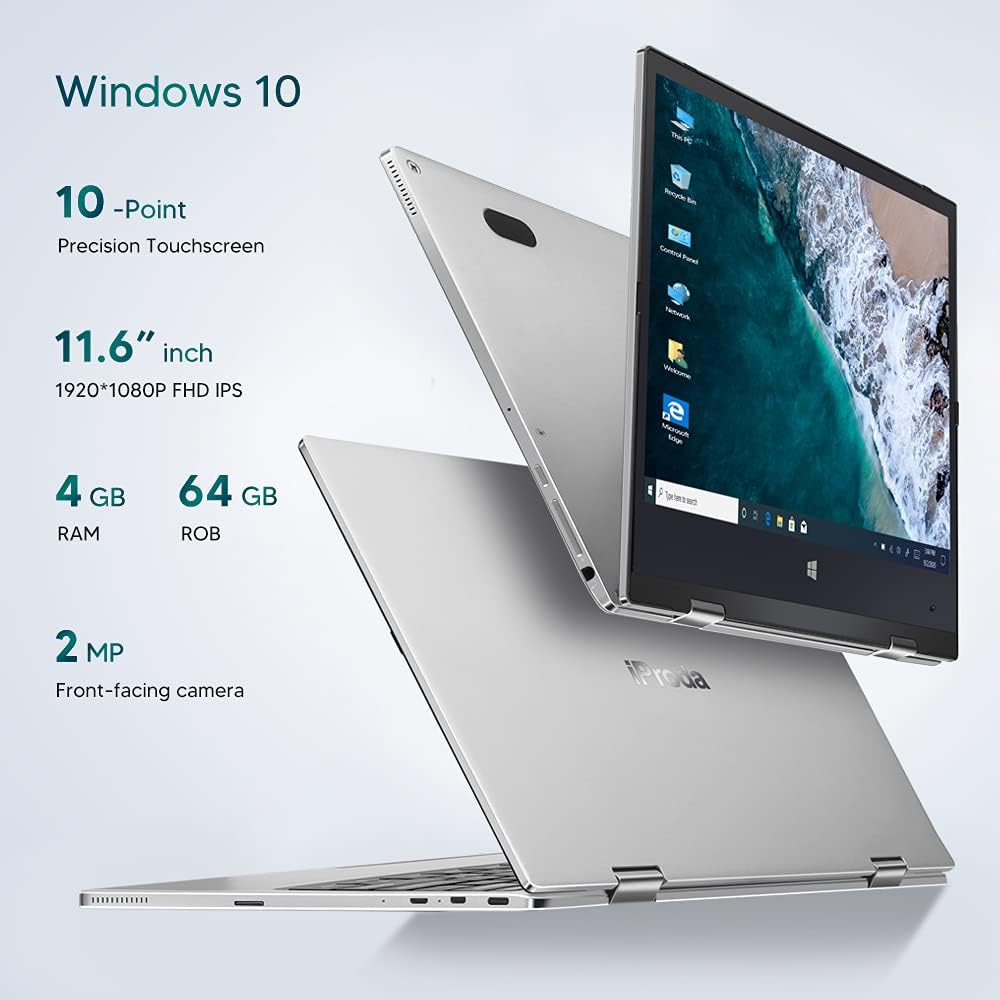
Сүрөт: бүттүview of key specifications including display, memory, and camera.
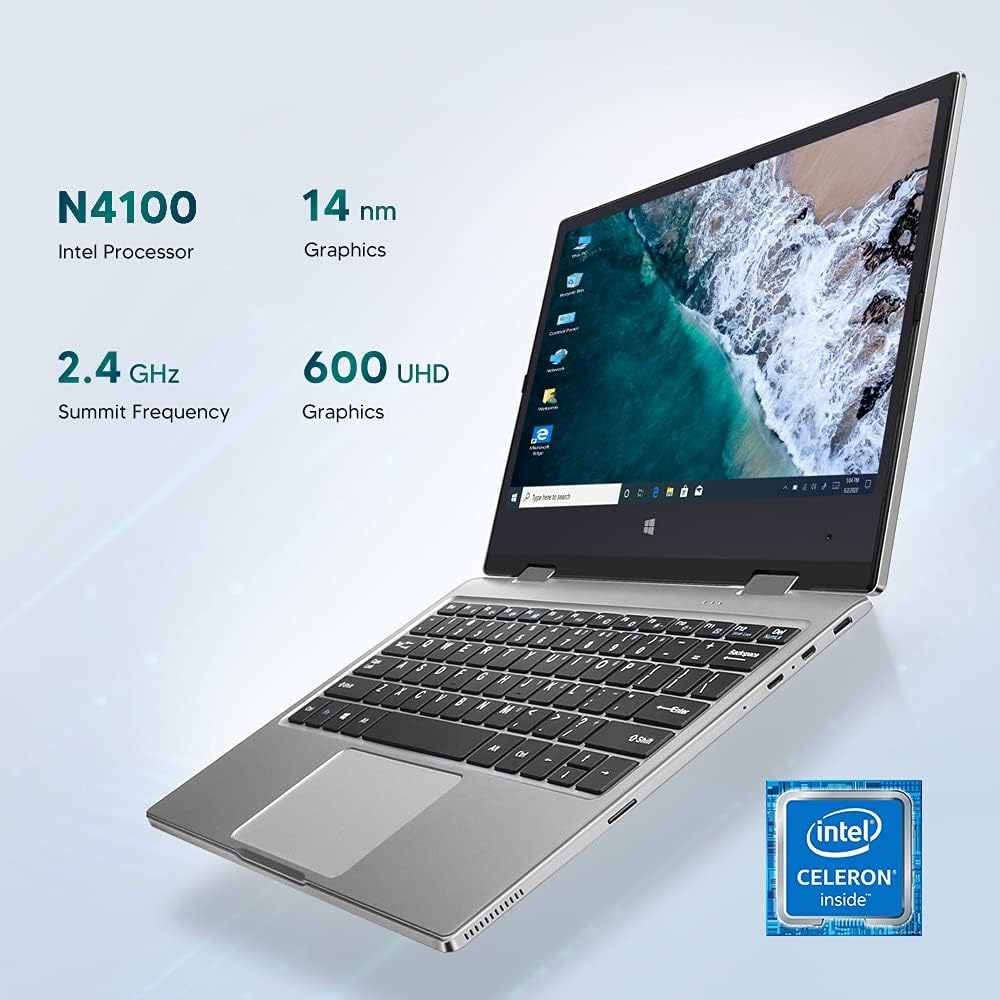
Image: Details of the Intel Celeron N4100 processor and integrated graphics.

Image: The laptop's slim and lightweight design.
3. Баштапкы орнотуу
- Пакеттен чыгаруу: Ноутбукту жана бардык аксессуарларды таңгактан этияттык менен алып салыңыз. Бардык компоненттердин бар экенин текшериңиз: ноутбук, кубат адаптери жана документтер.
- Батареяны заряддоо: Before first use, connect the power adapter to the Type-C port on the laptop and plug it into a power outlet. Allow the battery to charge fully. The charging indicator light will typically change color or turn off when fully charged.
- Күйгүзүү: Press and hold the Power Button located on the side of the laptop until the screen illuminates.
- Алгачкы Windows орнотуулары: Follow the on-screen instructions to complete the Windows 10 Pro setup. This includes selecting your language, region, connecting to a Wi-Fi network, and creating a user account.
- Перифериялык түзүлүштөрдү туташтыруу: If desired, connect external devices such as a mouse, keyboard, or external monitor using the available ports (Micro-USB, Micro-HDMI). Note: For standard USB 2.0 devices, a Micro-USB to USB 2.0 OTG cable is required.

Image: Illustration of the laptop's ports and buttons for connectivity and control.
4. Иштөө нускамалары
4.1. Using the 2-in-1 Convertible Feature
The Iproda Laptop's 360-degree hinge allows for flexible usage modes:
- Ноутбук режими: Терүү жана өндүрүмдүүлүк үчүн стандарттуу ноутбук конфигурациясы.
- Чатыр режими: Fold the screen back to stand the laptop in a "tent" shape, ideal for watching videos or presentations.
- Туруу режими: Fold the screen back further, resting the keyboard face down, for a compact display.
- Планшет режими: Fold the screen completely back against the base for a full tablet experience, utilizing the touchscreen.
4.2. Сенсордук экрандын функциялары
The 11.6-inch display supports 10-point precision touch. You can interact with Windows 10 Pro directly on the screen using gestures similar to a smartphone or tablet. Common gestures include tapping, swiping, pinching to zoom, and two-finger scrolling.
4.3. Connecting to External Displays
Use the Micro-HDMI port to connect your laptop to an external monitor or projector. You may need an appropriate Micro-HDMI to HDMI cable (not included). Once connected, you can configure display settings in Windows to extend or duplicate your screen.
4.4. Видео конференция
The integrated 2MP front-facing camera and microphone enable video conferencing. Ensure you have a stable internet connection and appropriate software (e.g., Zoom, Microsoft Teams) installed.
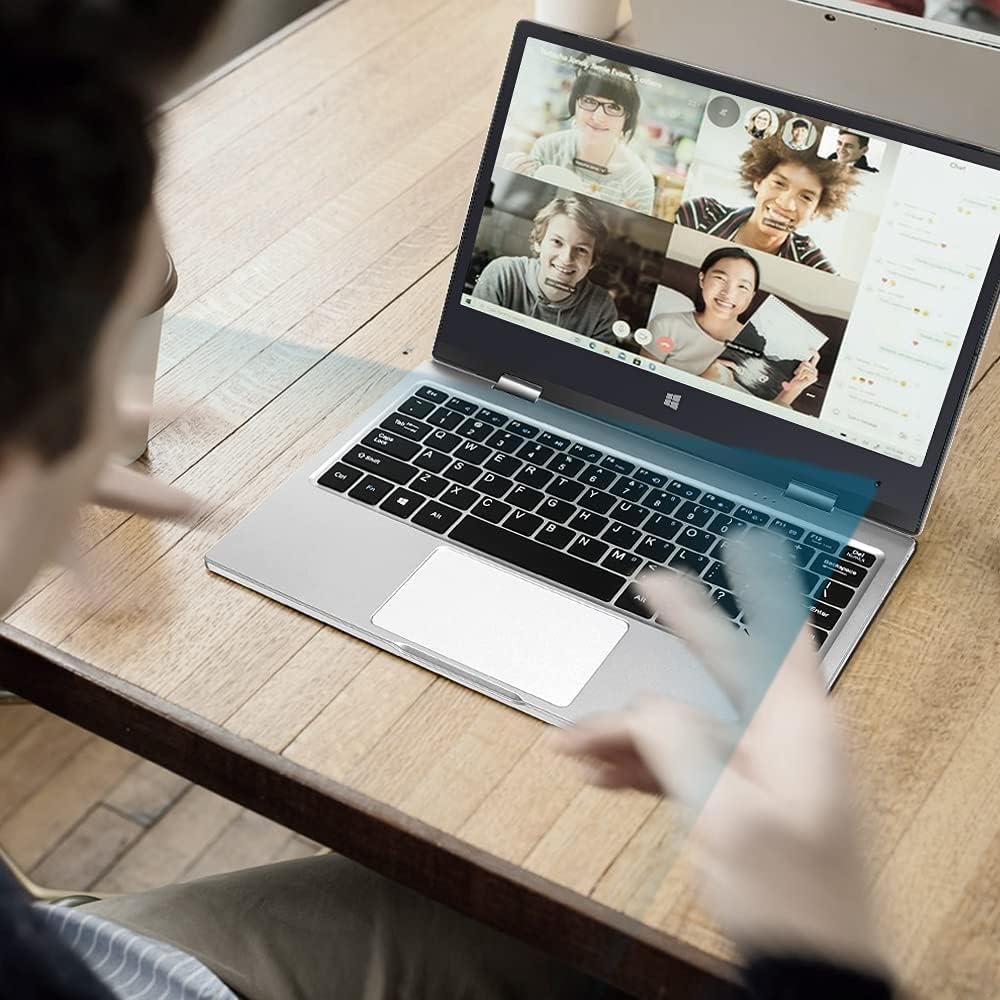
Image: The laptop in use for a video conference.
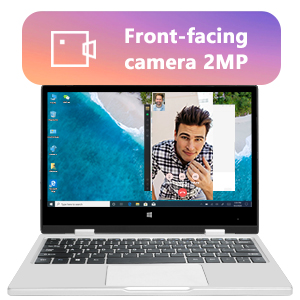
Image: Detail of the front-facing camera during a video call.
5. Техникалык тейлөө жана кам көрүү
- Экранды тазалоо: Электроника үчүн атайын жасалган жумшак, мамыксыз чүпүрөктү колдонуңуз. Өтө катуу тактар үчүн, бир аз сүртүңүзampen the cloth with water or a screen cleaner solution (avoid harsh chemicals).
- Шассиди тазалоо: Wipe the exterior with a soft, dry cloth. Avoid liquid contact with ports and openings.
- Батареяга кам көрүү: Батареянын иштөө мөөнөтүн узартуу үчүн, батареянын тез-тез толук зарядын жоготуп алуудан алыс болуңуз. Ноутбукту көпкө чейин колдонбогондо салкын, кургак жерде сактаңыз.
- Сактагычты кеңейтүү: The laptop supports M.2 2242 SSDs (128GB/256GB/512GB, not included) for expanding storage. Refer to a qualified technician for installation to avoid damaging the device.
- Программалык камсыздоо жаңыртуулары: Оптималдуу иштөөнү жана коопсуздукту камсыз кылуу үчүн Windows 10 Pro жана түзмөк драйверлерин үзгүлтүксүз жаңыртып туруңуз.

Image: Illustration of the M.2 SSD slot for storage expansion.

Сүрөт: деталдуу view of the M.2 SSD installation for storage expansion.
6. Кыйынчылыктарды
If you encounter issues with your Iproda Laptop, try the following common troubleshooting steps:
- Ноутбук күйбөйт:
- Ensure the power adapter is securely connected to both the laptop's Type-C port and a working power outlet.
- Allow the laptop to charge for at least 30 minutes before attempting to power it on again.
- Башка электр розеткасын колдонуп көрүңүз.
- Экран бош же жооп бербей жатат:
- Press the Power Button briefly to see if the screen wakes up from sleep.
- Perform a hard reset by holding the Power Button for 10-15 seconds until the laptop powers off, then restart it.
- If connected to an external display, ensure the display cable is properly connected and the external display is powered on.
- Wi-Fi туташуу көйгөйлөрү:
- Windows жөндөөлөрүндө Wi-Fi иштетилгенин текшериңиз.
- Wi-Fi роутериңизди жана ноутбукту өчүрүп күйгүзүңүз.
- Wi-Fi тармагыңыздын диапазонунда экениңизди текшериңиз.
- Сенсордук экран жооп бербей жатат:
- Ноутбукту кайра иштетиңиз.
- Экран таза жана таштандылардан таза экенин текшериңиз.
- Check for any pending Windows updates that might include touchscreen driver fixes.
Эгерде бул кадамдар маселени чечпесе, кошумча жардам алуу үчүн Кепилдик жана колдоо бөлүмүнө кайрылыңыз.
7. Техникалык шарттар
| Өзгөчөлүк | Спецификация |
|---|---|
| Бренд | Iproda |
| Модель номери | 1169YM |
| Түс | Silver |
| Форма фактору | Laptop (2-in-1 Convertible) |
| Screen Size | 11.6 дюйм |
| Display Resolution | 1920 x 1080 пиксел (FHD IPS) |
| Процессор бренди | Intel |
| Процессордун түрү | Intel Celeron N4100 |
| Процессордун ылдамдыгы | 2.4 ГГц чейин |
| RAM өлчөмү | 4 ГБ |
| RAM технологиясы | DDR4 |
| Катуу дисктин өлчөмү | 64 ГБ |
| Катуу диск түрү | SSD |
| Графикалык сопроцессор | Intel UHD Graphics 600 |
| Зымсыз байланыш | Wi-Fi (2.4 GHz) |
| Операция системасы | Windows 10 Pro |
| Батарея сыйымдуулугу | 3500 mAh (26.6 Watt-hours) |
| Батареянын орточо иштөө мөөнөтү | 8 саат |
| Порттар | Type-C (Power), Micro-HDMI, Micro-USB, Micro-SD Card Slot, Headphone Jack |
| Өлчөмдөрү (L x W x Y) | 27.43 x 18.8 x 1.27 см |
| Салмагы | 997.9 г (болжол менен 2.2 фунт) |
8. Кепилдик жана колдоо
The Iproda Laptop comes with a one-year warranty. This warranty covers manufacturing defects and ensures the quality of all Iproda products. For warranty claims or technical support, please contact Iproda customer service.
If you encounter any problems or have questions regarding your device, please do not hesitate to contact us. Please have your model number (1169YM) and purchase information ready when contacting support.
Байланыш маалыматы: Сураныч, чекене сатуучунун маалыматына кайрылыңыз website or your purchase documentation for specific customer service contact details.
Ask a question about this manual
Ask about setup, troubleshooting, compatibility, parts, safety, or missing instructions. Manuals+ will review the question and use this page’s manual context to help answer it.