
Introduction
Thank you for choosing Senso Orbits Wireless Earbuds. These earbuds are designed to provide a high-quality audio experience with features like Environmental Noise Cancellation (ENC), deep bass, and a compact charging case. This manual will guide you through the setup, operation, and maintenance of your new earbuds.
Кутуда эмне бар
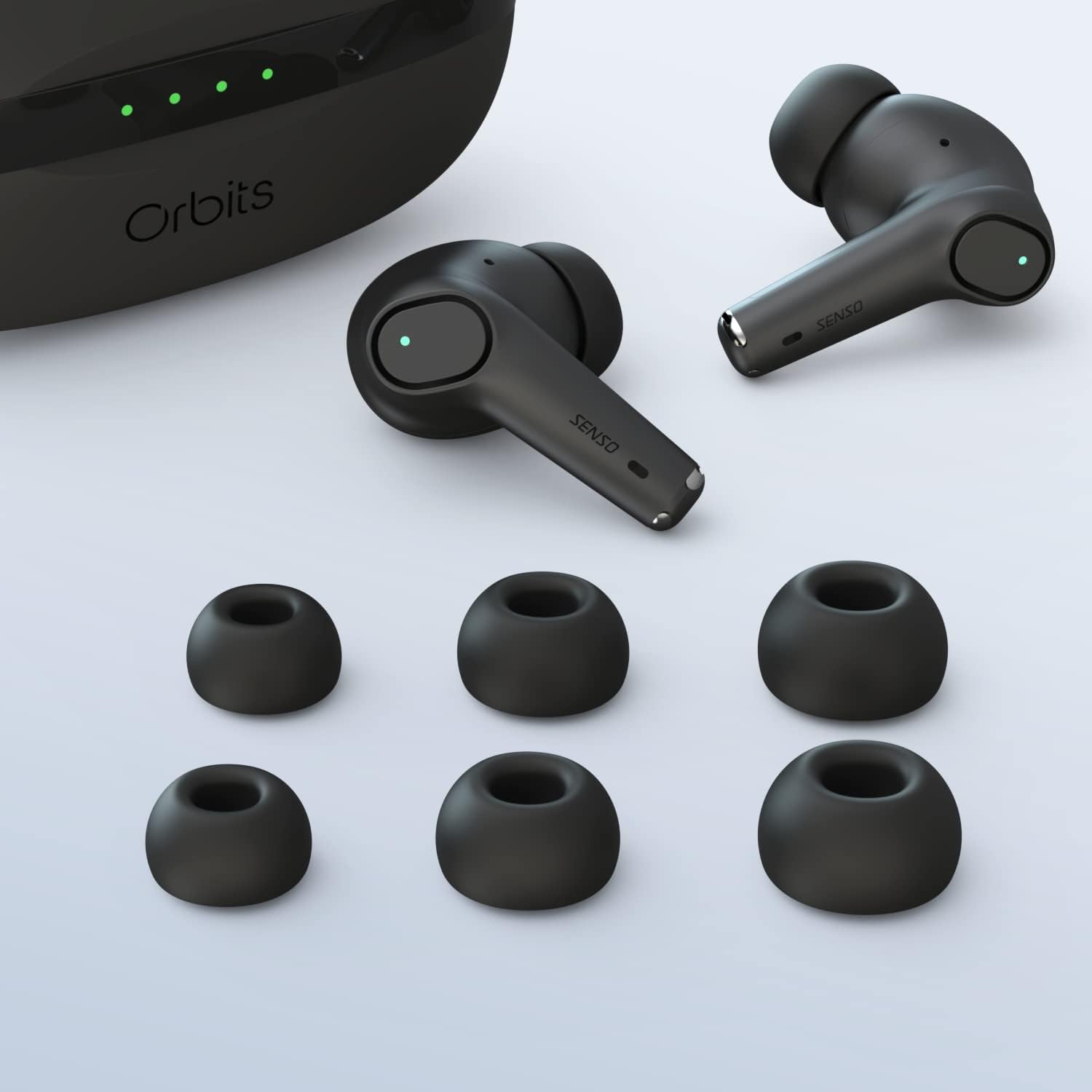
- Senso Orbits Wireless Earbuds
- Compact USB-C Charging Case
- Кулак учтарынын бир нече өлчөмү
- USB-C заряддоо кабели
- Instruction Manual
Жайгашуу
Баштапкы заряддоо
Before first use, fully charge the earbuds and the charging case. Connect the USB-C cable to the charging port on the case and to a power source. The LED indicators on the case will show the charging status.
Аспабыңыз менен жупташуу
The Senso Orbits earbuds feature a responsive one-step instant connection. Simply open the charging case, and the earbuds will automatically enter pairing mode. Then, follow these steps:
- Заряддоо кутучасын ачыңыз.
- Түзмөгүңүздө (смартфон, планшет ж.б.) Bluetooth жөндөөлөрүнө өтүңүз.
- Select "Orbits" or "Orbits ENC70" from the list of available devices.
- Туташтырылгандан кийин, сиз аудио эскертүүнү угасыз жана кулакчындар колдонууга даяр.

Иштөө нускамалары
Touch Controls
The Senso Orbits earbuds are equipped with multi-function touch controls. Simply tap on the earbuds to access various functions:
- Көлөм +/-: Double tap the Left (L) earbud to decrease volume, or the Right (R) earbud to increase volume.
- Ойнотуу/тындыруу: Single tap either L or R earbud.
- Мурунку/Кийинки трек: Triple tap the L earbud for the previous track, or the R earbud for the next track.
- Answer/Reject Phone Call: Press and hold either L or R earbud for 2 seconds to answer or reject a call.
- Activate Voice Assistant (SIRI): Press and hold either L or R earbud for 2 seconds.

Кулакчындарды жана кутуну кубаттоо
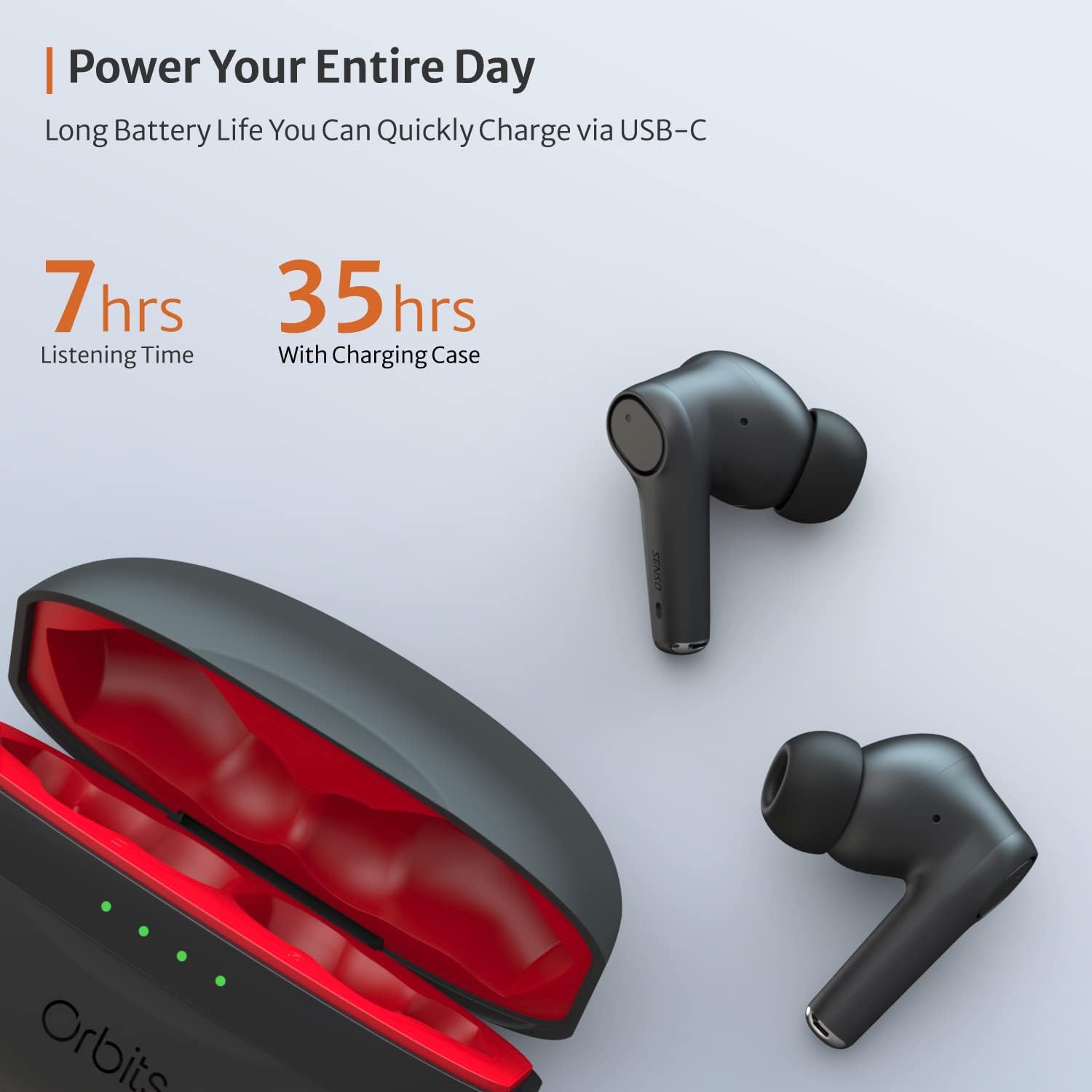
The charging case provides extended battery life for your earbuds. The earbuds will charge automatically when placed inside the case and the lid is closed. The case itself can be charged via a USB-C cable. The LED indicators on the case show the remaining battery level.
Чалуулар үчүн айлана-чөйрөнүн ызы-чуусун жокко чыгаруу (ENC)
The Senso Orbits earbuds feature a QUAD-microphone array with ENC technology to effectively suppress environmental noise and enhance voice clarity during calls. This reduces ambient noise by up to 35dB, ensuring clear communication.
Техникалык тейлөө
Тазалоо
Оптималдуу иштөөнү жана гигиенаны камсыз кылуу үчүн кулакчындарыңызды жана кубаттоочу кутучаңызды дайыма тазалап туруңуз. Жумшак, кургак, түксүз кездемени колдонуңуз. Кулак учтары үчүн, аларды акырын жарнама менен сүртсөңүз болотamp кездеме жана жумшак самын менен сүртүңүз, кайра орнотуудан мурун алардын толугу менен кургаганын текшериңиз.
Суу каршылык
The Senso Orbits earbuds are IPX rated, providing protection against light rain, accidental splashes, and sweat. They are suitable for sports and exercise. However, they are not designed for submersion in water. Avoid exposing them to excessive moisture or harsh chemicals.

Сактагыч
Колдонулбай турган учурда, кулакчындарды коргоо жана кубаттоо үчүн кубаттоочу кутучасында сактаңыз. Кутучаны салкын, кургак жерде, күндүн нуру түз тийбеген жана өтө жогорку температурадан алыс сактаңыз.
Проблемаларды чечүү
- Кулакчындар жупташкан жок: Ensure both earbuds are in the charging case, then open the lid. Check your device's Bluetooth settings to ensure it's discoverable and select "Orbits". If issues persist, try resetting the earbuds (refer to specific reset instructions if provided in a separate quick start guide).
- Бир кулакчындан үн чыкпайт: Place both earbuds back in the charging case, close the lid, and then reopen it. Re-pair with your device.
- Заряддоо маселелери: Ensure the USB-C cable is securely connected to both the case and the power source. Check if the charging port is clean and free of debris.
- Чалуу сапаты начар: Ensure the earbuds are properly seated in your ears. Check for any obstructions around the microphones.
Техникалык шарттар
| Өзгөчөлүк | Деталь |
|---|---|
| Модель аты | Orbits |
| Байланыш технологиясы | Bluetooth 5.0, зымсыз |
| Зымсыз байланыш технологиясы | Bluetooth |
| Камтылган компоненттер | Заряддоо кутусу |
| Материал | Пластик, силикон |
| Продукт үчүн атайын колдонуу | Спорт жана Көнүгүү |
| Заряддоо убактысы | 2 саат |
| Сууга туруктуулук деңгээли | Waterproof (IPX rated) |
| Башкаруу ыкмасы | тийүү |
| Bluetooth версиясы | 5.0 |
| Ызы-чууну башкаруу функциялары | Active Noise Control (ENC) |
| Өзгөчө өзгөчөлүк | Lightweight, Microphone Included, Noise Cancellation, Water-resistant, Wireless |
| Элемент Салмагы | 5 унция |
| Батареянын иштөө мөөнөтү (наушник) | 7-8 саатка чейин |
| Жалпы ойноо убактысы (заряддоо кутусу менен) | 35 саатка чейин |
Кепилдик жана колдоо
Кеңейтилген кепилдик
Senso offers an option to extend the warranty to two years for free. To convert to a Two Year Warranty, please visit www.sensoshop.com/warranty. This must be claimed within 7 days of receiving the product.
Кардарларды колдоо
For any further assistance, technical support, or inquiries, please refer to the contact information provided with your product packaging or visit the official Senso webсайт.