
Introduction
This manual provides comprehensive instructions for the proper use, setup, and maintenance of your BlueParrott B650-XT Mono Bluetooth Wireless Headset. Please read this guide thoroughly to ensure optimal performance and longevity of your device. The B650-XT is designed for clear communication in high-noise environments, offering advanced noise cancellation and robust features for professional use.
Кутуда эмне бар
Продукцияңыздын таңгагында бардык элементтер бар экенин текшериңиз:
- B650-XT Headset
- Булгаарыдан жасалган кулак жаздыкчасы
- USB кабели
- Унаа заряддагыч
- Two mic windscreens
- Тез баштоо үчүн колдонмо

Жайгашуу
1. Гарнитураны заряддоо
Before initial use, fully charge your B650-XT headset. Use the provided USB cable and vehicle charger. A full charge provides up to 36 hours of talk time and 90 hours of standby time.
2. Гарнитураны тагынуу
The B650-XT features an over-ear design for comfort during extended use. Adjust the headband and microphone boom for a secure and optimal fit. The microphone should be positioned approximately two finger-widths from the corner of your mouth.

3. Түзмөк менен жупташтыруу
- Гарнитура заряддалганын жана өчүрүлгөнүн текшериңиз.
- Кубат баскычын болжол менен 4 секунд басып, LED индикатору көк жана кызыл түстө күйүп-өчкөнгө чейин кармап туруңуз, бул жупташуу режимин көрсөтөт.
- Мобилдик түзмөгүңүздө Bluetooth иштетип, жеткиликтүү түзмөктөрдү издеңиз.
- Select 'BlueParrott B650-XT' from the list. If prompted, enter '0000' for the PIN.
- Once paired, the LED will show a solid blue light. The headset can pair with up to 7 devices and connect to 2 devices simultaneously.
Иштөө нускамалары
1. Controls Overview
The B650-XT features intuitive controls for managing calls and audio:
- Кубат баскычы: On/Off, Pairing mode.
- Үн баскычтары (+/-): Аудионун үнүн тууралоо.
- BlueParrott Button: Customizable for various functions (mute, speed dial, Push-to-Talk).

2. Чалууларды кабыл алуу жана кабыл алуу
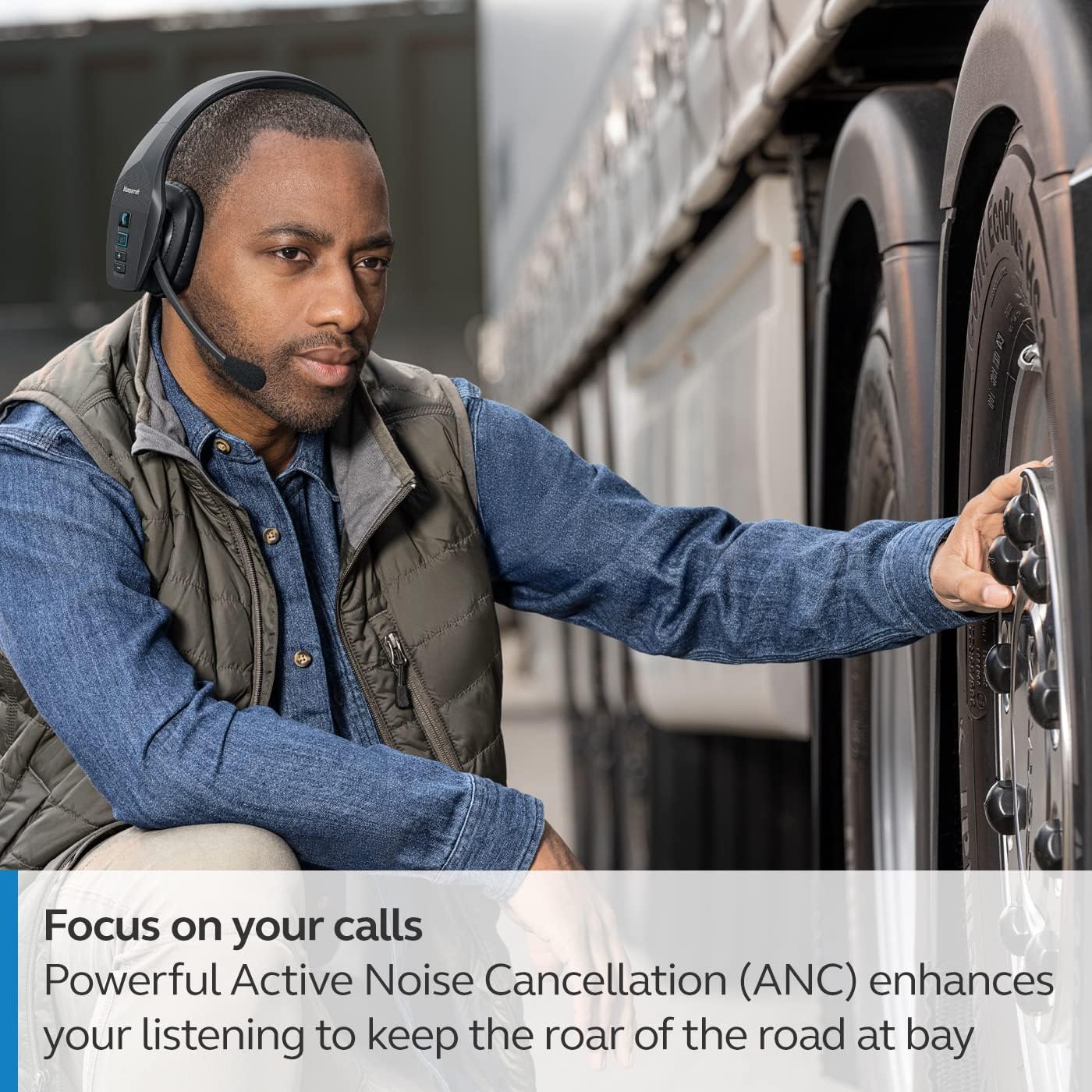
The headset's microphone features 96% noise cancellation, ensuring your voice is clear even in loud environments. Active Noise Cancellation (ANC) in the earcup reduces ambient noise for improved listening.

3. Үн менен башкаруу
The B650-XT supports 100% hands-free voice control for managing calls, GPS directions, music, and voice assistants. This feature allows you to operate the headset without taking your hands off the wheel or your eyes off the task.

4. BlueParrott Button Customization
The BlueParrott Button can be programmed for quick access to your most-used functions, such as mute, speed dial, or Push-to-Talk. Customize this feature via the BlueParrott app on your smartphone.

Техникалык тейлөө
1. Тазалоо
Regularly wipe the headset with a soft, dry cloth. For deeper cleaning, use a slightly damp cloth. Avoid using harsh chemicals or abrasive materials. Ensure the charging port is free of dust and debris.
2. Сактоо
Store the headset in a cool, dry place away from extreme temperatures and direct sunlight. The B650-XT is IP54-rated for protection against dust and water, but proper storage helps maintain its condition.

Проблемаларды чечүү
If you encounter issues with your BlueParrott B650-XT headset, try the following steps:
- Кубат жок: Гарнитура толук заряддалганын текшериңиз.
- Жупташуу мүмкүн эмес: Make sure the headset is in pairing mode (flashing blue/red LED) and your device's Bluetooth is enabled. Try restarting both devices.
- Начар аудио сапаты: Check microphone positioning. Ensure there are no obstructions between the headset and your connected device.
- Үн менен башкаруу маселелери: Verify that voice control is enabled and configured correctly through the BlueParrott app.
For persistent issues, refer to the official BlueParrott support webсайтка же кардарларды тейлөөгө кайрылыңыз.
Техникалык шарттар
| Өзгөчөлүк | Деталь |
|---|---|
| Модель аты | B650-XT |
| Элемент моделинин номери | 204330 |
| Байланыш технологиясы | Bluetooth 5.1 |
| Зымсыз диапазон | 100 метрге чейин (300 фут) |
| Talk Time | 36 саатка чейин |
| Күтүү убактысы | 90 саат |
| Микрофондун ызы -чуусун жокко чыгаруу | 96% |
| Noise Control | Активдүү Шумду Жоюу (ANC) |
| IP рейтинги | IP54 (чаңга жана сууга туруктуу) |
| Кулак жайгаштыруу | Кулак үстүндө |
| Аудио драйверинин өлчөмү | 40 миллиметр |
| Элемент Салмагы | 7.5 унция (0.47 фунт) |
| Продукциянын өлчөмдөрү | 6.4 x 2.5 x 6.4 дюйм |
| UPC | 615822015981 |
Кепилдик жана колдоо
For warranty information and detailed support, please visit the official BlueParrott webсайтка же кардарларды тейлөө бөлүмүнө кайрылыңыз. Ар кандай кепилдик дооматтары үчүн сатып алганыңыздын далилин сактаңыз.
Онлайн колдоо: www.blueparrott.com/support