
Introduction
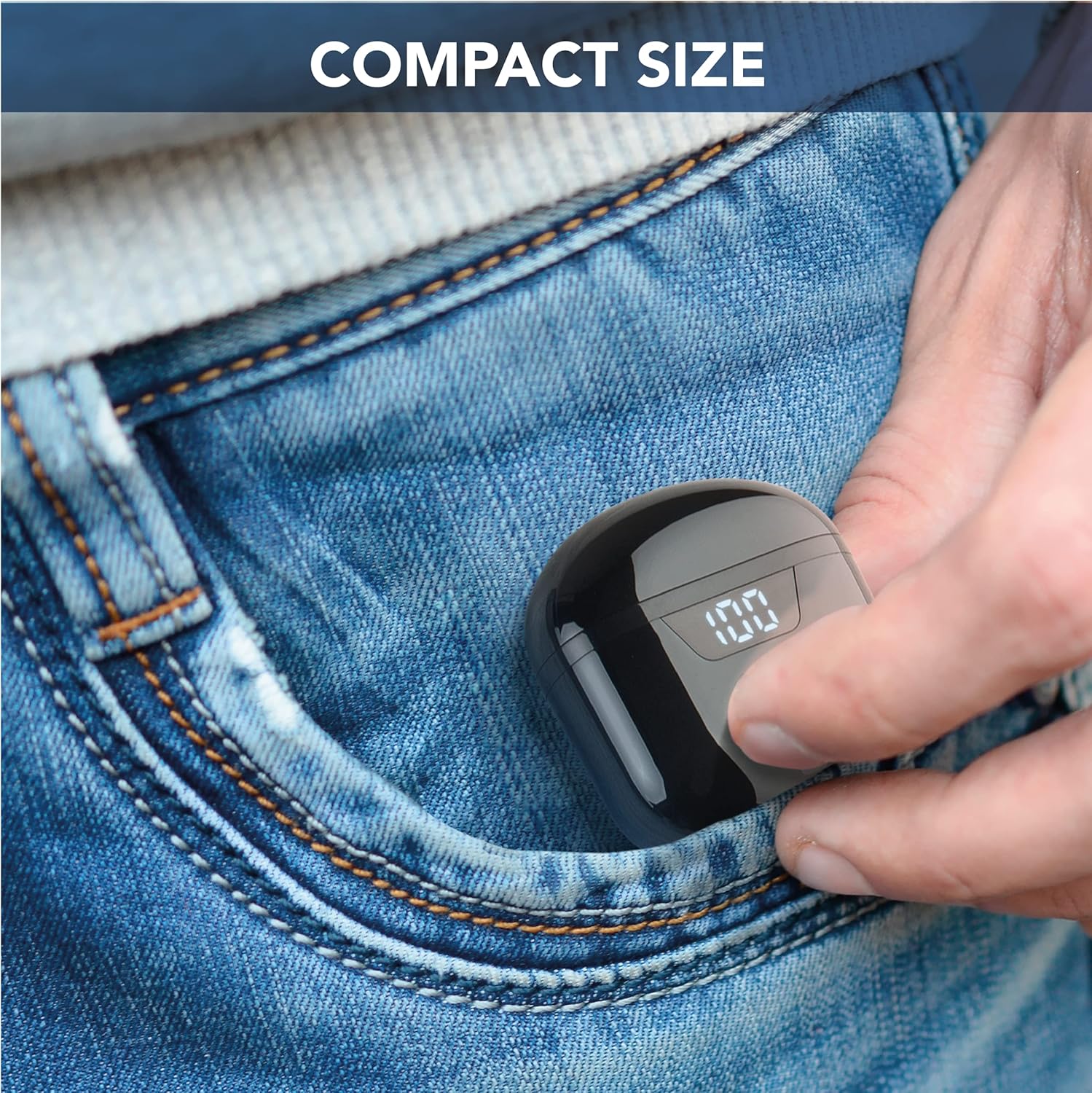
The cellularline Seek earbuds are compact, in-ear Bluetooth headphones designed for a balanced audio experience. Featuring Bluetooth 5.0 connectivity, a portable charging case with an LED display, and touch controls, these earbuds offer convenience and up to 15 hours of total playtime.
This manual provides essential information for setting up, operating, maintaining, and troubleshooting your cellularline Seek earbuds.
Пакеттин мазмуну
- cellularline Seek Bluetooth Earbuds
- Заряддоо кутусу
- USB-C заряддоо кабели
Продукт бүттүview


Жайгашуу
1. Баштапкы заряддоо
Before first use, fully charge the earbuds and the charging case. Connect the provided USB-C cable to the charging port on the case and to a compatible USB power source. The LED display on the case will show the charging progress and remaining battery percentage.
- Заряддоо убактысы: Толук кубаттоо үчүн болжол менен 1.5 саат.
- Earbud Playtime (Single Charge): 3 саатка чейин.
- Заряддоо кутусу менен жалпы ойноо убактысы: Up to 15 hours (case provides up to 4 full charges for the earbuds).

2. Түзмөк менен жупташтыруу
- Кулакчындардын кубатталганын жана кубаттоочу кутучага салынганын текшериңиз.
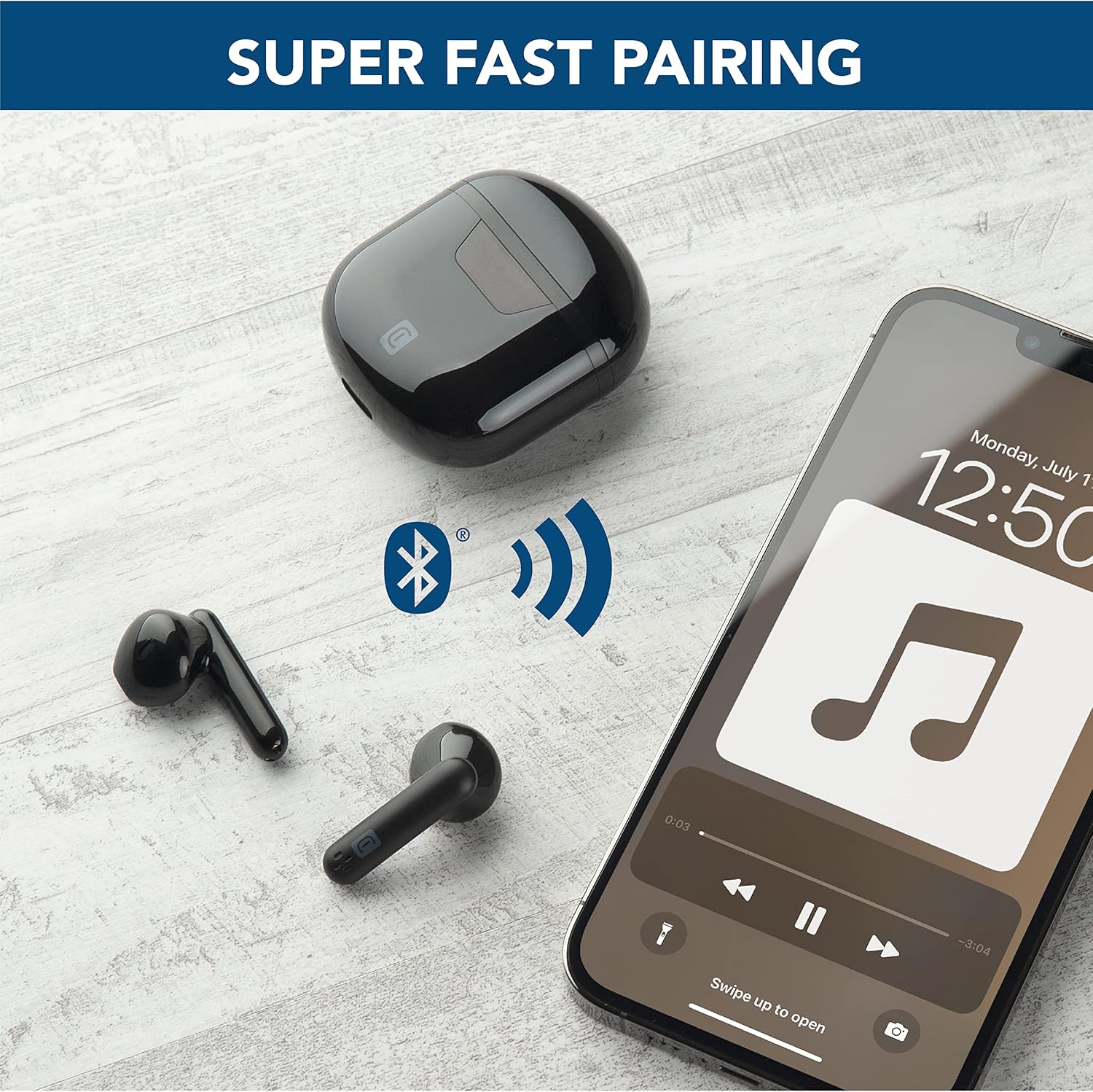
- Заряддоо кутучасын ачыңыз. Кулакчындар жупташтыруу режимине автоматтык түрдө кирет.
- Түзмөгүңүздө (смартфон, планшет, ноутбук) Bluetooth жөндөөлөрүнө өтүңүз.
- Издөө available devices and select "cellularline Seek" from the list.
- Туташкандан кийин, сиз үндүү ырастоону угасыз жана кулакчындар колдонууга даяр болот.
Иштөө нускамалары
Touch Controls
The cellularline Seek earbuds feature intuitive touch controls for managing calls, music playback, and volume directly from the earbuds, eliminating the need to access your connected device.
- Музыканы ойнотуу/тындыруу: Кулакчындарды бир жолу таптаңыз.
- Кийинки трек: Оң кулакчынды эки жолу таптаңыз.
- Мурунку трек: Сол кулакчынды эки жолу таптаңыз.
- Чалууга жооп берүү/аяктоо: Кулакчындарды бир жолу таптаңыз.
- Чакырууну четке кагуу: Кулакчындардын бирин 2 секунд басып туруңуз.
- Үн Жардамчысын жандыруу: Triple tap on either earbud (functionality depends on device).
- Үндү көзөмөлдөө: Specific gestures for volume control may vary. Refer to your device's settings or experiment with long presses on left/right earbuds if not explicitly defined.
Кулакчын тагынуу
The capsule shape of the Seek earbuds is designed for optimal comfort and stability. Insert each earbud gently into your ear canal and rotate slightly to find a secure and comfortable fit. A proper fit ensures the best audio quality, including rich and deep bass.

Техникалык тейлөө
Тазалоо
- Кулакчындарды жана заряддоо кутусун жумшак, кургак, түксүз чүпүрөк менен дайыма тазалап туруңуз.
- Абразивдүү тазалагычтарды, эриткичтерди же аэрозолдук спрейлерди колдонбоңуз.
- Оптималдуу кубаттоо үчүн кулакчындардын жана кутучанын заряддоочу контакттары таза жана таштандылардан таза экенин текшериңиз.
Сактагыч
- Колдонулбаганда, кулакчындарды коргоо жана кубаттоо үчүн кубаттоочу кутучага сактаңыз.
- Аппаратты салкын, кургак жерде, экстремалдык температурадан жана тике күн нурунан алыс сактаңыз.
Суу каршылык
The cellularline Seek earbuds are сууга чыдамдуу эмесЗыяндын алдын алуу үчүн сууга, нымдуулукка, жамгырга же терге дуушар болбоңуз.
Проблемаларды чечүү
| Көйгөй | Мүмкүн себеп | Чечим |
|---|---|---|
| Кулакчындар жупташкан жок | Earbuds not in pairing mode, low battery, or previously paired device interference. | Ensure earbuds are charged and case is open. Turn off Bluetooth on other nearby devices. Forget the device in your phone's Bluetooth settings and try pairing again. |
| Үн жок же үнү төмөн | Volume too low on device/earbuds, improper fit, or earbud blockage. | Increase volume on both your device and the earbuds. Adjust earbuds for a secure fit. Clean any debris from the earbud speakers. |
| Intermittent connection/disconnections | Distance from device, interference, or low earbud battery. | Keep earbuds within 10 meters of your device. Avoid environments with strong Wi-Fi or other Bluetooth signals. Ensure earbuds are sufficiently charged. |
| Charging case LED not working or charging slowly | Faulty cable, power source, or dirty charging port. | Try a different USB-C cable and power adapter. Ensure the charging port on the case is clean and free of debris. |
Техникалык шарттар
- Бренд: уюлдук линия
- Модель аты: BTSEKTWSK
- Түсү: Кара
- Кулак жайгаштыруу: In-Ear
- Форма фактору: In-Ear
- Ызы-чууну көзөмөлдөө: Үн изоляциясы
- Байланыш технологиясы: Зымсыз (Bluetooth)
- Bluetooth версиясы: 5.0
- Bluetooth диапазону: 10 метр
- Башкаруу түрү: Call Control (Touch)
- Аудио драйвер түрү: Динамикалык драйвер
- Жыштык жообу: 20 Гц - 20 000 Гц
- Батареяны заряддоо убактысы: 1.5 саат
- Average Battery Life (Earbuds): 3 саат
- Жалпы ойноо убактысы (заряддоо кутусу менен): 15 саат
- Салмагы: 40 грамм
- Материал: Пластик
- Сууга туруктуулук деңгээли: Сууга чыдамдуу эмес
- Шайкеш түзмөктөр: Phones, Tablets, Laptops, Computers
Кепилдик маалымат
This cellularline product comes with a Продукцияга 2 жылдык кепилдик. Additionally, spare parts availability in the EU is guaranteed for 2 years. Please retain your proof of purchase for warranty claims. For detailed warranty terms and conditions, refer to the documentation provided with your product or visit the official cellularline webсайт.
Колдоо
For further assistance, technical support, or to explore other cellularline products, please visit the official cellularline store or contact customer service.
Official cellularline Store: Visit the cellularline Store