
1. Киришүү
Thank you for choosing the ACT AC5105 Wireless Optical Mouse. This device is designed for comfortable and efficient use at home, in the office, or while traveling. It features a compact Nano USB receiver and an intelligent power-saving mode to extend battery life. This manual provides detailed instructions for setup, operation, and maintenance of your new wireless mouse.
2. Пакеттин мазмуну
- ACT AC5105 Wireless Optical Mouse
- Nano USB кабыл алгыч
- 1x AA Батарея (кошулган)
3. Орнотуу колдонмосу
- Батареяны салыңыз:
Open the battery compartment cover located on the underside of the mouse. Insert the included AA battery, ensuring correct polarity (+/-). Close the battery compartment cover securely.

Figure 3.1: Battery and Nano Receiver Storage
This image illustrates the underside of the mouse with the battery compartment open, showing where to insert the AA battery and store the Nano USB receiver. The on/off switch is also visible.
- Connect the Nano USB Receiver:
Remove the Nano USB receiver from its storage slot inside the battery compartment. Plug the receiver into an available USB-A port on your computer. Your operating system will automatically detect and install the necessary drivers.
- Чычканды күйгүзүү:
Locate the On/Off switch on the underside of the mouse and slide it to the "ON" position. The mouse is now ready for use.
4. Иштөө нускамалары
4.1 Негизги функциялар
- Сол чыкылдатуу: Primary function, typically for selecting items or opening links.
- Оң чыкылдатуу: Secondary function, typically for opening context menus.
- Жылдыруу дөңгөлөгү: Документтерди өйдө же ылдый сыдырыңыз жана web pages. The scroll wheel can also be pressed for a middle-click function.

Figure 4.1: Mouse Features Overview
This diagram highlights key features such as silent click buttons, the scroll wheel, the USB-A wireless receiver, the 1600 DPI optical sensor, and the use of recycled materials in its construction.
4.2 DPI жөндөө
The ACT AC5105 mouse features an adjustable DPI (Dots Per Inch) setting, allowing you to change the cursor speed and sensitivity. You can cycle through 800, 1200, and 1600 DPI settings by pressing the DPI switch button located behind the scroll wheel.
- 800н/д: Slower cursor movement, suitable for precise tasks.
- 1200н/д: Standard cursor movement, suitable for general use.
- 1600н/д: Faster cursor movement, suitable for quick navigation across large screens.
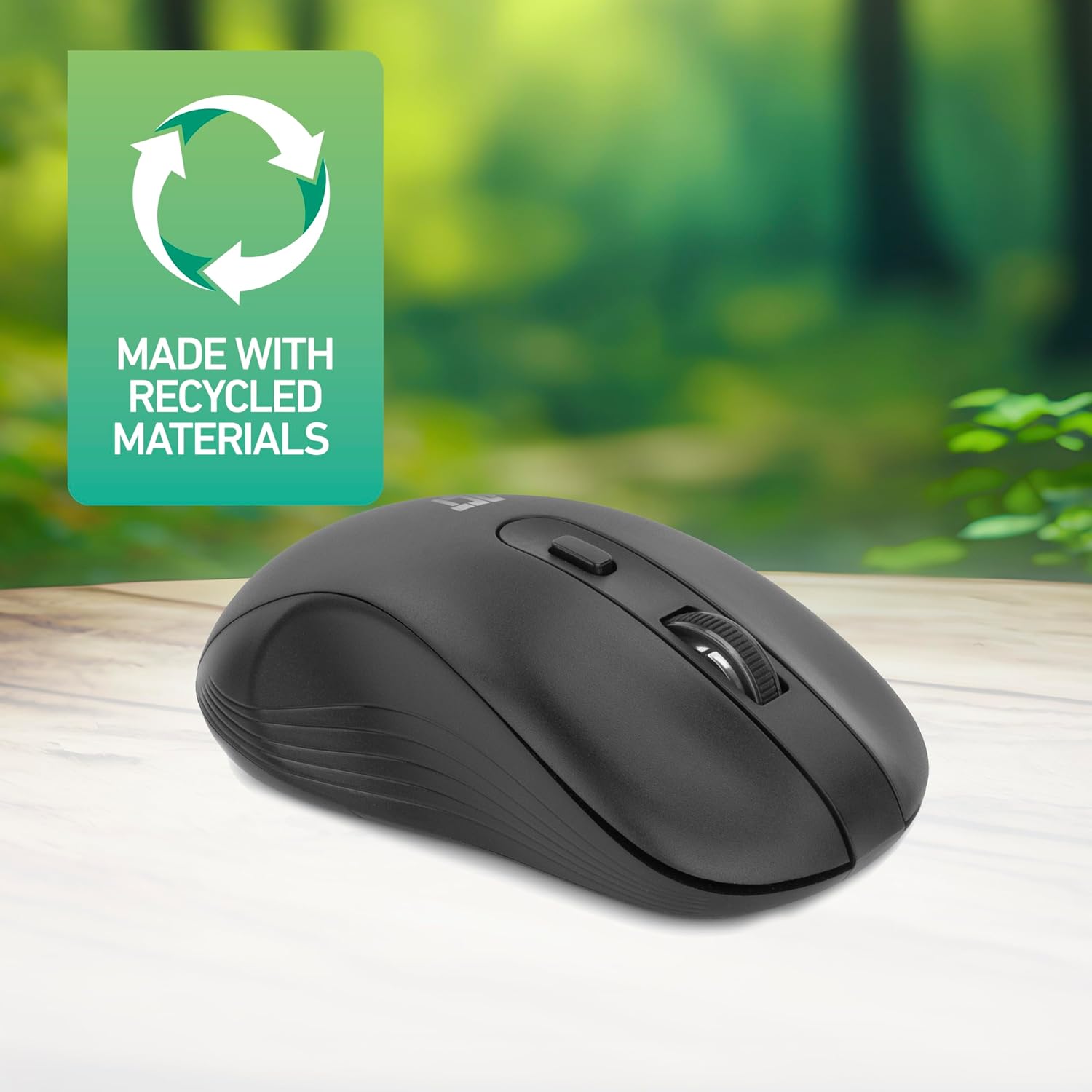
Figure 4.2: DPI Switch Location
This image shows the mouse in use on a desk, highlighting the DPI switch button for adjusting sensitivity between 800, 1200, and 1600 DPI.
4.3 Кубатты үнөмдөө режими
The mouse is equipped with an intelligent power-saving feature. If the mouse is inactive for a period, it will automatically enter standby mode to conserve battery power. To wake the mouse, simply move it or click any button.
For extended periods of non-use, it is recommended to switch the mouse off using the On/Off switch on the underside of the device.
5. Техникалык тейлөө
- Тазалоо: Чычканды тазалоо үчүн жумшак, кургак чүпүрөктү колдонуңуз. Катуу химиялык заттарды же абразивдүү материалдарды колдонуудан алыс болуңуз.
- Батареяны алмаштыруу: When the mouse performance degrades or it stops responding, replace the AA battery with a new one. Follow the steps in Section 3.1.
- Сактагыч: When not in use, especially during travel, you can store the Nano USB receiver inside the mouse's battery compartment to prevent loss.
6. Кыйынчылыктарды
| Көйгөй | Чечим |
|---|---|
| Чычкан жооп бербей жатат |
|
| Курсордун кыймылы туура эмес же жай |
|
| Зымсыз байланыш көйгөйлөрү |
|
7. Техникалык шарттар
| Өзгөчөлүк | Деталь |
|---|---|
| Модель номери | AC5105 |
| Байланыш технологиясы | 2.4 ГГц радио жыштыктагы зымсыз |
| Зымсыз диапазон | 10 метрге чейин |
| Кыймылды аныктоо технологиясы | Оптикалык |
| DPI орнотуулары | 800 / 1200 / 1600 DPI (Жөнгө салынуучу) |
| баскычтардын саны | 4 (Left, Right, Scroll Wheel Click, DPI Switch) |
| Колдун багыты | Ambidextrous (Сол жана оң колдуу колдонуучулар үчүн ылайыктуу) |
| Power Source | 1x AA Батарея |
| Продукциянын өлчөмдөрү (L x W x Y) | 10.5 x 6.5 x 3.5 см |
| Салмагы | 60 г |
| Шайкеш түзмөктөр | PC |
| Операция системасы | ChromeOS, Linux Mint 22 (minimum required version) |
| Өзгөчөлүктөр | Wireless, Intelligent Power Saving, Silent Click |

7.1-сүрөт: Чычкандын өлчөмдөрү
This image provides a top-down and side view of the mouse, clearly indicating its physical dimensions: 105mm in length, 65mm in width, and 35mm in height.
8. Кепилдик жана колдоо
ACT products are manufactured to high quality standards. This product comes with a 2-year warranty from the date of purchase against defects in materials and workmanship.
For technical support, warranty claims, or further assistance, please refer to the official ACT webсайтына кириңиз же жергиликтүү сатуучуңузга кайрылыңыз.
Сураныч, кепилдик максаттары үчүн сатып алганыңыздын далилин сактап коюңуз.