
Introduction
The Cellularline Wink earbuds are small, lightweight, and stable in-ear Bluetooth headphones. They offer a total talk/play time of 25 hours with the included charging case, which can recharge the earbuds up to 4 times. Touch controls allow for direct management of calls, volume, and music tracks from the earbuds.

Image: Cellularline Wink earbuds and their charging case. The earbuds are black and sit securely in the open charging case, which also features the Cellularline logo.
Жайгашуу
1. Кулакчындарды жана кутуну кубаттоо
Before first use, fully charge the earbuds and the charging case. Connect the provided charging cable to the charging case and a compatible USB power source. The charging time for the earbuds is approximately 1.5 hours. The charging case can provide up to 4 full recharges for the earbuds, extending the total play time to 25 hours.

Image: The Cellularline Wink earbuds are shown inside their charging case. Text overlays indicate "5H single charge" and "25H TOTAL PLAY TIME", highlighting the battery life.
2. Түзмөк менен жупташтыруу
- Эки кулакчындын тең кубатталганын текшериңиз.
- Заряддоо кутучасын ачыңыз. Кулакчындар жупташтыруу режимине автоматтык түрдө кирет.
- Смартфонуңузда, планшетиңизде же ноутбукуңузда Bluetooth жөндөөлөрүнө өтүңүз.
- Bluetooth'ду иштетиңиз жана жеткиликтүү түзмөктөрдү издеңиз.
- Select "Cellularline Wink" (or similar name) from the list of devices to pair.
- Жупташтырылгандан кийин, кулакчындар колдонууга даяр болот.

Image: Two Cellularline Wink earbuds and their charging case are placed next to a smartphone displaying a music player interface. Bluetooth symbols indicate a successful wireless connection, illustrating the "Super Fast Pairing" feature.
Кулакчындарды иштетүү
Touch Controls
The Cellularline Wink earbuds feature intuitive touch controls for managing various functions:
- Ойнотуу/тындыруу: Кулакчындын бирин басыңыз.
- Кийинки трек: Оң кулакчынды эки жолу таптаңыз.
- Мурунку трек: Сол кулакчынга эки жолу басыңыз.
- Чалууга жооп берүү/аяктоо: Кулакчындын бирин басыңыз.
- Чакырууну четке кагуу: Кулакчындардын бирин 2 секунд басып туруңуз.
- Үндү көзөмөлдөө: Specific gestures for volume control may vary. Refer to the full product manual for detailed instructions if available.
Моно режими
You can use a single earbud independently. Simply take one earbud out of the case, and it will connect to your device. The other earbud can remain in the charging case or be turned off.
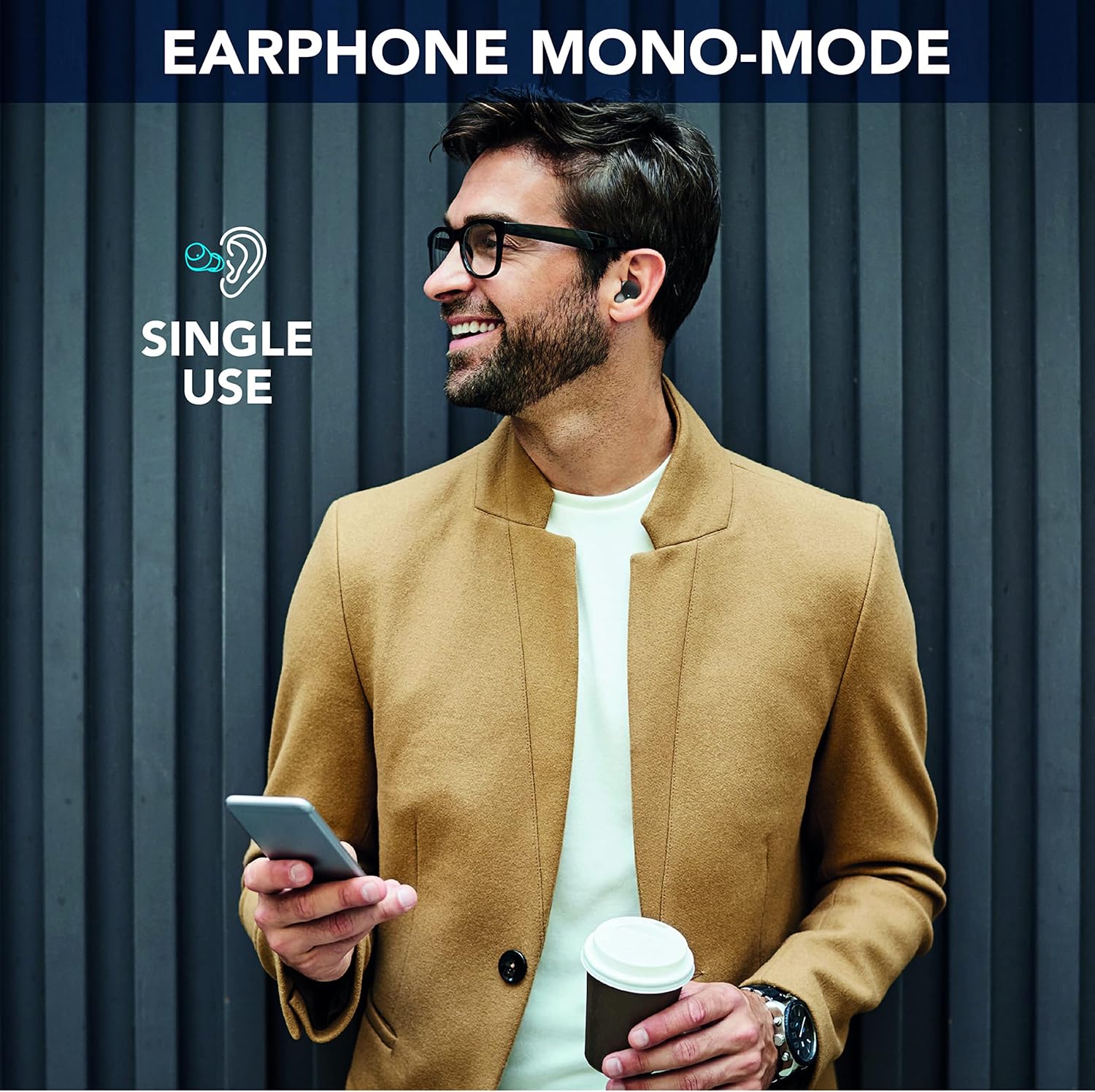
Image: A man is shown wearing a single Cellularline Wink earbud while holding a smartphone, demonstrating the "Earphone Mono-Mode" for single-ear use.
Ergonomic Fit and Compact Size
The earbuds are designed for a comfortable and secure fit, making them suitable for extended wear. Their compact size allows for easy portability in pockets or small bags.

Image: A woman is shown wearing a Cellularline Wink earbud, highlighting its "Perfect Ergonomic Fit" for comfort and stability.

Image: A hand is placing the Cellularline Wink charging case into a jeans pocket, illustrating its "Compact Size" and portability.
Техникалык тейлөө
- Тазалоо: Кулакчындарды жана кубаттоочу кутучаны жумшак, кургак чүпүрөк менен үзгүлтүксүз тазалап туруңуз. Абразивдүү материалдарды же катуу химиялык заттарды колдонуудан алыс болуңуз.
- Сактагыч: Колдонулбаганда, кулакчындарды коргоо жана кубаттоо үчүн кубаттоочу кутучага сактаңыз.
- Суу каршылык: Бул кулакчындар суу өткөрбөйт. Зыяндын алдын алуу үчүн сууга, жамгырга же ашыкча нымдуулукка туш болбоңуз.
- Батареяга кам көрүү: Батареянын иштөө мөөнөтүн узартуу үчүн, кулакчындарды жана кубаттоочу кутуну бат-баттан толук кубаттап турбаңыз. Аларды дайыма колдонууда болбосо да, үзгүлтүксүз заряддаңыз.
Проблемаларды чечүү
Кулакчындар жупташпай же туташпай жатат
- Эки кулакчындын тең кубатталганын текшериңиз.
- Түзмөгүңүздө Bluetooth иштетилгенин жана кулакчындардын диапазондо (10 метрге чейин) экенин текшериңиз.
- Place both earbuds back into the charging case, close the lid, wait a few seconds, then open it again to reset the connection.
- Forget the device ("Cellularline Wink") from your device's Bluetooth settings and attempt to pair again.
- If only one earbud is working, try placing both back in the case, then taking them out simultaneously.
Үн жок же үнү төмөн
- Туташкан түзмөгүңүздөгү жана кулакчындардын үнүнүн деңгээлин текшериңиз.
- Кулакчындар кулагыңызга туура орноштурулганын текшериңиз.
- Clean any debris from the earbud grilles that might be obstructing sound.
Заряддоо маселелери
- Заряддоо кабели корпуска да, кубат булагына да бекем туташтырылганын текшериңиз.
- Башка заряддоо кабелин же кубат адаптерин колдонуп көрүңүз.
- Кулакчындардагы жана корпустун ичиндеги заряддоо контакттары таза жана таштандыдан таза экенин текшериңиз.
Техникалык шарттар
| Модель аты | BTWINKTWSK |
| Байланыш технологиясы | Зымсыз (Bluetooth 5.0) |
| Кулак жайгаштыруу | In-Ear |
| Башкаруу ыкмасы | Touch Control |
| Заряддоо убактысы | 1.5 саат |
| Жалпы оюн убакыт | 25 саатка чейин (кубаттоочу корпусу менен) |
| Зымсыз диапазон | 10 метр |
| Салмагы | 40 грамм |
| Материал | Пластик |
| Суу каршылык | Суу өткөрбөйт |
| Камтылган компоненттер | 1 charging cable, 1 charging case, Wireless charging case |
Кепилдик маалымат
Specific warranty details for Cellularline products may vary by region and retailer. Please refer to the warranty card included with your product or visit the official Cellularline webэң так жана актуалдуу маалымат үчүн сайт.
Бул буюмдун запастык бөлүктөрүнүн бар экендиги жөнүндө маалымат учурда жеткиликтүү эмес.
Колдоо
Кошумча жардам, техникалык колдоо же үчүн view frequently asked questions, please visit the official Cellularline webсайт:
You may also contact the retailer from whom you purchased the product for support.