1. Introduction and Overview
The SWEETFULL USB Desk Fan (Model S1s) is a compact and quiet personal cooling device designed for various settings such as offices, homes, and during travel. It features a brushless motor for quiet operation and offers three adjustable speeds for personalized airflow. Its versatile design includes a 360-degree rotating head and a detachable grille for easy cleaning.
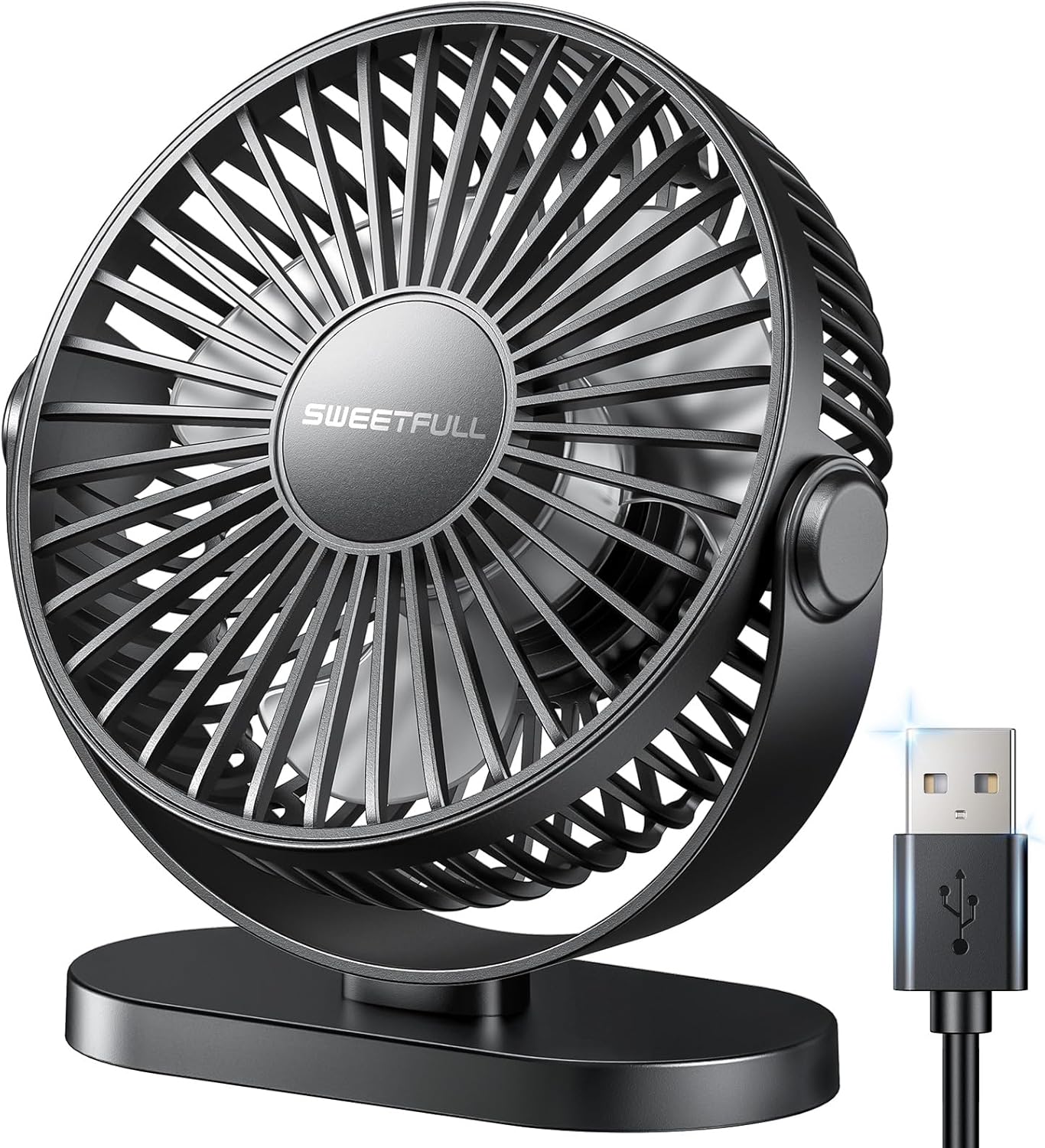
Figure 1: SWEETFULL USB Desk Fan (Black)

Figure 2: Compact dimensions of the fan, ideal for small spaces.
2. Коопсуздук нускамалары
- Always unplug the fan before cleaning or when not in use.
- Do not use the fan near water or in excessively humid environments.
- Оңдоп кетпеш үчүн желдеткич туруктуу, жалпак бетке коюлганын текшериңиз.
- Иштеп жатканда манжаларды, чачтарды жана кенен кийимдерди желдеткичтерден алыс кармаңыз.
- Avoid using high amperage fast chargers as a power source, as this may damage the motor. Use a standard USB power source.
- Бул шайман физикалык, сезүү же акыл-эс жөндөмү начар же тажрыйбасы жана билими жок адамдар (анын ичинде балдар) үчүн, эгерде алардын коопсуздугуна жооптуу адам тарабынан көзөмөлсүз же шайманды колдонуу боюнча көрсөтмө болбосо, колдонууга арналбайт.
3. Пакеттин мазмуну
Пакетте бардык буюмдар бар экенин текшериңиз:
- 1 x SWEETFULL USB Desk Fan
- 1 x User Manual
4. Орнотуу
Follow these steps to set up your SWEETFULL USB Desk Fan:
- Жайгашкан жери: Place the fan on a flat, stable surface. The fan features an anti-skid base for stability. It also includes a foldable hook for versatile placement, allowing it to be hung if desired.
- Кубат туташуу: Connect the USB cable from the fan to any compatible USB power source. This can include a computer, power bank, wall outlet (with a USB adapter), or a car charger.

Figure 3: Fan with 360-degree angle adjustment and hook base.

Figure 4: Versatile USB power options for the fan.
5. Иштөө нускамалары
The SWEETFULL USB Desk Fan is designed for simple and intuitive operation:
- Күйгүзүү/өчүрүү: Locate the push button on the back of the fan. Press it once to turn the fan on to the lowest speed setting.
- Желдетүүчү ылдамдыкты жөндөө: Continue pressing the power button to cycle through the three available speed settings (Low, Medium, High). Pressing the button a fourth time will turn the fan off.
- Желдеткичтин бурчун жөндөө: The fan head can be manually rotated 360 degrees vertically to direct airflow precisely where needed.

Figure 5: Three-level speed settings for customized airflow.
The fan operates quietly, even at higher speeds, with a noise level of approximately 32 dB.
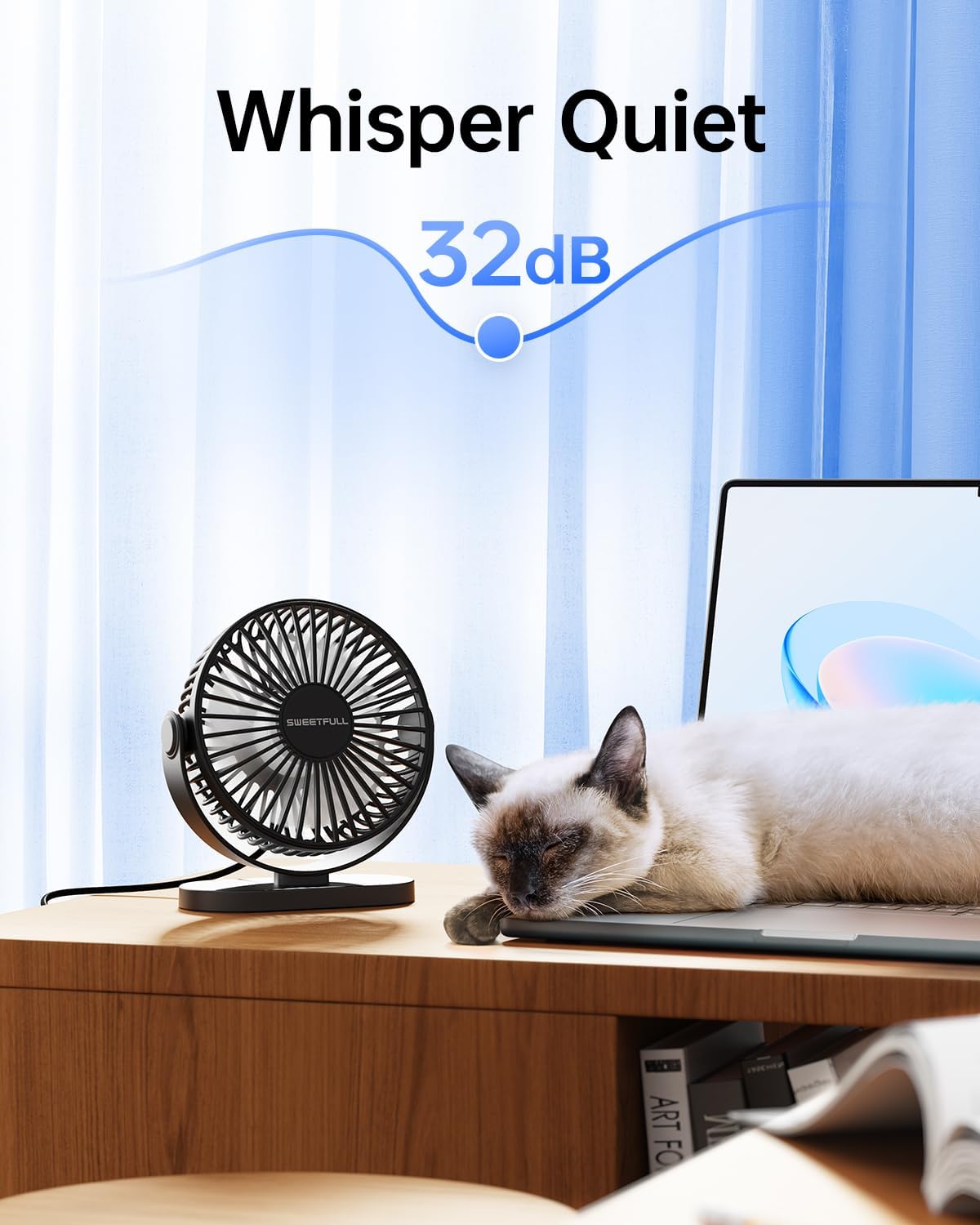
Figure 6: The fan's quiet operation, suitable for undisturbed environments.
Product in Use Video
Video 1: Demonstrates the SWEETFULL USB Desk Fan in various usage scenarios, highlighting its quiet operation and adjustable features.
6. Техникалык тейлөө
Үзгүлтүксүз тазалоо желдеткичиңиздин оптималдуу иштешин жана узак мөөнөттүү иштешин камсыз кылат:
- Торду жана бычактарды тазалоо: The front cover of the fan can be easily removed by turning it counter-clockwise. This allows for convenient cleaning of the grille and fan blades. Use a soft, dry cloth to wipe away dust. For stubborn dirt, a slightly damp cloth can be used, ensuring the fan is completely dry before reassembly and use.
- Сактагыч: Вентилятор көпкө колдонулбаган учурда, аны салкын, кургак жерде, күндүн түз нурунан жана өтө жогорку температурадан алыс сактаңыз.
7. Кыйынчылыктарды
| Көйгөй | Мүмкүн себеп | Чечим |
|---|---|---|
| Желдеткич күйбөйт. | Энергия менен камсыздоо жок же USB байланышы үзгүлтүккө учурайт. | Ensure the USB cable is securely plugged into both the fan and a working USB power source. Try a different USB port or adapter. |
| Алсыз аба агымы. | Fan speed set too low or dirty blades/grille. | Increase the fan speed by pressing the power button. Clean the fan blades and grille as described in the Maintenance section. |
| Иш учурунда адаттан тыш ызы-чуу. | Obstruction in the fan or loose components. | Unplug the fan and check for any foreign objects or debris obstructing the blades. Ensure the front grille is securely attached. |
| Fan motor burns out. | Using a high amperage fast charger. | Always use a standard USB power source with low amperage. Avoid fast chargers designed for phones or tablets. |
8. Техникалык шарттар
| Өзгөчөлүк | Деталь |
|---|---|
| Бренд | ТАТТУУ |
| Модель аты | Desk Fan (S1s) |
| Түс | Кара |
| Продукциянын өлчөмдөрү | 2.1"D x 5.5"W x 5.9"H |
| Элемент Салмагы | 7.3 унция |
| Power Source | USB менен иштейт |
| Ылдамдыктын саны | 3 |
| Ызы-чуу деңгээли | 32 дБ |
| Башкаруу ыкмасы | Push Button |
| Өзгөчөлүктөр | 3 Speeds, Anti Slip Base, Quiet, Detachable Cover, 360° Rotation |
| Камтылган компоненттер | 1* User Manual, 1* USB Desk Fan |
9. Кепилдик жана колдоо
The SWEETFULL USB Desk Fan is covered by a standard manufacturer's warranty. For specific details regarding warranty coverage, please refer to the documentation included with your purchase or contact SWEETFULL Technology directly.
Кайтаруу саясаты: A 30-day return policy applies for this product.
For further assistance or technical support, please contact the seller or manufacturer through their official channels.