
Introduction
Сатып алганыңыз үчүн рахматasing the Cuifati A100 Mini Cartoon Kids Camera. This camera is designed for children aged 3-12, offering a fun and safe way to explore photography and videography. Its compact, lightweight, and durable design, made from food-grade ABS material, ensures a comfortable and secure grip for small hands. This manual provides essential information for setting up, operating, and maintaining your camera.
The camera features a 2.0-inch color display, 20MP photo resolution, 720P video recording, and includes various photo frames and filters to enhance creativity. It is equipped with a built-in 400mAh rechargeable battery for extended use.
Коопсуздук маалыматы
- This product is intended for children aged 3-12. Adult supervision is recommended during use.
- The camera is made from food-grade ABS material, ensuring it is safe for children.
- Do not expose the camera to extreme temperatures, direct sunlight for prolonged periods, or moisture.
- Камераны жерге түшүрүүдөн же катуу таасирлерге дуушар кылуудан качыңыз.
- Муунтуп калуу коркунучун алдын алуу үчүн эс тутум карталары сыяктуу майда бөлүктөрүн кичинекей балдардын колу жетпеген жерде сактаңыз.
- Use only the provided charging cable or a compatible DC5V 1A charger.
- The battery is built-in and non-detachable. Do not attempt to replace it.
Пакеттин мазмуну
Сураныч, бардык буюмдар бар экенин текшерүү үчүн пакетти текшериңиз:
- 1 x Cuifati A100 Children Camera
- 1 x Бекитүүчү боо
- 1 x Anti-lost Rope
- 1 x USB заряддоо кабели

1-сүрөт: Package contents including the camera, straps, and charging cable.
Продукт бүттүview
The Cuifati A100 camera features a user-friendly design with a durable, rounded body for comfortable handling.

2-сүрөт: The camera's light and round design.
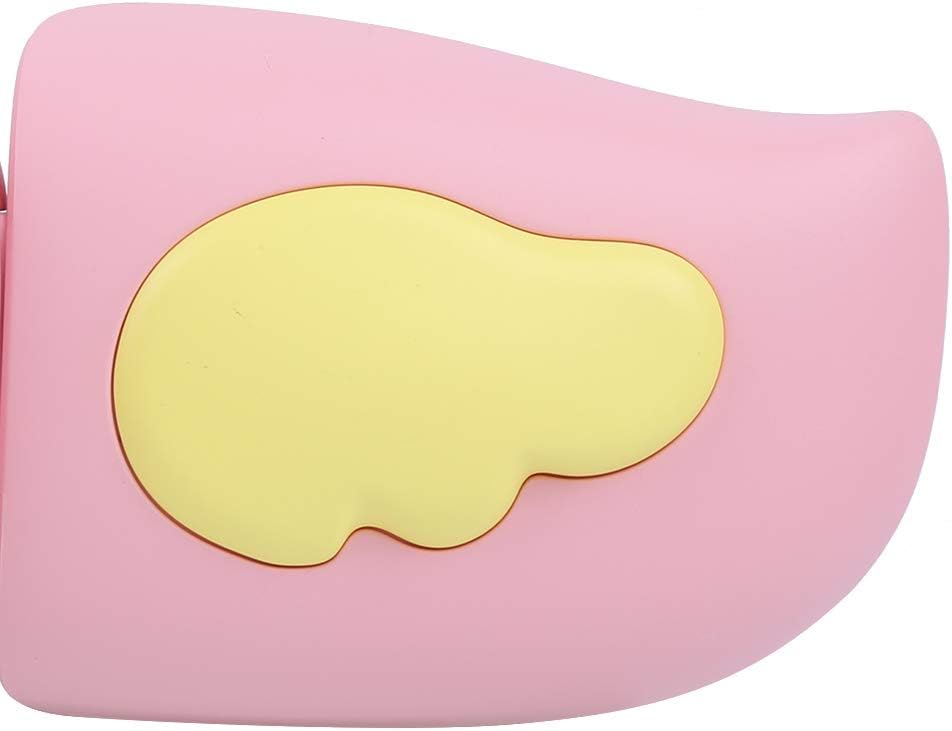
3-сүрөт: Detail of the camera's ergonomic design.
Негизги өзгөчөлүктөрү:
- 2.0 дюймдук түстүү дисплей: үчүн viewing photos, videos, and navigating menus.
- Туруктуу линза: 100° viewing angle for capturing wide scenes.
- Колдонуучуга ыңгайлуу баскычтар: Оңой иштөө үчүн интуитивдик башкаруу элементтери.
- USB интерфейси: Заряддоо жана маалыматтарды өткөрүү үчүн.
- Эстутум картасынын слоту: Supports up to 32GB (card not included).
Жайгашуу
1. Камераны заряддоо
Before first use, fully charge the camera's built-in 400mAh battery. The camera features a large capacity battery for strong endurance.
- Connect the provided USB charging cable to the camera's USB port.
- Connect the other end of the USB cable to a DC5V 1A USB power adapter (not included) or a computer's USB port.
- Кубаттоо индикатору күйөт. Кубаттоо аяктагандан кийин, жарыктын түсү өзгөрүшү же өчүп калышы мүмкүн.
2. Эстутум картасын салуу
A memory card (MicroSD card, up to 32GB) is required to save photos and videos. It is not included in the package.
- Камеранын капталындагы эстутум картасынын уячасын табыңыз.
- Gently insert a MicroSD card into the slot with the metal contacts facing the front of the camera until it clicks into place.
- Картаны алып салуу үчүн, ал секирип чыкканча кайра акырын басыңыз.
Иштөө нускамалары
1. Күйгүзүү/өчүрүү
- Күйгүзүү үчүн: Кубат баскычын басып, кармап туруңуз (көбүнчө деп белгиленет Ⓜ or a similar icon) for a few seconds until the screen lights up.
- Өчүрүү үчүн: Экран өчкөнгө чейин Кубат баскычын кайра басып, кармап туруңуз.

4-сүрөт: Camera in hand, showing the display and control buttons.
2. Сүрөт тартуу
- Turn on the camera. It will typically default to photo mode.
- Frame your shot using the 2.0-inch color display.
- Press the Shutter button (often a prominent button on top or side) to take a picture.
- The camera supports 20MP photo resolution.
- Utilize the 4 types of photo stickers and 9 kinds of filters for creative effects.
- Time-lapse shooting for selfies can be set for 3 or 5 seconds.
3. Видеолорду жаздыруу
- From photo mode, navigate to video mode using the mode button (usually marked 'M' or a video camera icon).
- Жаздырууну баштоо үчүн Жабуучу баскычын басыңыз. Экранда жаздыруу индикатору пайда болот.
- Жазууну токтотуу үчүн Жабуу баскычын дагы бир жолу басыңыз.
- The camera records videos in 720P (1080x720) resolution.
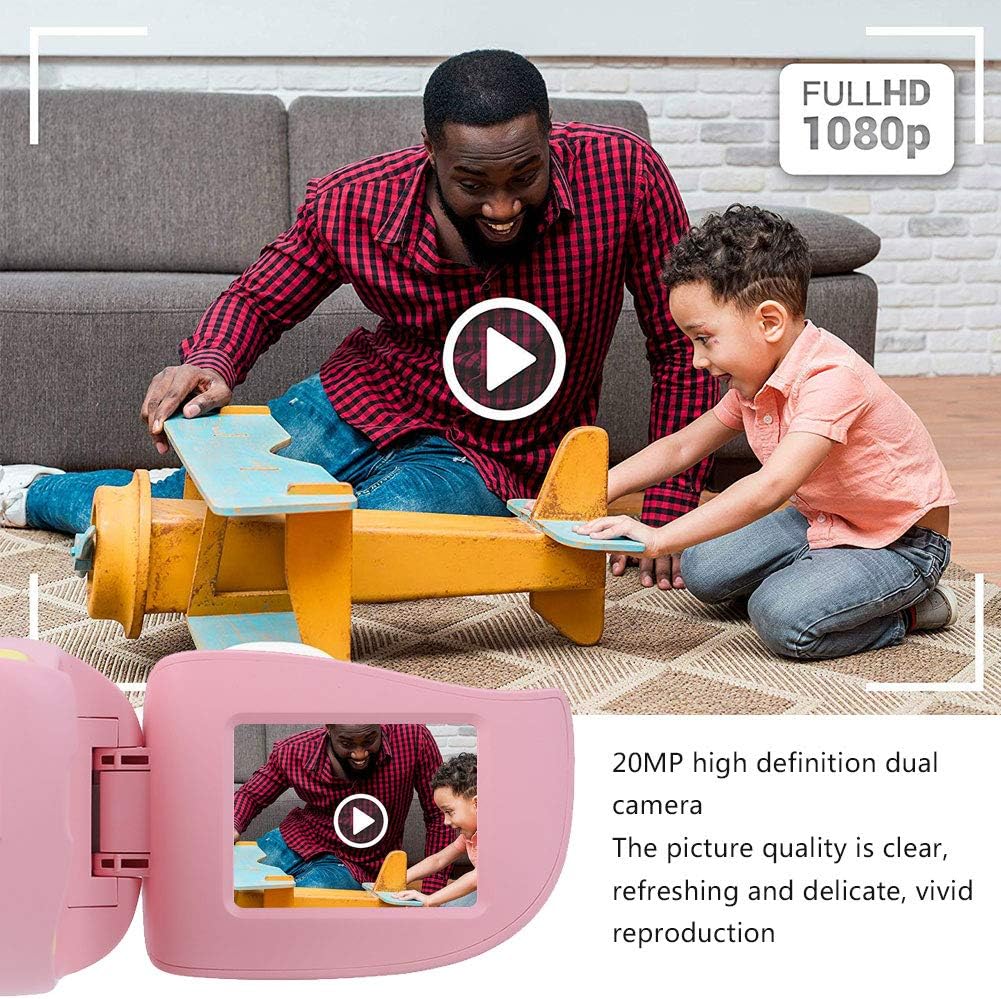
5-сүрөт: Illustrating the camera's 20MP photo and 720P video capabilities.
4. Ойнотуу режими
- Enter playback mode using the mode button.
- Use the navigation buttons (up/down or left/right arrows) to browse through your photos and videos.
- Press the OK/Shutter button to view сүрөт же видео ойнотуңуз.
5. Settings and Games
- Access the settings menu via the mode button or a dedicated menu button. Here you can adjust language (Chinese, English, Russian, Korean, Japanese), date/time, and other camera parameters.
- The camera supports a variety of built-in games for entertainment. Navigate to the game section through the menu.
Техникалык тейлөө
- Тазалоо: Use a soft, dry cloth to clean the camera body. For the lens, use a specialized lens cleaning cloth. Do not use liquid cleaners or abrasive materials.
- Сактагыч: Колдонулбаган учурда камераны салкын, кургак жерде, күндүн нуру түз тийбеген жана нымдуулуктан алыс сактаңыз.
- Батареяга кам көрүү: Батареянын иштөө мөөнөтүн узартуу үчүн, батареяны тез-тез толук зарядсыздандырбаңыз. Камераны көпкө чейин колдонбосоңуз да, үзгүлтүксүз кубаттап туруңуз.
Проблемаларды чечүү
| Көйгөй | Мүмкүн себеп | Чечим |
|---|---|---|
| Камера күйбөйт. | Батарея аз же түгөнүп калган. | Charge the camera using the USB charging cable. |
| Сүрөткө тартуу/видео жаздыруу мүмкүн эмес. | Эстутум картасы салынган эмес же карта толгон/бузулган. | Insert a compatible MicroSD card (up to 32GB). Check if the card has sufficient space or try formatting it (this will erase all data). |
| Сүрөттөр/видеолор бүдөмүк. | Lens is dirty or lighting is poor. | Clean the lens with a soft cloth. Ensure adequate lighting for your shots. |
| Камера катып калат же жооп бербей калат. | Программанын катасы. | Press and hold the Power button for an extended period (e.g., 10-15 seconds) to force a restart. If the issue persists, ensure the battery is charged. |
Техникалык шарттар
| Модел | A100 |
| Материал | Тамак-ашка ылайыктуу ABS |
| Экран | 2.0 Inch Color Display Screen (LCD) |
| Объектив | Fixed Lens, 100° Viewбурч |
| Сактагыч | Memory Card (MicroSD), Maximum Support 32GB (Not Included) |
| Сүрөт форматы | JPG |
| Video Format | JPEG |
| Video Resolution | 720P (1080x720) |
| Сүрөт пикселдери | 20 MP Effective Still Resolution |
| Сүрөт Frames | 4 түрлөрү |
| Фильтр эффекттери | 9 түр |
| Киргизүү көлөмүtage | DC5V 1A |
| Функциялар | Taking Pictures, Video Recording, Games |
| Колдоого алынган тилдер | Chinese, English, Russian, Korean, Japanese |
| Батарея | Built-in, Non-Detachable 400mAh Lithium Battery |
| Салмагы | Болжол менен 220г |
| Өлчөмдөрү (болжол менен) | 13 x 11 x 7 см (Пацелка өлчөмдөрү) |
| Байланыш | USB, Wi-Fi |
| Фото сенсор технологиясы | CMOS |
| Экспозицияны көзөмөлдөө | Manual |
| Атуу режимдери | Спорт |
| Үзгүлтүксүз атуу | 30 FPS |
| Жаш аралыгы | Kid (3-12 years) |
Кепилдик жана колдоо
Specific warranty information is not provided in this manual. For details regarding warranty coverage, technical support, or service, please refer to the documentation included with your purchase or contact the retailer where the product was acquired. You may also visit the official Cuifati brand store for additional information.
Cuifati Brand Store: Дүкөнгө кириңиз