
1. Продукт бүтүп калдыview
The Cuifati 6.8-inch Portable DVD Player is a versatile high-definition playback device designed for various environments, including home, office, and car use. It combines a DVD player, TV player, FM radio receiver, card reader, and game console into one compact unit. Featuring a rechargeable lithium battery, it offers extended playback time for portable convenience.

Image: The Cuifati 6.8-inch Portable DVD Player in its open position, showcasing the screen and control panel. The device features a blue base and a black frame around the screen, presented against a stylized blue background.
Пакеттин мазмуну:
- Cuifati 6.8-Inch Portable DVD Player
- Remote Control (with 1 AAA battery included)
- AC кубат адаптери (110-240V)
- Унаа кубат адаптери
- Audio/Video (AV) Cable
- Оюн контроллери
- Тышкы антенна
- Колдонуучунун Колдонмосу (бул документ)

Сүрөт: комплекстүү view of the Cuifati 6.8-inch Portable DVD Player along with all its included accessories, such as the remote control, AC power adapter, car charger, AV cable, game controller, and external antenna.
2. Орнотуу
2.1 Аппаратты заряддоо
Before initial use, fully charge the built-in lithium battery. Connect the provided AC power adapter to the player's power input and then to a standard wall outlet (110-240V). The device can also be charged using the car power adapter for in-vehicle use. A full charge provides approximately 30-60 minutes of continuous playback.

Image: Illustration of the Cuifati Portable DVD Player's power options, highlighting its compatibility with car chargers, AC power, and its integrated 1500mAh lithium battery.
2.2 Алыстан башкаруунун батареясын орнотуу
The remote control requires one AAA battery, which is included. Open the battery compartment on the back of the remote and insert the AAA battery, ensuring correct polarity.

Сүрөт: деталдуу view of the remote control for the Cuifati Portable DVD Player, displaying its array of buttons for power, menu navigation, volume control, and media playback.
2.3 Connecting the External Antenna (for TV Function)
To use the TV function, connect the external antenna to the designated antenna input port on the side of the DVD player. Extend the antenna for optimal signal reception.

Image: The external antenna provided with the Cuifati Portable DVD Player, consisting of a black telescopic rod and a magnetic base for stable placement, connected by a cable.
3. Иштөө нускамалары
3.1 Күйгүзүү/өчүрүү
басыңыз КҮЧ button on the device or the remote control to turn the player on or off.
3.2 Дискти жүктөө
- Диск салгычтын капкагын ачыңыз.
- Маанилүү: Ensure to remove any protective card or sticker from the disc tray before inserting a disc.
- DVD же CD дискти этикеткасы өйдө каратып, шпиндельге салыңыз.
- Дискти ордунан чыккыча акырын басыңыз.
- Close the disc tray cover. The player will automatically begin reading the disc.

Сүрөт: жакын план view of the disc tray on the Cuifati Portable DVD Player, highlighting a yellow warning label that advises users to remove the protective card before attempting to play a disc.
3.3 Basic Playback Functions
- Ойнотуу/тындыруу: басыңыз ОЙНОО/ТЫНЫТТЫРУ баскычы.
- Токтотуу: басыңыз ТОКТОТ баскычы.
- Тез алдыга/артка түрдүрүү: колдонуу FF/REW баскычтар.
- Кийинки / Мурунку трек: колдонуу КИЙИНКИ/ӨРТҮ баскычтар.
- Үндү көзөмөлдөө: колдонуу VOL+ жана VOL- баскычтар.
The player supports DVD, DVD±R, DVD±RW, CD-R, and VCD formats.

Image: An illustration demonstrating the wide range of DVD formats supported by the Cuifati Portable DVD Player, including CD, DVD, CD-R/RW, DVD+R/RW, VCD, and SVCD.
3.4 Using the TV Function
After connecting the external antenna, switch the player to TV mode. Use the МЕНЮ button to access TV settings and perform an auto-scan for available channels. The player supports PAL/NTSC/SECAM full system TV standards.
3.5 Media Playback from USB/SD/MMC Cards
Insert a USB drive into the USB port or an SD/MMC card into the card reader slot. The player will automatically detect the media. Use the БУЛАК or РЕЖИМ button to select the appropriate input (USB/SD/MMC) and navigate through your movies, music, or photos.
3.6 Game Function
Connect the included game controller to the player. Switch to game mode (refer to the on-screen menu if available) to access the built-in selection of 300 games.

Image: Two children are shown enjoying video games on the Cuifati Portable DVD Player, utilizing the provided game controller for interaction.
3.7 Экранды айландыруу
The HD LCD widescreen display can rotate up to 270 degrees, allowing for various viewing angles and environments. Gently adjust the screen to your desired position.

Image: A visual representation of the Cuifati Portable DVD Player's screen, demonstrating its ability to rotate 180 and 270 degrees for versatile viewбурчтар.
3.8 Тышкы дисплейге туташтыруу
Use the included Audio/Video (AV) cable to connect the portable DVD player to a larger screen, such as a television. Connect one end of the AV cable to the player's AV output and the other end to the AV input ports on your external display. Select the correct input source on your television to view мазмуну.
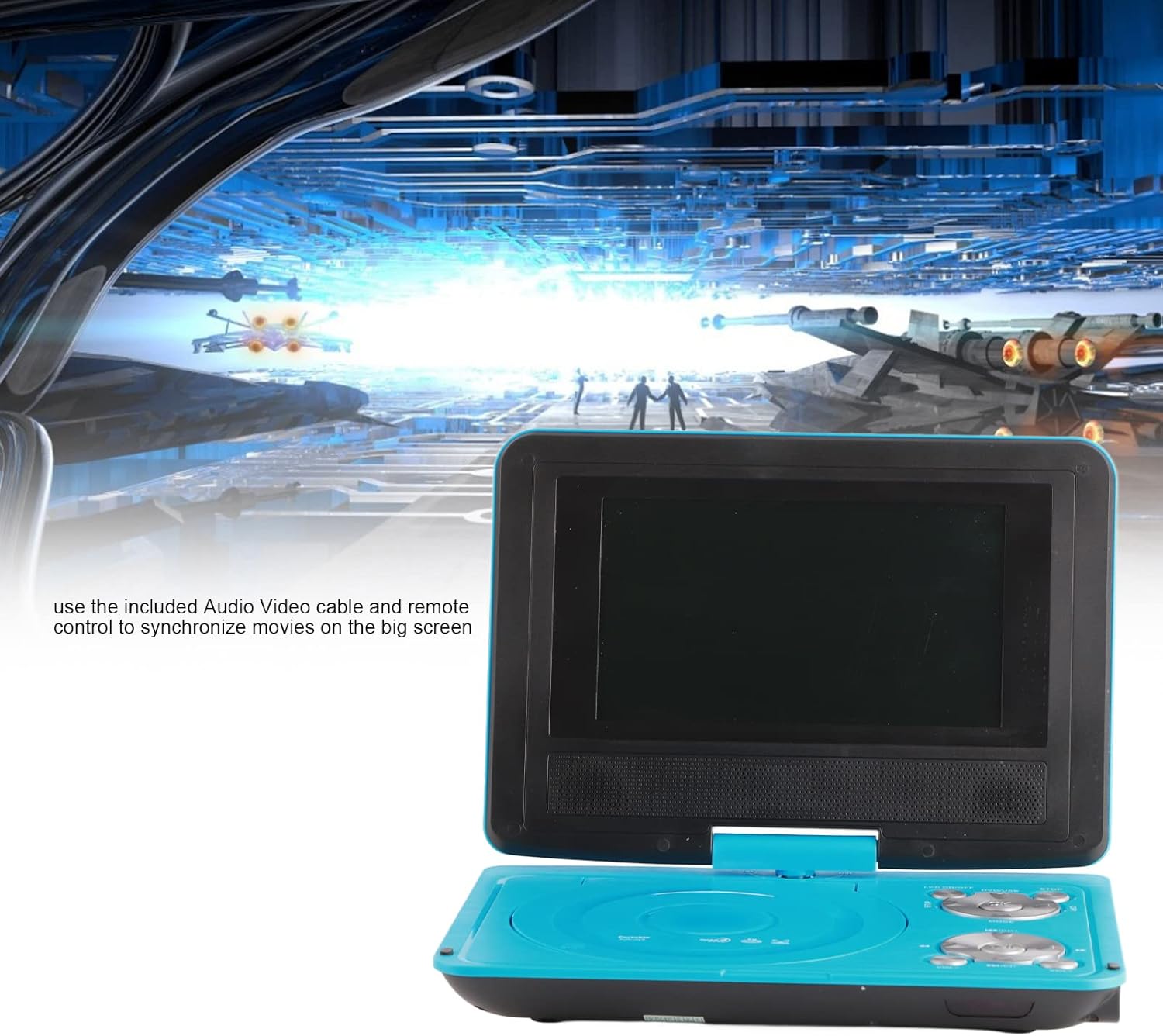
Image: The Cuifati Portable DVD Player displayed with text explaining how to use the included Audio/Video cable and remote control to connect and synchronize movies with a larger external screen.
3.9 Power Off Memory Function
The player features an intelligent power-off memory function. If the device is turned off during disc playback, it will automatically resume from the last played position when powered on again, eliminating the need to manually search for your previous spot.
4. Техникалык тейлөө
- Экранды тазалоо: Use a soft, lint-free cloth to gently wipe the LCD screen. Do not use abrasive cleaners or solvents.
- Cleaning the Player: Wipe the exterior of the player with a soft, dry cloth. Avoid getting liquids into any openings.
- Дискке кам көрүү: Handle discs by their edges. Keep them clean and free from scratches to ensure optimal playback. Store discs in their cases when not in use.
- Батареяга кам көрүү: For prolonged storage, charge the battery periodically to maintain its health. Avoid exposing the device to extreme temperatures.
5. Кыйынчылыктарды
- Кубат жок:
- Кубат адаптери ойноткучка да, иштеп жаткан розеткага да бекем туташтырылганын текшериңиз.
- Орнотулган батарея заряддалганын текшериңиз.
- Verify the remote control battery is correctly installed and not depleted.
- No Disc Playback:
- Дисктин этикеткасы өйдө каратып туура салынганын текшериңиз.
- Check if the disc is clean and free from scratches or smudges.
- Verify the disc format is supported (DVD, DVD±R, DVD±RW, CD-R, VCD).
- Make sure any protective card or sticker has been removed from the disc tray.
- No TV Signal:
- Ensure the external antenna is securely connected and fully extended.
- Perform an auto-scan for channels in the TV settings menu.
- Adjust the antenna position for better reception.
- Үн жок:
- колдонуу менен үнүн жогорулатуу VOL+ баскычы.
- Check if headphones are connected, which may mute the internal speakers.
- If connected to an external display, ensure the TV's volume is up and the correct input is selected.
- Picture Distorted/No Picture:
- If using an external display, ensure the AV cable is correctly connected and the TV's input source is set to AV.
- For TV function, adjust the antenna or try rescanning channels.
6. Техникалык шарттар
| Бренд | Cuifati |
| Модел | 6.8-Inch Portable DVD Player (ASIN: B09RZRK8KX) |
| Screen Size | 6.8 дюйм |
| Дисплей түрү | LCD |
| Экранды айлантуу | 270° чейин |
| Колдоого алынган медиа түрлөрү | DVD, DVD±R, DVD±RW, CD-R, VCD |
| TV системасы | PAL/NTSC/SECAM |
| Card Reader | Supports SD/MMC cards |
| USB порту | Ооба |
| Камтылган батарея | Rechargeable Lithium Battery (approx. 30-60 min playback) |
| Power Input | AC 110-240V, Car 12V |
| Алыстан башкаруунун батареясы | 1 x AAA (кошулган) |
| Элемент Салмагы | 2.53 фунт |
| Пакеттин өлчөмдөрү | 13.98 x 8.11 x 2.91 дюйм |
7. Кепилдик жана колдоо
For warranty information and technical support, please refer to the documentation provided with your purchase or contact the seller directly. Specific warranty terms and conditions may vary.