
1. Киришүү
Thank you for choosing the VOYEE WE-07 Wired Game Controller. This manual provides detailed instructions for setting up, operating, and maintaining your controller. The WE-07 is designed for a responsive and immersive gaming experience on both PC and PlayStation 3 platforms.

Image: The VOYEE WE-07 wired game controller, featuring a black and red design with prominent VOYEE branding and illuminated rumble effects, indicating its dual shock capabilities.
2. Продукциянын өзгөчөлүктөрү
- Зымдуу туташуу: Equipped with a 1.8-meter (5.9ft) USB cable for a stable connection and comfortable gaming distance.
- Кош шоктук термелүү: Built-in dual motion motors provide varied intensity feedback for an authentic gaming experience.
- Эргономикалык дизайн: Features a special matte layer for a comfortable grip during extended gaming sessions.
- Кеңири шайкештик: Supports Windows 7/8/8.1/10/11 PC games (DInput and XInput modes) and is fully compatible with Sony PlayStation 3 consoles.

Image: An illustration highlighting the internal dual shock rumble motor within the VOYEE WE-07 controller, emphasizing its vibration feedback capability.
3. Controller Layout
Familiarize yourself with the buttons and controls of your VOYEE WE-07 controller:

Image: A detailed diagram of the VOYEE WE-07 controller, labeling all buttons and joysticks, including R1/R2/L1/L2 buttons, LED indicators, SELECT, START, HOME, D-Pad, Left/Right Joysticks, and A/B/X/Y buttons.
- Сол джойстик: For directional movement.
- Оң Джойстик: For camera control or aiming.
- D-Pad: Так киргизүү үчүн багыттоочу панель.
- Аракет баскычтары (A, B, X, Y): Оюндагы аракеттер үчүн.
- Ийин баскычтары (L1, R1): Үстүнө орнотулган баскычтар.
- Триггер баскычтары (L2, R2): Төмөнкү жагына орнотулган аналогдук триггерлер.
- ТАНДОО баскычы: Typically for menu navigation or specific game functions.
- START баскычы: Адатта, оюндарды тындыруу же баштоо үчүн.
- HOME/P3 Button: For accessing system menus or PlayStation 3 home screen.
- LED Indicators (1-4): Show player number or connection status.
4. Орнотуу нускамалары
Connecting your VOYEE WE-07 controller is a straightforward process:
4.1. Connecting to a PC (Windows 7/8/8.1/10/11)
- Компьютериңизден жеткиликтүү USB портун табыңыз.
- Plug the USB connector of the VOYEE WE-07 controller into the USB port.
- Your computer will automatically detect and install the necessary drivers. This may take a few moments.
- Once installed, the controller will be ready for use. You may need to configure the controller settings within your game or platform (e.g., Steam) for optimal performance.
The controller supports both DInput (DirectInput) and XInput modes. Most modern PC games use XInput, which is automatically recognized. For older games, DInput might be used.
4.2. Connecting to a PlayStation 3 (PS3)
- PS3 консолуңуз күйгүзүлгөнүн текшериңиз.
- Plug the USB connector of the VOYEE WE-07 controller into an available USB port on your PS3.
- The PS3 will recognize the controller. The LED indicators on the controller will light up to show the assigned player number.
- The controller is now ready for use with your PlayStation 3 games.

Image: A close-up of the VOYEE WE-07 controller's USB cable connecting to a device, illustrating the wired connection process.
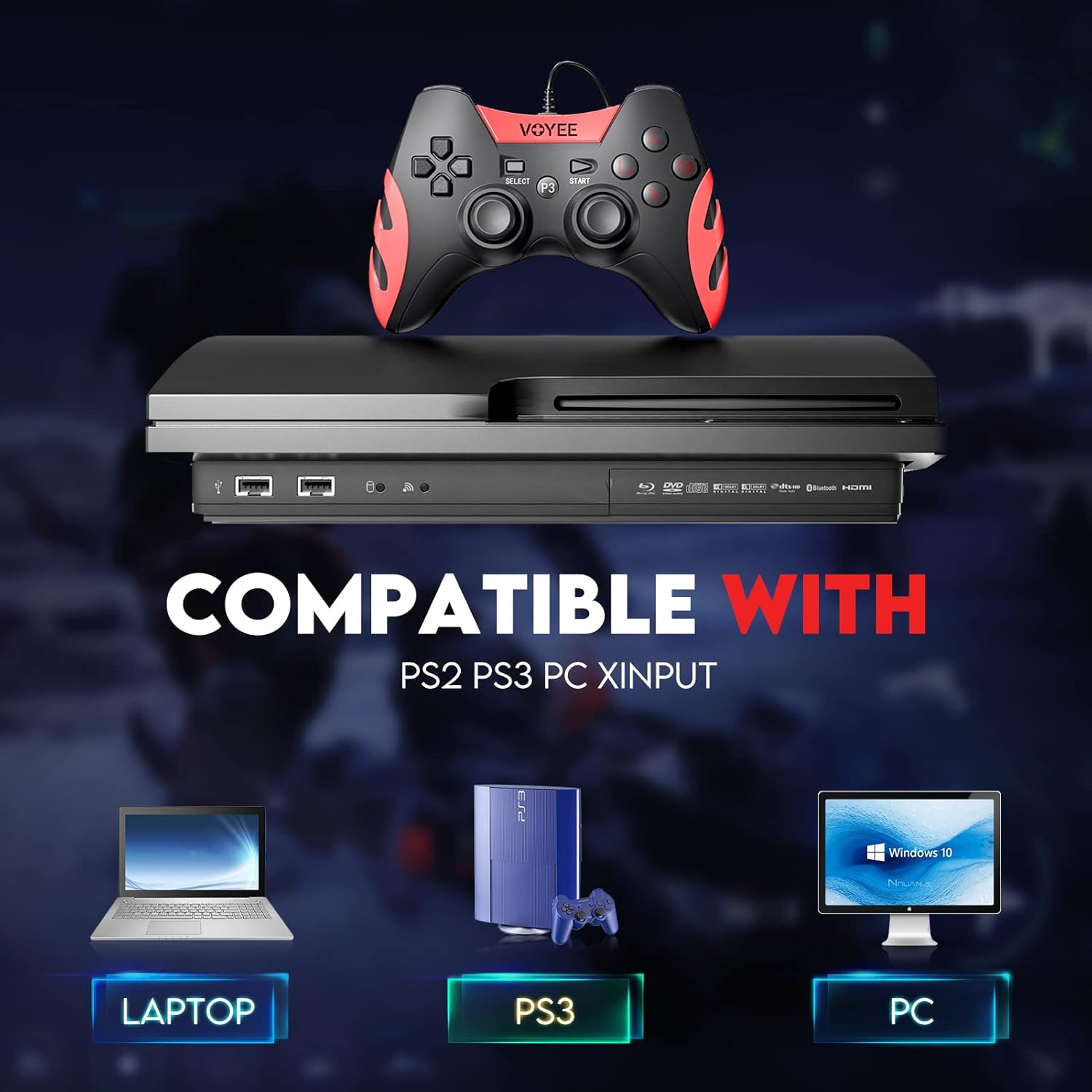
Image: A graphic demonstrating the VOYEE WE-07 controller's compatibility with various platforms, including laptops, PlayStation 3 consoles, and desktop PCs, highlighting its versatility.
5. Иштөө нускамалары
Once connected, the VOYEE WE-07 controller functions similarly to standard gamepads. Here are some general operating tips:
- Game Control: Use the joysticks and D-Pad for movement and navigation. The action buttons (A, B, X, Y) and shoulder/trigger buttons (L1, R1, L2, R2) perform in-game actions as defined by the specific game.
- Дирилдөө боюнча пикир: The dual shock motors will provide tactile feedback during gameplay, enhancing immersion. This feature is automatically enabled when supported by the game.
- HOME/P3 Button: Press this button to access the system menu on PS3 or to bring up the game overlay on PC (depending on the game or platform).
- Эргономика: The controller's matte finish and ergonomic design are intended for comfortable use during long gaming sessions.
6. Кыйынчылыктарды
If you encounter issues with your VOYEE WE-07 controller, please refer to the following common solutions:
| Көйгөй | Чечим |
|---|---|
| Controller not recognized by PC/PS3. |
|
| Вибрациялык кайтарым байланыш иштебей жатат. |
|
| Баскычтар же джойстиктер жооп бербейт. |
|
7. Техникалык тейлөө
To ensure the longevity and optimal performance of your VOYEE WE-07 controller, follow these maintenance guidelines:
- Тазалоо: Контроллердин бетин жумшак, кургак чүпүрөк менен сүртүңүз. Өжөр кир үчүн, бир азampчүпүрөктү суу менен. Катуу химиялык заттарды же абразивдүү тазалагычтарды колдонуудан алыс болуңуз.
- Сактагыч: Store the controller in a cool, dry place away from direct sunlight and extreme temperatures. Avoid placing heavy objects on the controller.
- Кабельге кам көрүү: Do not sharply bend or pull the USB cable. Always grasp the plug when disconnecting, not the cable itself.
- Тамчылардан качуу: Контроллерди тамчылардан жана таасирлерден коргоңуз, бул ички компоненттерге зыян келтириши мүмкүн.
8. Техникалык шарттар
| Модел | БИЗ-07 |
| Бренд | VOYEE |
| Байланыш | Зымдуу USB |
| Кабелдин узундугу | 1.8 метр (5.9 фут) |
| Шайкеш түзмөктөр | PC (Windows 7/8/8.1/10/11), PlayStation 3 |
| Controller Type | Gamepad, Joystick (DInput & XInput) |
| Кошумча функциялар | Dual Shock Vibration, Ergonomic Design, Matte Finish |
| Button Quantity | 17 |
9. Кепилдик жана колдоо
VOYEE provides a 365 күндүк кепилдик for the WE-07 wired gamepad controller from the date of purchase. This warranty covers manufacturing defects under normal use.
If you encounter any problems or have questions regarding your VOYEE WE-07 controller, please do not hesitate to contact our customer service team via e-mail. Our friendly customer service is available to assist you.
For support, please visit the official VOYEE webсайтына кириңиз же байланыш маалыматы үчүн сатып алуу документтериңизди караңыз.