
1. Киришүү
This manual provides instructions for the Byron DBY-23442 Kinetic Wireless Doorbell Kit. This innovative doorbell operates without batteries, utilizing kinetic energy from the push button. It offers a wireless range of up to 100 meters and features 16 selectable melodies. The product casing is constructed from 100% recycled materials, and its packaging is plastic-free, reflecting an eco-conscious design.
2. Пакеттин мазмуну
Before proceeding with installation, please ensure all components are present:
- 1x Byron DBY-23442 Wireless Doorbell Receiver (Plug-in Chime)
- 1x Byron Kinetic Wireless Push Button
- 1x Adhesive Mounting Pad for Push Button
- 1x Колдонуучунун колдонмосу (бул документ)

Сүрөт 1: Алдыңкы view of the Byron DBY-23442 doorbell receiver (left) and kinetic push button (right).
3. Коопсуздук маалыматы
- Колдонуудан мурун бардык нускамаларды кунт коюп окуп чыгыңыз.
- Do not expose the receiver to moisture or extreme temperatures.
- Ensure the plug-in receiver is connected to a standard, properly grounded electrical outlet.
- Аппаратты өзүңүз ачууга же оңдоого аракет кылбаңыз. Бардык тейлөөлөрдү квалификациялуу кызматкерлерге тапшырыңыз.
- Аппаратты балдардан алыс кармаңыз.
4. Орнотуу
4.1. Mounting the Kinetic Push Button
- Select a suitable location for the push button, typically near your entrance. Ensure the surface is clean, dry, and smooth.
- Peel off the protective film from one side of the adhesive mounting pad and firmly attach it to the back of the kinetic push button.
- Peel off the protective film from the other side of the adhesive pad and press the push button firmly onto the desired surface for at least 30 seconds. Alternatively, the push button can be mounted using screws (not included) through the designated holes if preferred for a more permanent fixture.
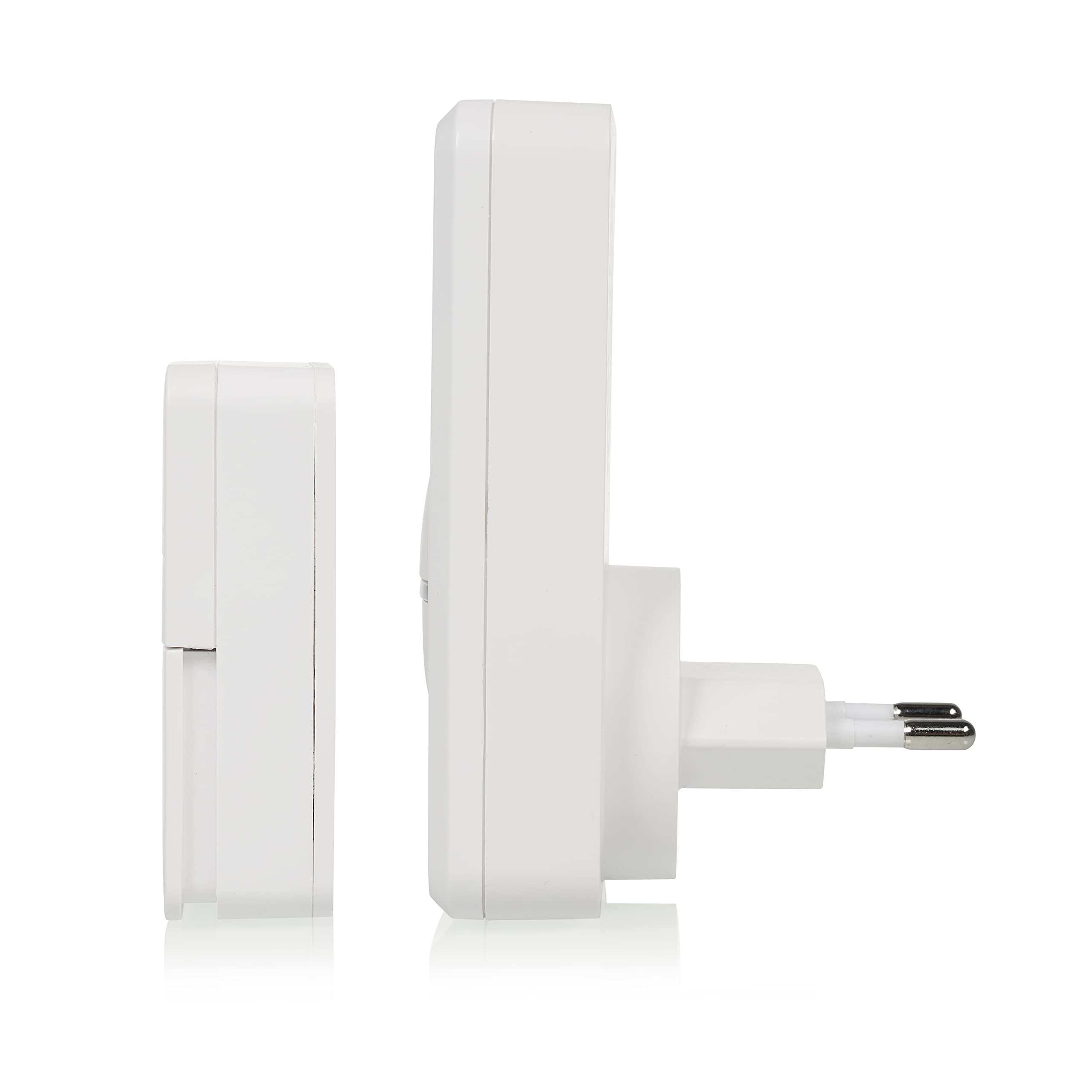
Сүрөт 2: Side profile of the doorbell receiver and push button, showing their compact design.
4.2. Plugging in the Wireless Doorbell Receiver
Insert the doorbell receiver into a standard electrical wall socket within the 100-meter range of the push button. The receiver will power on automatically.
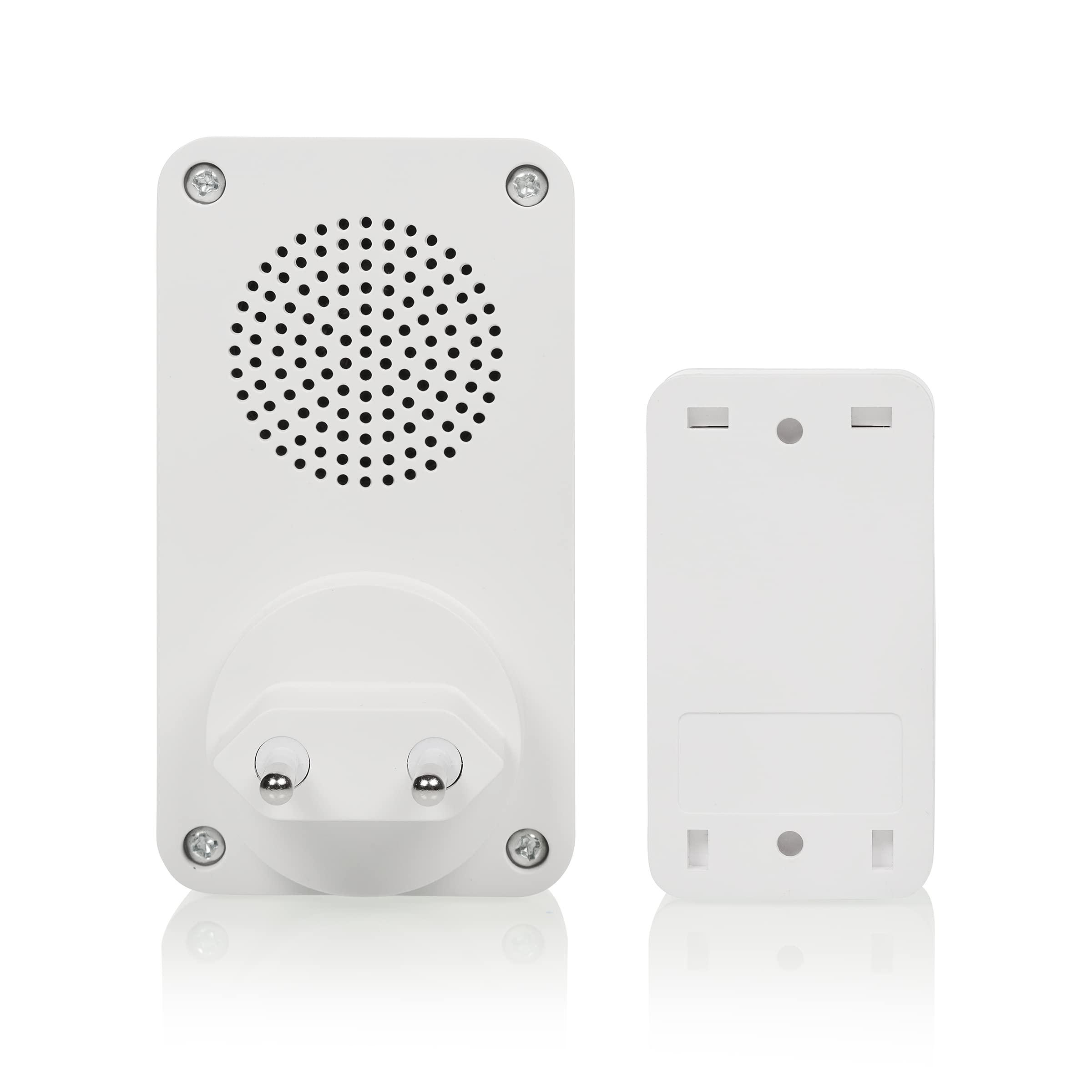
Сүрөт 3: Арткы view of the doorbell receiver (left) showing the plug, and the push button (right) showing its back panel.
4.3. Баштапкы жупташтыруу (зарыл болсо)
The doorbell kit is typically pre-paired from the factory. If the doorbell does not ring when the push button is pressed, follow these steps to pair:
- Press and hold the melody selection button on the receiver for approximately 5 seconds until an indicator light flashes or a short sound is heard, indicating pairing mode.
- Within 10 seconds, press the kinetic push button. The receiver should then ring, confirming successful pairing.
- Эгер жупташтыруу ишке ашпай калса, процессти кайталаңыз.
5. Иштөө нускамалары
5.1. Мелодияларды өзгөртүү
The receiver offers 16 different melodies. To cycle through the available melodies, press the 'Melody Selection' button (often marked with a musical note symbol) on the receiver. Stop pressing when you hear your desired melody.
5.2. Үндү тууралоо
To adjust the volume level, press the 'Volume Control' button (often marked with speaker symbols) on the receiver. Multiple volume levels are available, including a silent mode with visual indication.
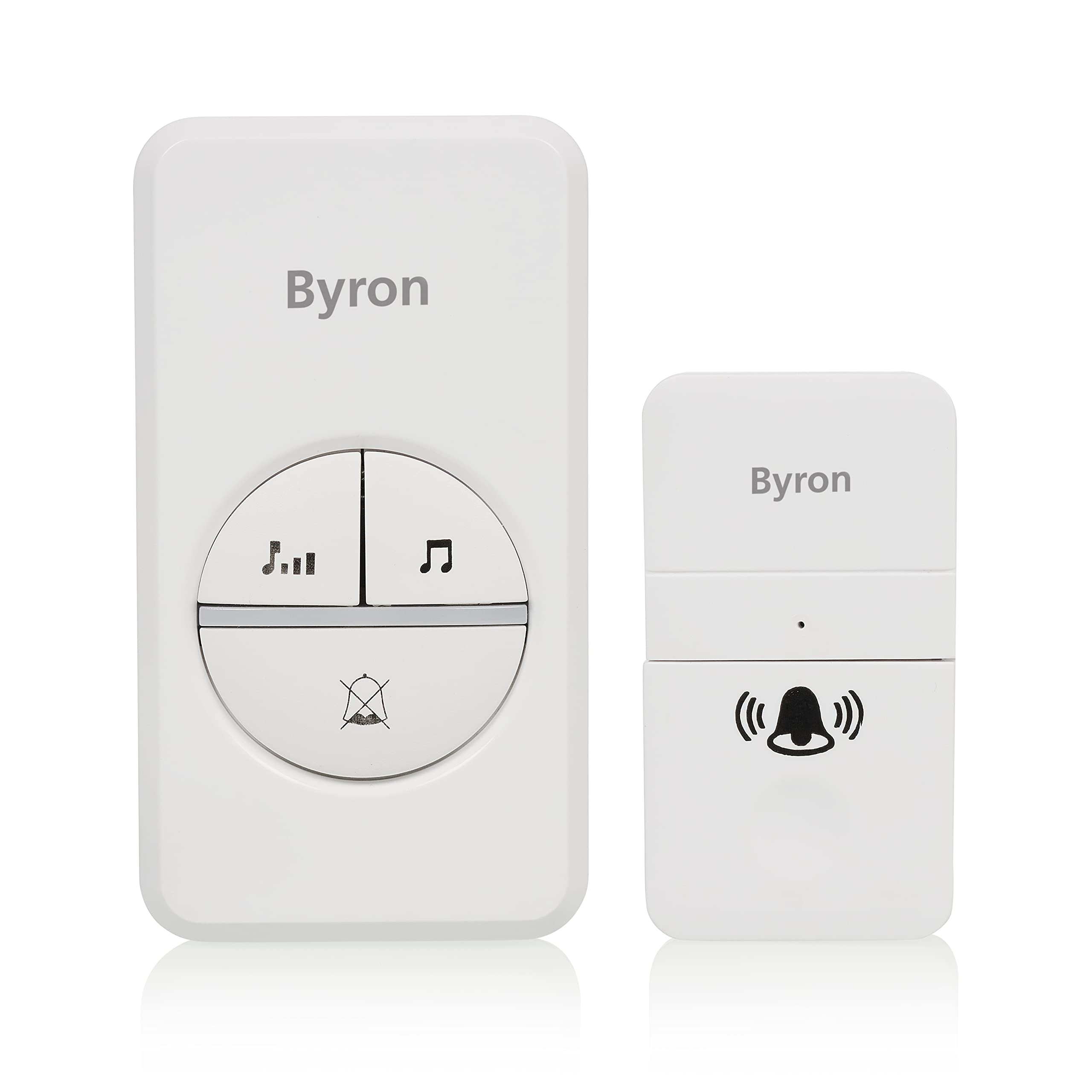
Сүрөт 4: Детальдуу алдыңкы view of the receiver, showing the volume control (left) and melody selection (right) buttons, and the mute indicator (bottom).
5.3. Visual Indication
In addition to audible chimes, the receiver features a visual indicator (e.g., an LED light) that flashes when the doorbell is pressed, providing an alert for those with hearing impairments or when the volume is set to silent.
6. Техникалык тейлөө
6.1. Тазалоо
Wipe the doorbell receiver and push button with a soft, dry cloth. Do not use abrasive cleaners or solvents.
6.2. Экологиялык эске алуулар
The product is designed with recycled materials. Please dispose of the product responsibly at the end of its life cycle according to local regulations.
7. Кыйынчылыктарды
Problem: Doorbell does not ring.
- Чечим: Ресивердин ток бар электр розеткасына туура сайылганын текшериңиз.
- Чечим: Check if the push button is pressed firmly and correctly.
- Чечим: Verify that the receiver is within the 100-meter wireless range of the push button and that there are no significant obstructions (e.g., thick walls, metal structures) that could interfere with the signal.
- Чечим: Re-pair the push button with the receiver as described in the 'Setup' section.
- Чечим: Check the volume setting on the receiver; it might be set to silent.
Problem: Doorbell rings intermittently or has poor range.
- Чечим: Reduce the distance between the push button and the receiver.
- Чечим: Relocate the receiver to a more central position or away from potential sources of interference (e.g., large metal objects, other wireless devices).
8. Техникалык шарттар
- Модель номери: DBY-23442
- Бренд: Байрон
- Кубат булагы (кабыл алгыч): AC Plug-in
- Кубат булагы (баскыч): Kinetic Energy (Battery-free)
- Зымсыз диапазон: 100 метрге чейин (ачык асманда)
- Обондор: 16 тандоо
- Үн деңгээли: Multiple, including silent mode
- Өлчөмдөрү (кабыл алуучу): Болжол менен 7.5 x 9.5 x 15 см
- Салмагы: Болжол менен 100 грамм
- Материал: Casing made from 100% recycled materials
- Келип чыгышы: Кытай
9. Кепилдик жана колдоо
For warranty information, please refer to the documentation provided at the point of purchase or contact your retailer. For technical support or further assistance, please visit the official Byron webсайтка же кардарларды тейлөө бөлүмүнө кайрылыңыз.