
1. Киришүү
This manual provides instructions for the installation, operation, and maintenance of your WiZ Smart LED Imageo Spotlight Plate. This smart lighting system offers versatile illumination with adjustable white and colored light, motion detection via SpaceSense technology, and voice control capabilities.

1-сүрөт: WiZ Smart LED Imageo Spotlight Plate with three GU10 bulbs and its product packaging.
2. Пакеттин мазмуну
- 1x WiZ Smart LED Imageo Spotlight Plate (White)
- 3x GU10 5W Smart LED Bulbs
- Орнотуу жабдуулары (бурамалар, дубалга бекиткичтер)
- Колдонуучунун Колдонмосу (бул документ)
3. Коопсуздук маалыматы
- Орнотуудан же тейлөөдөн мурун электр энергиясы өчүрүлгөнүн текшериңиз.
- Эгер ишенбесеңиз, орнотууну квалификациялуу электрик аткарышы керек.
- Do not expose the product to water or excessive moisture.
- Use only GU10 bulbs as specified.
4. Орнотуу
- Өчүрүү: Орнотууну баштоодон мурун автоматтык өчүргүчтөгү негизги кубат булагын өчүрүңүз.
- Пластинаны орнотуу: Secure the circular ceiling plate to your desired location using the provided screws and wall plugs. Ensure the mounting surface is suitable to support the fixture's weight.
- Зымдар: Connect the electrical wires from your ceiling to the terminal block on the spotlight plate. Follow local electrical codes and ensure proper grounding.
- Лампаларды киргизүү: Gently insert the three GU10 smart LED bulbs into the spotlight sockets.
- Adjust Spotlights: Adjust the direction of each spotlight as needed.
- Күйгүзүү: Restore power at the circuit breaker. The lights should turn on.

2-сүрөт: Visual guide for installing WiZ smart lights and downloading the app.
5. Баштапкы орнотуу жана колдонмо туташуу
- WiZ тиркемесин жүктөп алыңыз: Download the WiZ app from the Apple App Store or Google Play Store.
- Каттоо эсебин түзүү: Open the app and follow the on-screen instructions to create a new WiZ account or log in to an existing one.
- Жупташтыруу: In the app, select "Add Device" and follow the pairing process. Ensure your Wi-Fi network is active and your phone is connected to the 2.4GHz band during setup.
- Room Assignment: Assign your new spotlight plate to a room within the app for organized control.
6. Operating Your WiZ Smart LED Spotlight
6.1. Basic Control (WiZ App)
- Күйгүзүү/өчүрүү: Жарыктарды түздөн-түз колдонмодон күйгүзүңүз же өчүрүңүз.
- алсыздатуу: Adjust the brightness level using the dimmer slider in the app.
- Ак жарыкты жөндөө: Change the white light from warm (yellowish) to cool (bluish) tones to suit your preference or time of day.
- Түс тандоо: Choose from millions of colors to create various ambiances.
- Алдын ала коюлган көрүнүштөр: Utilize pre-programmed lighting scenes for different activities or moods.

3-сүрөт: The WiZ spotlight plate can produce light from warm white to cool white.

4-сүрөт: The WiZ spotlight plate offers millions of color options for personalized lighting.
6.2. SpaceSense Motion Detection
The WiZ SpaceSense technology uses Wi-Fi signals to detect movement in a room without requiring additional sensors. This allows your lights to turn on automatically when you enter and off when you leave.
- Жандандыруу: Enable SpaceSense in the WiZ app for the desired room.
- Сезимталдыкты жөндөө: Adjust the sensitivity settings in the app to fine-tune motion detection. You can set it to detect all movement or only human movement, ignoring pets.
- No Extra Sensors: This feature works using the existing WiZ lights and your Wi-Fi network, eliminating the need for separate motion sensors or batteries.
Видео 1: Demonstration of WiZ SpaceSense technology, showing lights automatically turning on and off based on movement detection.
6.3. Үн менен башкаруу
The WiZ Smart LED Spotlight Plate is compatible with popular voice assistants, allowing for hands-free control.
- Колдоого алынган платформалар: Works with Amazon Alexa, Apple HomeKit, and Google Home.
- Жайгашуу: Link your WiZ account to your preferred voice assistant app (e.g., Alexa app, Google Home app).
- Буйруктар: Use voice commands such as "Alexa, turn on the living room lights," "Hey Google, dim the kitchen spotlights to 50%," or "Siri, set the bedroom lights to blue."
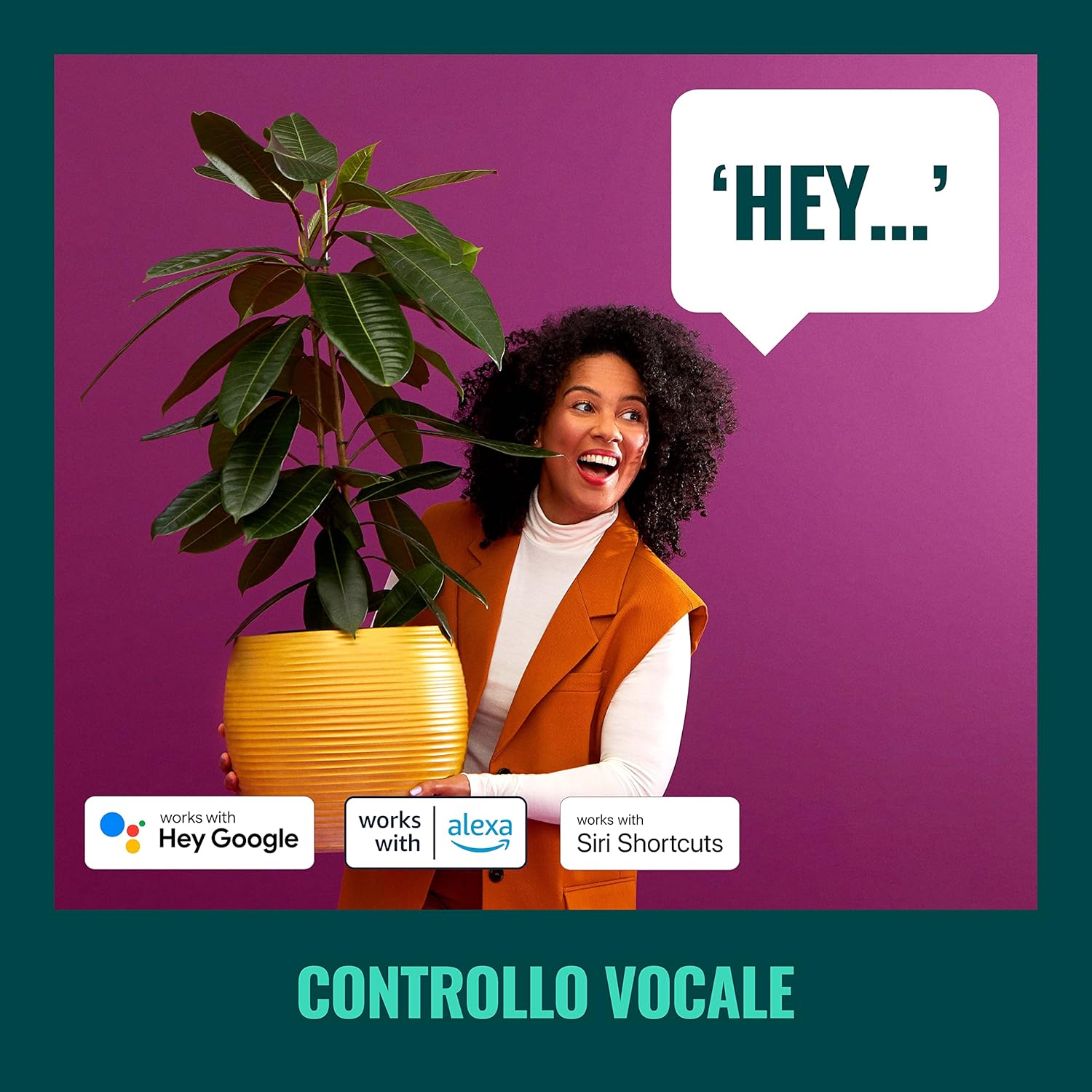
5-сүрөт: The WiZ system supports voice control via popular smart home platforms.
6.4. Schedules and Routines
Automate your lighting to fit your daily routine.
- Пландаштыруу: Set specific times for lights to turn on/off, change brightness, or alter color.
- Циркадиандык ритм: Enable Circadian Rhythm to automatically adjust light color and brightness throughout the day to mimic natural light patterns, promoting well-being.

6-сүрөт: Бүттүview of advanced control features including scene personalization, remote control, scheduling, and circadian rhythm.
7. Техникалык тейлөө
- Тазалоо: Тазалоодон мурун электр кубатынан ажыратыңыз. Жабдууну жумшак, кургак чүпүрөк менен сүртүңүз. Абразивдүү тазалоочу каражаттарды же эриткичтерди колдонбоңуз.
- Лампаны алмаштыруу: Ensure power is off. Allow bulbs to cool before handling. Twist and pull to remove old GU10 bulbs, then insert new ones by aligning and twisting.
- Программалык камсыздоо жаңыртуулары: Оптималдуу иштөөнү жана жаңы функцияларга жетүүнү камсыз кылуу үчүн WiZ колдонмосунун микропрограммалык жаңыртууларын үзгүлтүксүз текшерип туруңуз.
8. Кыйынчылыктарды
- Жарыктар жооп бербейт:
- Check if the main power switch is on.
- Wi-Fi тармагыңыздын активдүү жана туруктуу экенин текшериңиз.
- Verify that the WiZ app is connected to the correct Wi-Fi network.
- Try power cycling the spotlight plate (turn off for 10 seconds, then on).
- Жупташуу кыйынчылыгы:
- Ensure your phone is connected to a 2.4GHz Wi-Fi network during pairing.
- Move closer to your Wi-Fi router.
- Reset the bulbs by turning them on/off three times (on for 1-2 seconds, off for 1-2 seconds) until they flash.
- SpaceSense Not Detecting Movement:
- Increase the sensitivity setting in the WiZ app.
- Ensure there are at least two WiZ lights in the room for optimal detection.
- Check for obstructions that might block Wi-Fi signals.
- Үн менен башкаруу маселелери:
- Confirm that your WiZ account is correctly linked to your voice assistant.
- Интернет байланышыңызды текшериңиз.
- Ensure the device name in the WiZ app matches the name used in voice commands.
9. Техникалык шарттар
| Өзгөчөлүк | Спецификация |
|---|---|
| Бренд | WiZ |
| Модель номери | 929003210801 |
| Продукциянын өлчөмдөрү | 12 x 11 x 26 см |
| Салмагы | 1 кг |
| Түс | Ак |
| Материал | Metal (fixture), Plastic (shade) |
| Стиль | Заманбап |
| Жарыктардын саны | 3 |
| Лампанын түрү | LED |
| Лампанын базасы | ГУ10 |
| Ватtage (лампа үчүн) | 5 Ватт |
| Жарык агымы | 1350 люмен (жалпысынан) |
| Тtage | 230 вольт (AC) |
| IP рейтинги | IP20 |
| Орточо жашоо | 15,000 саат |
| Өзгөчөлүктөр | Dimmable, Energy Saving, SpaceSense Technology, Voice Control |
10. Кепилдик жана колдоо
For warranty information and technical support, please refer to the official WiZ webсайтка же кардарларды тейлөөгө кайрылыңыз. Сатып алганыңыздын далили катары сатып алуу дүмүрчөгүңүздү сактаңыз.
Онлайн ресурстар: зыярат кылыңыз WiZ Brand Store кошумча продукт маалымат жана колдоо үчүн.