
1. Киришүү
This manual provides detailed instructions for setting up, operating, and maintaining your DEKCO 2K Outdoor Security Camera (Model DC5L). This camera features 2K QHD resolution, 360-degree pan-tilt motion tracking, full-color night vision, two-way audio, and is designed for outdoor use with an IP66 waterproof rating. Please read this manual thoroughly before use to ensure proper functionality and safety.
2. Пакеттин мазмуну
- DEKCO 2K Outdoor Security Camera (Model DC5L)
- Кубаттуу адаптер
- Монтаждоо бурамалар жана дубал сайгычтар
- Монтаж шаблону
- Колдонуучунун Колдонмосу (бул документ)

Image 2.1: DEKCO 2K Outdoor Security Camera and included accessories.
3. Продукт бүтүп калдыview
The DEKCO DC5L camera is engineered for comprehensive outdoor surveillance, offering advanced features for home security.
Негизги өзгөчөлүктөрү:
- 2K QHD Resolution (1296p): Так жана деталдуу видео foo камсыз кылатtage.
- 360° панорамалоо жана 90° эңкейтүү: Remote rotation for wide area coverage.
- Motion Tracking & Instant Alerts: Automatically tracks moving objects and sends app notifications. Features a loud siren and strobe lights to deter intruders.
- Толук түстүү түнкү көрүнүш: Equipped with 4 bright floodlights for infrared, full-color, or auto (smart) night vision modes.
- 2 тараптуу аудио: Built-in microphone and speaker for real-time communication via the DEKCO App.
- IP66 Суу өткөрбөйт: Ар кандай аба ырайынын шарттарына туруштук берүү үчүн иштелип чыккан.
- 2.4 ГГц Wi-Fi колдоосу: Connects wirelessly to your home network (5GHz Wi-Fi is not supported).
- Жергиликтүү сактагыч: Supports Micro SD card up to 128GB (not included) for continuous or event-based recording.
- Smart AI аныктоо: Identifies people and animals to reduce false alarms.
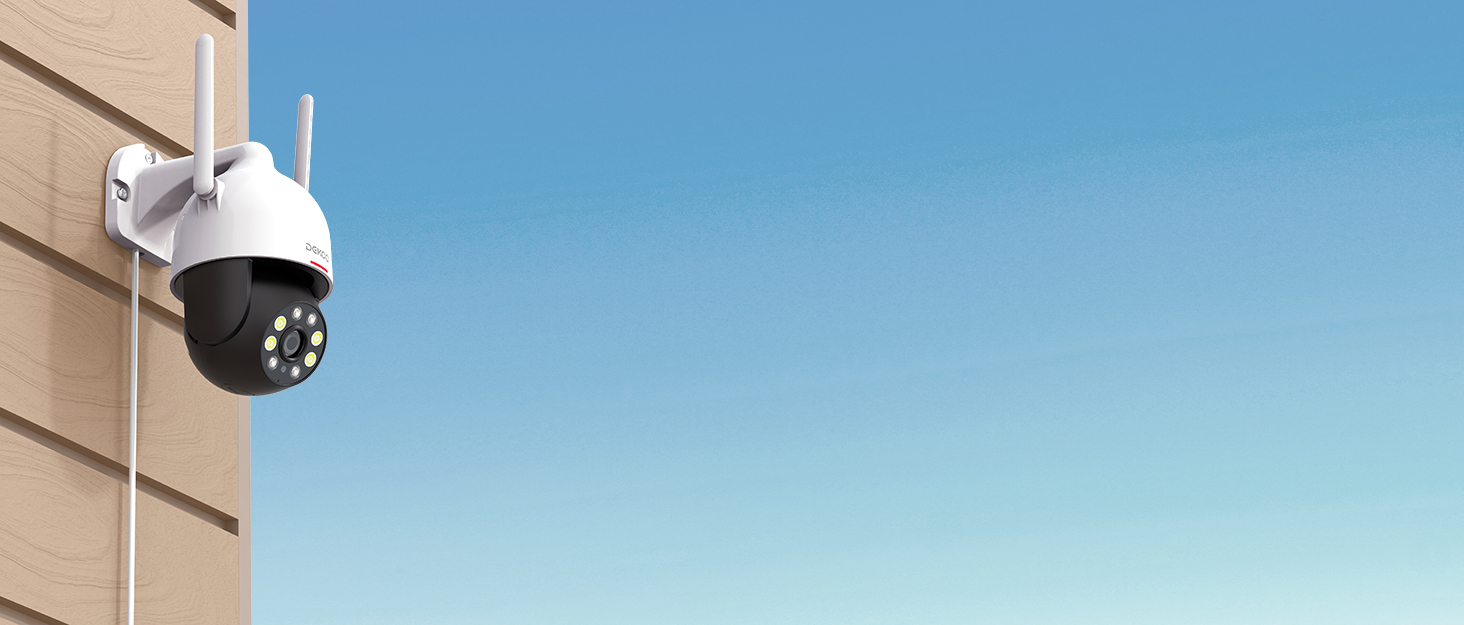
Image 3.1: The DEKCO 2K QHD Outdoor Security Camera.

Image 3.2: Visual representation of 2K QHD clarity.

Image 3.3: The camera's humanoid tracking capability.

Image 3.4: Comparison of color and infrared night vision.

Image 3.5: Using the two-way audio feature via the app.

Image 3.6: The camera is designed for rain, sun, and snow protection.
4. Орнотуу
4.1 Колдонмону жүктөп алуу жана каттоо эсебин түзүү
Download the official "DEKCO" app from your smartphone's app store (iOS or Android). Follow the in-app instructions to create an account and log in.
4.2 Күйгүзүү жана баштапкы туташуу
- Камераны кубат адаптерине туташтырыңыз жана аны электр розеткасына сайыңыз.
- Wait for the camera's indicator light to turn blue, indicating it is ready for pairing.
- Open the DEKCO app, tap the "+" icon to add a new device, and follow the on-screen prompts to connect the camera to your 2.4GHz Wi-Fi network. Ensure your Wi-Fi signal is strong at the installation location.
Video 4.1: This video demonstrates the installation guide for an outdoor security camera, including initial setup steps.
Видео 4.2: Бул видеонун үстүнөн камсыз кылатview of a wired security camera, including aspects relevant to its setup and continuous monitoring features.
4.3 Micro SD картаны орнотуу
The camera supports local storage via a Micro SD card (up to 128GB, not included). Locate the SD card slot, typically protected by a rubber cover, insert the card with the contacts facing down, and ensure it clicks into place. Format the SD card through the DEKCO app settings after installation.

Image 4.1: Location of the Micro SD card slot for local recording.
4.4 Камераны орнотуу
Ачык асман алдындагы ылайыктуу жерди тандаңыз view and strong Wi-Fi signal. Use the provided mounting template to mark drill holes. Secure the mounting bracket to the wall using the screws and wall plugs. Attach the camera to the bracket, ensuring it is firmly in place. Adjust the camera's angle as needed.

Сүрөт 4.2: Мисample of camera mounting for optimal 360-degree viewing.
5. Иштөө нускамалары
5.1 Live View жана Pan-Tilt башкаруусу
Open the DEKCO app and select your camera to access the live view. Use the on-screen controls to pan (horizontal rotation) and tilt (vertical rotation) the camera to monitor different areas. The camera offers 360° horizontal and 90° vertical rotation.
Video 5.1: This video demonstrates the 360-degree coverage feature of the camera.
5.2 Motion Tracking and Alerts
Enable motion tracking in the app settings. The camera will automatically follow detected movement. When motion is detected, you will receive instant notifications on your smartphone. You can also configure the camera to activate a loud siren and strobe lights to deter intruders. Adjust motion detection sensitivity in the app to minimize false alarms.

Image 5.1: The camera's sound-light alarm system to deter unwanted visitors.
5.3 Эки тараптуу аудио
Түз эфирден view in the DEKCO app, tap the microphone icon to initiate two-way audio. Speak into your phone to communicate with anyone near the camera, and listen through the camera's speaker.
5.4 Түнкү көрүү режимдери
The camera offers three night vision modes: Infrared, Full-Color, and Auto (Smart). You can select your preferred mode in the app settings. Full-Color mode utilizes the built-in floodlights for clear, colored images in low light conditions.
5.5 Жазуу жана ойнотуу
Recordings are stored on the Micro SD card (if installed) or via optional cloud storage. Access recorded footage through the "Playback" or "History" section in the DEKCO app. You can review датасы жана убактысы боюнча иш-чаралар.

Сүрөт 5.2: Убакыт тилкеси view of recorded motion events in the app.
5.6 Smart Home интеграциясы
The DEKCO DC5L camera is compatible with smart home platforms like Alexa and Google Assistant, allowing for voice control and integration into your smart home ecosystem.

Image 5.3: The camera's compatibility with smart home voice assistants.
6. Техникалык тейлөө
- Тазалоо: Камера линзасын жана корпусун жумшак, d менен үзгүлтүксүз сүртүп туруңузamp Чаңды жана кирди кетирүү үчүн кездеме колдонуңуз. Күчтүү химиялык заттарды колдонбоңуз.
- Программалык камсыздоонун жаңыртуулары: Check the DEKCO app periodically for firmware updates to ensure optimal performance and security.
- Туташуу текшерүү: Periodically verify the camera's Wi-Fi connection and power supply to ensure continuous operation.
- SD Card башкаруу: Эгер SD картаны колдонсоңуз, маанилүү маалыматтардын камдык көчүрмөсүн үзгүлтүксүз сактап туруңузtage and consider formatting the card periodically through the app to maintain performance.
7. Кыйынчылыктарды
7.1 Камера Wi-Fiга туташпай жатат
- Wi-Fi тармагыңыз 2.4 ГГц экенин текшериңиз. Камера 5 ГГц Wi-Fi'ды колдоого албайт.
- Check that the camera is within range of your Wi-Fi router and has a strong signal.
- Колдонмого киргизилген Wi-Fi сырсөзү туура экенин текшериңиз.
- Restart your router and the camera, then attempt to reconnect.

Image 7.1: The camera requires a 2.4GHz Wi-Fi connection.
7.2 Poor Video Quality or Night Vision
- Камеранын линзасын тазалап, тоскоолдуктарды же тактарды кетириңиз.
- Ensure adequate lighting for full-color night vision. If it's too dark, switch to infrared mode.
- Wi-Fi сигналыңыздын күчүн текшериңиз; алсыз сигнал видео агымынын сапатына таасир этиши мүмкүн.
7.3 Кыймылды аныктоо көйгөйлөрү
- Adjust the motion detection sensitivity in the DEKCO app.
- Ensure there are no objects (e.g., tree branches, flags) that could cause false triggers within the detection zones.
- Verify that motion tracking is enabled in the app settings.
7.4 Камера жооп бербей жатат
- Check the power connection and ensure the camera is receiving power.
- Кубат адаптерин розеткадан сууруп, кайра сайып, камераны өчүрүп-күйгүзүңүз.
- If the issue persists, perform a factory reset (refer to the app or product for specific reset instructions).
8. Техникалык шарттар
| Өзгөчөлүк | Спецификация |
|---|---|
| Модель номери | DC5L |
| Резолюция | 2K QHD (1296p), 3 MP Effective Still Resolution |
| Pan/Tilt диапазону | 360 Degrees Field of View (Pan), 90 Degrees Viewing бурч (кыйталуу) |
| Байланыш | Зымсыз (2.4 ГГц Wi-Fi гана) |
| Түнкү көрүнүш | Full-Color Night Vision (with floodlights), Infrared |
| Аудио | 2 жолдуу аудио |
| Суу өткөрбөйт рейтинги | IP66 |
| Сактагыч | Микро SD карта (128 ГБ чейин, камтылган эмес) |
| Power Source | Электр зымдары (12 вольт DC) |
| Frame Rate | 15 кадр/сек |
| Чоңойтуу түрү | Санариптик масштабдоо (4X) |
| Шайкеш түзмөктөр | Смартфон, Планшет |
| Материал | Пластик |
| Элементтин өлчөмдөрү | 33 x 14 x 19.8 Сантиметр |
9. Кепилдик жана колдоо
9.1 Өндүрүүчүнүн Кепилдиги
The DEKCO 2K Outdoor Security Camera (Model DC5L) comes with a 1-year manufacturer warranty from the date of purchase. Please retain your proof of purchase for warranty claims.
9.2 Кардарларды колдоо
For any questions, technical assistance, or warranty inquiries, please contact the DEKCO customer support team:
- Телефон: 1-877-277-5797
- Онлайн колдоо: Refer to the "DekcoCare" Online Support Team mentioned in the app or product packaging for further contact options.