
GNCC C1Pro
GNCC C1Pro 1080P Baby Monitor User Manual
Модели: C1Pro
1. Киришүү
Thank you for choosing the GNCC C1Pro 1080P Baby Monitor. This smart indoor camera is designed to provide peace of mind by allowing you to monitor your baby, pets, or home with high-definition video, advanced detection features, and two-way audio communication. This manual will guide you through the setup, operation, and maintenance of your new device.

Image: The GNCC C1Pro baby monitor shown alongside a smartphone displaying its live video feed, illustrating remote monitoring capabilities.
2. Коопсуздук маалыматы
Бул продуктуну колдонуудан мурун бардык коопсуздук көрсөтмөлөрүн окуп чыгып, түшүнүп алыңыз. Бул көрсөтмөлөрдү аткарбоо электр тогуна урунууга, өрткө же башка коркунучтарга алып келиши мүмкүн.
- Кубат булагы: Use only the provided power adapter. Ensure the power cable is not damaged or pinched.
- Жайгашкан жери: Place the camera on a stable surface or securely mount it to a wall. Keep the camera and its cable out of reach of children and pets to prevent strangulation hazards.
- Курчап турган чөйрө: This device is for indoor use only. Do not expose it to water, moisture, or extreme temperatures. Avoid placing it near heat sources.
- Тазалоо: Unplug the camera before cleaning. Use a soft, dry cloth. Do not use liquid or aerosol cleaners.
- Демонтаж: Камераны өз алдынча бөлүүгө же оңдоого аракет кылбаңыз. Бардык тейлөөлөрдү квалификациялуу кызматкерлерге тапшырыңыз.
3. Пакеттин мазмуну
Пакетиңизде бардык буюмдар бар экенин текшериңиз:
- GNCC C1Pro Surveillance Camera
- Электр камсыздоо
- Электр кабели
- Wall кронштейн
- Бурамалар
- User Manual
4. Продукт бүтүп калдыview
The GNCC C1Pro camera features a compact design with essential functionalities for effective monitoring.

Image: A visual representation of the GNCC C1Pro camera highlighting its key features: 1080P Full HD resolution, two-way audio, sound and motion detection, night vision, support for SD card and cloud storage, and remote control capabilities.
Негизги өзгөчөлүктөрү:
- 1080P Full HD токтому: Так жана деталдуу видео көрсөтөт.
- IR Түнкү Көрүнүшү: Monitors up to 26ft in complete darkness.
- 120° Viewбурч: кенен чөйрөсүн сунуш кылат view.
- Кыймылды/Үндү аныктоо: Sends real-time alerts to your smartphone.
- Эки тараптуу аудио: Камера аркылуу байланышууга мүмкүндүк берет.
- Жергиликтүү жана булуттагы сактагыч: Supports Micro SD card (up to 128GB, not included) and optional cloud service.
- Alexa жана Google Home менен иштейт: For convenient voice control.
5. Орнотуу
5.1. Download the Osaio App
The GNCC C1Pro operates via the Osaio app. Download it from the App Store (iOS) or Google Play Store (Android).
- Издөө "Osaio" in your device's app store.
- Колдонмону жүктөп алып, орнотуңуз.
- Жаңы аккаунтка катталыңыз же сизде мурунтан эле бар болсо кириңиз.
5.2. Күйгүзүү жана баштапкы туташуу
- Connect the power cable to the camera and plug the adapter into a power outlet. The camera will power on and its indicator light will begin to flash.
- Open the Osaio app and tap the "+" icon to add a new device.
- Камераны өзүңүзгө туташтыруу үчүн экрандагы нускамаларды аткарыңыз 2.4GHz Wi-Fi тармагы. Note: This camera does not support 5GHz Wi-Fi.
- The app will guide you through scanning a QR code with the camera lens to establish the connection.
5.3. Монтаждоо параметрлери
The GNCC C1Pro can be placed on a flat surface or mounted to a wall.

Image: The GNCC C1Pro baby monitor securely mounted on a wall above a child's crib, demonstrating a typical installation scenario.
- Столдун үстүнө жайгаштыруу: Simply place the camera on a flat, stable surface like a dresser or shelf, ensuring it has a clear view сиз көзөмөлдөгүңүз келген аймак.
- Дубалга орнотуу: Use the included wall bracket and screws to securely attach the camera to a wall. Ensure the mounting location is sturdy and the camera cable is routed safely away from any potential hazards.
6. Камераны иштетүү
6.1. Түз эфир Viewing
Once connected, open the Osaio app to view the live feed from your camera. You can access the live view интернет байланышы бар каалаган жерден.

Image: An illustration demonstrating the 120-degree wide viewing angle of the GNCC C1Pro camera, effectively covering a baby's crib and surrounding area.
6.2. Эки тараптуу аудио
The built-in microphone and speaker allow you to listen in and speak through the camera. Tap the microphone icon in the app to activate two-way audio and communicate with your baby or family members.
6.3. Кыймыл жана үн аныктоо
The camera is equipped with intelligent motion and sound detection. When activity is detected, the camera will automatically record a short video clip and send an instant notification to your smartphone via the Osaio app.

Image: A GNCC C1Pro camera positioned above a baby, with smartphone notifications indicating 'Motion Detected' and 'Sound Detected', demonstrating its real-time alert capabilities.
6.4. Түнкү көрүнүш
The GNCC C1Pro automatically switches to infrared night vision in low-light conditions, providing clear black-and-white video up to 26 feet. This ensures continuous monitoring even in complete darkness.
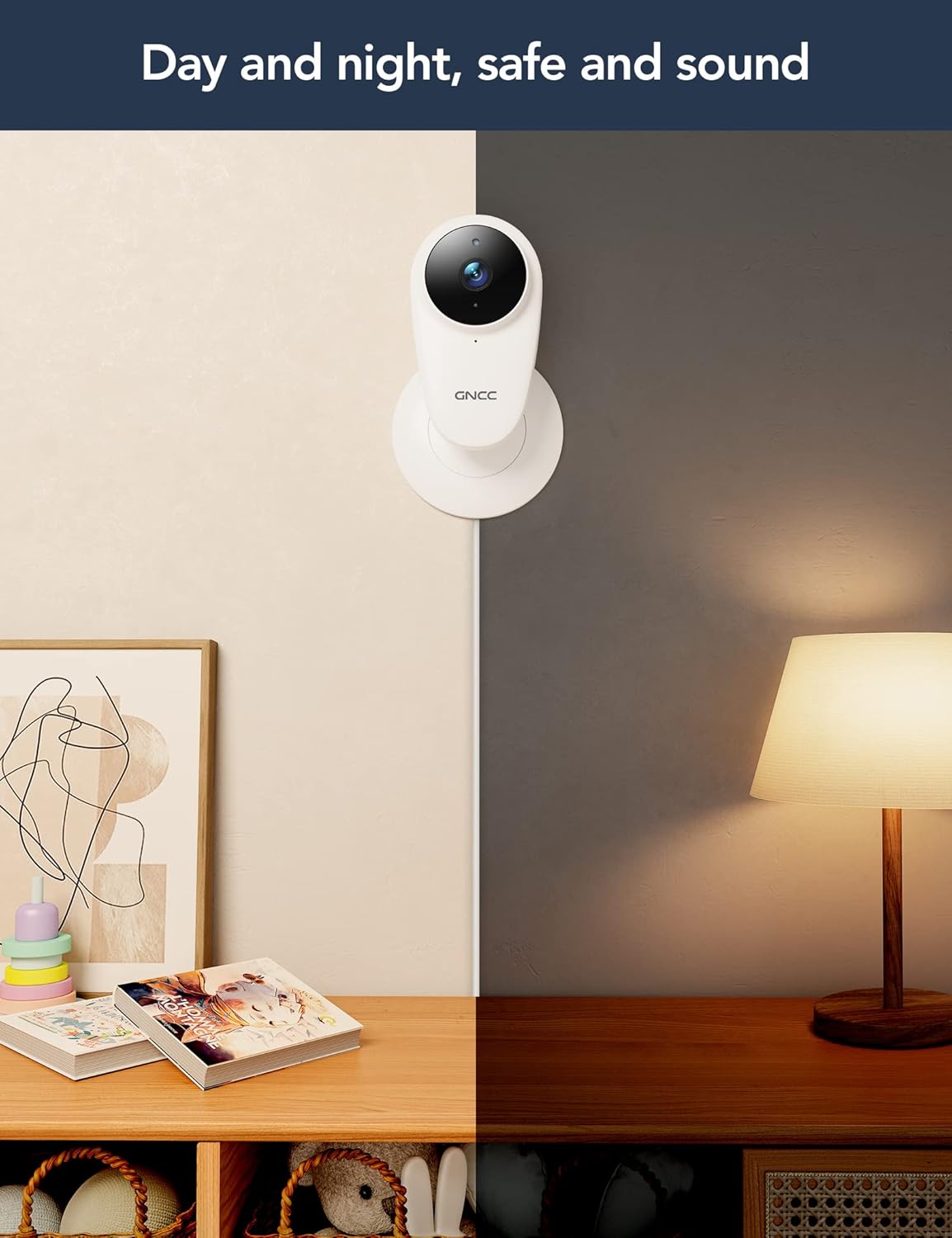
Image: A split image illustrating the GNCC C1Pro camera's performance in both daytime and nighttime conditions, highlighting its effective night vision.
6.5. Жаздыруу жана сактоо
The camera supports two storage options for recorded video:
- Micro SD картасы: Insert a Micro SD card (up to 128GB, not included) into the camera's slot for continuous recording and local storage.
- Булуттагы сактагыч: Subscribe to the optional cloud service via the Osaio app for secure, off-site storage of your video clips. This ensures your recordings are safe even if the camera is damaged or stolen.
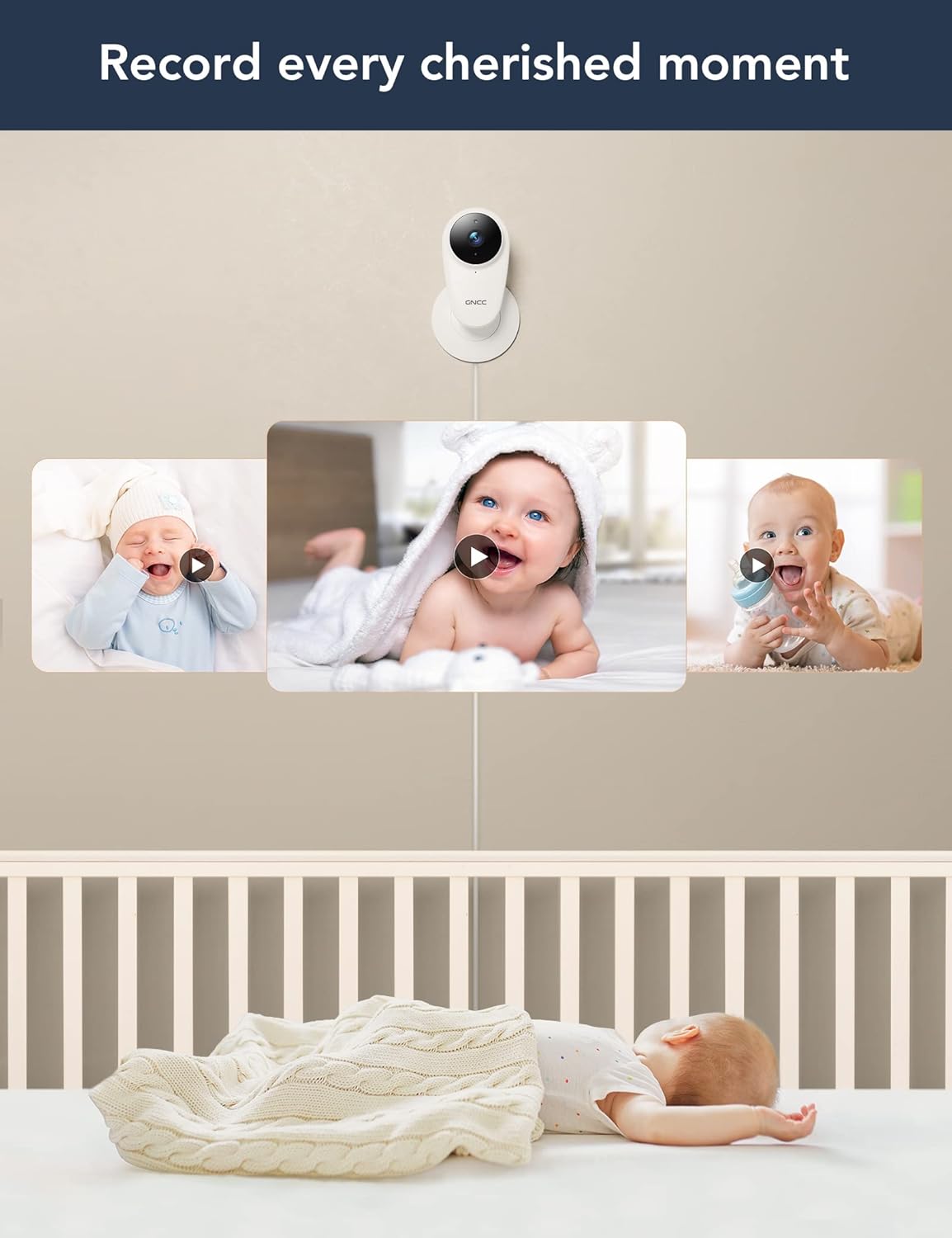
Image: The GNCC C1Pro camera capturing various precious moments of a baby, illustrating its recording capabilities for playback.
6.6. Alexa & Google Home Integration
The GNCC C1Pro can be integrated with Amazon Alexa and Google Home for convenient voice control. Follow the instructions in the Osaio app or your smart assistant's app to link your camera.
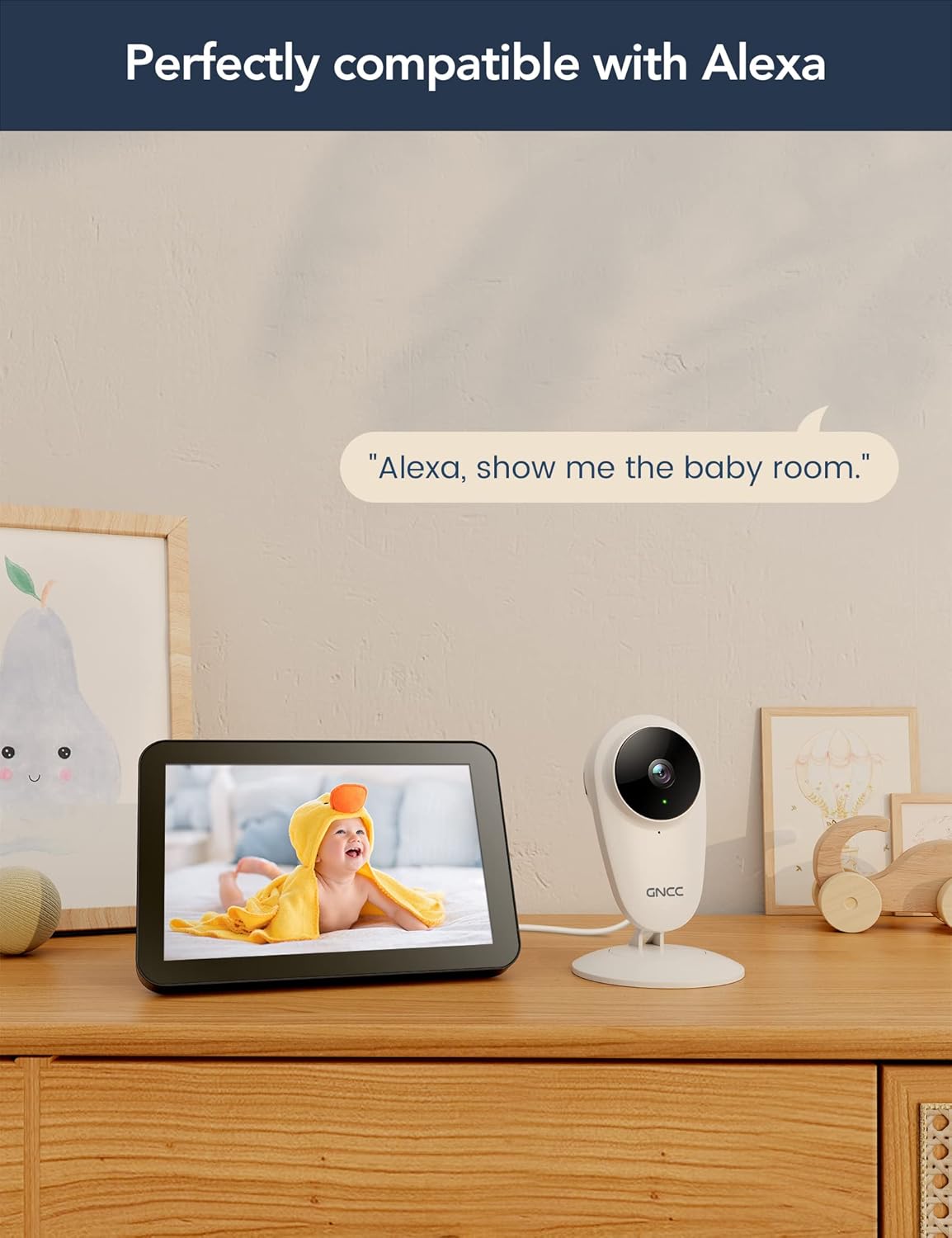
Image: The GNCC C1Pro camera next to an Amazon Echo Show, displaying a baby on its screen, with the text 'Alexa, show me the baby room.', demonstrating its compatibility with Alexa.
7. Техникалык тейлөө
- Тазалоо: Камера линзасын жана корпусун жумшак, кургак, мамыксыз чүпүрөк менен акырын сүртүңүз. Катуу химиялык заттарды же абразивдүү тазалоочу каражаттарды колдонбоңуз.
- Программалык камсыздоонун жаңыртуулары: Regularly check the Osaio app for firmware updates to ensure your camera has the latest features and security enhancements.
- Power Cycle: If the camera becomes unresponsive, unplug it from the power source for a few seconds and then plug it back in.
8. Кыйынчылыктарды
| Көйгөй | Мүмкүн себеп | Чечим |
|---|---|---|
| Колдонмодо камера оффлайн режиминде | No Wi-Fi connection; Power issue; Router settings. | Check Wi-Fi signal strength; Ensure camera is powered on; Restart router and camera; Re-add camera in app if necessary. |
| Wi-Fi'га туташпай жатат | Туура эмес Wi-Fi сырсөзү; 5 ГГц Wi-Fi тармагы; Камера роутерден өтө алыс. | Verify Wi-Fi password; Ensure you are connecting to a 2.4GHz network; Move camera closer to router. |
| No sound from camera / Two-way audio not working | Microphone/speaker muted in app; App permissions; Network latency. | Check mute settings in Osaio app; Grant microphone permissions to the app; Ensure stable internet connection. |
| Кыймыл/үн эскертүүлөрү алынган жок | Detection sensitivity too low; App notifications disabled; Network issues. | Adjust detection sensitivity in app settings; Enable notifications for Osaio app on your phone; Check internet connection. |
| Видеонун сапаты начар | Low bandwidth; Dirty lens. | Ensure stable and sufficient internet speed; Clean the camera lens with a soft cloth. |
9. Техникалык шарттар
| Өзгөчөлүк | Деталь |
|---|---|
| Модель аты | C1Pro |
| Ички/тышкы колдонуу | Indoor |
| Шайкеш түзмөктөр | Смартфон (Android, iOS) |
| Power Source | Электр зымдары |
| Connectivity Protocol | Wi-Fi (2.4 ГГц гана) |
| Монтаж түрү | Дубалга монтаждоо, стол |
| Видео тартуунун резолюциясы | 1080p |
| Viewбурч | 120 градус |
| Түнкү көрүү диапазону | 26 Фут (болжол менен 8 метр) |
| Ватtage | 6 ватт |
| Продукциянын өлчөмдөрү (L x W x Y) | 60 x 5 x 15 см |
| Элемент Салмагы | 220 г |
| Өзгөчөлүктөр | Night Vision, Two-Way Audio, Motion/Sound Detection, Alexa/Google Home Compatible |
| Сактагыч параметрлери | Micro SD Card (up to 128GB), Cloud Storage (subscription) |
10. Кепилдик жана колдоо
GNCC is committed to providing high-quality products and excellent customer service. For any product-related inquiries, technical support, or warranty claims, please refer to the contact information provided on the product packaging or visit the official GNCC website. Your feedback is valuable to us as we continuously strive to improve our products.

Image: A statement from GNCC emphasizing their dedication to providing high-quality, easy-to-install smart home electronics and their commitment to customer satisfaction and continuous product improvement.
Ask a question about this manual
Ask about setup, troubleshooting, compatibility, parts, safety, or missing instructions. Manuals+ will review the question and use this page’s manual context to help answer it.