
1. Киришүү
Сатып алганыңыз үчүн рахматasing the Kisonli L-8080 Wired Mini Speaker with RGB LED Light. This manual provides essential information for the safe and efficient operation of your new speaker system. Please read this manual thoroughly before use and retain it for future reference.
The Kisonli L-8080 is a compact wired speaker system designed for personal computers. It features vibrant RGB LED lighting and delivers clear audio. The speakers connect via USB and are suitable for tabletop placement.
2. Коопсуздук маалыматы
- Do not expose the device to water or excessive moisture. This product is not water-resistant.
- Avoid placing the speaker near heat sources, such as radiators, heat registers, stoves, or other apparatus (including ampкөтөргүчтөр) жылуулукту пайда кылуучу.
- Өндүрүүчү белгилеген тиркемелерди/аксессуарларды гана колдонуңуз.
- Бул аппаратты чагылгандуу бороондордо же узак убакыт бою колдонбогондо электр розеткасынан ажыратыңыз.
- Бул продуктту өзүңүз тейлөөгө аракет кылбаңыз. Бардык тейлөөнү квалификациялуу тейлөө кызматкерлерине тапшырыңыз.
- Балдар жетпеген жерде сактаңыз.
3. Пакеттин мазмуну
Пакеттин мазмунун кылдат текшериңиз. Эгерде кандайдыр бир буюмдар жок же бузулуп калса, сатуучуга кайрылыңыз.
- Kisonli L-8080 Mini Speaker (2 units)
- User Manual
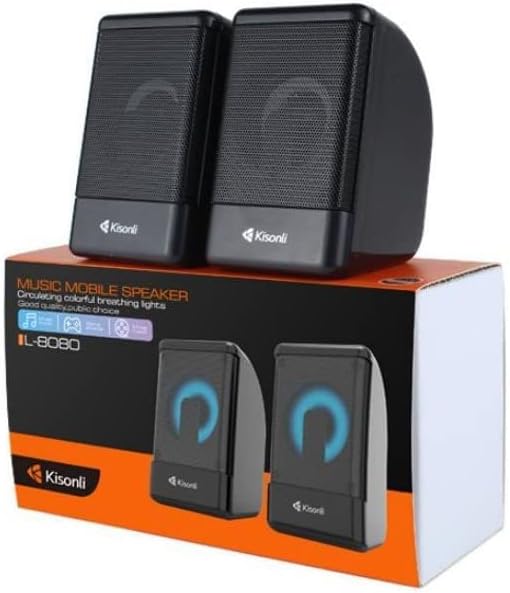
Image: Kisonli L-8080 speakers shown in their retail packaging, illustrating the product as it appears when unboxed.
4. Продукт бүтүп калдыview
The Kisonli L-8080 speaker system consists of two compact speakers designed for desktop use. Each speaker features an integrated RGB LED light that provides a colorful visual effect. The speakers are connected via a single USB cable for both power and audio signal.
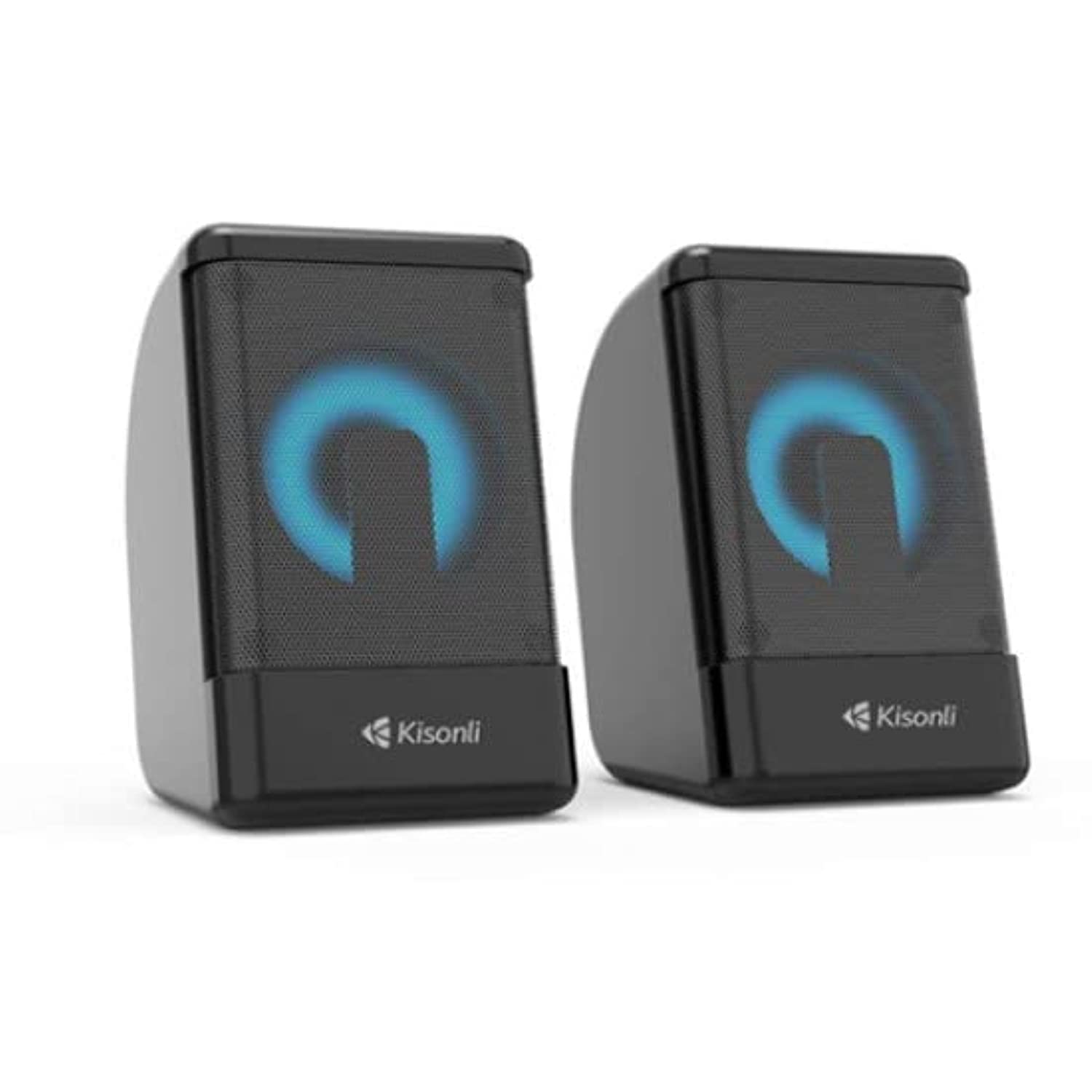
Сүрөт: алдыңкы view of the two Kisonli L-8080 speakers, one displaying a blue RGB light and the other a red RGB light.
Негизги өзгөчөлүктөрү:
- Compact design for desktop use.
- Wired USB connectivity for power and audio.
- Integrated RGB LED lighting.
- Tabletop mounting type.
5. Орнотуу нускамалары
Follow these steps to set up your Kisonli L-8080 speakers:
- Жайгашкан жери: Place the two speakers on a stable, flat surface, such as your desk, ensuring they are positioned for optimal sound delivery.
- USB кабелин туташтыруу: Locate the integrated USB cable from the speaker system. Plug the USB connector into an available USB port on your personal computer or a compatible USB power adapter. This connection provides power to the speakers and transmits the audio signal.
- Аудио чыгууну тандоо: On your computer, ensure that the Kisonli L-8080 speakers are selected as the default audio output device. This can typically be done through your operating system's sound settings.
- Күйгүзүү: The speakers will power on automatically once connected to a powered USB port. The RGB LED lights will illuminate.
6. Иштөө нускамалары
6.1 Аудио ойнотуу
- Once connected and powered on, the speakers are ready to play audio from your connected computer.
- Control the volume directly from your computer's operating system or through the volume control integrated into the speaker cable (if present).
6.2 RGB LED жарыктандыруу
- The speakers feature automatic RGB LED lighting that cycles through various colors.
- The product specifications mention a "remote control" method. If your speaker cable includes an inline controller, use it to adjust lighting modes or turn the lights on/off. Refer to the specific controls on your speaker's cable.
7. Техникалык тейлөө
- Тазалоо: Use a soft, dry cloth to clean the exterior of the speakers. Do not use liquid cleaners or aerosol sprays.
- Сактагыч: Динамиктерди көпкө чейин колдонбогон учурда, салкын, кургак жерде, күндүн түз нурунан жана өтө жогорку температурадан алыс сактаңыз.
- Кабельге кам көрүү: USB кабелин зыянга учуратпоо үчүн өтө ийилип же кысылбаңыз.
8. Кыйынчылыктарды
| Көйгөй | Мүмкүн себеп | Чечим |
|---|---|---|
| Динамиктерден үн жок. |
|
|
| RGB чырактары иштебей жатат. |
|
|
| Үн сапаты начар же бурмаланган. |
|
|
9. Техникалык шарттар
| Бренд | Кисонли |
| Модель аты | L-8080 |
| Байланыш технологиясы | Зымдуу (USB) |
| Шайкеш түзмөктөр | Персоналдык компьютер |
| Аудио чыгаруу режими | Курчап |
| Монтаж түрү | Стол үстү |
| Power Source | Зымдуу электр (USB аркылуу) |
| Динамик өлчөмү | 1 дюйм |
| Башкаруу ыкмасы | Remote (likely inline cable control) |
| Түс | Кара |
| Өлчөмдөрү (жеткирүү) | 20.5 x 11.4 x 7.3 см |
| Салмагы (жеткирүү) | 480 грамм |
| Сууга чыдамдуу | Жок |
10. Кепилдик маалыматы
The Kisonli L-8080 speaker comes with a чектелген кепилдик. Please refer to the warranty card included in your package for specific terms and conditions, including the duration and coverage details.
Extended warranty options may be available from your retailer. For details on extended protection plans, please contact your point of purchase.
11. Колдоо
For technical support, troubleshooting assistance, or warranty claims, please contact your retailer or the Kisonli customer service department.
Please have your product model number (L-8080) and proof of purchase ready when contacting support.