
1. Продукт бүтүп калдыview
The Seagate Skyhawk ST4000VX016 is a 4TB internal hard drive specifically engineered for video applications. It leverages Seagate's extensive experience in designing drives purpose-built for 24/7 surveillance systems, ensuring reliable performance and data integrity for continuous recording environments.
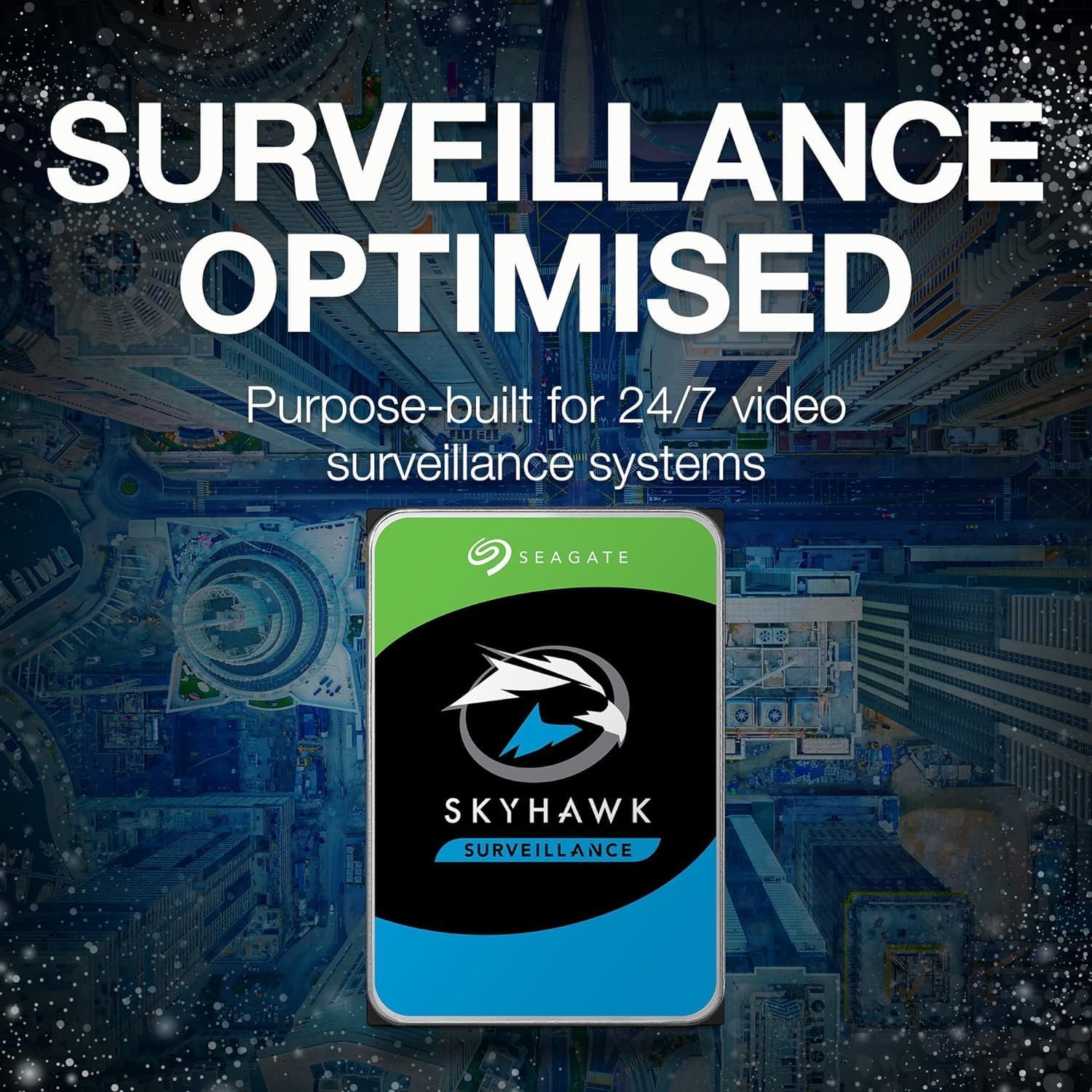
Image 1.1: The Seagate Skyhawk ST4000VX016 Internal Hard Drive.
2. Пакеттин мазмуну
Пакетиңизде төмөнкү заттар бар экенин текшериңиз:
- 1x Seagate Skyhawk ST4000VX016 4TB Internal Hard Drive
3. Орнотуу боюнча колдонмо
This section provides instructions for physically installing the Seagate Skyhawk ST4000VX016 hard drive into a compatible system, such as a desktop computer or a Network Video Recorder (NVR)/Digital Video Recorder (DVR).
3.1. Физикалык орнотуу
- Системаңызды даярдаңыз: Power off your computer or NVR/DVR and disconnect all power cables. Open the system case to access the drive bays.
- Дискти орнотуу: Slide the Skyhawk hard drive into an available 3.5-inch drive bay. Secure the drive using screws appropriate for your system's drive bay. Ensure the drive is firmly seated to prevent vibration.
- Маалымат кабелин туташтырыңыз: Connect one end of a SATA data cable to the SATA port on the hard drive and the other end to an available SATA port on your system's motherboard or NVR/DVR mainboard.
- Кубат кабелин туташтыруу: Системаңыздын кубат булагы блогунан (PSU) SATA кубат кабелин катуу дисктеги кубат туташтыргычына туташтырыңыз.
- Системанын ишин жабуу: Once all connections are secure, close the system case and reconnect the power cables.
3.2. Системанын конфигурациясы
After physical installation, the drive needs to be initialized and formatted by your operating system or NVR/DVR software.
- For Desktop Computers (Windows/Linux/macOS):
- Компьютериңизди жүктөө.
- Access Disk Management (Windows), Disk Utility (macOS), or a partitioning tool like
fdisk/parted(Linux). - Locate the newly installed drive, initialize it (if prompted), and then create a new partition and format it with a suitable file system (e.g., NTFS for Windows, ext4 for Linux, HFS+/APFS for macOS).
- NVR/DVR системалары үчүн:
- Boot your NVR/DVR.
- Refer to your NVR/DVR's specific user manual for instructions on how to detect, initialize, and format new hard drives within its system settings. Most NVR/DVRs will automatically detect and prompt you to format the drive upon startup.
4. Операция
The Seagate Skyhawk ST4000VX016 is designed for continuous, 24/7 operation in surveillance environments. Its specialized features ensure optimal performance for video recording.

Image 4.1: The Skyhawk drive is purpose-built for 24/7 video surveillance systems.
- 24/7 Workloads: The drive is built to handle the demanding, always-on recording requirements of surveillance systems, supporting high write workloads.
- ImagePerfect микропрограммасы: This specialized firmware ensures smooth, clear video streaming and recording, minimizing dropped frames and maximizing data integrity.
- High-Definition Storage: Capable of supporting multiple simultaneous HD camera streams, making it suitable for systems with numerous cameras.

Image 4.2: The Skyhawk drive supports up to 64 simultaneous HD camera streams.

Image 4.3: Enhanced video streaming is achieved with ImagePerfect firmware.
5. Техникалык тейлөө жана кам көрүү
Proper maintenance ensures the longevity and optimal performance of your Seagate Skyhawk hard drive.
- Физикалык чөйрө: Ensure the drive is installed in a well-ventilated area to prevent overheating. Avoid exposing the drive to extreme temperatures, humidity, or physical shock.
- SkyHawk Health Management (SHM): Utilize the SkyHawk Health Management system, if supported by your NVR/DVR, for proactive monitoring of drive health. SHM provides insights into drive performance and potential issues, allowing for preventative action.

Image 5.1: SkyHawk Health Management offers broad ecosystem compatibility for monitoring drive health.
- Программалык камсыздоонун жаңыртуулары: Мезгил-мезгили менен Seagate колдоосун текшерип туруңуз webсиздин диск моделиңиз үчүн жеткиликтүү микропрограмма жаңыртуулары үчүн сайт. Микропрограмма жаңыртуулары майнаптуулукту, туруктуулукту жана шайкештикти жакшыртат.
- Маалыматтын камдык көчүрмөсү: While Skyhawk drives are reliable, it is always recommended to implement a data backup strategy for critical surveillance footage, if applicable to your system setup.
6. Кыйынчылыктарды
Бул бөлүмдө сиздин катуу дискиңизде кабылышы мүмкүн болгон жалпы маселелер каралат.
- Диск аныкталган жок:
- Verify that both the SATA data and power cables are securely connected to the drive and the motherboard/NVR.
- Check your system's BIOS/UEFI settings to ensure the SATA port the drive is connected to is enabled.
- Ensure the drive is properly initialized and formatted by your operating system or NVR/DVR software (refer to Section 3.2).
- Slow Performance or Recording Errors:
- Check the health of the drive using SkyHawk Health Management or other S.M.A.R.T. diagnostic tools.
- Ensure your system's drivers (e.g., SATA controller drivers) are up to date.
- Verify that the NVR/DVR system is not overloaded with too many simultaneous high-resolution streams beyond its capacity.
- Адаттан тыш үндөр (чыкылдатуу, майдалоо):
- Unusual noises can indicate a potential drive failure. Immediately back up any critical data if possible and contact Seagate support for assistance.
7. Техникалык шарттар
Detailed specifications for the Seagate Skyhawk ST4000VX016 hard drive.

Image 7.1: The Skyhawk drive is designed for 180 TB/year workloads and 1 million-hours MTBF.
| Өзгөчөлүк | Спецификация |
|---|---|
| Модель номери | ST4000VX016 |
| Санариптик сактоо сыйымдуулугу | 4 ТБ (4000 ГБ) |
| Катуу диск интерфейси | Сериялык ATA III |
| Байланыш технологиясы | SATA |
| Катуу диск форма фактору | 3.5 дюйм |
| Маалыматтарды өткөрүү ылдамдыгы | 6 Gigabits Per Second (SATA 6.0 Gb/s) |
| Cache Memory Installed Size | 64 MB |
| Шайкеш түзмөктөр | Desktop, NVR, DVR |
| Орнотуу түрү | Ички катуу диск |
| Медиа ылдамдыгы | 600-750 MB/s (typical for SATA III HDD) |
| Элемент Салмагы | 0.26 килограмм |
| Материал | Алюминий |
8. Кепилдик маалыматы
The Seagate Skyhawk ST4000VX016 hard drive comes with a 3-year limited warranty. For complete details regarding warranty terms, conditions, and the claims process, please refer to the official Seagate webсайтты же сатып алууда камтылган кепилдик документтерин.
9. Кардарларды колдоо кызматы
For further assistance, technical support, or to download the latest drivers and firmware, please visit the official Seagate support webсайт:
You may also find additional resources and FAQs on the product support pages.