
1. Киришүү
Сатып алганыңыз үчүн рахматasing the Sanyun SW010 Mini Soundbar. This manual provides essential information for setting up, operating, and maintaining your device. Please read it thoroughly before use to ensure optimal performance and longevity of your soundbar.
2. Пакеттин мазмуну
Сураныч, пакетте төмөнкү нерселерди текшериңиз:
- Sanyun SW010 Soundbar
- USB-C - USB-A кабели
- Quick Start Guide
3. Продукт бүтүп калдыview
The Sanyun SW010 is a compact soundbar designed for versatile audio playback. Its pentagonal bar structure and compact size (26.5 x 5 x 5 cm) allow for convenient placement on any desk, under a monitor, or behind a laptop. It features a single multi-function knob for easy control.

Сүрөт 3.1: Алдыңкы view of the Sanyun SW010 Mini Soundbar with its USB connection cable.

3.2-сүрөт: Ички view illustrating the speaker drivers and passive radiator for enhanced audio.
Башкаруу каражаттары жана көрсөткүчтөр:
- Көп функциялуу баскыч: Located on the right side. Press to power on/off, switch modes (USB/Bluetooth), and rotate to adjust volume.
- LED көрсөткүчү: Displays current mode (e.g., Red for USB, Blue for Bluetooth).
- USB-C порту: For power and audio input via USB-A cable.
- 3.5 мм гарнитура уячасы: Жеке угуу үчүн.
4. Орнотуу
The Sanyun SW010 offers two primary connection methods: wired USB-A and wireless Bluetooth 5.0.
4.1. Wired USB-A Connection
This method provides high-fidelity audio through the integrated 16-bit DAC, directly converting digital audio signals with minimal loss.
- Connect the supplied USB-C to USB-A cable to the USB-C port on the soundbar.
- Plug the USB-A end of the cable into an available USB-A port on your PC, laptop, or other compatible device.
- The soundbar will power on automatically and enter USB mode (indicated by a red LED).
- Ensure your device's audio output is set to the Sanyun SW010 soundbar.

Figure 4.1: Connecting the soundbar to a laptop using the USB-A cable for power and audio.
4.2. Bluetooth 5.0 туташуу
Шайкеш түзүлүштөрдөн зымсыз аудио агымы үчүн.
- Ensure the soundbar is powered on. If it's in USB mode, press the multi-function knob to switch to Bluetooth mode (indicated by a flashing blue LED).
- Смартфонуңузда, планшетиңизде же компьютериңизде Bluetooth'ду күйгүзүп, жеткиликтүү түзмөктөрдү издеңиз.
- Select "Sanyun SW010" from the list of devices to pair.
- Once paired, the blue LED will become solid, and you can play audio wirelessly.
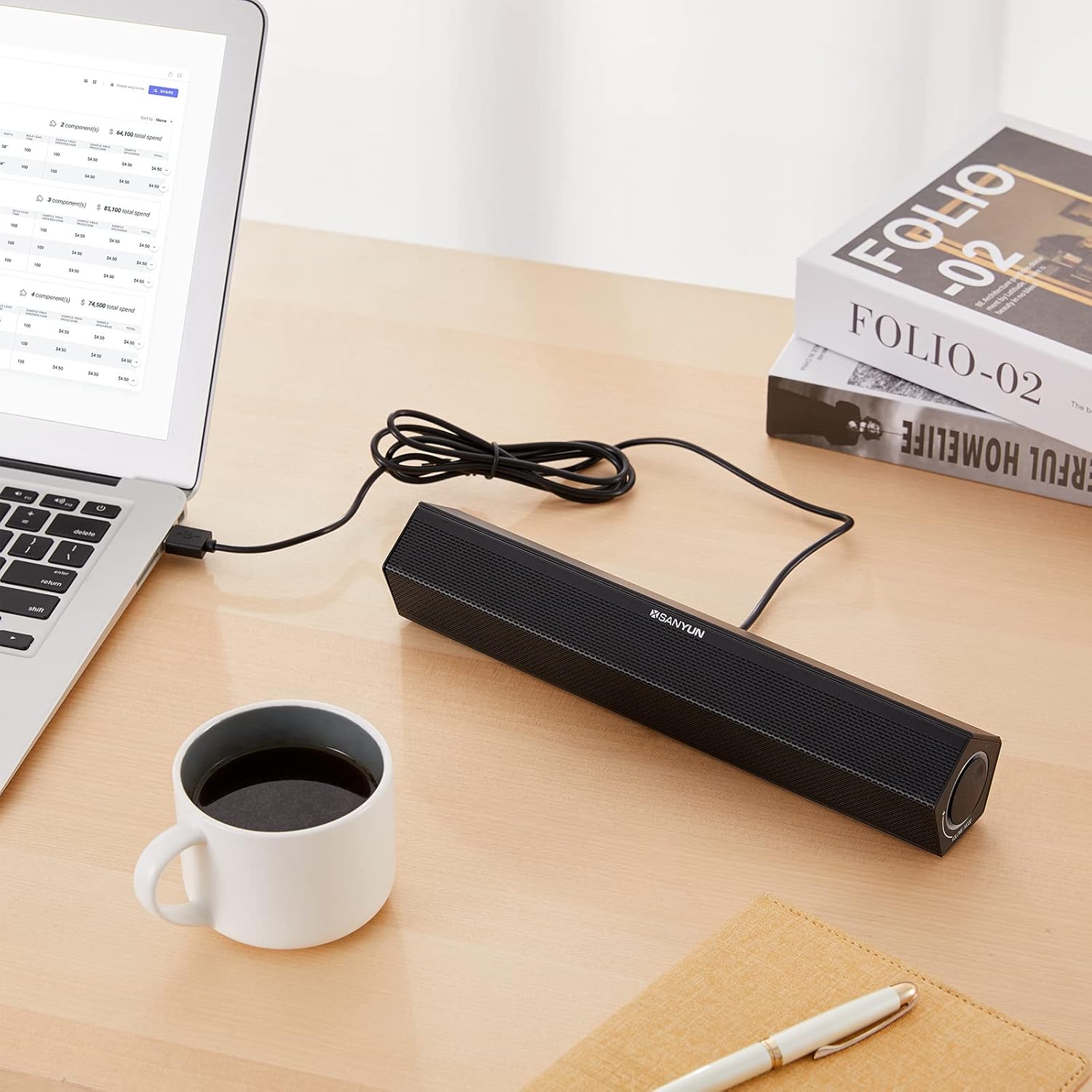
Figure 4.2: The soundbar connected wirelessly to a tablet, demonstrating Bluetooth functionality.

Figure 4.3: A typical desktop setup showing the soundbar positioned next to a laptop.
5. Иштөө нускамалары
The Sanyun SW010 features a user-friendly single multi-function knob for all primary operations.
5.1. Күйгүзүү/өчүрүү
- Күйгүзүү: If the soundbar is off, press and hold the multi-function knob for approximately 3 seconds.
- Өчүрүү: Press and hold the multi-function knob for approximately 3 seconds.
5.2. Үндү тууралоо
- Көлөмүн жогорулатуу: Rotate the multi-function knob clockwise.
- Көлөмдү азайтуу: Rotate the multi-function knob counter-clockwise.
5.3. Которуу режими
- Которуу режимдери: Briefly press the multi-function knob to toggle between USB mode (red LED) and Bluetooth mode (blue LED).
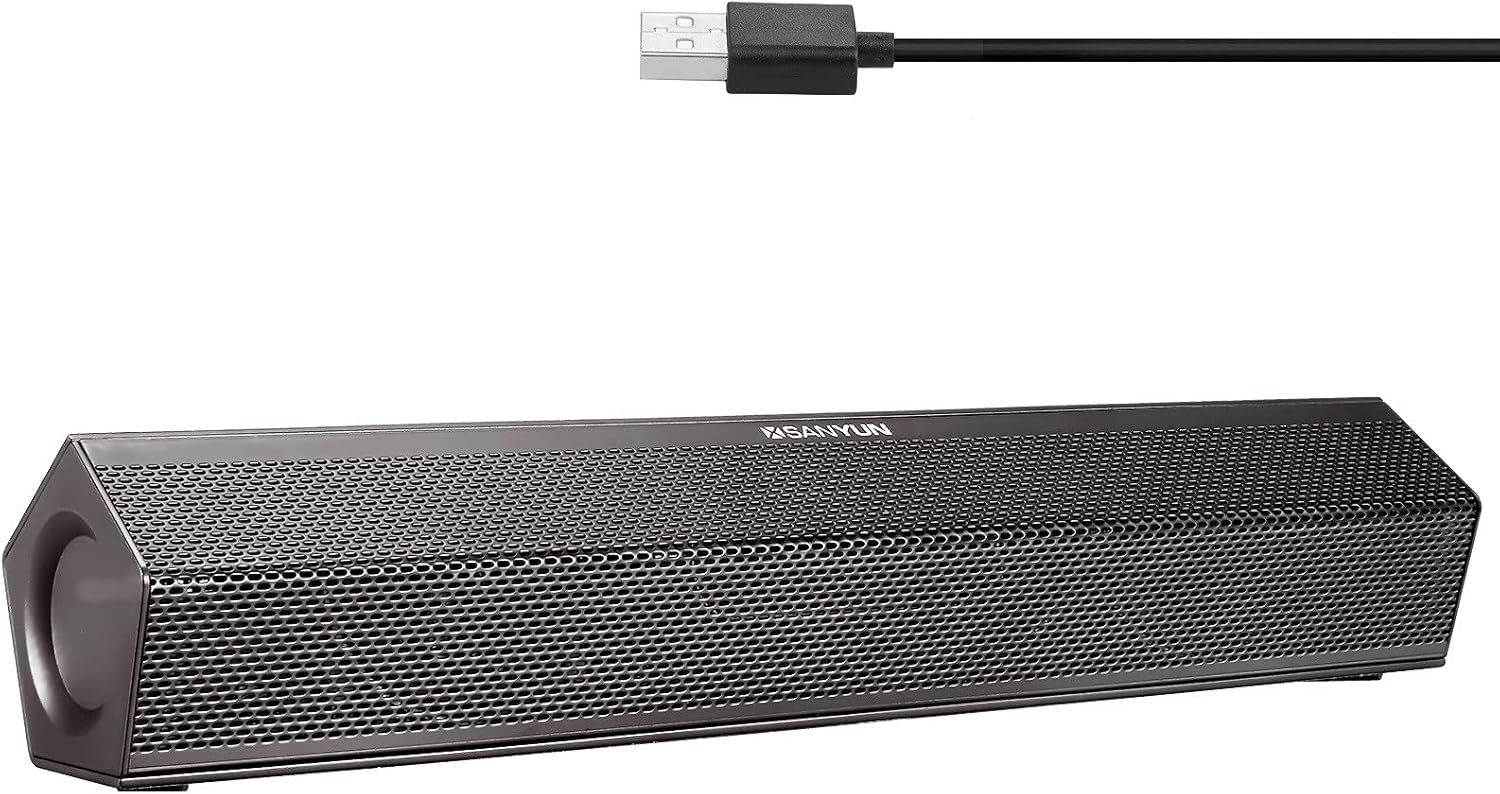
Figure 5.1: The multi-function knob, used for power, volume, and mode selection.
5.4. Using the 3.5mm Headphone Jack
Connect standard 3.5mm headphones to the headphone jack on the soundbar for private listening. When headphones are connected, audio will be routed through them, and the soundbar's speakers will be muted.
6. Техникалык тейлөө
To ensure the longevity and optimal performance of your Sanyun SW010 Soundbar, follow these simple maintenance guidelines:
- Тазалоо: Use a soft, dry cloth to wipe the surface of the soundbar. Do not use liquid cleaners, aerosols, or solvents, as they may damage the finish or internal components.
- Жайгашкан жери: Place the soundbar on a stable, flat surface. Avoid placing it in direct sunlight, near heat sources, or in areas with high humidity or dust.
- Сактагыч: Саундбарды узак убакытка сактасаңыз, аны кубаттан ажыратып, салкын, кургак жерде сактаңыз.
- Таасирден качуу: Do not drop or subject the soundbar to strong impacts, as this can damage internal components.
7. Кыйынчылыктарды
If you encounter issues with your Sanyun SW010 Soundbar, please refer to the following common problems and solutions:
| Көйгөй | Мүмкүн себеп | Чечим |
|---|---|---|
| Үн жок |
|
|
| Bluetooth жупташуу катасы |
|
|
| Үн бурмалоо |
|
|
If the problem persists after trying these solutions, please contact Sanyun customer service for further assistance.
8. Техникалык шарттар
| Өзгөчөлүк | Деталь |
|---|---|
| Бренд | Санюн |
| Модель номери | SW010 |
| Байланыш технологиясы | Bluetooth 5.0, Wired (USB-A) |
| Спикердин максималдуу чыгаруу күчү | 8 Ватт |
| Динамик өлчөмү | 45 миллиметр |
| Integrated DAC | 16-бит |
| Power Source | USB-A (Cable Electric) |
| Продукциянын өлчөмдөрү (L x W x Y) | 26.5 x 5 x 5 см |
| Продукт Салмагы | 400 грамм |
9. Кепилдик жана колдоо
Your Sanyun SW010 Soundbar comes with a 12 айлык тынчсыздануу-эркин кепилдик. Sanyun is committed to providing professional sound solutions and friendly lifetime customer service.
For warranty claims, technical support, or any inquiries, please refer to the contact information provided in your Quick Start Guide or visit the official Sanyun webсайт.