
1. Киришүү
Thank you for choosing the esLife ES1181 Wireless Self-Generating Doorbell. This manual provides detailed instructions for the installation, operation, and maintenance of your new doorbell system. Please read this manual thoroughly before use to ensure proper function and longevity of the product.
2. Продукт бүтүп калдыview
The esLife ES1181 is a wireless, self-generating doorbell system designed for convenience and reliability. It features a battery-free push button transmitter and a plug-in receiver with LED flash. With a wide operating range and multiple chime options, it ensures you never miss a visitor.
Негизги өзгөчөлүктөрү:
- Self-Generating Transmitter: No batteries required for the push button.
- Зымсыз диапазон: Ачык жерлерде 500 футка (150 метрге) чейин.
- 38 Chimes: Select from a variety of musical tones.
- 4 Көлөм деңгээли: Adjustable volume, including a mute option.
- IP44 Суу өткөрбөйт: The transmitter is resistant to water splashes and dust, suitable for outdoor use.
- LED жарк көрсөткүчү: Visual alert on the receiver.
Компоненттери:
- 1 x Self-Generating Push Button Transmitter
- 1 x Plug-in Receiver
- Орнотуу жабдуулары (бурамалар, жабышчаак төшөмөлөр)
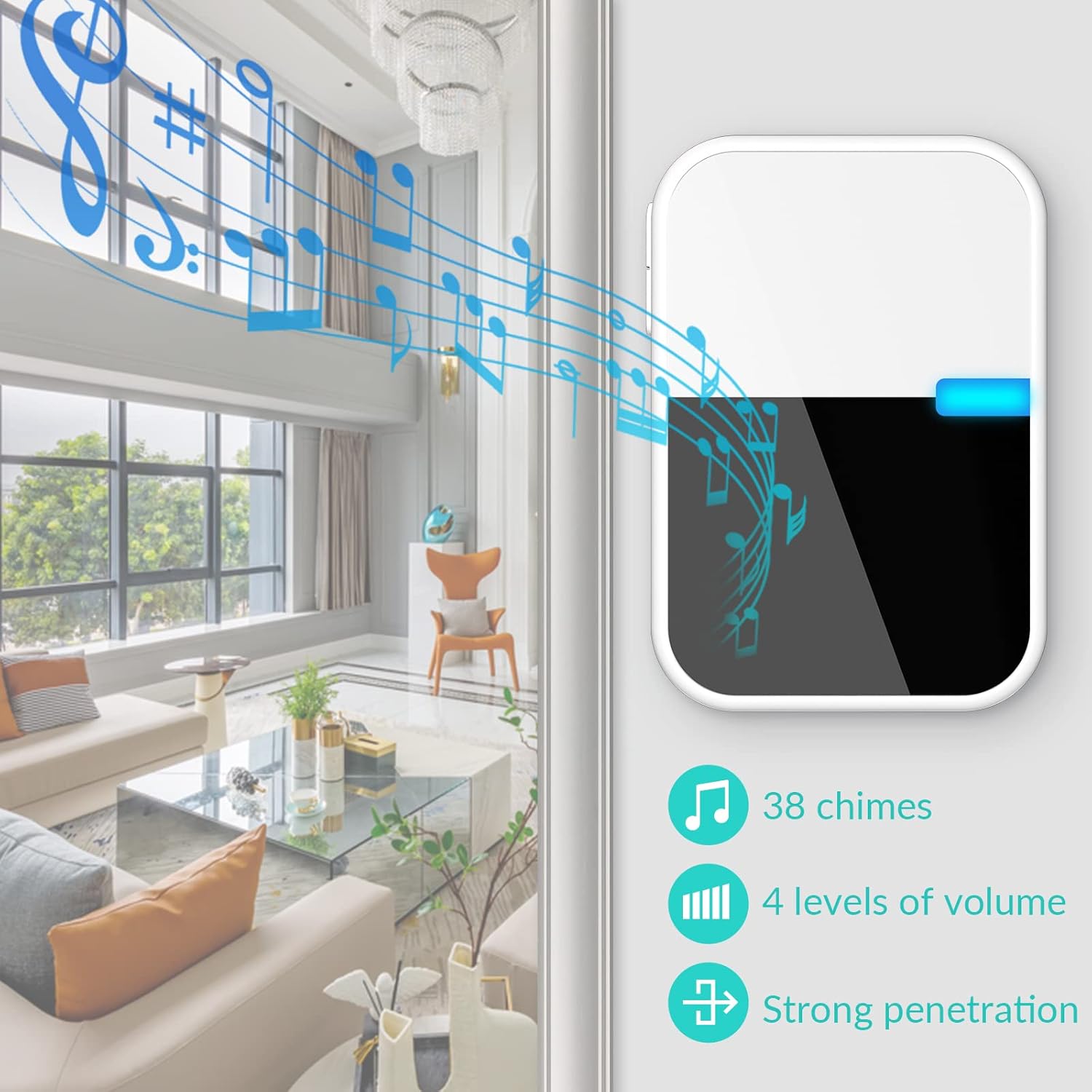
Сүрөт 2.1: Бүттүview of the esLife wireless doorbell system, highlighting its features like multiple chimes, adjustable volume, and strong signal penetration.
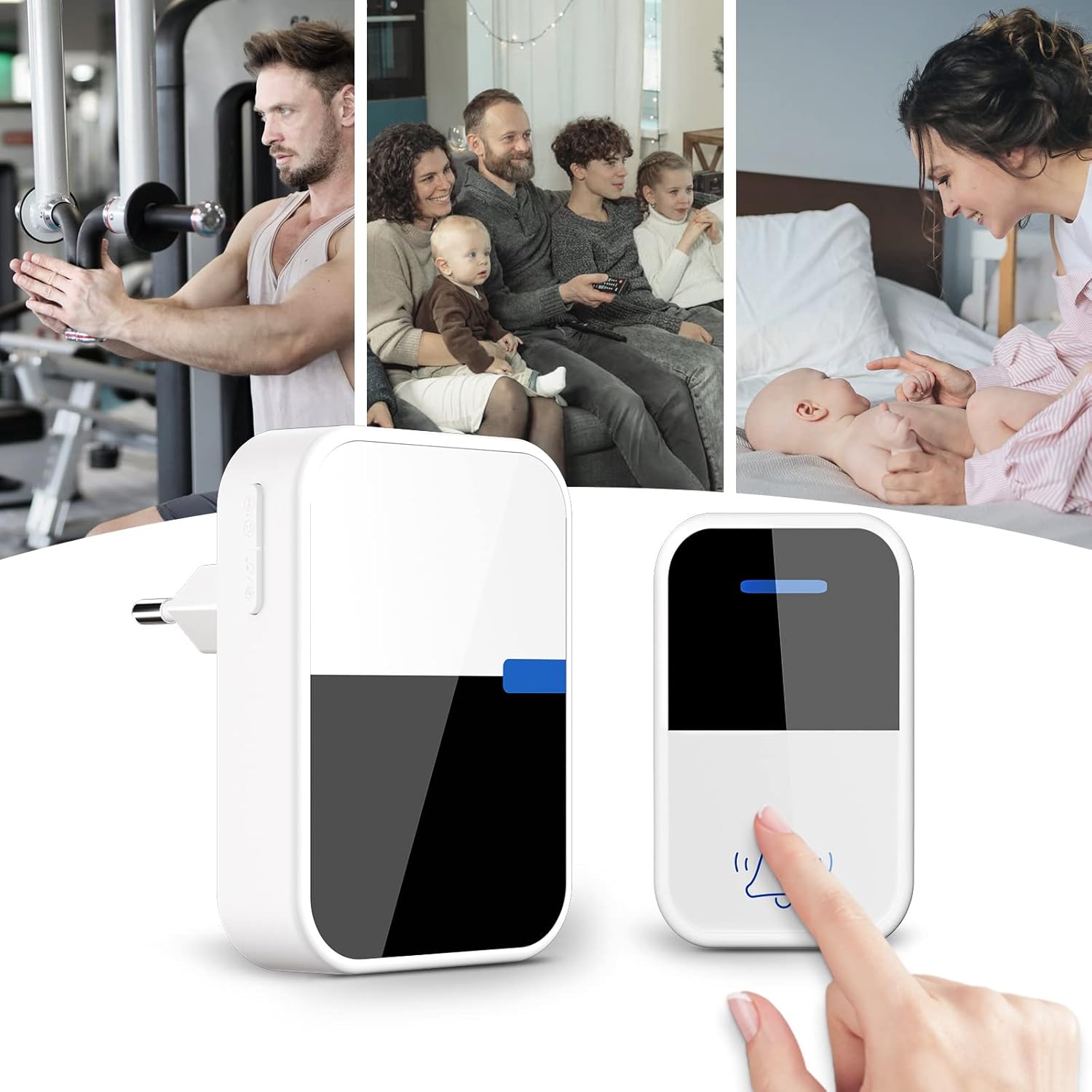
Image 2.2: The esLife doorbell system shown in different home environments, illustrating its versatility and ease of use for various family activities.
3. Орнотуу жана орнотуу
The esLife ES1181 doorbell is designed for easy installation without the need for complex wiring or battery replacement for the transmitter.
3.1 Transmitter Installation (Push Button)
- Жайгашкан жерди тандаңыз: Select a suitable location for the push button, typically near your front door. Ensure the surface is clean and dry.
- Монтаждоо параметрлери:
- Желим төшөмө: Peel off one side of the double-sided adhesive pad and stick it to the back of the transmitter. Peel off the other side and firmly press the transmitter onto the desired surface for at least 30 seconds.
- Бурамалар: Use the provided screws and anchors to securely mount the transmitter to the wall. Mark the drill points, drill holes, insert anchors, and then screw the transmitter into place.
- Сыноо: Ресиверди иштетип жатканын текшерүү үчүн баскычты басыңыз.
3.2 Receiver Installation (Plug-in Unit)
- Жайгашкан жерди тандаңыз: Select an indoor electrical outlet within the desired range of the transmitter. Consider central locations for optimal sound distribution.
- Плагин: Simply plug the receiver into a standard electrical outlet. The receiver will power on and be ready for use.
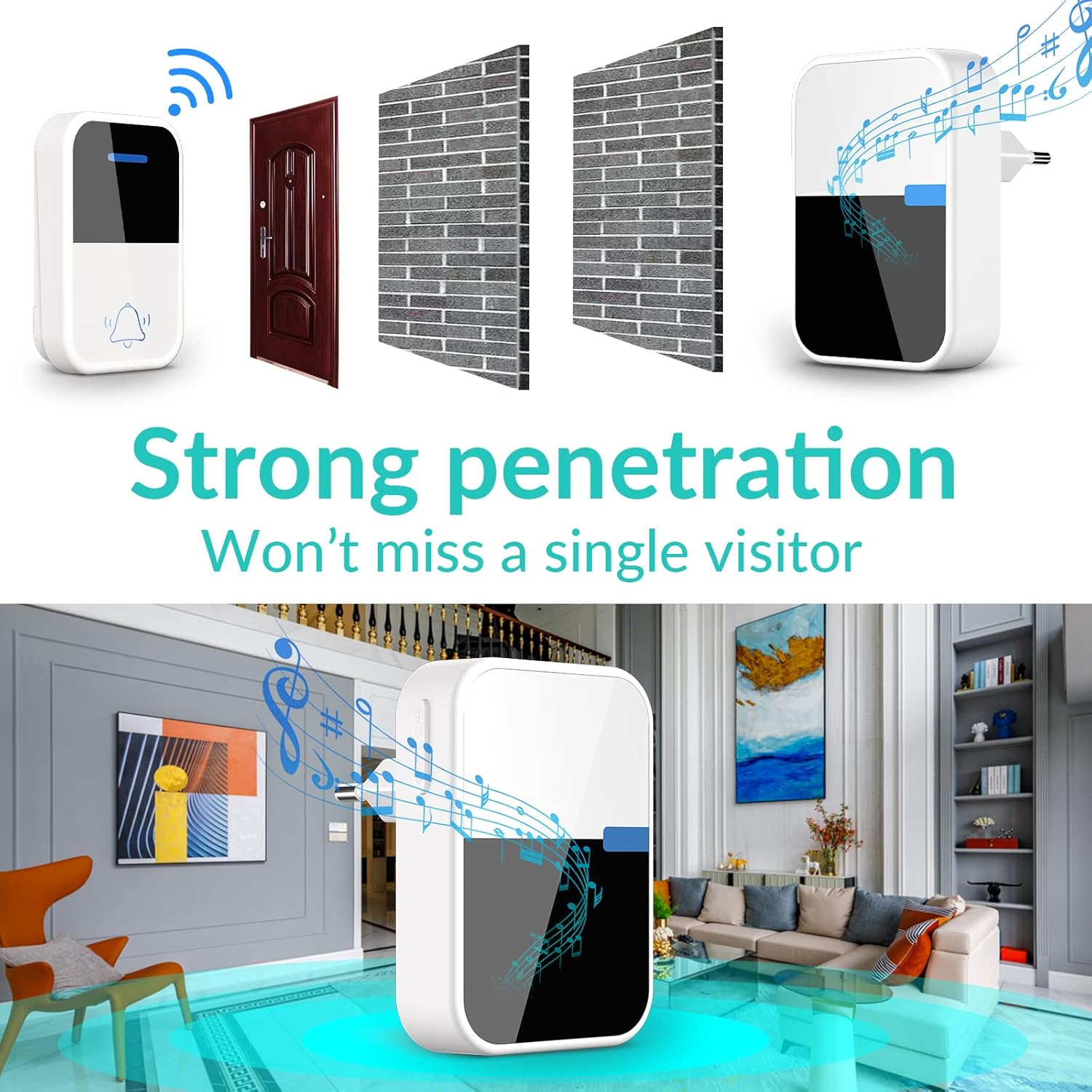
Image 3.1: Illustration of the doorbell's strong signal penetration, demonstrating its ability to transmit through walls to ensure reliable operation within your home.
4. Иштөө нускамалары
The receiver unit allows for customization of chime melodies and volume levels.
4.1 Changing Chime Melody
To change the chime melody:
- табыңыз Chime Change Button кабыл алгычтын капталында.
- Press the button repeatedly to cycle through the 38 available melodies.
- Once you hear your preferred melody, stop pressing the button. The doorbell will save this selection.
4.2 Үндү тууралоо
Үн деңгээлин тууралоо үчүн:
- табыңыз Үн баскычы кабыл алгычтын капталында.
- Press the button to cycle through the four volume levels (High, Medium, Low, Mute).
- Каалаган үн деңгээлин тандаңыз.
4.3 Үнсүз кылуу функциясы
The mute function allows for silent operation, indicated by an LED flash only. This is useful for times when you do not wish to be disturbed.
- To activate mute, press the Volume Button until the mute icon is displayed or the sound is off.
- To deactivate mute, press the Volume Button again to cycle to an audible volume level.

Image 4.1: Close-up of the receiver unit, detailing the indicator light, volume control, and chime selection buttons for easy customization.

Image 4.2: The doorbell receiver in mute mode, ideal for ensuring a restful sleep without audible disturbances, while still providing a visual alert.
5. Техникалык тейлөө
The esLife ES1181 doorbell requires minimal maintenance to ensure optimal performance.
5.1 Тазалоо
- Wipe the transmitter and receiver with a soft, dry cloth.
- Абразивдүү тазалагычтарды же эриткичтерди колдонбоңуз, анткени алар бетке зыян келтириши мүмкүн.
5.2 Waterproofing (Transmitter)
The transmitter has an IP44 waterproof rating, meaning it is protected against splashing water from any direction and solid objects larger than 1mm. While it is designed for outdoor use, avoid submerging it in water or exposing it to heavy, direct water jets for extended periods.

Image 5.1: The doorbell transmitter demonstrating its IP44 waterproof capability, suitable for outdoor installation and protection against rain and splashes.
6. Кыйынчылыктарды
If you encounter issues with your esLife ES1181 doorbell, please refer to the following common problems and solutions:
| Көйгөй | Мүмкүн себеп | Чечим |
|---|---|---|
| Receiver does not ring or flash. |
|
|
| Кыска иштөө диапазону. |
|
|
| Transmitter button feels stiff or unresponsive. |
|
|
7. Техникалык шарттар
| Модель номери | ES1181 |
| Бренд | esLife |
| Өлчөмдөрү (пакет) | 9.5 x 8.3 x 7.3 см |
| Салмагы | 120 грамм |
| Кубат булагы (өткөргүч) | Self-Generated (Kinetic Energy) |
| Кубат булагы (кабыл алуучу) | Plug-in (AC Power) |
| Үн деңгээли | Up to 105 Decibels |
| Суу өткөрбөйт рейтинги (өткөргүч) | IP44 |
| Иштөө диапазону | Ачык жерлерде 150 метрге чейин (500 фут) |
| Коңгуроолордун саны | 38 |
| Үн деңгээли | 4 (including Mute) |
8. Кепилдик жана колдоо
For warranty information or technical support, please refer to the product packaging or contact esLife customer service directly. Keep your purchase receipt as proof of purchase.