
Introduction
The SanDisk Ultra Curve 32GB USB 3.2 Flash Drive is a portable storage device designed for reliable and efficient data transfer. Featuring a compact design and USB 3.2 interface, it offers read speeds of up to 100MB/s, making it suitable for storing and transferring documents, photos, music, and other digital files. This manual provides essential information for setting up, operating, maintaining, and troubleshooting your flash drive.
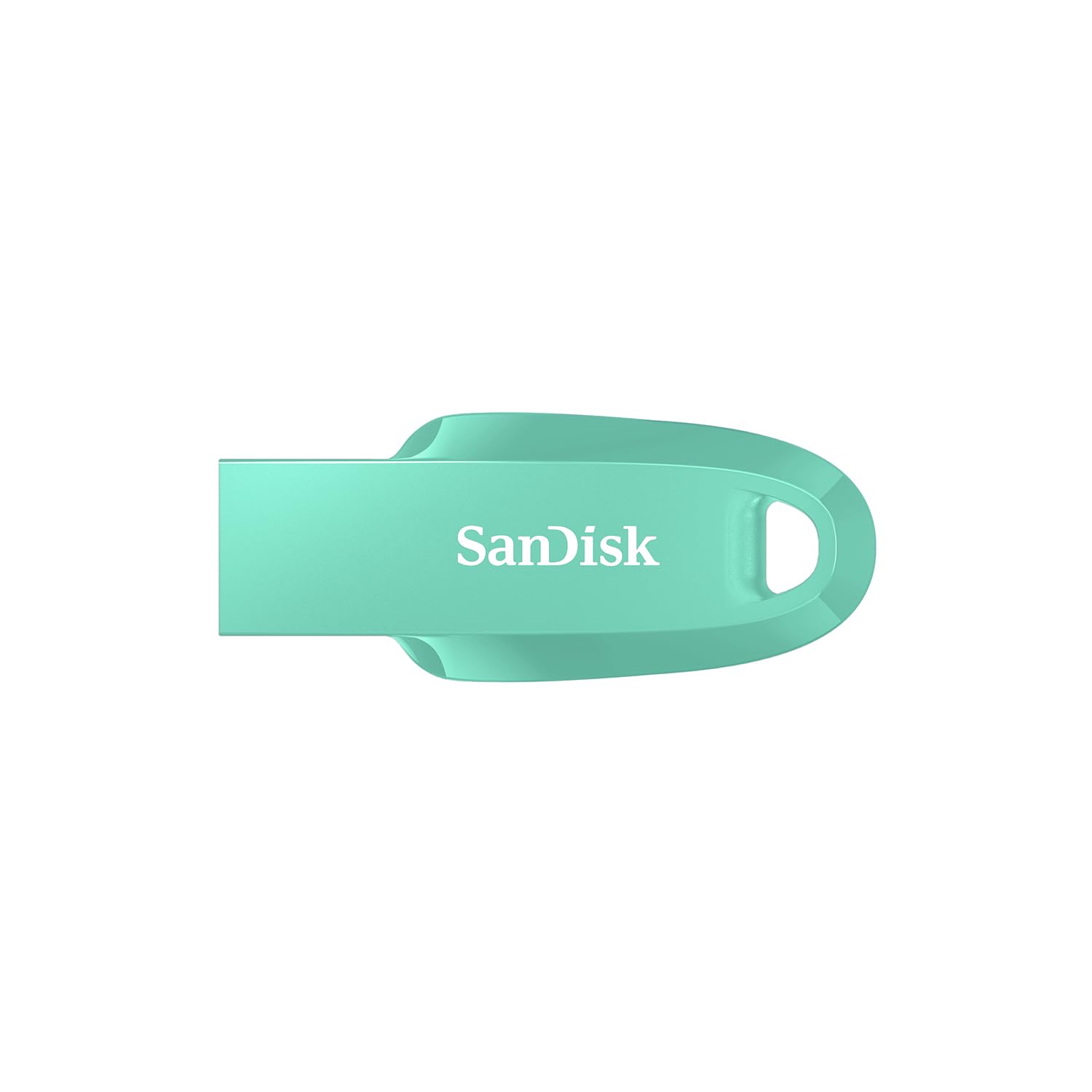
Image: SanDisk Ultra Curve 32GB USB 3.2 Flash Drive in Green. This image displays the compact, curved design of the flash drive, highlighting its portability.
Жайгашуу
- Системалык талаптар: Ensure your computer or device has a compatible USB port (USB 3.2, USB 3.0, or USB 2.0). The drive is compatible with most operating systems, including Windows, macOS, and Linux.
- Дискти туташтыруу: Carefully insert the SanDisk Ultra Curve flash drive into an available USB port on your computer. The drive is designed for easy insertion.
- Автоматтык таануу: Your operating system should automatically detect and install the necessary drivers for the flash drive. A new removable disk drive will appear in 'My Computer' (Windows) or 'Finder' (macOS).
- Баштапкы форматтоо (милдеттүү эмес): The drive comes pre-formatted and ready for use. If you wish to reformat the drive, right-click on the drive icon and select 'Format'. Choose your preferred file system (e.g., FAT32 for broad compatibility, NTFS for Windows-specific use, exFAT for large files and cross-platform use).
Иштеп жатат
Өткөрүлүүдө Files
- Көчүрүү FileАйдоочу жайга: табыңыз files or folders you wish to transfer on your computer. Drag and drop them into the SanDisk Ultra Curve drive folder, or right-click and select 'Send To' > [Drive Letter].
- Көчүрүү Files Дисктен: Open the SanDisk Ultra Curve drive folder. Select the files or folders you wish to copy. Drag and drop them to your desired location on your computer, or right-click and select 'Copy', then 'Paste' to the destination.
SanDisk SecureAccess программасын колдонуу
The SanDisk Ultra Curve flash drive is compatible with SanDisk SecureAccess software, which helps protect your private files with password protection and 128-bit AES encryption. This software is typically pre-loaded on the drive or available for download from the SanDisk webсайт.
- Орнотуу: If not already installed, locate the SecureAccess installer on your drive or download it. Follow the on-screen instructions to install.
- Жайгашуу: Launch SecureAccess. You will be prompted to create a password and a private vault.
- Камсыздоо Files: Сүйрөп барып таштаңыз files into the SecureAccess vault to encrypt them. These files will be protected and require your password to access.
Дискти коопсуз алып салуу
Always safely remove the flash drive to prevent data corruption. Do not simply pull the drive out while it is in use.
- Windows: Click the 'Safely Remove Hardware and Eject Media' icon in the system tray (bottom-right corner). Select the SanDisk drive and wait for the 'Safe to Remove Hardware' message.
- MacOS: Drag the drive icon from the desktop to the Trash, or right-click the drive icon and select 'Eject'.
Техникалык тейлөө
- Физикалык кам көрүү: Флеш-дискти таза жана чаң менен таштандылардан алыс кармаңыз. Аны өтө жогорку температурага, түз күн нуруна же нымдуулукка дуушар кылбаңыз.
- Температура диапазону: The operating temperature range is 0°C to 45°C. The storage temperature range is -10°C to 70°C. Operating outside these ranges may affect performance or damage the drive.
- Маалыматтын камдык көчүрмөсү: Маалыматтардын жоголушун алдын алуу үчүн флеш-дискте сакталган маанилүү маалыматтардын камдык көчүрмөсүн дайыма башка сактоочу чөйрөгө алып туруңуз.
- Таасирден качуу: While durable, avoid dropping or subjecting the drive to strong impacts, as this can cause internal damage.
Проблемаларды чечүү
- Диск таанылган жок:
- Дискти компьютериңиздин башка USB портуна салып көрүңүз.
- Компьютерге тиешелүү маселени болтурбоо үчүн дискти башка компьютерде сынап көрүңүз.
- Диск USB портуна толугу менен киргизилгенин текшериңиз.
- Check your computer's Device Manager (Windows) or System Information (macOS) to see if the drive is listed.
- Жай өткөрүү ылдамдыгы:
- Ensure you are using a USB 3.0 or USB 3.2 port for optimal performance. USB 2.0 ports will result in slower speeds.
- Көптөгөн майда которуулар fileс бир нече чоң өткөрүп караганда жайыраак болушу мүмкүн files.
- Тутум ресурстарын колдонуп жаткан башка колдонмолорду жабыңыз.
- Drive Becomes Warm During Use:
- It is normal for flash drives to generate some heat during intensive data transfer operations. This is generally not a cause for concern unless the drive becomes excessively hot to touch or performance is severely impacted.
- Ensure adequate airflow around the drive if possible.
- Маалыматтын бузулушу:
- Дискти ажыратуудан мурун ар дайым "Аппаратты коопсуз алып салуу" опциясын колдонуңуз.
- If data appears corrupted, you may attempt to run a disk check utility (e.g., 'Error Checking' in Windows) on the drive.
Техникалык шарттар
| Бренд | SanDisk |
| Модель аты | Cruzer Force (SDCZ550-032G-I35G) |
| Эстутум сактоо сыйымдуулугу | 32 ГБ |
| Аппараттык интерфейс | USB 3.2 Gen 2 |
| Окуу ылдамдыгы | секундасына 100 мегабайт |
| Жазуу ылдамдыгы | 20 MB per second |
| Шайкеш түзмөктөр | Computers, Laptops, Tablets, Smartphones (with USB connectivity) |
| Түс | Жашыл |
| UPC | 619659196707 |
| Келип чыккан өлкө | Малайзия |
Кепилдик жана колдоо
Кепилдик маалымат
This SanDisk Ultra Curve Flash Drive comes with a 5 жылдык чектелген кепилдик. Кепилдик дооматтары үчүн сатып алганыңыздын далилин сактап коюңуз. Кепилдик нормалдуу колдонуудагы материалдардагы жана жасалгадагы кемчиликтерди камтыйт. Бул туура эмес пайдалануу, кырсык, өзгөртүү же уруксатсыз оңдоодон келип чыккан зыянды камтыбайт.
Кардарларды колдоо
For technical assistance, warranty claims, or further inquiries, please contact SanDisk customer support. You can find contact information and support resources on the official SanDisk website. For manufacturing and packing inquiries, the manufacturer contact information is: Plot 301A Persiaran Cassia Selatan 1 Taman Perindustrian Batu Kawan, MK13 Batu Kawan Seberang Perai Selatan 14100 Penang Malaysia.
Importer Contact Information: RASHI PERIPHERALS PVT LTD.,RASHI COMPLEX A BLDG, SURVEY 186, DONGARIPADA, POMAN, VASAI-E,THANE, MAHARASHTRA-401208.