
HEYSONG SONIC BLAST
Heysong SONIC BLAST Bluetooth Speaker User Manual
Model: SONIC BLAST | Brand: HEYSONG
1. Киришүү
Thank you for choosing the Heysong SONIC BLAST Bluetooth Speaker. This portable wireless speaker is designed to deliver high-fidelity 360° surround sound with powerful bass and a vibrant RGB light show. It features Bluetooth 5.0 connectivity, is waterproof, and supports multiple playback options including TF card and USB. Please read this manual carefully before use to ensure proper operation and to maximize your listening experience.
2. Коопсуздук маалыматы
- Динамикти экстремалдык температурага же түз күн нуруна узак убакытка калтырбаңыз.
- Спикерди түшүрүүдөн же катуу таасирлерге дуушар кылуудан качыңыз.
- Динамикти медициналык шаймандардан алыс кармаңыз.
- Динамикти өз алдынча бөлүктөргө бөлүүгө, оңдоого же өзгөртүүгө аракет кылбаңыз. Бул кепилдикти жокко чыгарат.
- Ensure the charging port cover is securely closed when the speaker is exposed to water to maintain its waterproof rating.
- Берилген заряддоо кабелин же тастыкталган эквивалентти гана колдонуңуз.
- Продукцияны жана анын батарейкасын жергиликтүү эрежелерге ылайык таштаңыз.
3. Пакеттин мазмуну
- Heysong SONIC BLAST Bluetooth Speaker
- USB заряддоо кабели
- AUX аудио кабели
- User Manual
- Lanyard
4. Продукт бүтүп калдыview

Figure 4.1: Heysong SONIC BLAST Bluetooth Speaker (Mint Green)
The Heysong SONIC BLAST speaker features a cylindrical design with a durable mesh fabric exterior. The top panel includes control buttons, and the side features the brand logo. The speaker is designed to be portable and robust, suitable for various environments, including those with water exposure.
4.1 Баскыч функциялары
| Баскыч/порт | Функция |
|---|---|
| Кубат баскычы | Күйгүзүү/өчүрүү үчүн басып туруңуз. Ойнотуу/тындыруу үчүн кыска басыңыз. |
| Үнүн жогорулатуу (+) | Үнүн жогорулатуу үчүн кыска басыңыз. Кийинки трекке көпкө басыңыз. |
| Үнүн азайтуу (-) | Үндү азайтуу үчүн кыска басыңыз. Мурунку трек үчүн көпкө басыңыз. |
| Режим баскычы (M) | Bluetooth, AUX, TF картасы жана USB режимдеринин ортосунда которулуу үчүн кыска басыңыз. |
| Жарык баскычы | Short press to cycle through light modes or turn lights off. |
| Кубаттоочу порт (USB-C) | Connect USB charging cable to charge the speaker. |
| AUX-ин порту | Тышкы аудио түзмөктөрдү 3.5 мм аудио кабель аркылуу туташтырыңыз. |
| TF карта уячасы | Insert a TF (Micro SD) card for direct music playback. |
| USB порту | Музыканы түз ойнотуу үчүн USB флешкасын салыңыз. |
5. Орнотуу
5.1 Алгачкы заряддоо
Before first use, fully charge the speaker. Connect the provided USB charging cable to the speaker's charging port and the other end to a USB power adapter (not included) or a computer's USB port. The charging indicator light will show charging status and turn off when fully charged.
5.2 Күйгүзүү/өчүрүү
- Күйгүзүү үчүн: Press and hold the Power button for 2-3 seconds until you hear an audible prompt and the indicator light turns on.
- Өчүрүү үчүн: Үн чыккан сигнал чыгып, индикатордун жарыгы өчкөнгө чейин Кубат баскычын 2-3 секунд басып туруңуз.
6. Иштөө нускамалары
6.1 Bluetooth жупташтыруу

6.1-сүрөт: Bluetooth 5.0 туташуусу
The speaker utilizes advanced Bluetooth 5.0 for a fast and stable connection.
- Динамикти күйгүзүңүз. Ал автоматтык түрдө Bluetooth жупташтыруу режимине өтөт, бул көк түстөгү LED жарыгы менен көрсөтүлөт.
- Түзмөгүңүздө Bluetooth'ду иштетүү (смартфон, планшет, компьютер).
- Издөө "SONIC BLAST" in the list of available Bluetooth devices.
- Select "SONIC BLAST" to connect. Once connected, the LED will stop flashing and remain solid blue, and you will hear a confirmation sound.
- Динамик күйгүзүлгөндө, эгер диапазондо болсо, акыркы жупташтырылган түзмөккө автоматтык түрдө кайра туташат.
6.2 AUX режими
Connect one end of the 3.5mm AUX audio cable to the speaker's AUX-in port and the other end to the audio output of your device. The speaker will automatically switch to AUX mode, or you can press the Mode button to select AUX mode.
6.3 TF картасы / USB ойнотуу
Insert a TF (Micro SD) card or a USB flash drive into the respective slot. The speaker will automatically detect the storage device and begin playing audio files. Press the Mode button to switch between different input sources if needed.
6.4 Жарык режим
The speaker features an RGB light show that synchronizes with the music. Short press the Light button to cycle through different light modes or to turn the lights off. The lights can create a party atmosphere and enhance your listening experience.
6.5 Чыныгы зымсыз стерео (TWS) жупташтыруу
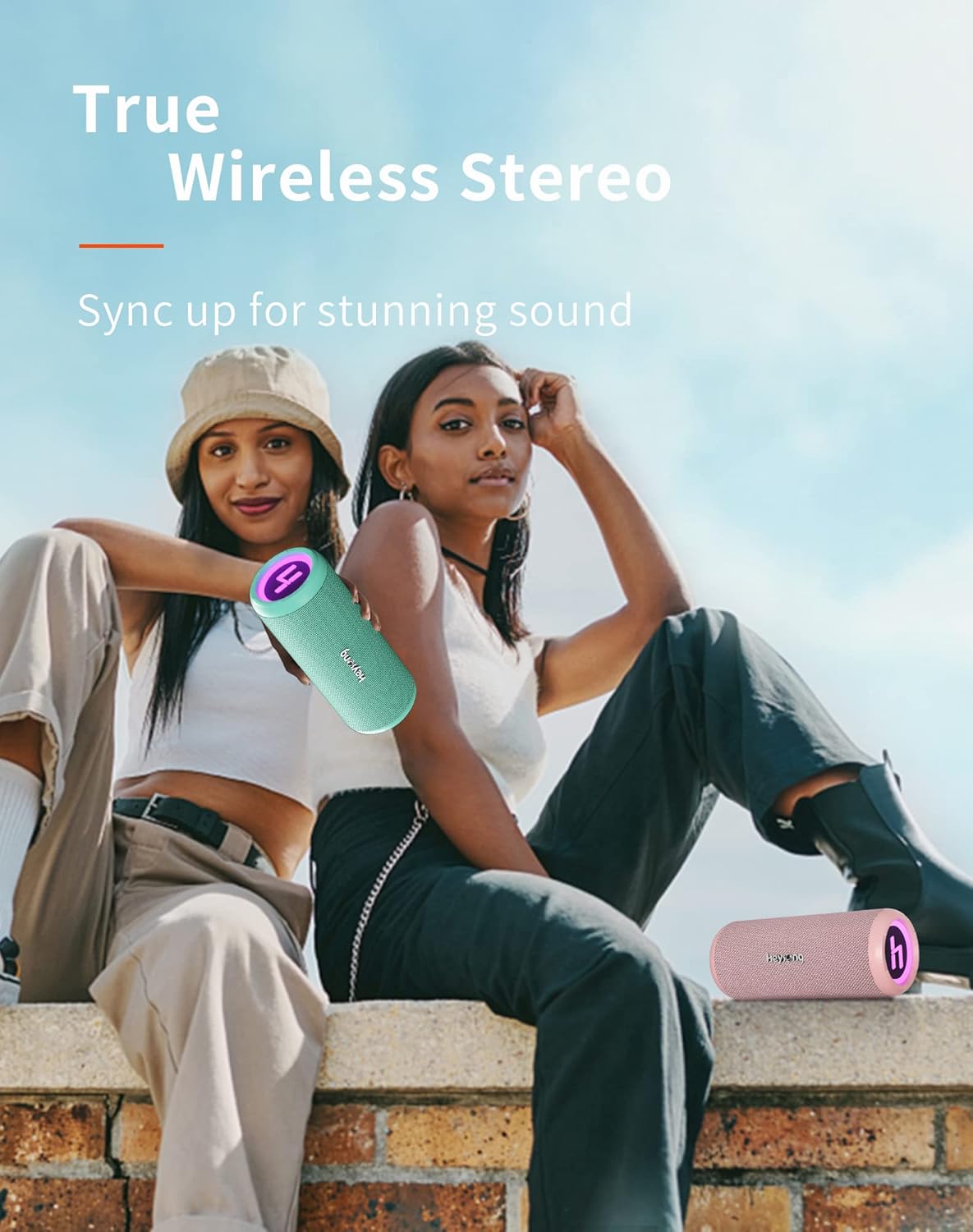
6.2-сүрөт: Чыныгы зымсыз стерео жупташтыруу
You can pair two Heysong SONIC BLAST speakers together to create a powerful stereo sound experience.
- Ensure both SONIC BLAST speakers are powered on and not connected to any Bluetooth device.
- On one speaker (this will be the primary speaker), double-press the Power button. You will hear a prompt indicating it's searching for another speaker.
- The two speakers will automatically connect to each other. Once successfully paired, you will hear a confirmation sound.
- Эми түзмөгүңүздү 6.1-бөлүмдө сүрөттөлгөндөй Bluetooth аркылуу негизги динамикке туташтырыңыз. Аудио эки динамик аркылуу тең стерео режиминде ойнотулат.
7. Заряддоо
The Heysong SONIC BLAST speaker is equipped with a built-in 4000mAh rechargeable lithium battery, providing up to 15 hours of playback time (at 50% volume). When the battery is low, you will hear an audible alert. Connect the speaker to a USB power source using the provided USB cable to charge. The charging indicator will illuminate during charging and turn off when the battery is full.
8. Техникалык тейлөө
- Тазалоо: Use a soft, dry cloth to clean the speaker. For stubborn dirt, a slightly damp cloth can be used, but ensure the charging port cover is sealed. Do not use harsh chemicals or abrasive cleaners.
- Сактагыч: Store the speaker in a cool, dry place away from direct sunlight and extreme temperatures. If storing for a long period, charge the battery to about 50% every few months to prolong its lifespan.
- Суу каршылык: While waterproof, avoid prolonged submersion. Always ensure the charging port cover is tightly sealed before exposing the speaker to water.
9. Кыйынчылыктарды
| Көйгөй | Мүмкүн болгон себеп / Чечим |
|---|---|
| Динамик күйбөйт. | Батарея түгөндү. Динамикти толугу менен кубаттаңыз. |
| Bluetooth түзмөгү менен жупташтыруу мүмкүн эмес. |
|
| Үн жок же үнү төмөн. |
|
| Жогорку үн деңгээлинде үндүн бурмаланышы. | Reduce the volume on the speaker or the connected device. Ensure audio source quality is good. |
| TWS жупташтыруу ишке ашпай калды. |
|
10. Техникалык шарттар
| Өзгөчөлүк | Деталь |
|---|---|
| Бренд | HEYSONG |
| Модель аты | HEYSONG SONIC BLAST |
| ASIN | B0B5D99FVP |
| Байланыш технологиясы | Bluetooth, Auxiliary Input, USB Playback, TF Card |
| Bluetooth версиясы | 5.0 |
| Динамик түрү | Суу өткөрбөйт |
| Өзгөчөлүктөр | Portable, Wireless, RGB Light Show, 360° Surround Sound, Dual Bass Driver |
| Динамиктердин максималдуу чыгаруу күчү | 30 Ватт |
| Батареянын иштөө мөөнөтү | 15 саат |
| Батарея сыйымдуулугу | 4000 мАч (Литий-ион) |
| Продукциянын өлчөмдөрү (L x W x Y) | 22 x 11 x 10.5 см (8.66 x 4.33 x 4.13 дюйм) |
| Элемент Салмагы | 620 грамм (1.37 фунт) |
| Түс | Жалбыз жашыл |
| Башкаруу түрү | Integrated Buttons |
| Көлөмдүү үн каналынын конфигурациясы | 2.0 |
| Сунушталган Колдонуулар | For television, Portable use, Outdoor/Indoor activities |
| Шайкеш түзмөктөр | Laptop, Television, Smartphones, Tablets |
11. Кепилдик жана колдоо
The Heysong SONIC BLAST Bluetooth Speaker comes with a 1 жылдык өндүрүүчүнүн кепилдиги from the date of purchase. This warranty covers manufacturing defects and workmanship. It does not cover damage caused by misuse, accidents, unauthorized modifications, or normal wear and tear.
For warranty claims, technical support, or any questions regarding your product, please contact HEYSONG customer service through the retailer where you purchased the product or visit the official HEYSONG website for contact information. Please have your purchase receipt and product model number ready when contacting support.
Ask a question about this manual
Ask about setup, troubleshooting, compatibility, parts, safety, or missing instructions. Manuals+ will review the question and use this page’s manual context to help answer it.