
Introduction
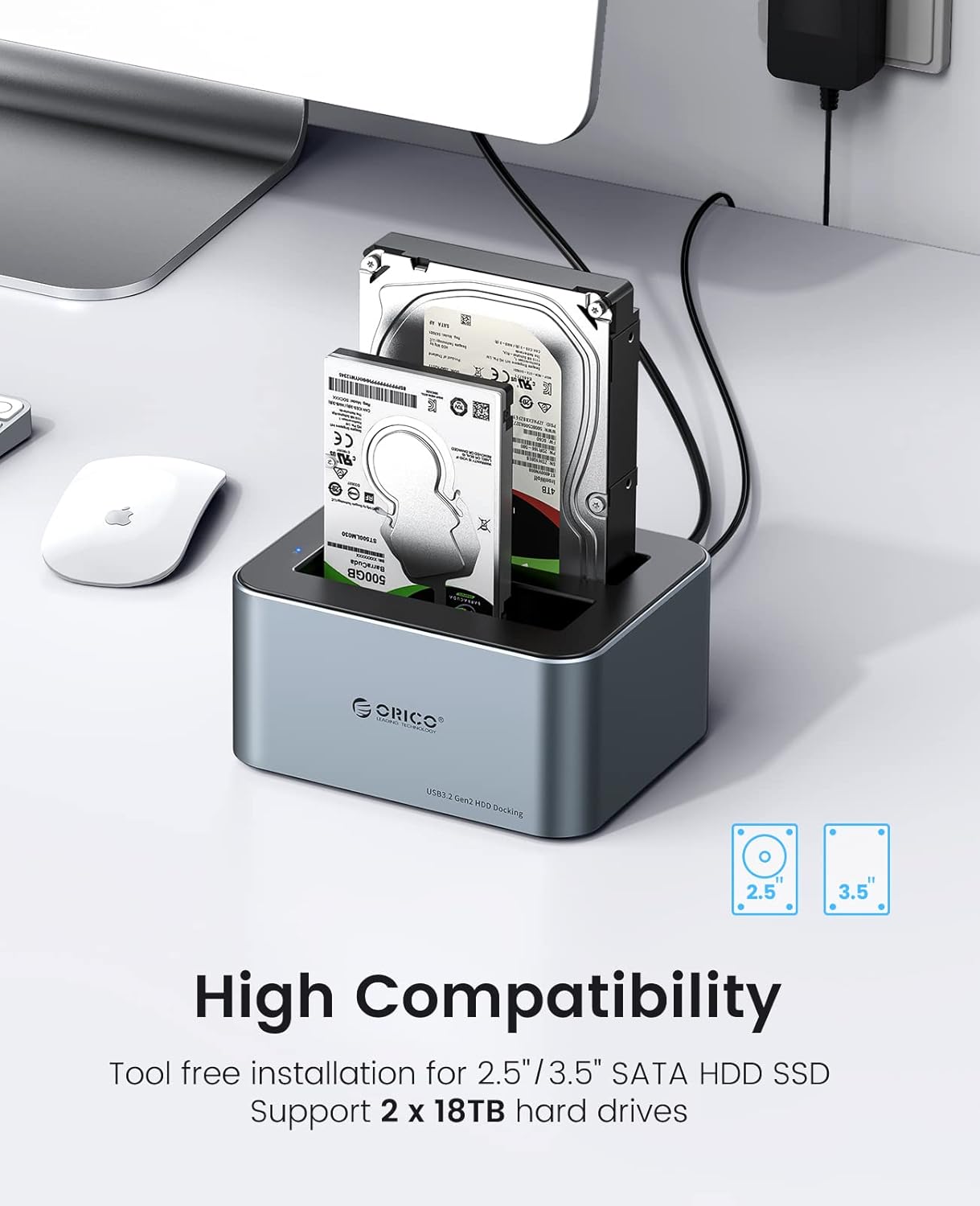
The ORICO 6626C3 is a high-performance dual-bay docking station designed for 2.5-inch and 3.5-inch SATA SSDs and HDDs. It provides a convenient, tool-free solution for accessing and managing your data with USB 3.2 Gen 2 connectivity, offering fast transfer speeds and broad compatibility. This manual provides essential information for setting up, operating, and maintaining your docking station.
Пакеттин мазмуну
Пакетиңизде бардык буюмдар бар экенин текшериңиз:
- ORICO 6626C3 Dual Bay Hard Drive Docking Station
- 12V кубаттуу адаптер
- USB-C маалымат кабели
- User Manual

Өзгөчөлүктөрү
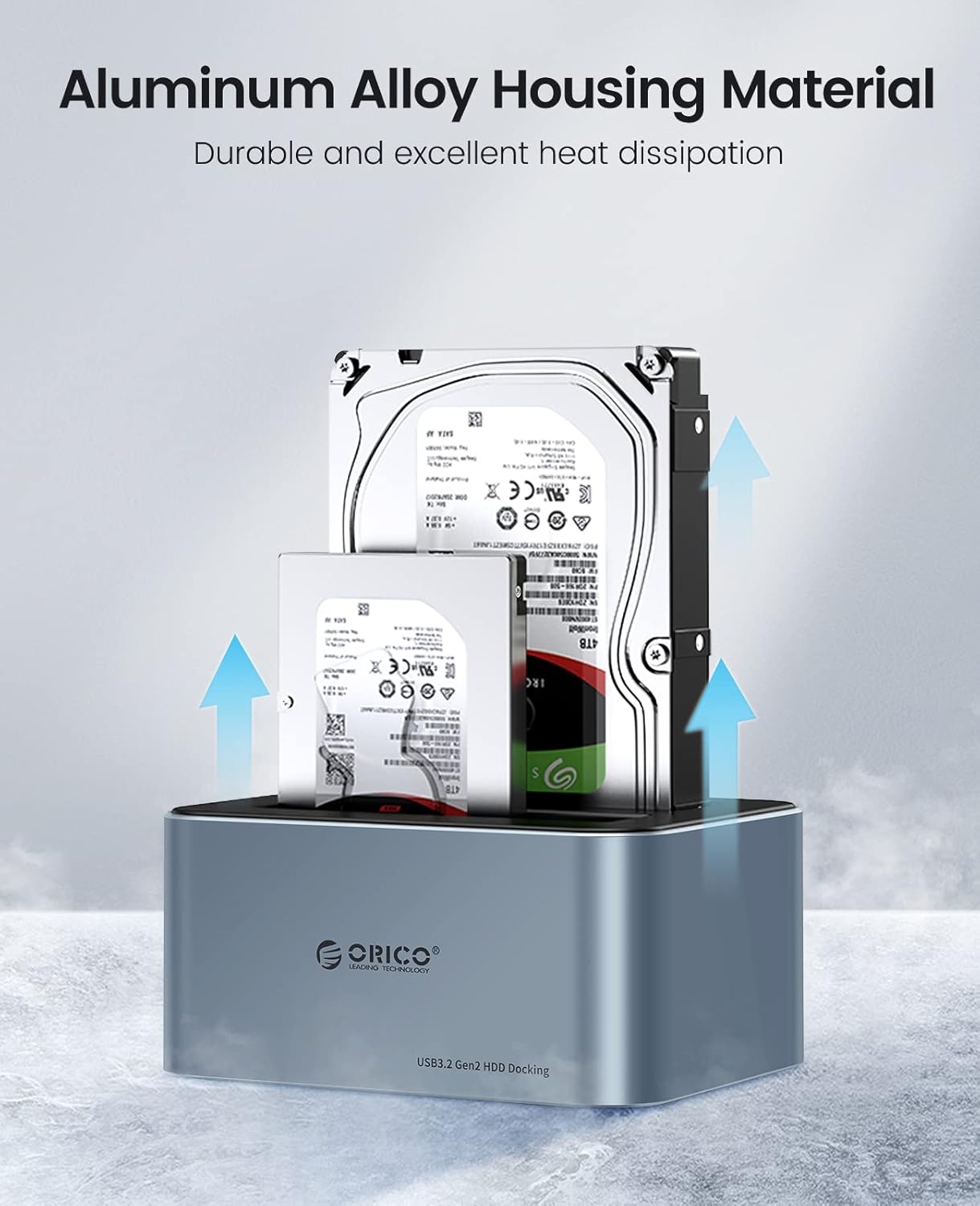
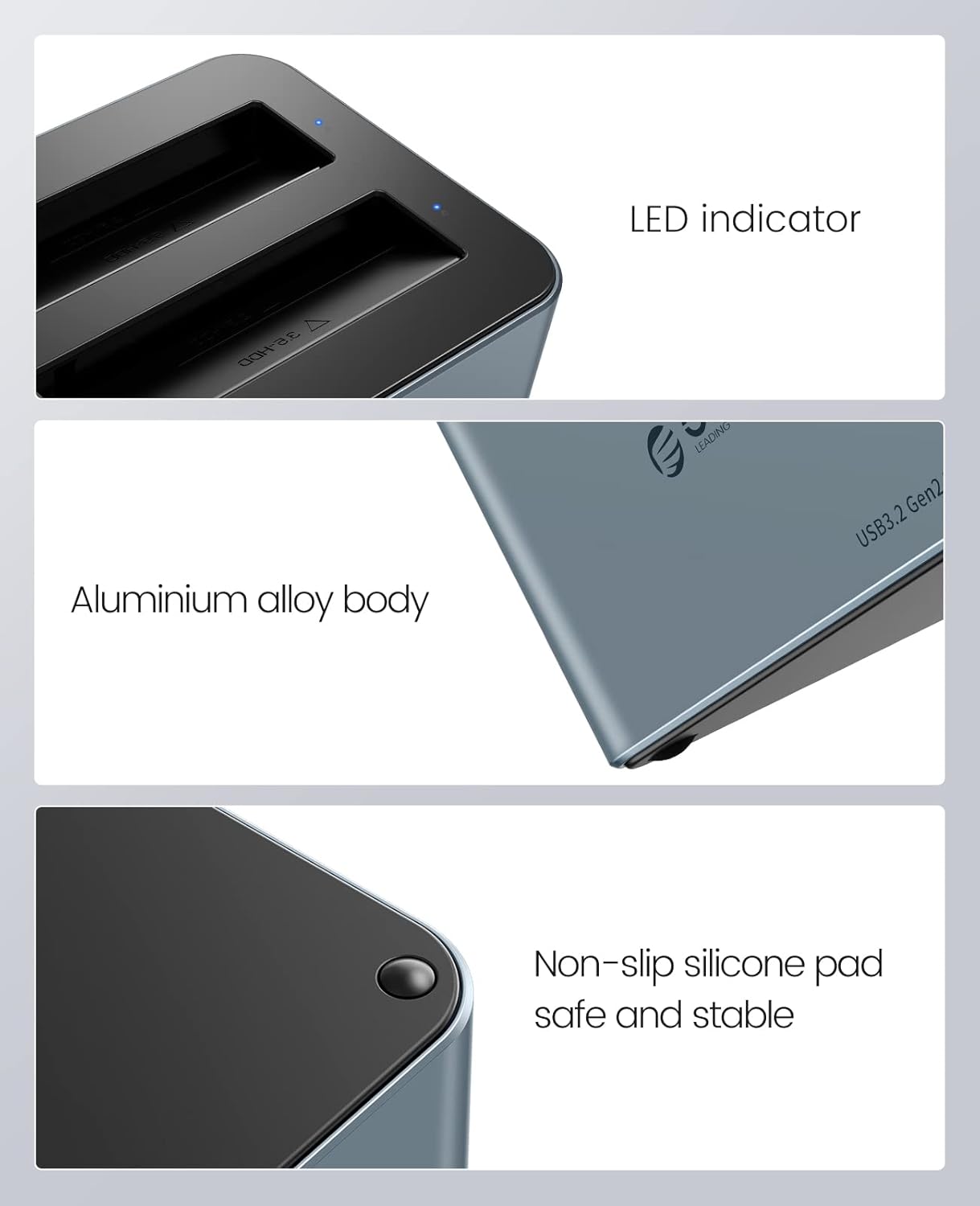
- Premium Aluminum Alloy Construction: Durable and robust design with excellent heat dissipation for stable performance.
- Жогорку ылдамдыктагы маалыматтарды өткөрүп берүү: Equipped with USB 3.2 Gen 2 Type-C interface, supporting up to 6Gbps transfer speed and UASP acceleration protocol, which is up to 70% faster than traditional USB 3.0.
- Кеңири шайкештик: Supports 2.5-inch and 3.5-inch SATA I/II/III HDDs and SSDs, with a maximum capacity of 18TB per bay (total 36TB).
- Куралсыз орнотуу: Easy plug-and-play setup without the need for tools.
- Universal Device Support: Compatible with a variety of USB-C and USB-A devices including laptops, desktops, tablets, routers, and projectors.
- Операциялык системанын шайкештиги: Works with Windows, Mac OS, Linux OS, and iPad OS.
- Энергияны үнөмдөө: Features an automatic sleep mode after 10 minutes of inactivity to conserve power.
- Жакшыртылган туруктуулук: Non-slip silicone pads provide shock-resistant and vibration-dampening functions.
- LED көрсөткүчү: Provides clear status indication of operation.

Жайгашуу
- Катуу дисктерди киргизүү: Gently slide your 2.5-inch or 3.5-inch SATA SSD/HDD into the drive bays of the docking station. Ensure the drive is fully seated in the connector. The tool-free design allows for easy insertion and removal.
- Туташуу кубаты: Connect the provided 12V power adapter to the DC input port on the docking station, then plug the adapter into a power outlet.
- Компьютерге туташуу: Use the included USB-C data cable to connect the docking station to your computer. If your computer only has USB-A ports, use the provided USB-A converter.
- Күйгүзүү: Press the power button on the docking station (if available) or ensure it powers on automatically upon connection. The LED indicator will illuminate to show it is active.

Иштөө нускамалары
- Дискти таануу: Once connected and powered on, your operating system should automatically detect the inserted hard drives. They will appear as removable storage devices.
- Маалыматтарды өткөрүү: You can now drag and drop files to and from the drives, or use them for backup and storage purposes. The USB 3.2 Gen 2 interface with UASP ensures fast and efficient data transfer.
- LED көрсөткүчү: The blue LED indicator on the docking station will show the operational status. A steady light typically indicates power, while blinking may indicate data activity.
- Авто уйку функциясы: To save energy and extend drive lifespan, the docking station will automatically enter sleep mode after 10 minutes of inactivity. It will wake up automatically when accessed.
- Коопсуз алып салуу: Always safely eject the hard drives from your operating system before physically removing them from the docking station or disconnecting the power/USB cable to prevent data corruption.
Техникалык тейлөө
- Тазалоо: Keep the docking station clean and free from dust. Use a soft, dry cloth to wipe the exterior. Avoid using liquid cleaners or solvents. The anti-dust plug cover helps maintain cleanliness.
- Жылуулук таркатылышы: The aluminum alloy housing is designed for efficient heat dissipation. Ensure the docking station is placed in a well-ventilated area to prevent overheating, especially during prolonged use.
- Колдонуу: Док станциясын этияттык менен кармаңыз. Аны түшүрүп албоодон же катуу соккуга кабылбоодон алыс болуңуз.
- Сактагыч: Колдонулбай турган учурда, док-станцияны салкын, кургак жерде, күндүн түз нурунан жана өтө жогорку температурадан алыс сактаңыз.

Проблемаларды чечүү
- Диск аныкталган жок:
- Ensure the hard drive is properly seated in the bay.
- Verify the power adapter is securely connected and the docking station is powered on.
- Док станциясын компьютериңиздеги башка USB портуна туташтырып көрүңүз.
- Мүмкүн болсо, башка USB кабели менен сынап көрүңүз.
- Диск таанылганын, бирок башталбаганын же форматталбаганын билүү үчүн Дискти башкарууну (Windows) же Диск утилитасын (Mac) текшериңиз.
- Жай өткөрүү ылдамдыгы:
- Ensure your computer's USB port supports USB 3.2 Gen 2 (or at least USB 3.0) for optimal performance.
- Verify that your operating system and drivers support UASP.
- Кубатталбаган USB хабдары аркылуу туташуудан алыс болуңуз.
- The actual speed may vary depending on the hard drive's performance and system configuration.
- Docking Station Disconnects Randomly:
- Ensure all cables (power and USB) are firmly connected.
- Check for power fluctuations.
- Док станциясын күчтүү электромагниттик тоскоолдук булактарынын жанына койбоңуз.
Техникалык шарттар
| Өзгөчөлүк | Спецификация |
|---|---|
| Модель номери | 6626C3 |
| Бренд | ORICO |
| Материал | Алюминий эритмеси, пластик |
| Түс | Боз |
| Дал келген Диск түрү | 2.5/3.5 inch SATA I/II/III HDD/SSD |
| Оюктары саны | 2 |
| Max Capacity per Drive | 18TB |
| Интерфейс | USB 3.2 Gen 2 Type-C |
| Transfer ылдамдыгы | Up to 6Gbps (with UASP) |
| Электр камсыздоо | 12V/3A кубат адаптери |
| Шайкеш операциялык системалар | Windows, Mac OS, Linux OS, iPad OS |
Кепилдик жана колдоо
ORICO products come with a standard manufacturer's warranty. For detailed warranty information, technical support, or customer service inquiries, please refer to the warranty card included in your package or visit the official ORICO website. Please have your product model number (6626C3) and purchase information ready when contacting support.