
Cellularline BTCRYSTALTWSK
Crystal Bluetooth 5.0 Wireless Earbuds User Manual
Model: BTCRYSTALTWSK
1. Продукт бүтүп калдыview
The Cellularline Crystal TWS Bluetooth 5.0 Wireless Earbuds offer a high-quality audio experience with the convenience of wireless connectivity. Designed for comfort and stability, these earbuds feature Environmental Noise Cancellation (ENC) technology to ensure clear calls and immersive listening. The compact charging case provides extended battery life, making them ideal for daily use, music, and video games.

Image: The Crystal TWS wireless earbuds, one in the charging case and one outside, showcasing their sleek black design and the charging case with its indicator light.
2. Баштапкы орнотуу жана жупташтыруу
2.1 Кулакчындарды жана кутучаны заряддоо
Before first use, ensure both the earbuds and the charging case are fully charged. The charging time for the earbuds is approximately 1.5 hours.
- Кулакчындарды заряддоо кутусуна салыңыз.
- Заряддоо кутусун берилген USB кабели аркылуу кубат булагына туташтырыңыз.
- The indicator light on the case will show charging status and turn off when fully charged.
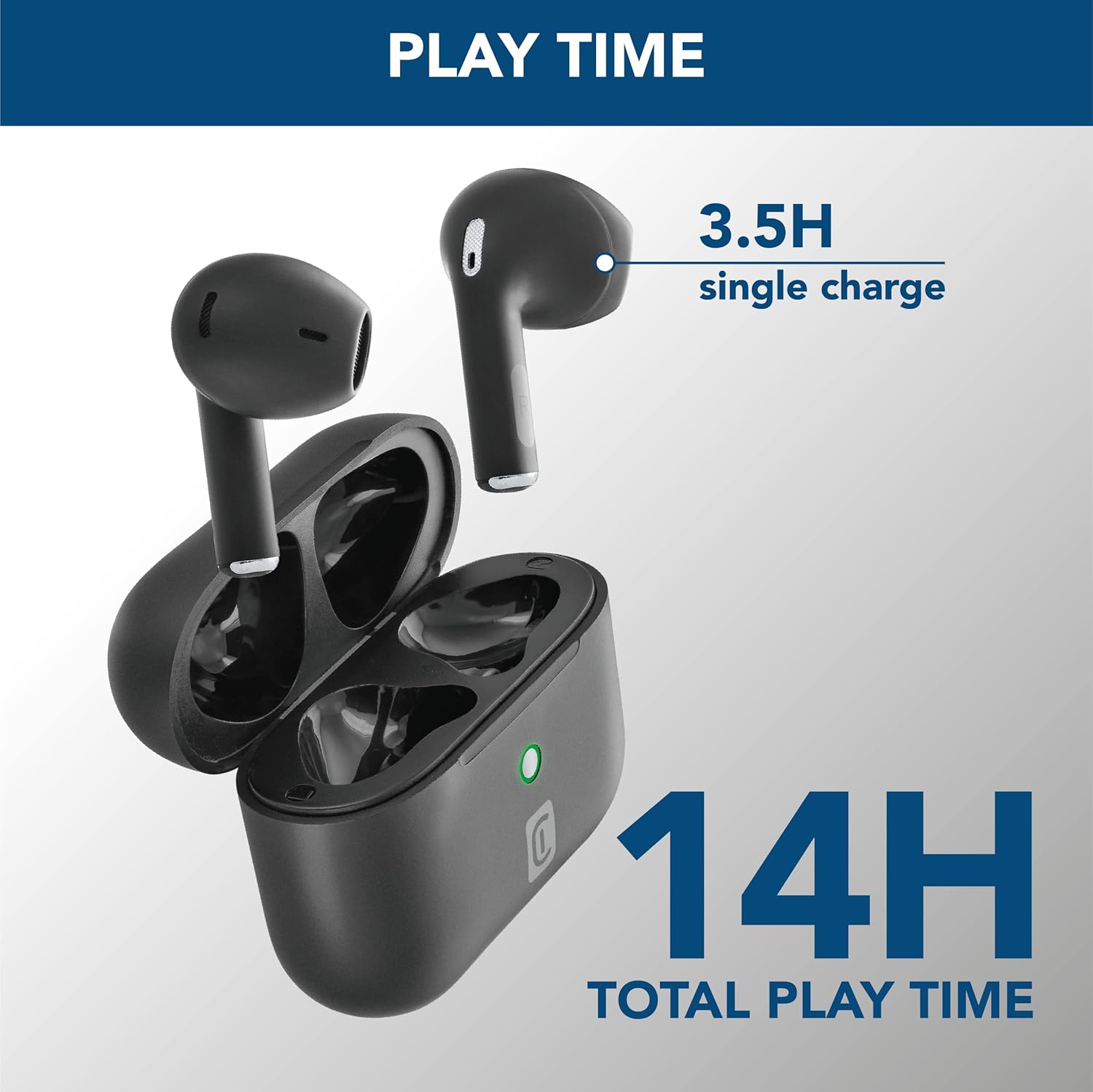
Image: The earbuds are shown inside their open charging case, with text indicating "3.5H single charge" and "14H total play time," illustrating the battery performance.
2.2 Bluetooth жупташтыруу
Follow these steps to pair your Crystal TWS earbuds with your device:
- Заряддоо кутучасын ачыңыз. Кулакчындар жупташтыруу режимине автоматтык түрдө кирет.
- Түзмөгүңүздө (смартфон, планшет, ноутбук) Bluetooth иштетиңиз.
- Издөө available Bluetooth devices and select "Crystal TWS" from the list.
- Туташтырылгандан кийин, кулакчындар ийгиликтүү жупташууну билдирет (мисалы, үн буйругу же LEDди алмаштыруу).
Note: The earbuds have a wireless range of up to 10 meters. For optimal connection, keep your device within this range.
3. Иштөө нускамалары
3.1 Кулакчындарды тагынуу
Insert the earbuds into your ears, ensuring a comfortable and secure fit. The ergonomic design provides comfort and stability for various activities.

Image: A person is shown wearing the Crystal TWS earbuds, demonstrating their comfortable and stable fit during use in a public setting.
3.2 Сенсордук башкаруу
The Crystal TWS earbuds feature touch controls for easy management of audio and calls:
| Акция | Функция |
|---|---|
| Бир таптоо (Сол/Оң гарнитура) | Музыка ойнотуу/тындыруу, Чалууга жооп берүү/аяктоо |
| Эки жолу таптаңыз (оң кулакчын) | Кийинки трек |
| Эки жолу таптаңыз (Сол кулакчын) | Мурунку трек |
| Үч жолу таптап (сол/оң кулакчын) | Үн жардамчысын жандырыңыз |
| Узун басуу (Сол/Оң кулакчын) | Чакырууну четке кагуу |
3.3 Экологиялык чууну жокко чыгаруу (ENC)
The built-in ENC technology actively reduces ambient noise during calls, ensuring your voice is clear to the person on the other end. This feature is automatically active during phone calls.

Image: A visual representation of Environmental Noise Cancellation, showing sound waves being reduced around the earbuds during a phone call displayed on a smartphone screen.
3.4 Low Latency for Video and Gaming
These earbuds are optimized for low latency, providing synchronized audio with video content and games. This ensures a smooth and immersive experience without noticeable delays between visuals and sound.
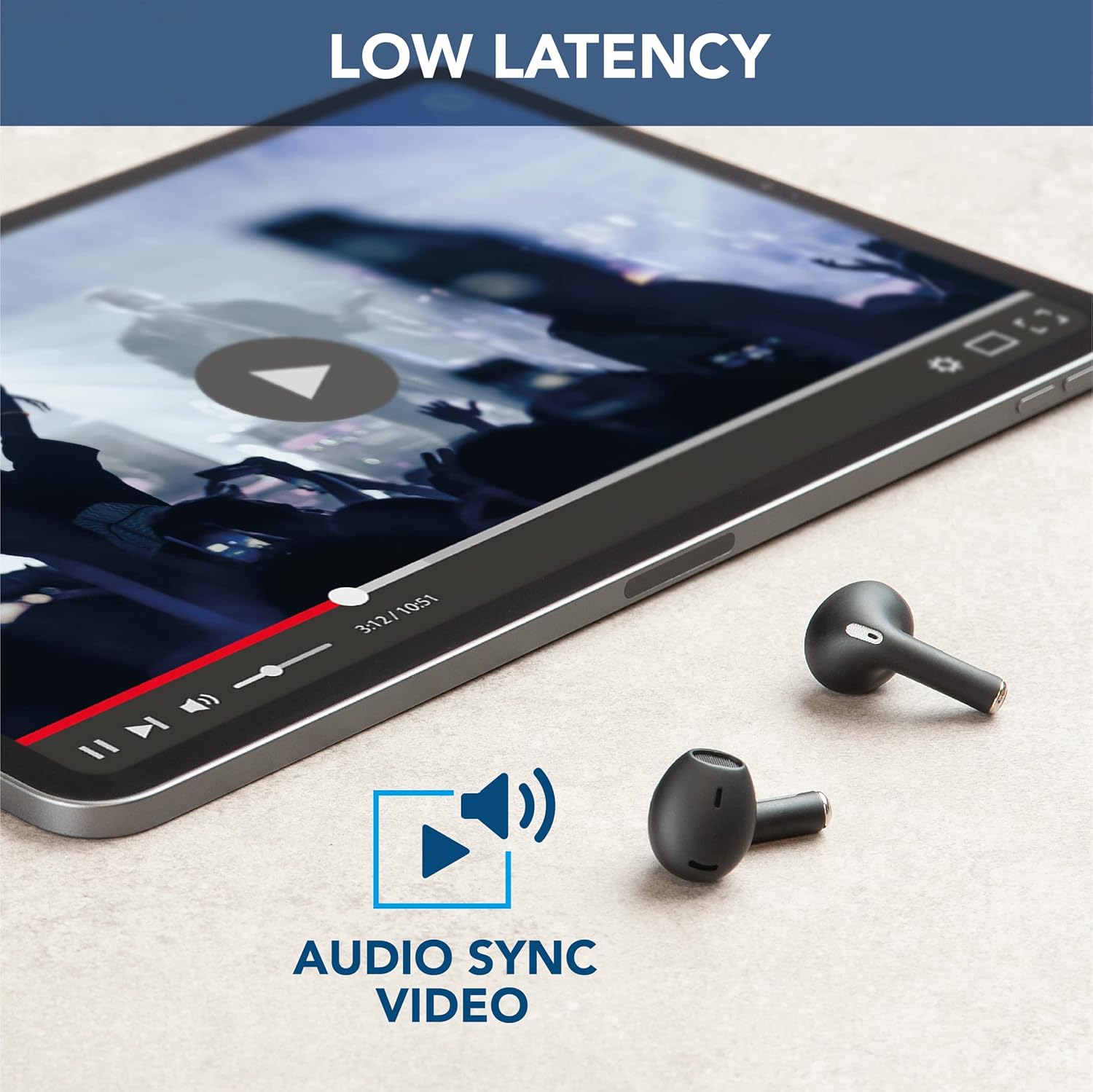
Image: The earbuds are placed next to a tablet displaying a video, accompanied by an "Audio Sync Video" icon, highlighting the low latency feature for synchronized audio and video playback.
4. Кароо жана тейлөө
- Тазалоо: Кулакчындарды жана заряддоо кутусун жумшак, кургак, түксүз чүпүрөк менен дайыма тазалап туруңуз. Катуу химиялык заттарды же абразивдүү материалдарды колдонбоңуз.
- Сактагыч: Колдонулбаганда, кулакчындарды чаңдан жана бузулуудан коргоо үчүн кубаттоочу кутуга салып сактаңыз.
- Батареяга кам көрүү: Батареянын иштөө мөөнөтүн узартуу үчүн, кулакчындарды жана кутуну бат-баттан толук кубаттап турбаңыз. Аларды дайыма колдонууда болбосо да, үзгүлтүксүз заряддаңыз.
- Суу каршылык: Бул кулакчындар сууга чыдамдуу эмесСууга, нымдуулукка же ашыкча нымдуулукка дуушар болбоңуз.
- Температура: Do not expose the product to extreme temperatures (hot or cold) as this can affect battery performance and product lifespan.
5. Кыйынчылыктарды
| Көйгөй | Мүмкүн себеп | Чечим |
|---|---|---|
| Кулакчындар жупташкан жок | Түзмөктө Bluetooth өчүк, кулакчындар жупташтыруу режиминде эмес жана байланыш аймагынан тышкары. | Ensure Bluetooth is on. Place earbuds in case, close, then open to re-enter pairing mode. Move device closer to earbuds. |
| Кулакчындардан үн чыкпайт | Батарея аз, туташкан эмес, үн деңгээли өтө төмөн. | Кулакчындарды кубаттаңыз. Түзмөккө кайра туташтырыңыз. Кулакчындардын жана түзмөктүн үнүн катуулатыңыз. |
| Poor call quality / Noise during calls | Weak signal, excessive ambient noise. | Move to an area with less interference. Ensure earbuds are properly seated. ENC is active during calls to minimize noise. |
| Кулакчындар заряддалбай жатат | Charging cable faulty, dirty charging contacts, case battery empty. | Try a different USB cable. Clean charging contacts on earbuds and case. Charge the charging case. |
6. Продукттун спецификациялары
| Өзгөчөлүк | Деталь |
|---|---|
| Модель аты | Crystal TWS |
| Модель номери | BTCRYSTALTWSK |
| Байланыш технологиясы | Зымсыз (Bluetooth 5.0) |
| Зымсыз диапазон | 10 метрге чейин |
| Наушник форма фактору | In-Ear |
| Noise Control | Экологиялык ызы -чууну жокко чыгаруу (ENC) |
| Батареяны заряддоо убактысы | 1.5 саат |
| Talk Time (Single Charge) | 3.5 саат |
| Жалпы ойноо убактысы (Кеп менен) | 14 саатка чейин |
| Жыштык диапазону | 20 Гц - 20 000 Гц |
| Материалдын түрү | Пластик |
| Элемент Салмагы | 100 грамм |
| Түс | Кара |
| Камтылган компоненттер | Зымсыз кубаттоочу куту |
| Сууга туруктуулук деңгээли | Сууга чыдамдуу эмес |
7. Кепилдик жана колдоо
For warranty information and customer support, please refer to the official Cellularline webсайтка же түздөн-түз кардарларды тейлөөгө кайрылыңыз. Ар кандай кепилдик дооматтары үчүн сатып алганыңыздын далилин сактаңыз.
Онлайн колдоо: Visit www.cellularline.com for FAQs, product registration, and contact details.
Коргоо пландары: Extended warranty options may be available from authorized retailers. For example, 1-year and 2-year extended protection plans are offered by Salama.
- • 1-Year Extended Warranty by Salama (Email Delivery)
- • 2-Year Extended Warranty by Salama (Email Delivery)
Ask a question about this manual
Ask about setup, troubleshooting, compatibility, parts, safety, or missing instructions. Manuals+ will review the question and use this page’s manual context to help answer it.