
1. Киришүү
This manual provides detailed instructions for the setup, operation, and maintenance of your EIGHTREE HomeKit Smart Plug (Model ET03-1). Please read this manual thoroughly before using the product to ensure proper functionality and safety. This smart plug is designed to integrate seamlessly with Apple HomeKit for convenient control of your home appliances.
2. Коопсуздук маалыматы
- Имараттын ичинде гана колдонуу үчүн. Нымдуулукка же өтө жогорку температурага дуушар кылбаңыз.
- Ensure the smart plug is connected to a power outlet within its specified voltage жана учурдагы рейтингдер.
- Аппаратты ажыратпаңыз же өзгөртпөңүз.
- Avoid overloading the smart plug beyond its maximum wattage capacity. Refer to the Specifications section for details.
- Балдар жетпеген жерде сактаңыз.
3. Пакеттин мазмуну
Сиздин пакетте төмөнкү элементтер болушу керек:
- EIGHTREE HomeKit Smart Plug(s) (quantity as purchased)
- Instruction Manual
4. Продукт бүтүп калдыview
The EIGHTREE HomeKit Smart Plug is a compact device designed to turn any standard wall outlet into a smart outlet. It features a power button and an indicator light for status feedback.

Image: EIGHTREE HomeKit Smart Plug in use, connected to a lamp.
Негизги өзгөчөлүктөрү:
- Оңой орнотуу: Integrate with Apple Home App by scanning a QR code.
- Үн менен башкаруу: Control connected devices using Siri.
- Алыстан башкаруу: Manage devices from anywhere via the Home App (requires a home hub).
- Сахналар жана автоматика: Create custom schedules and scenes for automated control.

Сүрөт: бүттүview of EIGHTREE HomeKit Smart Plug features.
5. Орнотуу нускамалары
Follow these steps to set up your EIGHTREE HomeKit Smart Plug:
- Download the Apple Home App: Ensure you have the Apple Home app installed on your iOS device.
- Акылдуу сайгычты сайыңыз: Insert the EIGHTREE Smart Plug into a standard wall outlet.
- Кошумча кошумча каражаттарды кошуу: Open the Apple Home app. Tap the "+" icon or "Add Accessory" option.
- QR кодун сканерлөө: Use your device's camera to scan the HomeKit QR code located on the smart plug or its packaging.
- Экрандагы көрсөтмөлөрдү аткарыңыз: The app will guide you through naming the accessory and assigning it to a room.
Маанилүү эскертүү: The smart plug requires a 2.4GHz Wi-Fi тармагы for connection. It is not compatible with 5GHz Wi-Fi networks.
6. Иштөө нускамалары
6.1 Кол менен башкаруу
Press the physical button on the smart plug to manually turn the connected appliance on or off.
6.2 Voice Control with Siri
Once set up with Apple HomeKit, you can control your smart plug using Siri voice commands:
- Say, "Hey Siri, turn on [device name]."
- Say, "Hey Siri, turn off [device name]."
- Say, "Hey Siri, is [device name] on?"
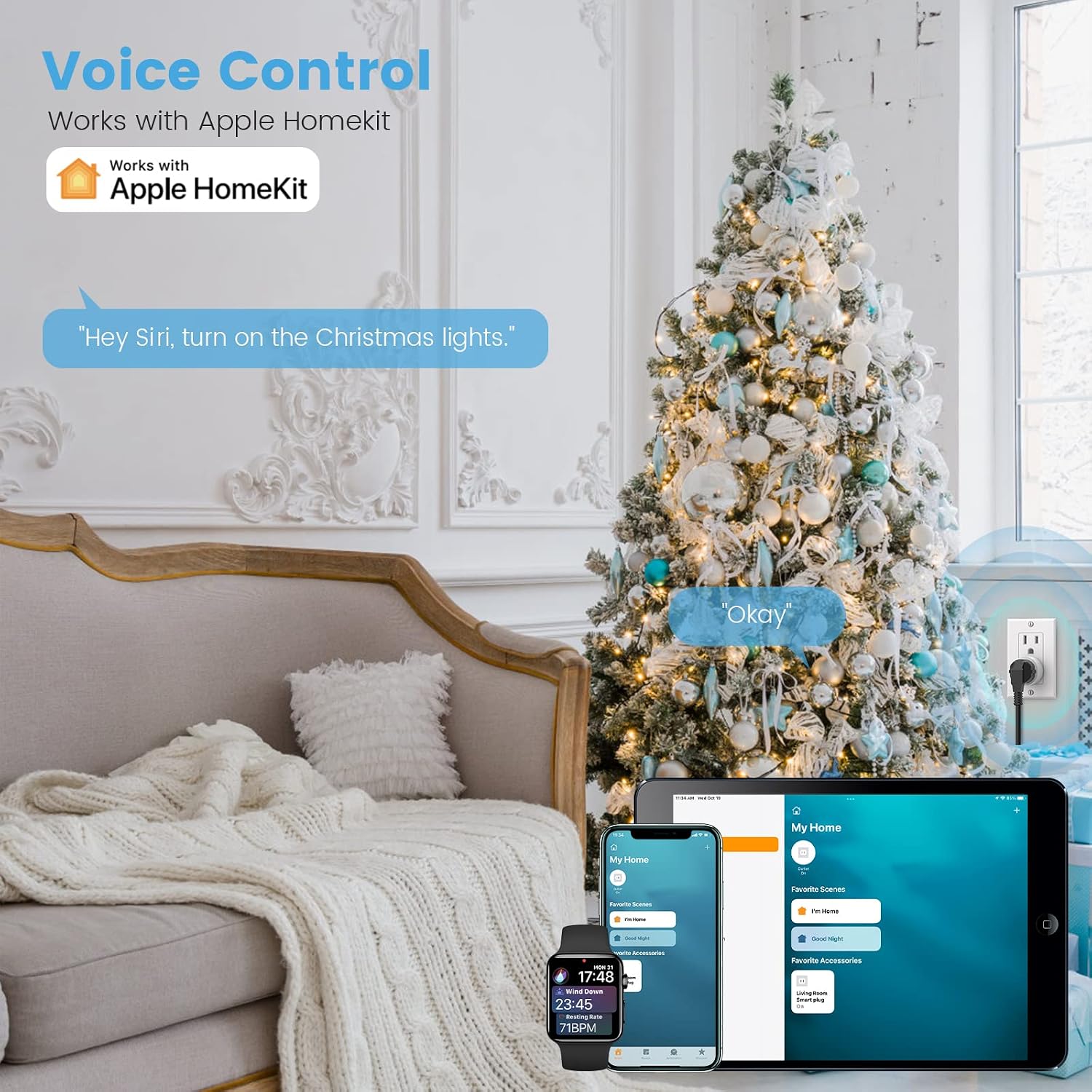
Image: Using Siri to control Christmas lights connected to the smart plug.
6.3 Алыстан башкаруу
To control your smart plug when you are away from home, you need an Apple Home Hub (e.g., Apple TV, HomePod, or a dedicated iPad) set up in your home. The Home Hub must be powered on, connected to your home Wi-Fi network, and remain in your home.

Image: Remote control functionality via the Home app.
6.4 Scenes and Automations
Create custom scenes and time schedules within the Apple Home app to automate your devices:
- Сахналар: Group multiple accessories to respond to a single command (e.g., a "Good Morning" scene that turns on lights and a coffee maker).
- Автоматташтыруулар: Set devices to turn on/off based on time of day, sunrise/sunset, or when you arrive/leave home.

Image: Setting timers and schedules for smart devices.

Image: Activating a 'sleep scene' using voice control.
6.5 Үй-бүлөлүк бөлүшүү
You can invite family members to control your HomeKit devices by adding their Apple IDs to the Home app. This allows multiple users to manage the smart plugs and other accessories.

Image: Family sharing access to HomeKit devices.
7. Техникалык тейлөө
- Тазалоо: Disconnect the smart plug from the power outlet before cleaning. Use a dry, soft cloth to wipe the surface. Do not use liquid cleaners or sprays.
- Сактагыч: When not in use for extended periods, store the smart plug in a cool, dry place away from direct sunlight.
8. Кыйынчылыктарды
- Түзмөк туташпай жатат:
- Wi-Fi тармагыңыз 2.4 ГГц экенин текшериңиз. Акылдуу сайгыч 5 ГГц Wi-Fi'ды колдобойт.
- Verify that your iOS device is connected to the same 2.4GHz Wi-Fi network during setup.
- Check if the smart plug is within range of your Wi-Fi router.
- Try resetting the smart plug by unplugging it for 10 seconds and plugging it back in.
- Алыстан башкаруу иштебейт:
- Confirm that you have an Apple Home Hub (Apple TV, HomePod, or dedicated iPad) set up and active in your home.
- Ensure the Home Hub is powered on and connected to your home Wi-Fi network.
- Siri Not Responding:
- Verify that Siri is enabled on your iOS device.
- Ensure the smart plug is properly named and recognized in the Home app.
9. Техникалык шарттар
| Модел | ET03-1 |
| Бренд | СЕГИЗ |
| Иштөө режими | КҮЙГҮЗҮҮ ӨЧҮРҮҮ |
| Учурдагы рейтинг | 10 Amps |
| Operating Voltage | 120 вольт |
| Ватtage | 1200 Ватт |
| Connectivity Protocol | Wi-Fi (2.4 ГГц гана) |
| Controller Type | Apple HomeKit, iOS |
| Башкаруу ыкмасы | Пульт, Үн |
| Материал | Acrylonitrile бутадиен Styrene |
| Элементтин өлчөмдөрү (L x W x Y) | 1 x 1 x 1 дюйм |
| Монтаж түрү | Plug In Mount |
| Эл аралык коргоо рейтинги | IP44 (Note: Product is for indoor use) |
| Сертификация | FCC |
10. Кепилдик
EIGHTREE provides a 2 жылдык кепилдик for this product from the date of purchase. This warranty covers manufacturing defects and malfunctions under normal use. It does not cover damage caused by misuse, accidents, unauthorized modifications, or external factors.

Image: EIGHTREE product certifications and warranty information.
11. Кардарларды колдоо кызматы
If you encounter any issues or require further assistance, please contact EIGHTREE customer service directly via Amazon or email. Our team is available to provide support.