
BoxWave MagnetoSnap PD AllCharge Cable (100W)
BoxWave MagnetoSnap PD AllCharge Cable (100W) Instruction Manual
Model: MagnetoSnap PD AllCharge Cable (100W)
1. Киришүү
Thank you for choosing the BoxWave MagnetoSnap PD AllCharge Cable. This high-performance cable is designed to provide versatile and efficient charging and data transfer for a wide range of devices. Featuring a robust braided nylon construction and innovative magnetic interchangeable tips, it offers convenience and durability. This manual provides essential information for the proper setup, operation, and maintenance of your new cable.
2. Коопсуздук маалыматы
- Кабелди өтө жогорку температурага, нымдуулукка же дат басуучу чөйрөлөргө дуушар кылбаңыз.
- Avoid bending or twisting the cable excessively, especially near the connectors.
- Keep magnetic tips away from sensitive electronic devices that may be affected by magnetic fields.
- Кабелди бөлүктөргө бөлүүгө же өзгөртүүгө аракет кылбаңыз. Бул кепилдикти жокко чыгарат жана зыян келтириши мүмкүн.
- Ensure the power source used with the cable is compatible with your device's charging requirements.
3. Пакеттин мазмуну
Пакетиңизде бардык буюмдар бар экенин текшериңиз:
- 1 x BoxWave MagnetoSnap PD AllCharge Cable (100W)
- 1 x USB-C Magnetic Tip
- 1 x Micro USB Magnetic Tip
- 1 x Apple Connector Magnetic Tip

Image: The MagnetoSnap PD AllCharge Cable shown with its three interchangeable magnetic tips.
4. Орнотуу
Setting up your MagnetoSnap PD AllCharge Cable is straightforward:
- Select the Correct Tip: Identify the appropriate magnetic tip (USB-C, Micro USB, or Apple Connector) for your device's charging port.
- Кеңешти киргизиңиз: Gently insert the chosen magnetic tip into your device's charging port. It is designed to remain in the port for convenience, protecting it from dust and wear.
- Кабелди туташтыруу: Bring the main cable's magnetic end close to the tip inserted in your device. The strong magnets will automatically snap the cable into place, establishing a secure connection.
- Кубат Булагына туташуу: Plug the other end of the MagnetoSnap cable into a compatible USB power source (e.g., wall adapter, power bank, computer USB port). The cable supports both USB-A and USB-C power sources via its built-in adapter.

Сүрөт: деталдуу view of the magnetic interchangeable tips, highlighting their design.

Image: Illustration of the cable's built-in USB Type-C adapter for versatile power source connection.
5. Иштөө нускамалары
5.1 Аппаратыңызды заряддоо
Once the magnetic tip is inserted into your device and the cable is connected to a power source, your device will begin charging. The MagnetoSnap PD AllCharge Cable supports up to 100W Power Delivery, allowing for rapid charging of compatible devices, including laptops, tablets, and smartphones.
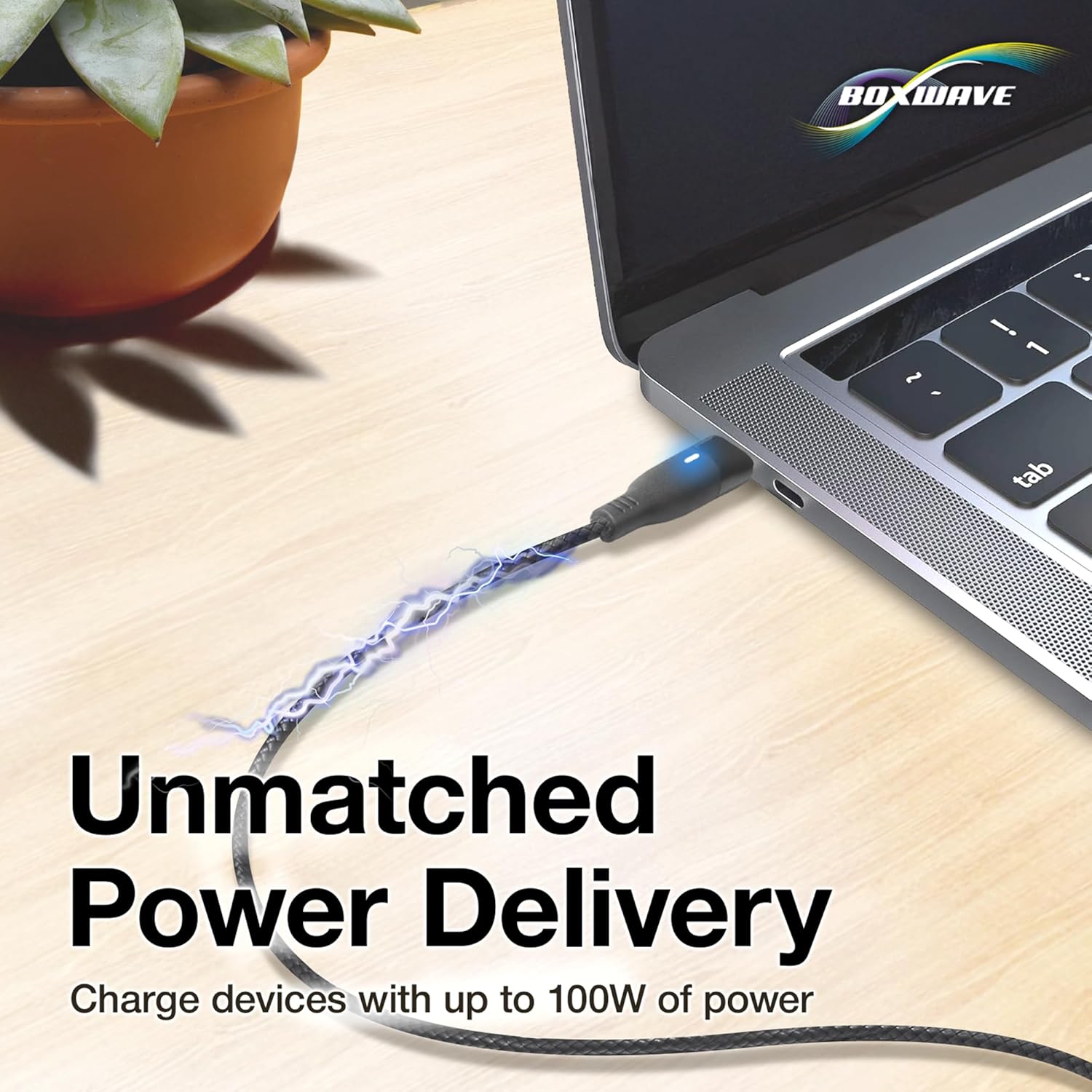
Image: The cable connected to a laptop, demonstrating its 100W Power Delivery capability.
5.2 Маалыматтарды өткөрүү
In addition to charging, the MagnetoSnap PD AllCharge Cable facilitates high-speed data transfer. Connect the cable to a computer's USB port, and your device will be recognized, allowing you to transfer files, sync data, and perform other data-related tasks.

Image: The cable enabling both charging and data synchronization between a phone and a laptop.
5.3 Benefits of Magnetic Connection
The magnetic design of the MagnetoSnap cable offers several advantages:
- Reduced Port Wear: By leaving the magnetic tip in your device's port, you minimize the wear and tear caused by repeated plugging and unplugging of traditional cables.
- Оңой туташуу: The magnetic snap-on feature allows for quick and effortless connection, even in low light conditions.
- Accidental Disconnect Protection: If the cable is accidentally tugged, the magnetic connection will safely detach, preventing your device from being pulled or damaged.
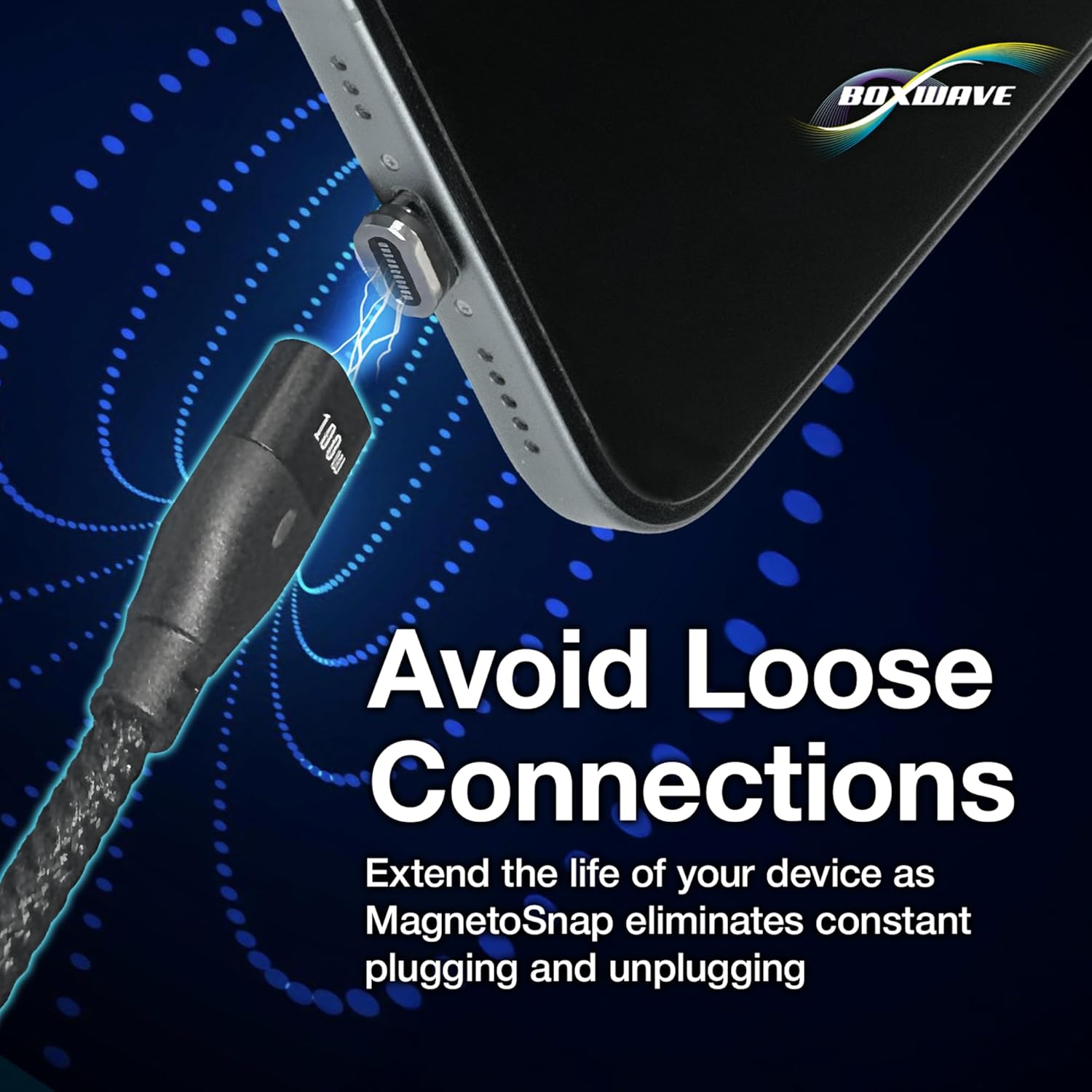
Image: The magnetic connection mechanism, designed to prevent loose connections and extend the lifespan of your device's charging port.
6. Техникалык тейлөө
To ensure the longevity and optimal performance of your BoxWave MagnetoSnap PD AllCharge Cable, follow these maintenance guidelines:
- Тазалоо: Кабель менен туташтыргычтарды жумшак, кургак чүпүрөк менен сүртүңүз. Суюк тазалоочу каражаттарды же абразивдүү материалдарды колдонбоңуз.
- Сактагыч: When not in use, store the cable in a cool, dry place, away from direct sunlight and extreme temperatures. Avoid tightly coiling the cable to prevent internal wire damage.
- Этияттык менен мамиле кылуу: While the braided nylon design enhances durability, avoid excessive force when connecting or disconnecting the magnetic tips.
- Үзгүлтүксүз текшерүү: Periodically check the cable and magnetic tips for any signs of wear, fraying, or damage. Discontinue use if any damage is observed.
7. Кыйынчылыктарды
If you encounter issues with your MagnetoSnap PD AllCharge Cable, refer to the following common problems and solutions:
| Көйгөй | Мүмкүн себеп | Чечим |
|---|---|---|
| Түзмөк заряддалбай жатат. | Loose connection, incompatible power source, dirty magnetic tip/port. | Ensure the magnetic tip is fully inserted into the device and the cable is securely snapped on. Try a different power adapter or USB port. Clean the magnetic contacts on the tip and cable with a dry cloth. |
| Жай кубаттоо ылдамдыгы. | Power source not powerful enough, device limitation, background apps. | Use a power adapter that supports Power Delivery (PD) and matches your device's maximum charging input. Close unnecessary background applications on your device. |
| Маалыматтарды өткөрүү иштебей жатат. | Incorrect USB mode on device, driver issues, faulty computer USB port. | Check your device's USB connection settings (e.g., set to 'File Transfer' or 'MTP'). Try a different USB port on your computer. Ensure your computer has the necessary drivers for your device. |
| Magnetic connection feels weak. | Debris on magnetic contacts, worn magnets. | Clean the magnetic surfaces on both the cable and the tips. If the issue persists, the magnets may be worn, and the cable might need replacement. |
8. Техникалык шарттар
| Өзгөчөлүк | Деталь |
|---|---|
| Продукт аты | MagnetoSnap PD AllCharge Cable (100W) |
| Бренд | BoxWave |
| Power Delivery | 100 Вт чейин |
| Маалыматтарды өткөрүү ылдамдыгы | Fast Data Transfers (specific Mbps not provided, but generally USB 2.0/3.0 speeds) |
| Туташтыргычтар камтылган | USB-C, Micro USB, Apple Connector (Magnetic Tips) |
| Кабель материалы | Өрүлгөн нейлон |
| Шайкештик | Devices with USB-C, Micro USB, or Apple charging ports (e.g., Wasp WPL308, Laptops, Smartphones, Tablets) |
| Салмагы | 0.8 унция |
9. Кепилдик жана колдоо
BoxWave products are designed for quality and reliability. For information regarding warranty coverage, technical support, or to inquire about replacement parts, please visit the official BoxWave website or contact their customer service directly. Please have your product model name and purchase details ready when contacting support.
Эскертүү: The product includes limited 3rd party tech support for your device (up to 3 inquiries via messaging) - not affiliated with or endorsed by Wasp.
Manufacturer: BoxWave
Алгачкы жеткиликтүү болгон күнү: 2022-жылдын 6-апрели
Ask a question about this manual
Ask about setup, troubleshooting, compatibility, parts, safety, or missing instructions. Manuals+ will review the question and use this page’s manual context to help answer it.