
1. Киришүү
This manual provides detailed instructions for the installation, operation, and maintenance of your Yunseity 1080P Full Smart Dash Camera. Please read this manual thoroughly before using the device to ensure proper function and to maximize its lifespan. Keep this manual for future reference.
2. Продукт бүтүп калдыview жана Пакеттин мазмуну
The Yunseity 1080P Full Smart Dash Camera is designed to record video footage while driving, providing security and evidence in case of incidents. It features a compact design and essential functions for vehicle surveillance.
2.1 Пакеттин мазмуну
Пакетиңизде бардык буюмдар бар экенин текшериңиз:
- Dash Camera Unit
- Унаа заряддагыч
- Mounting Bracket (Suction Cup Mount)
- Instruction Manual
- Memory Card (may be pre-installed or included separately)

3. Негизги өзгөчөлүктөрү
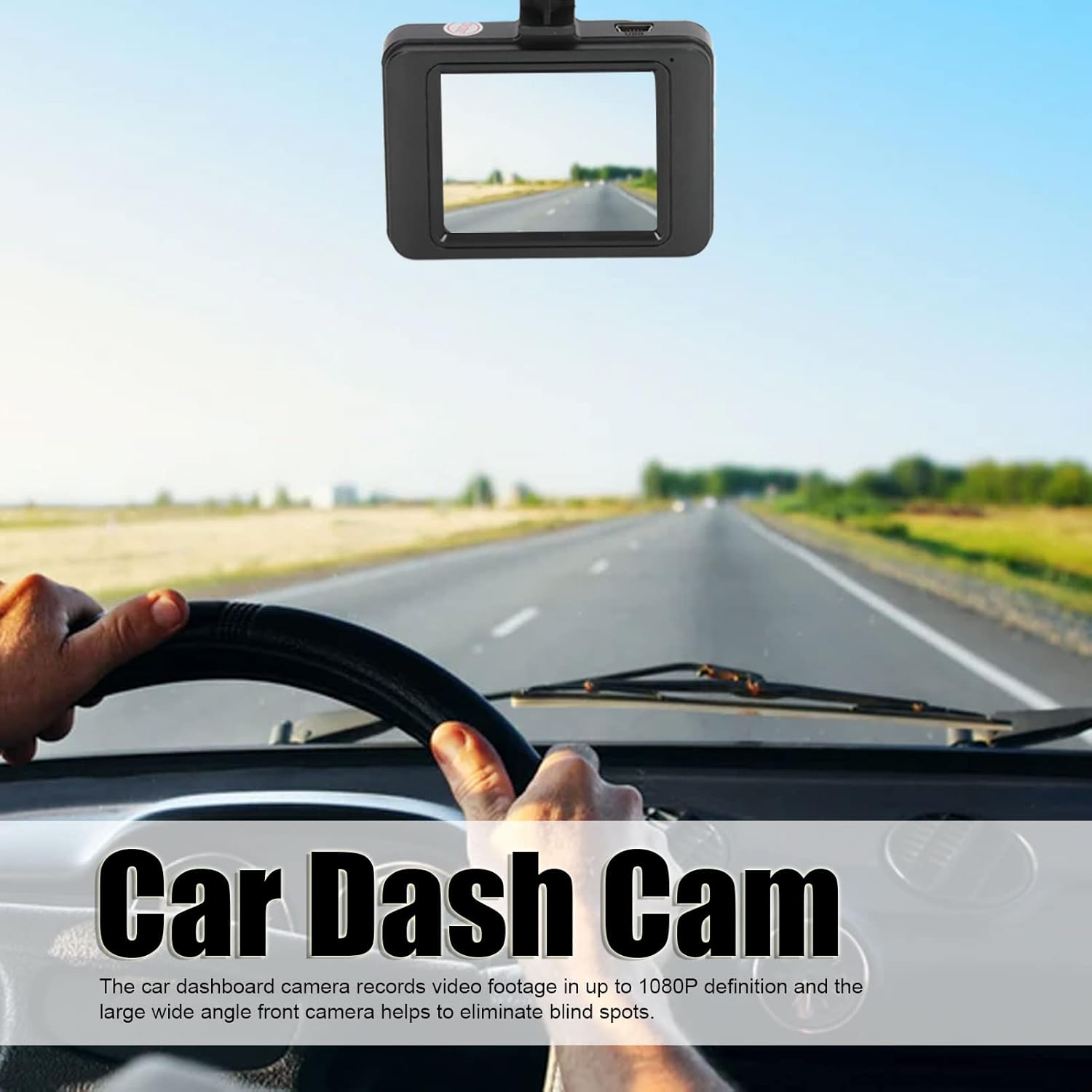
- 1080P Full HD жаздыруу: Records high-definition video footage at 1080P resolution, capturing clear details on the road. The wide-angle front camera helps cover a broad view.
- Цикл жаздыруу: Ensures continuous recording by automatically overwriting the oldest unlocked video files when the memory card is full. This prevents recording from stopping due to a full card.
- G-сенсор (тартылуу күчү сенсору): Күтүүсүз титирөөлөрдү же кагылышууларды автоматтык түрдө аныктап, учурдагы видео флэш-дискти кулпулайтtagанын кайра жазылышына жол бербөө, маанилүү далилдерди камсыз кылуу.
- Паркинг режими: Monitors your vehicle when parked. If motion or impact is detected, the camera will automatically start recording to capture potential incidents.
- Кыймылды аныктоо: The camera can detect movement in its field of view and begin recording, useful for both driving and parking surveillance.
- Automatic Start/Stop Recording: The camera powers on and begins recording automatically when the car engine starts, and powers off when the engine is turned off.
- Ойнотуу View: Колдонуучуларга мүмкүнчүлүк берет view and play back recorded videos directly on the LCD screen, enabling quick review of incidents.


4. Орнотуу жана орнотуу
4.1 Эстутум картасын салуу
- Панель камерасынын өчүрүлгөнүн текшериңиз.
- Камеранын капталындагы эстутум картасынын уячасын табыңыз.
- Шайкеш келген MicroSD картасын (10-класстагы же андан жогорку, 32 ГБ чейин сунушталат) ордуна чыкылдаганча уячага салыңыз.
- Чыгаруу үчүн картаны сыртка чыкканга чейин акырын түртүңүз.
4.2 Видеорегистраторду орнотуу
The dash camera uses a double-sided adhesive mounting base or a suction cup mount for easy installation.
- Clean the windshield area where you intend to mount the camera. Ensure it is free of dust and grease.
- Соргуч чөйчөктү камерага бекитиңиз.
- Сорох чөйчөктү алдыңкы айнекке бекем басыңыз, эң жакшысы арткы жагынаview тоскоол болбошу үчүн күзгү view. Flip the lever on the suction cup to secure it.
- Тунук болушу үчүн камеранын бурчун тууралаңыз view алдыдагы жолдун.
4.3 Кубатты туташтыруу
- Унаа кубаттагычын камеранын кубат киргизүү портуна туташтырыңыз.
- Унаа кубаттагычтын экинчи учун унааңыздын 12V электр розеткасына (тамеки от алгычтын розеткасына) сайыңыз.
- Route the power cable neatly along the windshield trim to avoid interference with driving.
5. Иштөө нускамалары
5.1 Күйгүзүү/өчүрүү
- Автоматтык: The camera will power on and start recording automatically when the car engine starts and power is supplied. It will power off automatically when the engine is turned off.
- Кол менен: Press and hold the Power button to manually turn the camera on or off.
5.2 Жазуу режимдери
- Кадимки жаздыруу: Once powered on, the camera automatically begins continuous loop recording.
- Өзгөчө кырдаалдарда жаздыруу (G-сенсор): In case of a sudden impact, the G-Sensor will trigger, and the current video segment will be locked and saved to a separate folder, preventing it from being overwritten.
- Паркинг мониторинги: When the vehicle is parked and the camera is connected to a continuous power source (or has sufficient internal battery), it will activate parking mode. If motion or impact is detected, it will record a short video.
5.3 Меню Навигациясы
Use the buttons on the camera (usually labeled Menu, Up, Down, OK) to navigate through settings:
- басыңыз Меню button to enter the settings interface.
- колдонуу Өйдө/Төмөн buttons to scroll through options.
- басыңыз OK параметрди тандоо же орнотууну ырастоо үчүн баскыч.
- басыңыз Меню button again to exit the settings.
5.4 Ойнотуу
- Stop recording if currently active.
- Enter playback mode via the menu or a dedicated button (if available).
- Use the Up/Down buttons to select the desired video file.
- Видеону ойнотуу үчүн OK басыңыз.
6. Техникалык тейлөө
- Тазалоо: Use a soft, dry cloth to clean the camera lens and screen. Avoid abrasive cleaners or solvents.
- Эстутум картасы: Format the memory card regularly (e.g., once a month) through the camera's settings to ensure optimal performance and prevent data corruption. Back up any important files форматтоодон мурун.
- Температура: Avoid exposing the camera to extreme temperatures (very hot or very cold) for extended periods, as this can affect battery life and component integrity.
- Программалык камсыздоонун жаңыртуулары: Өндүрүүчүнү текшериңиз webиштин натыйжалуулугун жогорулатуу же жаңы функцияларды кошуу үчүн мезгил-мезгили менен сайттагы микропрограммалык камсыздоонун жаңыртууларын карап туруңуз.
7. Кыйынчылыктарды
| Көйгөй | Мүмкүн себеп | Чечим |
|---|---|---|
| Камера күйбөйт. | No power supply; faulty car charger; depleted internal battery. | Check car charger connection and vehicle's 12V outlet. Ensure the car engine is running. Charge the internal battery. |
| Жаздыруу токтойт же иштебей калат. | Memory card full; incompatible or faulty memory card; card not formatted. | Format the memory card. Replace with a Class 10 or higher MicroSD card (up to 32GB). |
| Видеонун сапаты начар. | Кир линза; линзада коргоочу пленка дагы эле бар; жарык аз шарттарда. | Clean the lens. Remove any protective film. Ensure adequate lighting. |
| Camera keeps falling from windshield. | Suction cup not properly secured; dirty windshield surface. | Clean windshield and suction cup thoroughly. Ensure suction cup lever is fully engaged. |
| Батарея зарядды кармабайт. | Normal battery degradation; faulty battery. | The internal battery is primarily for parking mode and saving files, not extended operation. Keep connected to power for continuous use. If issues persist, contact support. |
8. Продукттун спецификациялары
- Модел: Yunseitys90gxha4rc
- Видео тартуу токтому: 1080p
- Экрандын өлчөмү: 3 дюйм
- талаасы View: 170 градус
- Байланыш технологиясы: USB
- Өзгөчөлүктөр: G-Sensor, Loop Recording, Motion Sensing, Parking Mode
- Монтаж түрү: Adhesive Mount / Suction Cup Mount
- Колдоого алынган эстутум картасы: MicroSD (up to 32GB, Class 10 recommended)
- Батарея түрү: Камтылган литий батареясы
- Кадр ылдамдыгы: 30 FPS
- Дисплей түрү: LCD
- Өндүрүүчү: Юнсеити
9. Кепилдик жана колдоо
9.1 Кепилдик маалыматы
Your Yunseity Dash Camera is covered by a limited warranty against defects in materials and workmanship. The specific warranty period may vary by region and retailer. Please retain your proof of purchase for warranty claims.
9.2 Кардарларды колдоо
For technical assistance, troubleshooting, or warranty inquiries, please contact Yunseity customer support through the retailer where the product was purchased or visit the official Yunseity webбайланыш маалыматы үчүн сайт.
Онлайн ресурстар: For additional support and frequently asked questions, please visit the Yunseity Store on Amazon.