
Introduction
Thank you for choosing the 1MORE NEO Wireless Earbuds. This manual provides detailed instructions for setting up, operating, maintaining, and troubleshooting your earbuds to ensure optimal performance and longevity.
1. Орнотуу
1.1 Пакеттин мазмуну
- 1MORE NEO Wireless Earbuds
- Заряддоо кутусу
- USB-C заряддоо кабели
- User Manual
1.2 Кулакчындарды жана кутучаны заряддоо
Биринчи колдонуудан мурун, кулакчындарды жана заряддоо кутучасын толук заряддаңыз.
- Кулакчындарды заряддоо кутусуна салыңыз.
- USB-C заряддоо кабелин корпустагы заряддоо портуна жана кубат булагына туташтырыңыз.
- The indicator light on the charging case will show charging status. A full charge provides up to 45 hours of total playtime (11 hours from earbuds, plus 34 hours from the charging case).

Image: 1MORE NEO Earbuds placed inside their open charging case, illustrating the charging setup.

Image: Visual representation of the 1MORE NEO's battery life, detailing 11 hours for a single earbud and an additional 34 hours with the charging case, totaling 45 hours.
1.3 Түзмөк менен жупташтыруу
The 1MORE NEO Earbuds utilize Bluetooth 5.2 for seamless connectivity.
- Заряддоо кутучасын ачыңыз. Кулакчындар жупташтыруу режимине автоматтык түрдө кирет.
- Түзмөгүңүздө (смартфон, планшет ж.б.) Bluetooth иштетиңиз.
- Издөө "1MORE NEO" in the list of available Bluetooth devices and select it to connect.
- Once connected, you will hear an audio prompt, and the indicator light on the case will change.

Image: A graphic depicting the Bluetooth 5.2 chip, symbolizing the earbuds' advanced and stable wireless connection capabilities.
1.4 Кулакчындарды тагынуу
The 1MORE NEO earbuds are designed for comfort, weighing only 4.3g each.
- Ар бир кулакчынды кулак каналыңызга акырын киргизиңиз.
- Adjust the earbud until it fits snugly and comfortably.

Image: A close-up of a single 1MORE NEO earbud, highlighting its lightweight design for comfortable extended use.
2. Иштөө
2.1 Сенсордук башкаруу
The earbuds feature touch-sensitive controls for various functions. Refer to the 1MORE Music App for customizable control settings.
| Акция | Функция |
|---|---|
| Tap (Left/Right Earbud) | Ойнотуу/тындыруу, Чалууга жооп берүү/аяктоо |
| Эки жолу таптаңыз (Сол/Оң гарнитура) | Кийинки трек, Чакырууну четке кагуу |
| Үч жолу таптап (сол/оң кулакчын) | Previous Track, Activate Voice Assistant |
| Узун басуу (Сол/Оң кулакчын) | Toggle Gaming Mode (customizable via app) |
2.2 Чалуу функциясы
The 1MORE NEO earbuds are equipped with 4 microphones and a real-time noise reduction algorithm to ensure clear communication.
- Чалууларга жооп берүү / аяктоо: Кулакчындарды бир жолу таптаңыз.
- Чалууларды четке кагуу: Кулакчындын бирин эки жолу басыңыз.
- The noise reduction algorithm actively blocks ambient noise during calls, making your voice clear to the recipient.

Image: An illustration highlighting the four microphones integrated into the earbuds, designed for enhanced call clarity and ambient noise reduction.
2.3 Оюн режими
Activate the low-latency gaming mode for a more immersive gaming experience. This mode reduces audio delay, synchronizing sound effects with on-screen actions.
- Жандандыруу: Long press the touch control on either earbud (default setting, customizable via app).
- Пайдасы: Minimizes audio lag for mobile gaming.
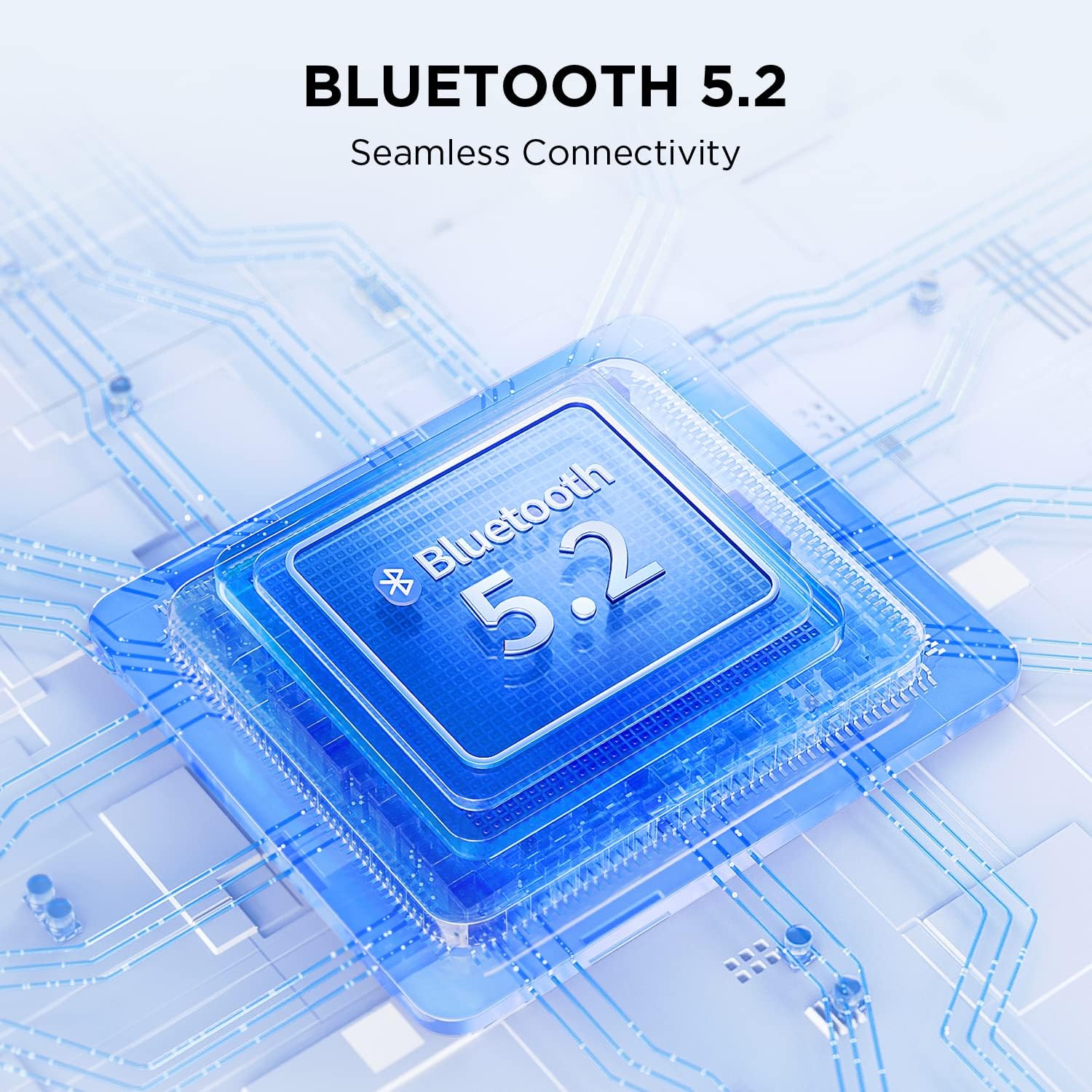
Image: A user engaged in mobile gaming while wearing the 1MORE NEO earbuds, demonstrating the low-latency gaming mode for an enhanced experience.
2.4 Үн сапаты
The 1MORE NEO earbuds feature large 13mm drivers, delivering precise, clear, and detailed audio with a balanced mix across instruments, vocals, bass, mids, and highs.

Image: A cutaway diagram illustrating the 13mm full-range driver, emphasizing its role in producing detailed and high-quality sound.
3. Техникалык тейлөө
3.1 Тазалоо
- Кулакчындарды жана заряддоо кутусун жумшак, кургак, түксүз чүпүрөк менен дайыма тазалап туруңуз.
- Абразивдүү тазалагычтарды, спиртти же химиялык эриткичтерди колдонбоңуз.
- Заряддоочу контакттардын чаң жана таштандылардан тазаланганын текшериңиз.
3.2 Сууга туруктуулук (IPX5)
The 1MORE NEO earbuds are rated IPX5 water-resistant, meaning they can withstand splashes and sweat.
- Кулакчындарды сууга салбаңыз.
- Кулакчындарды кайра заряддоо кутусуна коюудан мурун кургатылганын текшериңиз.
3.3 Батареяга кам көрүү
- Кулакчындарды жана кутучаны салкын, кургак жерде, өтө жогорку температурадан алыс сактаңыз.
- Батареянын ден соолугун сактоо үчүн, колдонбосо дагы, аппаратты дайыма заряддап туруңуз.
- Батареянын тез-тезден толугу менен түгөнүп калышынан алыс болуңуз.
4. Кыйынчылыктарды
| Көйгөй | Мүмкүн чечим |
|---|---|
| Кулакчындар жупташкан жок |
|
| Үн жок же үнү төмөн |
|
| Кулакчындар заряддалбай жатат |
|
| Чакыруу сапаты маселелери |
|
For further assistance, please refer to the 1MORE Music App or contact customer support.
5. Техникалык шарттар
| Өзгөчөлүк | Деталь |
|---|---|
| Модель номери | EO007 |
| Байланыш | Bluetooth 5.2 (Зымсыз) |
| Батареянын иштөө мөөнөтү | Up to 45 hours total (11 hours earbuds + 34 hours with charging case) |
| Айдоочунун өлчөмү | 13mm Full-Range Driver |
| Микрофондор | 4 (with real-time noise reduction algorithm for calls) |
| Суу каршылык | IPX5 (Sweat and splash resistant) |
| Кулакчынын салмагы | Кулакчын үчүн 4.3 г |
| Башкаруу ыкмасы | Touch Control, Remote Control (via app) |
| Материал | Faux leather (for charging case/accents) |
| Шайкеш түзмөктөр | Various Bluetooth-enabled devices |
| Камтылган компоненттер | Зымсыз кубаттоо кутусу |
6. Кепилдик жана колдоо
6.1 Кепилдик маалыматы
1MORE products are covered by a limited warranty. Please refer to the official 1MORE website or your purchase documentation for specific warranty terms and conditions applicable to your region. Keep your proof of purchase for warranty claims.
6.2 Кардарларды колдоо
For technical support, troubleshooting, or general inquiries, please visit the official 1MORE support webсайтка же кардарларды тейлөөгө кайрылыңыз.
- Официалдуу Webсайт: www.1more.com
- 1MORE Music App: Download the official 1MORE Music App for additional features, firmware updates, and personalized settings.