
Introduction
This manual provides detailed instructions for the installation, operation, and maintenance of your SanJie Wireless Doorbell. Designed for versatility, this doorbell system offers a reliable alert solution for homes, classrooms, and other environments, including features beneficial for individuals with hearing impairments.

Figure 1: SanJie Wireless Doorbell System (1 Push Button + 1 Receiver)
Продукт өзгөчөлүктөрү
- Зымсыз иштөө: Pre-paired for immediate use, battery-operated receiver for portability.
- Enhanced Alert Options: Features colorful flashing LED lights and a vibration function, in addition to audible chimes, suitable for individuals with hearing impairments.
- Бир нече иштөө режимдери: Four distinct modes (Ringtone + Vibration, Ringtone + Flash, Ringtone + Vibration + Flash, Ringtone only) to suit various needs.
- Adjustable Volume & Ringtones: 5 volume levels (0-110dB) and 20 selectable ringtones.
- Үнсүз режим: Allows alerts via vibration or flashing lights without sound, ideal for quiet environments.
- Кеңейтилген диапазон: Up to 1000 feet (300 meters) wireless receiving range.
- Туруктуу дизайн: IP55 waterproof push button, operational in temperatures from -4°F to 140°F.
- Батареянын аздыгы жөнүндө эстеткич: Integrated reminder to ensure continuous operation.

Figure 2: Labeled diagram of the SanJie Wireless Doorbell components and controls.
Пакеттин мазмуну
- 1 x зымсыз эшик коңгуроосун кабыл алуучу
- 1 x Wireless Push Button (Transmitter)
- 3 x AAA Batteries (for receiver)
- 1 x 12V 23A Battery (pre-installed in push button)
- Mounting Hardware (double-sided tape, screws)
- User Manual
Орнотуу нускамалары
1. Батареяны орнотуңуз
- Алуучу: Open the battery compartment on the back of the receiver and insert the 3 AAA batteries, ensuring correct polarity.
- Басма баскычы: The 12V 23A battery is typically pre-installed. If not, open the push button casing and insert the battery.


Figure 3: Battery installation for receiver and push button.
2. Pairing Transmitters (if needed)
The doorbell units are pre-paired from the factory. If you need to re-pair them or add additional push buttons/receivers, follow these steps:
- Step 1: Select Music. Press the music button on the receiver to choose your desired ringtone.
- Step 2: Enter Pairing Mode. Press and hold the volume button on the receiver until the LED light flashes and emits a "ding" sound. This indicates it's in pairing mode.
- Step 3: Send Signal. Press the push button (transmitter) once to send a signal. The receiver will make a "ding-ding" sound and flash.
- Step 4: Confirm Pairing. Press the push button again. The receiver should now sound with the selected ringtone, confirming successful pairing.
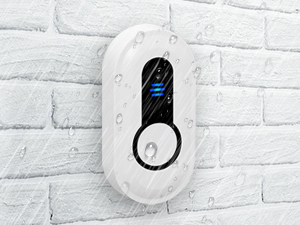
Figure 4: Pairing process for the SanJie Wireless Doorbell.
3. Баскычты орнотуу
The push button can be installed using either double-sided tape or screws.
- Эки тараптуу скотч: Clean the desired surface thoroughly. Apply the tape to the back of the push button and firmly press it onto the wall.
- Бурамалар: Mark the desired mounting location. Drill pilot holes, then secure the push button using the provided screws.
Ensure the push button is placed in a location where it is easily accessible and within the wireless range of the receiver. The push button is IP55 waterproof, making it suitable for outdoor installation.

Figure 5: Waterproof push button suitable for outdoor use.
Иштөө нускамалары
1. Кабыл алуучуну жайгаштыруу
The portable receiver can be carried with you or placed in any desired location within the 1000-foot wireless range. Its back clip allows for convenient attachment to clothing or other objects.
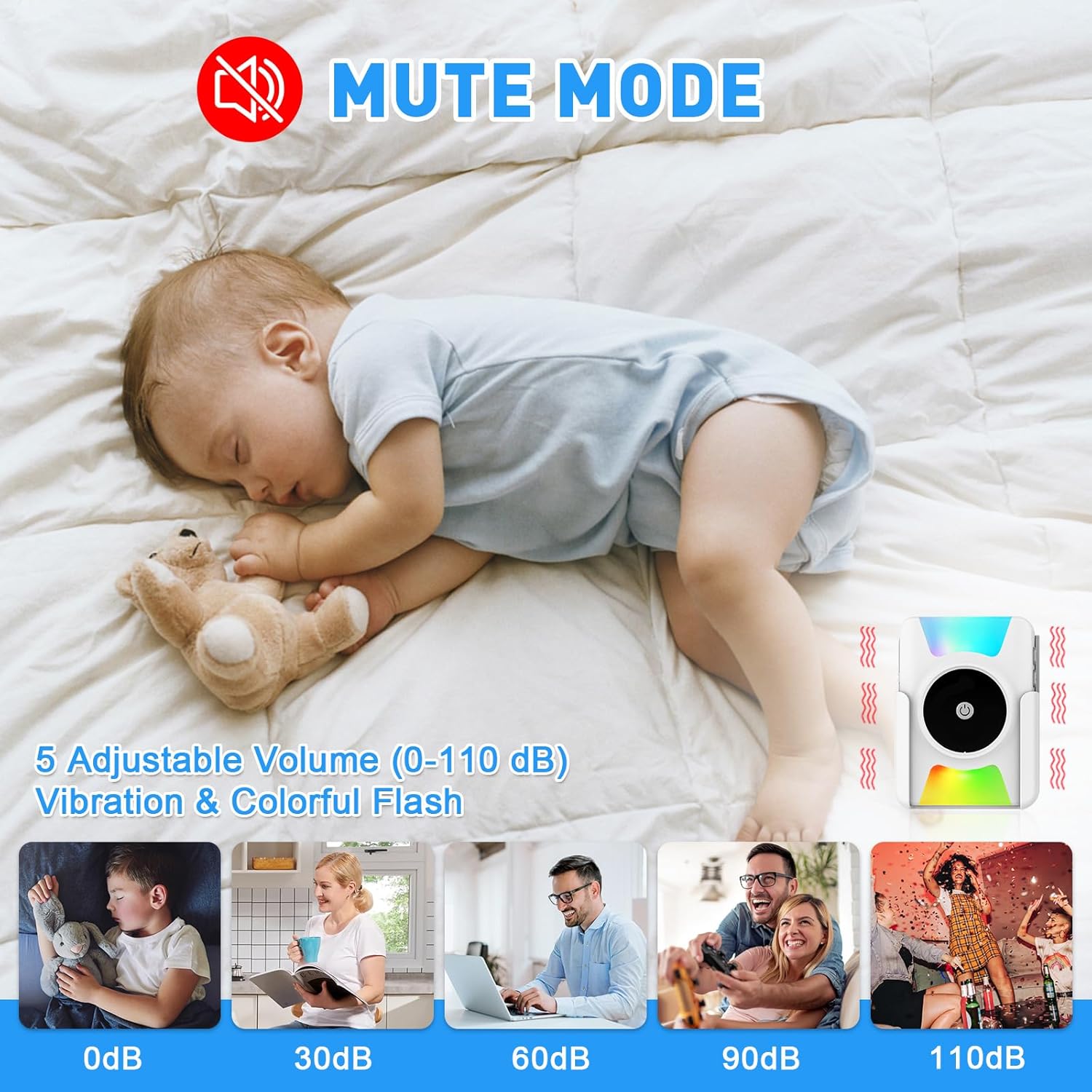
Figure 6: Doorbell receiver placement and wireless range.
2. Үндү тууралоо
Press the volume button on the receiver to cycle through 5 adjustable volume levels (0-110dB). The 0dB setting activates mute mode, where only vibration or flashing lights will alert you.

Figure 7: Mute mode for quiet environments.
3. Шыңгырларды өзгөртүү
Press the music selection button on the receiver to cycle through the 20 available ringtones. You can set different ringtones for multiple push buttons (e.g., front door, back door) if you have additional transmitters paired.

Figure 8: Doorbell with 20 ringtones and adjustable volume.
4. Иштөө режимдерин тандоо
The receiver offers 4 working modes (A, B, C, D) which combine sound, vibration, and colorful flashing lights. Use the mode selection switch on the side of the receiver to choose your preferred alert method.
- А режими: Ringtone + Vibration
- B режими: Ringtone + Colorful Flash
- C режими: Ringtone + Vibration + Colorful Flash
- D режими: Ringtone Only
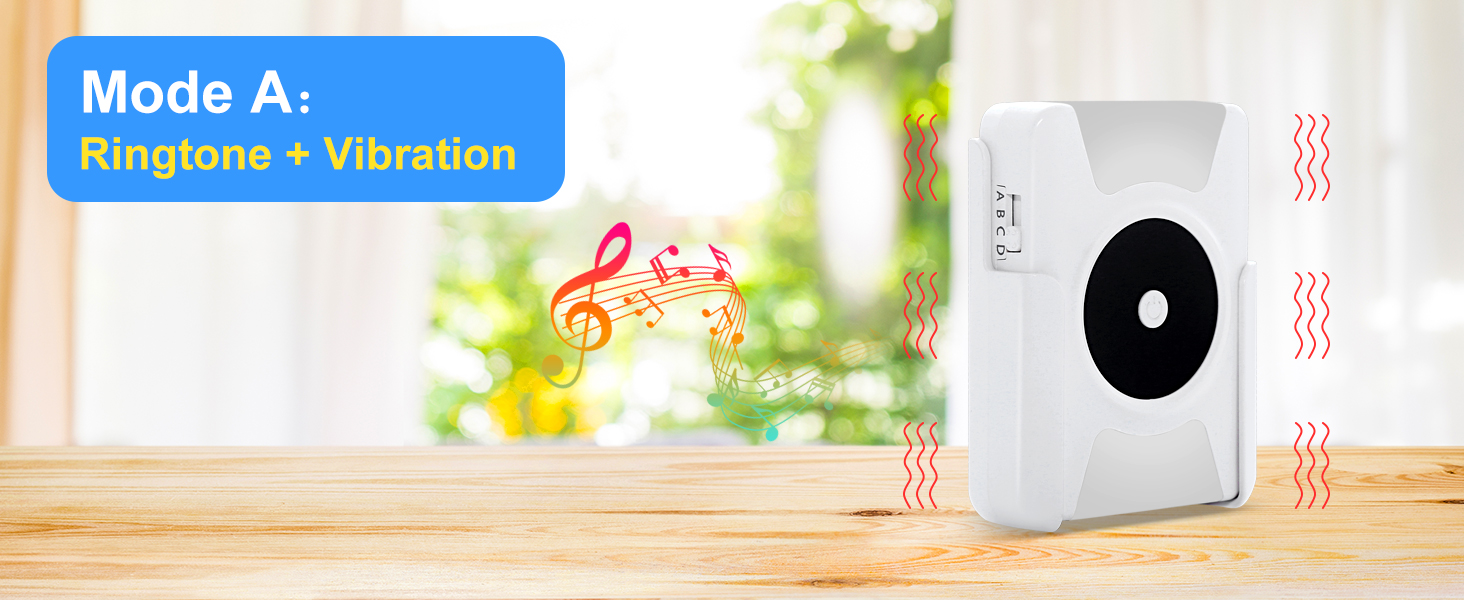


Figure 9: Available working modes for the receiver.
Техникалык тейлөө
- Батареяны алмаштыруу: Replace AAA batteries in the receiver when the low battery reminder activates. The push button battery (12V 23A) has an estimated 3-year lifespan and should be replaced when the button no longer activates the receiver.
- Тазалоо: Wipe the doorbell units with a soft, dry cloth. Avoid using harsh chemicals or abrasive cleaners.
- Экологиялык шарттар: While the push button is IP55 waterproof, avoid submerging it in water. Ensure the receiver is kept in a dry environment.
Проблемаларды чечүү
| Көйгөй | Мүмкүн себеп | Чечим |
|---|---|---|
| Doorbell does not ring/flash/vibrate. |
|
|
| Receiver rings continuously or randomly. |
|
|
| Үн өтө төмөн же өтө катуу. | Үндүн көлөмүн тууралоо керек. | Press the volume button on the receiver to adjust to the desired level. |
| No vibration or flash in mute mode. | Incorrect working mode selected. | Ensure Mode A, B, or C is selected using the mode switch. Mode D is ringtone only. |
Техникалык шарттар
- Модель номери: CC21WH-DB19WH
- Зымсыз диапазон: 1000 фут (300 метр) чейин
- Рингтон: 20 тандалган обондор
- Үн деңгээли: 5 деңгээл (0-110дБ)
- Иштөө режимдери: 4 (Ringtone+Vibration, Ringtone+Flash, Ringtone+Vibration+Flash, Ringtone Only)
- Push Button Waterproof Rating: IP55
- Иштөө температурасы: -4°F – 140°F (-20°C – 60°C)
- Алуучу күчү: 3 x AAA батарейкалар (киргизилген)
- Push Button Power: 1 x 12V 23A battery (included)
- Материал: ABS
- Продукциянын өлчөмдөрү: 3.94 x 2.36 x 3.94 inches (Overall product dimensions, specific receiver/button dimensions not provided)
- Элемент Салмагы: 6.7 унция
Кепилдик жана колдоо
SanJie provides a 100% guarantee and service for this product. If you encounter any questions or issues regarding your SanJie Wireless Doorbell, please contact us via Amazon mail. We are committed to providing a satisfactory solution.
For further assistance, please refer to the contact information provided with your purchase or visit the official SanJie store on Amazon: SanJie Store.