
1. Киришүү
Thank you for choosing the Kisonli LED-909 Portable Wireless Bluetooth Soundbar Speaker. This manual provides essential information for the safe and efficient use of your new device. Please read it thoroughly before operation and retain it for future reference.
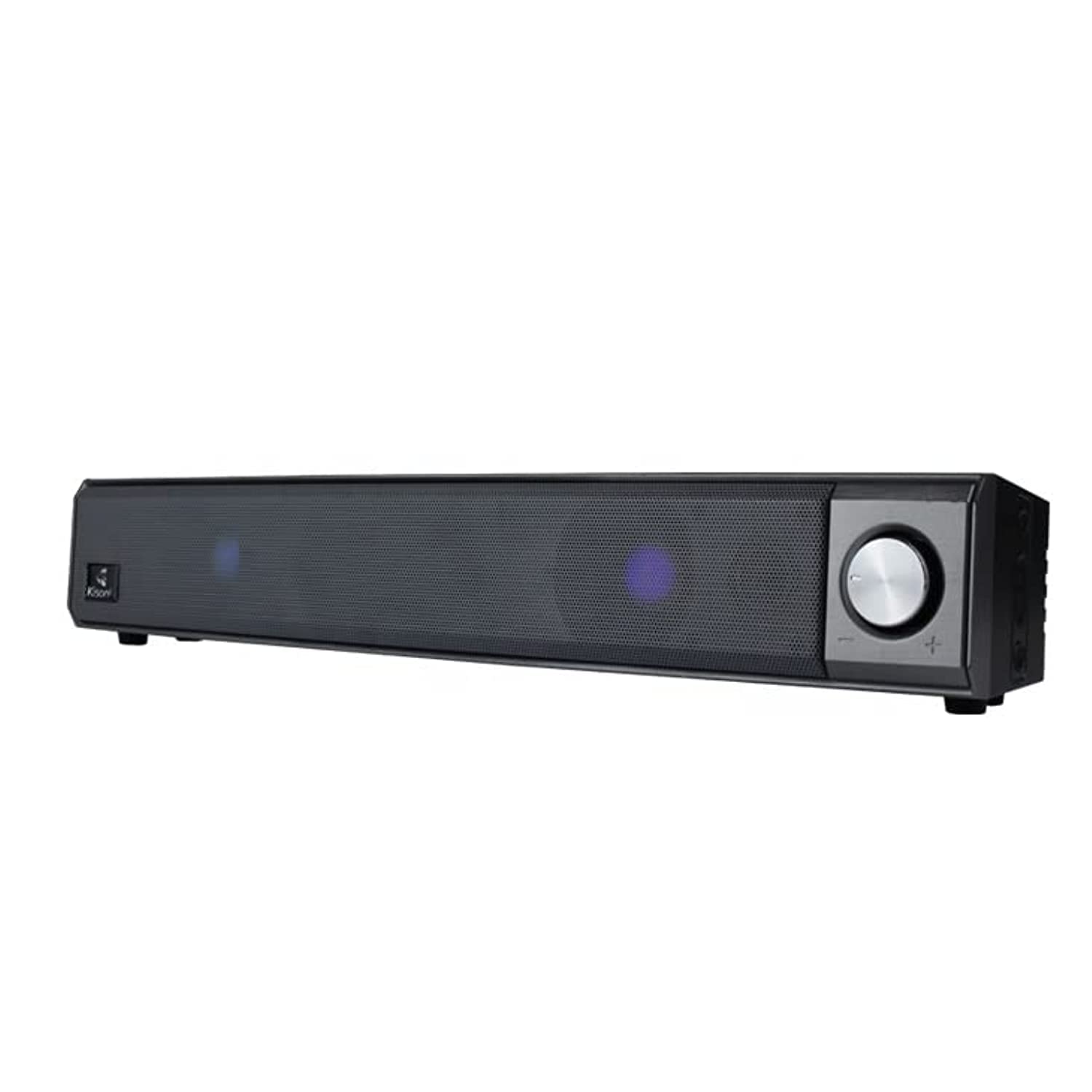
The Kisonli LED-909 Portable Wireless Bluetooth Soundbar Speaker, featuring its design and integrated LED lights.
2. Коопсуздук маалыматы
- Аппаратты экстремалдык температурага, түз күндүн нуруна же жогорку нымдуулукка дуушар кылбаңыз.
- Спикерди түшүрүүдөн же катуу таасирлерге дуушар кылуудан качыңыз.
- Агрегатты өз алдынча ажыратпаңыз, оңдобоңуз же өзгөртпөңүз. Бардык тейлөөлөрдү квалификациялуу кызматкерлерге тапшырыңыз.
- Keep the speaker away from water and other liquids, despite its water-resistant feature, to prevent damage.
- Use only the specified charging cable and power adapter to avoid damage or fire.
- Аппаратты жумшак, кургак чүпүрөк менен тазалаңыз. Абразивдүү тазалагычтарды же эриткичтерди колдонбоңуз.
3. Пакеттин мазмуну
Пакетте бардык буюмдар бар экенин текшериңиз:
- Kisonli LED-909 Soundbar Speaker
- Алыстан башкаруу
- Дасторкон стенд
- USB Charging Cable (assumed)
- User Manual

The Kisonli LED-909 Portable Wireless Bluetooth Soundbar Speaker shown in its retail packaging.
4. Продукт бүтүп калдыview
Familiarize yourself with the speaker's controls and ports:

This image displays the side panel of the Kisonli LED-909 soundbar, highlighting its control buttons and rotary volume knob. Labels indicate 'play/pause', 'last song', 'next song/colorful light', and 'power on/off/modes switch'. The main rotary knob is for volume control, rotating left for volume down and right for volume up.
- Power On/Off / Modes Switch Button: Press and hold to power on/off. Short press to cycle through input modes (Bluetooth, AUX, etc.).
- Ойнотуу/тындыруу баскычы: Аудиону ойнотуу же тындыруу үчүн басыңыз.
- Last Song Button: Мурунку трекке өтүү үчүн басыңыз.
- Next Song / Colorful Light Button: Press to go to the next track. Press and hold to change LED light modes.
- Үн баскычы: Rotate left to decrease volume, rotate right to increase volume.
5. Орнотуу
5.1 Динамикти заряддоо
Before first use, fully charge the speaker. Connect the USB charging cable to the speaker's charging port and the other end to a compatible USB power source (e.g., computer, USB wall adapter). The LED indicator will show charging status and turn off when fully charged.
5.2 Күйгүзүү/өчүрүү
басып, кармап туруңуз Power On/Off / Modes Switch Button for approximately 3 seconds to turn the speaker on or off.
5.3 Bluetooth жупташтыруу
- Ensure the speaker is powered on and in Bluetooth mode (indicated by a flashing LED). If not, short press the Power On/Off / Modes Switch Button Bluetooth режимине өтүү үчүн.
- Смартфонуңузда, планшетиңизде же башка шайкеш түзүлүшүңүздө Bluetooth'ду иштетиңиз.
- Издөө available Bluetooth devices and select "LED-909" from the list.
- Жупташкандан кийин, динамик ырастоо үнүн чыгарат жана LED индикатору өчүп токтойт.
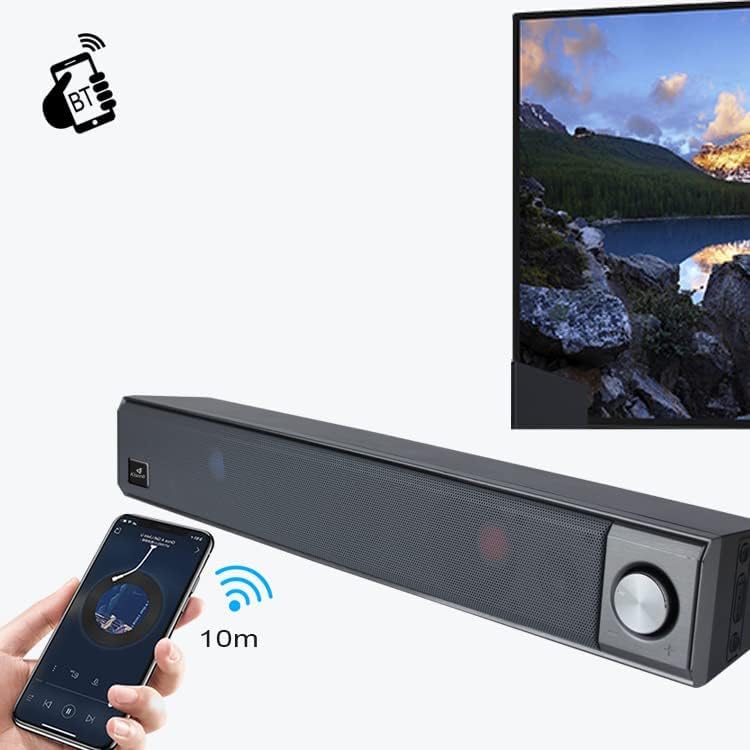
This image illustrates the wireless Bluetooth connection process. A hand holds a smartphone displaying a Bluetooth pairing screen, with a wireless signal icon pointing towards the Kisonli LED-909 soundbar. A television screen is visible in the background, suggesting connectivity to various devices. The image indicates a 10-meter Bluetooth range.
5.4 Other Connections (AUX)
If your device does not support Bluetooth, you can connect it using an AUX cable (not included). Insert one end of a 3.5mm audio cable into the speaker's AUX port and the other end into your device's audio output. Short press the Power On/Off / Modes Switch Button AUX режимине өтүү үчүн.
6. Иштөө нускамалары
6.1 Аудио ойнотуу
- Ойнотуу/тындыруу: басыңыз Ойнотуу/тындыруу баскычы to start or pause audio playback.
- Кийинки трек: басыңыз Кийинки ыр баскычы кийинки трекке өтүү.
- Мурунку трек: басыңыз Last Song Button мурунку трекке кайтуу.
6.2 Үндү башкаруу
айлантыңыз Көлөм баскычы үндү көбөйтүү үчүн саат жебеси боюнча жана азайтуу үчүн саат жебесине каршы.
6.3 LED жарык режимдери
басып, кармап туруңуз Next Song / Colorful Light Button to cycle through different LED light modes and effects.
7. Техникалык тейлөө
- Тазалоо: Wipe the speaker with a soft, dry, lint-free cloth. Do not use liquid cleaners or sprays.
- Сактагыч: When not in use for extended periods, store the speaker in a cool, dry place away from direct sunlight.
- Батареяга кам көрүү: Батареянын иштөө мөөнөтүн узартуу үчүн, бат-баттан батарейканы толук зарядсыздандырбаңыз. Колдонулбаса дагы, динамикти дайыма заряддап туруңуз.
8. Кыйынчылыктарды
| Көйгөй | Мүмкүн себеп | Чечим |
|---|---|---|
| Динамик күйбөйт. | Батарея аз же түгөнүп калган. | Динамикти толук заряддаңыз. |
| Динамиктен үн жок. | Үн өтө төмөн; киргизүү режими туура эмес; түзмөк туура эмес туташтырылган. | Increase volume; switch to correct input mode (Bluetooth/AUX); ensure device is paired/connected. |
| Bluetooth жупташуусу болбой жатат. | Динамик жупташтыруу режиминде эмес; түзмөк Bluetooth өчүк; спикерден өтө алыс. | Ensure speaker is in Bluetooth pairing mode; turn on device Bluetooth; move device closer (within 10m). |
| LED жарыктары иштебейт. | Light mode off or stuck. | Press and hold the 'Next Song / Colorful Light' button to cycle through modes. |
9. Техникалык шарттар
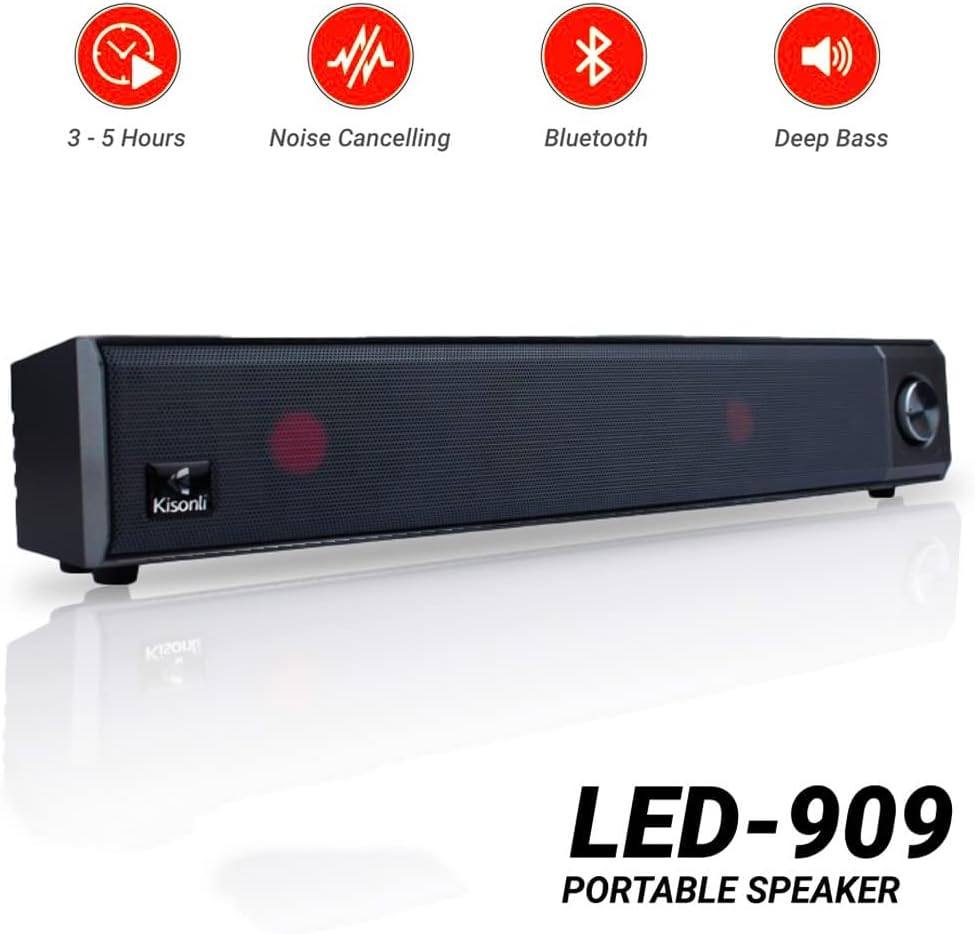
Kisonli LED-909 portable speaker highlighting key features such as 3-5 hours battery life, noise cancelling, Bluetooth connectivity, and deep bass audio.
| Өзгөчөлүк | Деталь |
|---|---|
| Модель аты | LED-909 |
| Бренд | Кисонли |
| Динамик түрү | Саундбар |
| Байланыш технологиясы | Bluetooth |
| Зымсыз байланыш технологиясы | Bluetooth |
| Аудио чыгаруу режими | Стерео |
| Power Source | Батарея менен иштейт |
| Өзгөчөлүктөр | Bluetooth, Wireless, Portable, LED Light |
| Сунушталган Колдонуулар | Смартфондор же планшеттер үчүн |
| Шайкеш түзмөктөр | Планшет, смартфон |
| Элемент Салмагы | 650 грамм |
| Сууга чыдамдуу | Ооба |
| Динамиктин өлчөмү (узундугу) | 41.4 см |
| Монтаж түрү | Столдун үстү |
| Материал | Пластик |
| Камтылган компоненттер | Remote control, Tabletop stand |
| Түс | Көк |
| Көлөмдүү үн каналынын конфигурациясы | 2 |
10. Кепилдик жана колдоо
The Kisonli LED-909 Portable Wireless Bluetooth Soundbar Speaker comes with a standard manufacturer's warranty. Please refer to the warranty card included in your package for specific terms and conditions, including the warranty period and coverage details.
For technical support, troubleshooting assistance, or warranty claims, please contact Kisonli customer service through the contact information provided on the product packaging or the official Kisonli webсайт. Кепилдик кызматтарды сатып алуунун далили катары сатып алуу квитанциясын сактаңыз.