
1. Киришүү
Thank you for choosing the SURFOU Smart WiFi Plug. This device allows you to control your electrical appliances remotely, set schedules, monitor energy consumption, and integrate with smart home systems like Amazon Alexa and Google Home. Please read this manual carefully before use to ensure proper operation and safety.
2. Коопсуздук боюнча маанилүү маалымат
- 16A / 3680W максималдуу жүктөмүнөн ашпаңыз.
- Үй ичинде гана колдонуу үчүн.
- Аппаратты ажыратпаңыз же өзгөртпөңүз.
- Суу жана жогорку нымдуу чөйрөлөрдөн алыс болуңуз.
- Сайгычтын дубалдагы розеткага толугу менен сайылып турганын текшериңиз.
- Тазалоодон мурун аппаратты розеткадан сууруп алыңыз.
- Бул шайман оюнчук эмес. Балдар жетпеген жерде сактаңыз.
3. Пакеттин мазмуну
- SURFOU Smart WiFi Plug (2 units)
- Instruction Manual
4. Продукт бүтүп калдыview
The SURFOU Smart WiFi Plug is designed for convenience and energy efficiency. It features an Italian Type L socket, a physical power button, and an LED indicator. Its compact design allows it to fit into standard wall outlets without obstructing adjacent sockets.

Сүрөт: алдыңкы view of the SURFOU Smart WiFi Plug, showing the Italian Type L socket and power button.
5. Техникалык шарттар
| Параметр | Нарк |
|---|---|
| Модель номери | BSD60 |
| Бренд | СУРФОУ |
| Operating Voltage | 230 вольт |
| Учурдагы рейтинг | 16 А |
| Күч | 3680 Ватт |
| Connectivity Protocol | 2.4 GHz WiFi (not 5 GHz) |
| Башкаруу ыкмасы | Application, Voice Control |
| Шайкештик | Amazon Alexa, Google жардамчысы, SmartThings |
| Материал | Acrylonitrile Butadiene Styrene (ABS), Stainless Steel (contact) |
| Өлчөмдөрү (L x W x Y) | 36 x 34 x 36 millimeters (approx. 3.6 x 3.4 x 3.6 cm) |
| IP рейтинги | IP55 |
| Сертификаттар | CE, RoHS, TÜV |

Image: Diagram showing the dimensions of the smart plug.
6. Орнотуу нускамалары
6.1. Колдонмону жүктөп алыңыз
The SURFOU Smart WiFi Plug works with the Smart Life or Tuya Smart app. Download the app from the App Store (iOS) or Google Play Store (Android).
6.2. Register and Log In
Колдонмону ачып, жаңы аккаунт түзүңүз же бар аккаунт менен кириңиз.
6.3. Connect to 2.4 GHz WiFi Network
Ensure your smartphone is connected to a 2.4 GHz WiFi network. The smart plug does not support 5 GHz WiFi networks.

Image: Illustration of the smart plug connecting to a 2.4 GHz WiFi router.
6.4. Түзмөк кошуу
- Plug the SURFOU Smart WiFi Plug into a wall socket.
- Press and hold the power button on the plug for 5-10 seconds until the LED indicator blinks rapidly. This indicates it's in pairing mode.
- Open the Smart Life/Tuya Smart app, tap the "+" icon in the top right corner to add a device.
- Select "Electrical Outlet" or "Socket (WiFi)" from the device list.
- Колдонмодо индикатор жарыгы тез-тез күйүп-өчүп жатканын ырастаңыз.
- Enter your 2.4 GHz WiFi network password.
- Wait for the app to connect to the device. Once connected, you can rename the plug.
7. Иштөө нускамалары
7.1. Кол менен башкаруу
Press the physical power button on the smart plug to manually turn the connected appliance on or off.
7.2. Колдонмонун алыстан башкаруусу
Once connected to the app, you can remotely control the plug from anywhere with an internet connection. Tap the device icon in the app to turn it on or off.
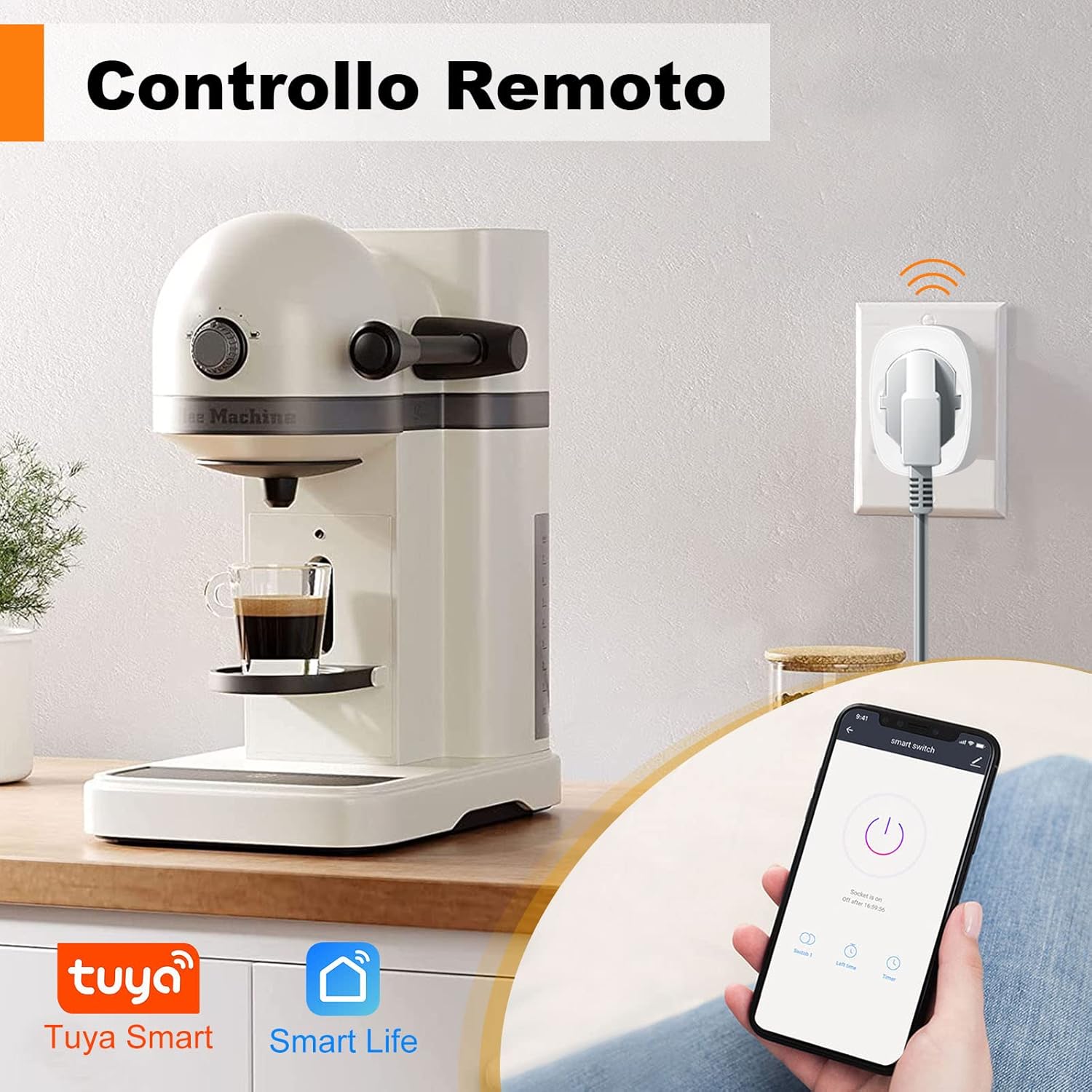
Image: A smartphone displaying the Smart Life app, used to remotely control a coffee machine connected to the smart plug.
7.3. Таймер функциясы
Set schedules or timers to automatically turn appliances on or off at specific times. This is useful for lights, coffee makers, or other devices.

Image: A kitchen scene with various appliances and a smartphone displaying the app's scheduling interface, showing set times for power on/off.
7.4. Энергия мониторинги
The smart plug can track the power consumption of connected devices, displaying total energy (kWh), voltage, and current. This feature helps in understanding and managing energy usage.

Image: A bedroom scene with a lamp connected to the smart plug, and a graph illustrating daily energy consumption (kWh) over several days.
7.5. Үн менен башкаруу (Alexa жана Google Home)
Integrate the smart plug with Amazon Alexa or Google Home for convenient voice control. Follow the instructions in your Alexa or Google Home app to link your Smart Life/Tuya Smart account.
- Example commands: "Alexa, turn on the lamp." or "Hey Google, turn off the fan."
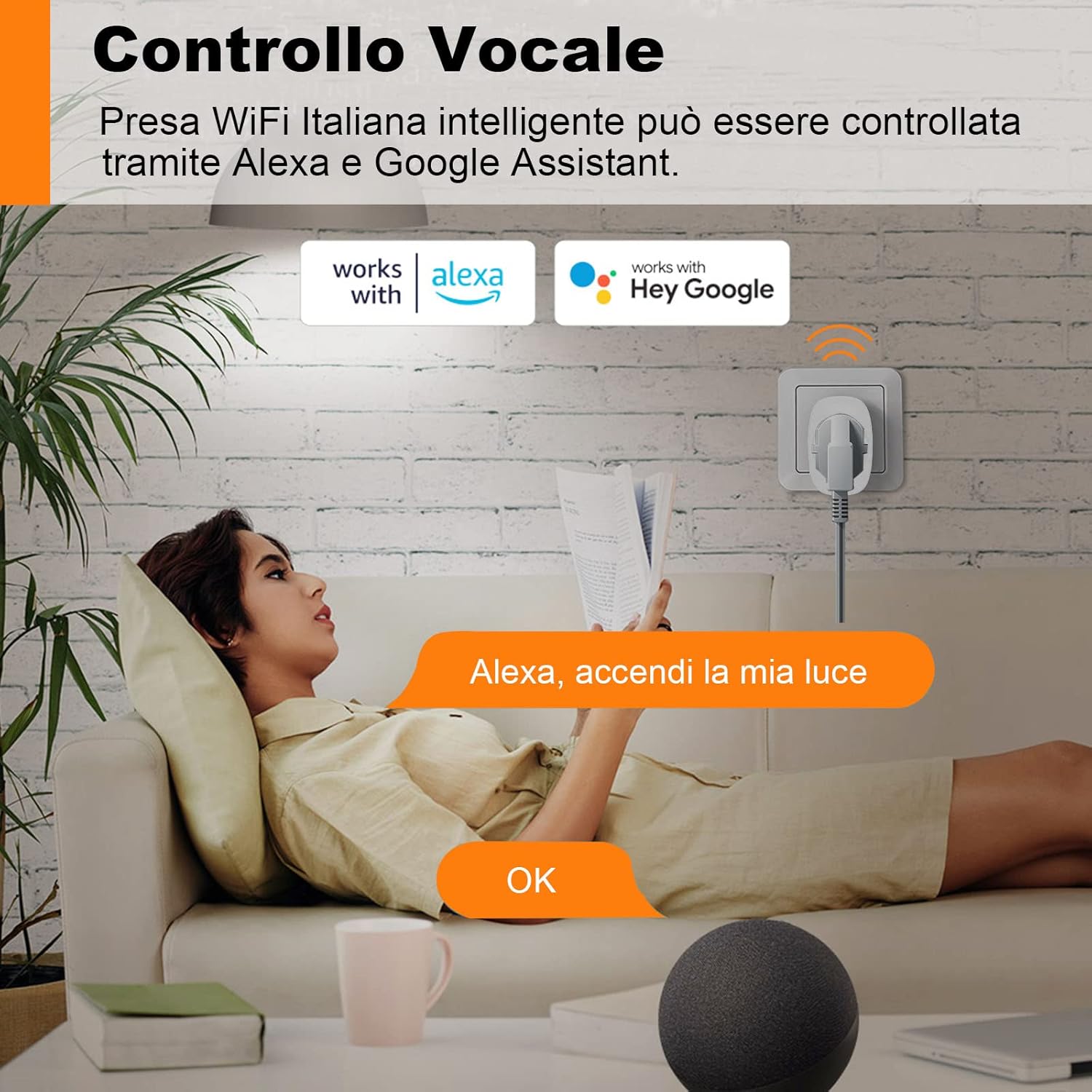
Image: A person relaxing on a sofa, using an Amazon Echo device to control a lamp connected to the smart plug via voice command.
7.6. Түзмөктү бөлүшүү
Share control of your smart plug with family members. They can access the same account on their phones to manage smart devices.

Image: A family looking at a smartphone screen showing the device sharing feature within the app, allowing multiple users to control smart devices.
7.7. Балдарды коргоо
The smart plug is designed with child protection features to prevent accidental contact with live parts.

Image: A baby reaching towards a smart plug, illustrating the child protection design. Icons indicate protection against short circuits, overvoltage, overheating, and lightning.
8. Техникалык тейлөө
- Акылдуу сайгычты кургак, жумшак чүпүрөк менен тазалаңыз. Суюк тазалоочу каражаттарды колдонбоңуз.
- Аппаратты колдонбогондо салкын, кургак жерде сактаңыз.
- Аппаратты түз күн нурунун же экстремалдуу температуранын астында калтырбаңыз.
9. Кыйынчылыктарды
- Түзмөк WiFiга туташпай жатат: Ensure your router is broadcasting a 2.4 GHz network. Check your WiFi password. Move the plug closer to the router. Reset the plug by holding the power button until it blinks rapidly and try pairing again.
- Appliance not turning on/off: Check if the smart plug is receiving power. Verify the appliance is properly plugged into the smart plug and is functional.
- Үн менен башкаруу иштебей жатат: Ensure your smart home assistant (Alexa/Google Home) is properly linked to your Smart Life/Tuya Smart account. Check your internet connection.
- Энергияны көзөмөлдөө туура эмес: Ensure the connected appliance is within the specified power limits of the smart plug.
10. Кепилдик жана колдоо
SURFOU products are designed for reliability and performance. For warranty information or technical support, please refer to the purchase platform or contact SURFOU customer service directly. Keep your proof of purchase for warranty claims.