
Introduction
Welcome to the user manual for your new Elprico 10.1 Inch Android 11.0 Tablet PC. This guide provides essential information on setting up, operating, maintaining, and troubleshooting your device. Please read this manual thoroughly to ensure optimal performance and longevity of your tablet.
Продукт бүттүview
The Elprico 10.1 Inch Android 11.0 Tablet PC is designed for versatile use, offering a high-resolution display, robust performance, and comprehensive connectivity options.

Сүрөт: The Elprico 10.1 Inch Android 11.0 Tablet PC shown alongside its included accessories, which typically include a data cable, power adapter, and OTG cable.
Негизги өзгөчөлүктөрү:
- High-Resolution IPS Display: Enjoy a 10.1-inch Full HD 1920 x 1080 resolution IPS touchscreen, delivering impressive color, clarity, and excellent HD viewing angles for vivid images.
- Android 11.0 операциялык системасы: The tablet operates on Android 11.0, providing a user-friendly interface and access to a wide range of applications.
- Күчтүү аткаруу: Equipped with an Octa-Core processor, 6GB RAM, and 128GB internal storage, expandable by an additional 128GB via a memory card, ensuring smooth multitasking and ampсенин үчүн орун files.
- Кош камералар: Features a 5MP front camera and a 13MP rear camera, suitable for video calls, photography, and recording daily moments.
- Dual-Band Wi-Fi and Connectivity: Supports 2.4G and 5G Wi-Fi for reliable and fast internet connectivity. Also includes Bluetooth, AM, and FM support.
- Узак мөөнөттүү батарея: A 6000mAh battery provides up to 8 hours of mixed use, easily rechargeable via the USB Type-C port.
- Интегралдык GPS: Features GPS positioning and navigation capabilities for accurate location services.
- Жакшыртылган аудио: Dual speakers deliver powerful and spacious sound for an immersive audio experience.

Сүрөт: The tablet screen showcasing a detailed mountain landscape, illustrating the clarity and vibrant colors of its 10.1-inch Full HD 1920x1080 IPS display.
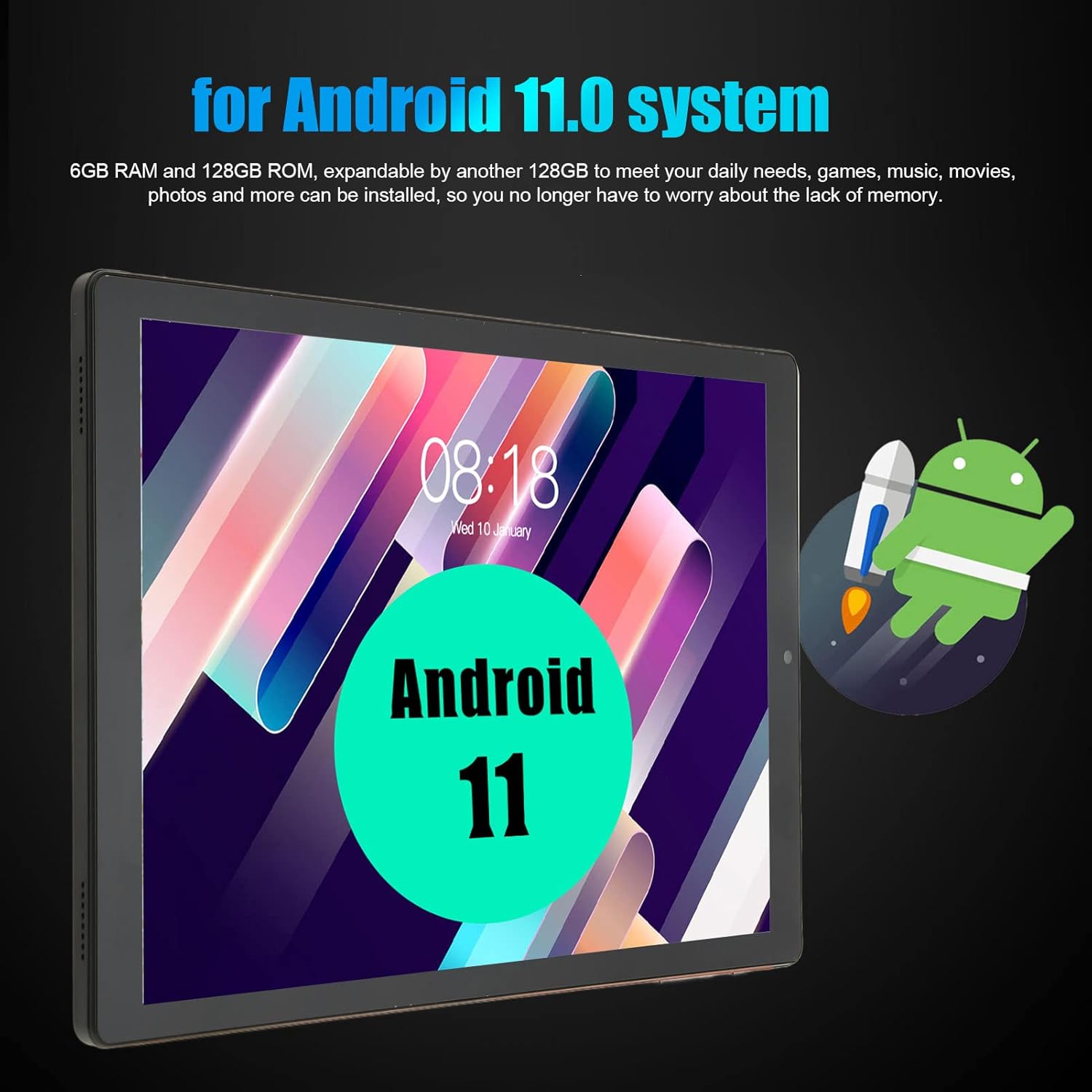
Сүрөт: The tablet screen displaying the Android 11 logo, indicating the operating system, along with text highlighting its 6GB RAM and 128GB ROM.

Сүрөт: The tablet displaying a vibrant image captured by its camera, illustrating the capabilities of its 5MP front and 13MP dual rear cameras.
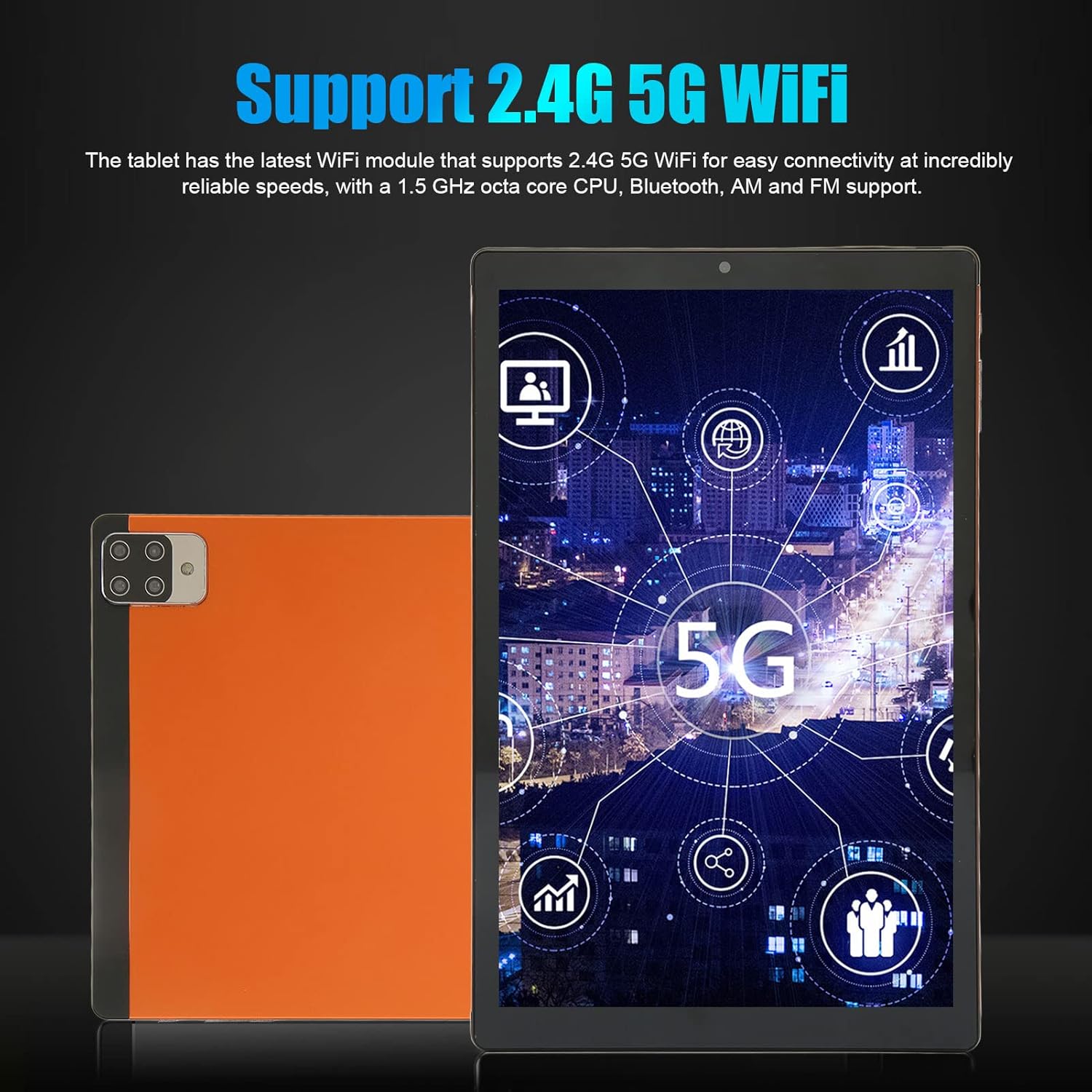
Сүрөт: The tablet screen showing various network and connectivity icons, highlighting its support for both 2.4G and 5G Wi-Fi bands.
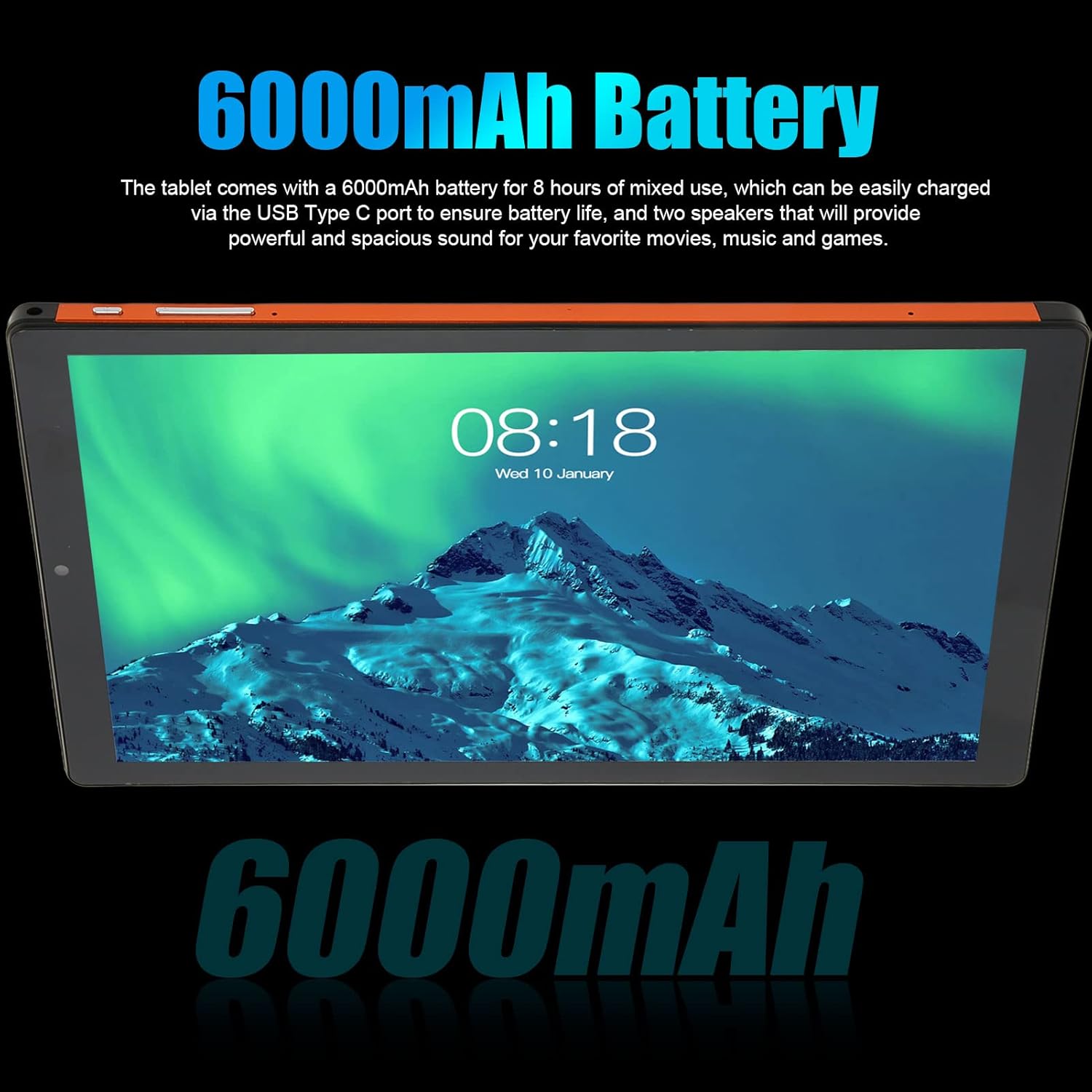
Сүрөт: The tablet screen displaying text that emphasizes its 6000mAh battery capacity, ensuring extended usage.

Сүрөт: The tablet mounted in a vehicle, displaying a detailed map, demonstrating its integrated GPS navigation functionality.

Сүрөт: The tablet screen showing a music player interface, illustrating its audio capabilities and surround sound quality.

Сүрөт: Комплекстүү view of the tablet from both the front and back, showcasing its sleek design and the rear camera module.
Техникалык шарттар
| Өзгөчөлүк | Description |
|---|---|
| Бренд | Elprico |
| Модель номери | Elpricoagroz8q1in |
| Операция системасы | Android 11.0 |
| Screen Size | 10.1 дюйм |
| Display Resolution | 1920 x 1080 pixels IPS |
| Процессор | MT6753 Octa Core (1.5 GHz) |
| RAM | 6 ГБ |
| Ички сактагыч | 128 ГБ |
| Кеңейтүүчү сактагыч | Up to 128 GB via memory card |
| Алдыңкы камера | 5 депутат |
| Арткы камера | 13 депутат |
| Wi-Fi туташуусу | 2.4G / 5G Dual-band |
| Тармак стандарты | GSM 850/900/1800/1900, WCDMA 850/2100 |
| Bluetooth | 5.0 |
| GPS | Supported (GPS, Glonass) |
| Батарея | 6000mAh Li-Ion (Integrated) |
| I/O Interface | 1x 3.5mm Headphone Port, 1x Type-C Port |
| Card Slot | Three slots (2 SIM cards + 1 memory card simultaneously) |
| Баяндамачылар | Кош спикерлер |
| Микрофон | Колдоого алынган |
| Колдонулуучу томtage | 100-240V |
Жайгашуу
- Кутудан чыгаруу: Carefully remove the tablet and all accessories from the packaging. Verify that all components listed in the package contents are present.
- Батареяны заряддоо: Before first use, fully charge the tablet's battery. Connect the provided USB Type-C cable to the tablet's charging port and the power adapter to a wall outlet. The charging indicator will show the charging status.
- Күйгүзүү: Press and hold the power button (usually located on the side) for a few seconds until the screen lights up and the Elprico logo appears.
- Баштапкы орнотуу: Follow the on-screen prompts to complete the initial setup. This typically includes selecting your language, connecting to a Wi-Fi network, setting up your Google account, and configuring basic settings.
- SIM Card and Memory Card Installation (Optional):
- Locate the SIM/memory card tray on the side of the tablet.
- Табаны ачуу үчүн берилген SIM чыгаруучу куралды (эгер камтылган болсо) же кичинекей кагаз кычгычты колдонуңуз.
- Carefully place your SIM card(s) and/or memory card into the designated slots. Ensure correct orientation as indicated on the tray.
- Табакты акырын кайра планшеттин ичине чыкылдатмайынча түртүңүз.
Иштөө нускамалары
Негизги навигация:
- Сенсордук экран жаңсоолор: Use tap, swipe, pinch-to-zoom, and long-press gestures to interact with the tablet.
- Башкы экран: Колдонмолоруңуз жана виджетиңиз үчүн борбордук борбор. Кошумча экрандарга жетүү үчүн солго же оңго сүрүңүз.
- Эскертме панели: Эскертмелерге жана тез жөндөөлөргө жетүү үчүн экрандын өйдө жагынан ылдый сүрүңүз.
- Колдонмо тартмасы: Swipe up from the bottom of the screen (or tap the app drawer icon) to view бардык орнотулган колдонмолор.
Байланыш:
- Wi-Fi: барыңыз Орнотуулар > Тармак жана интернет > Wi-Fi жеткиликтүү тармактарга туташуу үчүн.
- Bluetooth: барыңыз Орнотуулар > Туташкан түзмөктөр > Bluetooth гарнитура же динамиктер сыяктуу Bluetooth түзмөктөрү менен жупташтыруу үчүн.
- Mobile Data (if SIM installed): барыңыз Орнотуулар > Тармак жана интернет > Мобилдик тармак мобилдик маалымат жөндөөлөрүн башкаруу.
Камераны колдонуу:
- ачыңыз Камера app from the home screen or app drawer.
- Сүрөткө тартуу үчүн жапкычты басыңыз.
- Камера сүрөтчөсүн колдонуп, алдыңкы жана арткы камералардын ортосунда которуштуруу.
- Видеолорду жаздыруу үчүн видео режимин тандаңыз.
Сактагычты башкаруу:
- барыңыз Орнотуулар > Сактагыч чейин view сактагычты колдонуу жана башкаруу files.
- Дайыма тазалануу керексиз files and cache to maintain performance.
Техникалык тейлөө
- Тазалоо: Планшеттин экранын жана корпусун тазалоо үчүн жумшак, мамыксыз чүпүрөктү колдонуңуз. Абразивдүү материалдарды же катуу химиялык заттарды колдонбоңуз.
- Программалык камсыздоо жаңыртуулары: Regularly check for and install system updates to ensure your tablet has the latest features and security patches. Go to Орнотуулар > Система > Системаны жаңыртуу.
- Батареяга кам көрүү: Avoid extreme temperatures. Do not let the battery fully discharge frequently. For long-term storage, charge the battery to about 50%.
- Экологиялык шарттар: Keep the tablet away from direct sunlight, excessive heat, moisture, and dust.
- Маалыматтын камдык көчүрмөсү: Regularly back up important data to cloud storage or an external device to prevent data loss.
Проблемаларды чечүү
- Планшет күйбөйт: Ensure the battery is charged. Connect the charger and wait a few minutes before attempting to power on again. If unresponsive, try a forced restart by holding the power button for 10-15 seconds.
- Экран жооп бербейт: If the screen is frozen, perform a forced restart. If the issue persists, ensure the screen is clean and free of debris.
- Wi-Fi туташуу маселелери: Check if Wi-Fi is enabled in settings. Restart your Wi-Fi router and the tablet. Forget the network and reconnect.
- Жай аткаруу: Close unused apps, clear app caches (Орнотуулар > Колдонмолор > [Колдонмонун аты] > Сактагыч > Кэшти тазалоо), and ensure sufficient free storage space. Consider a factory reset as a last resort (backup data first).
- Колдонмолор бузулуп жатат: Update the app to its latest version. Clear the app's cache and data (this will delete app-specific data). Reinstall the app if necessary.
- Батареянын бат түгөнүп калышы: Reduce screen brightness, disable unused features like Bluetooth or GPS, close background apps, and check battery usage in Орнотуулар > Батарея кубатка муктаж колдонмолорду аныктоо үчүн.
Кепилдик жана колдоо
Кепилдик жөнүндө маалымат жана техникалык колдоо алуу үчүн, сатып алуу учурунда берилген документтерди караңыз же сатуучуга кайрылыңыз. Кепилдик боюнча дооматтар үчүн сатып алууну тастыктаган документти сактап коюңуз.