
Audeze 208-MW-1120-01
Audeze Maxwell зымсыз оюн гарнитурасынын колдонуучу колдонмосу
Model: 208-MW-1120-01
Introduction
The Audeze Maxwell Wireless Gaming Headset is engineered to provide an immersive audio experience across multiple platforms, including PlayStation, Mac, PC, and Switch. Featuring Audeze's renowned 90mm Planar Magnetic Drivers, this headset delivers exceptional sound quality with deep bass and dynamic range. It incorporates advanced A.I. noise filtering technology for crystal-clear communication and offers extensive battery life for prolonged gaming sessions.
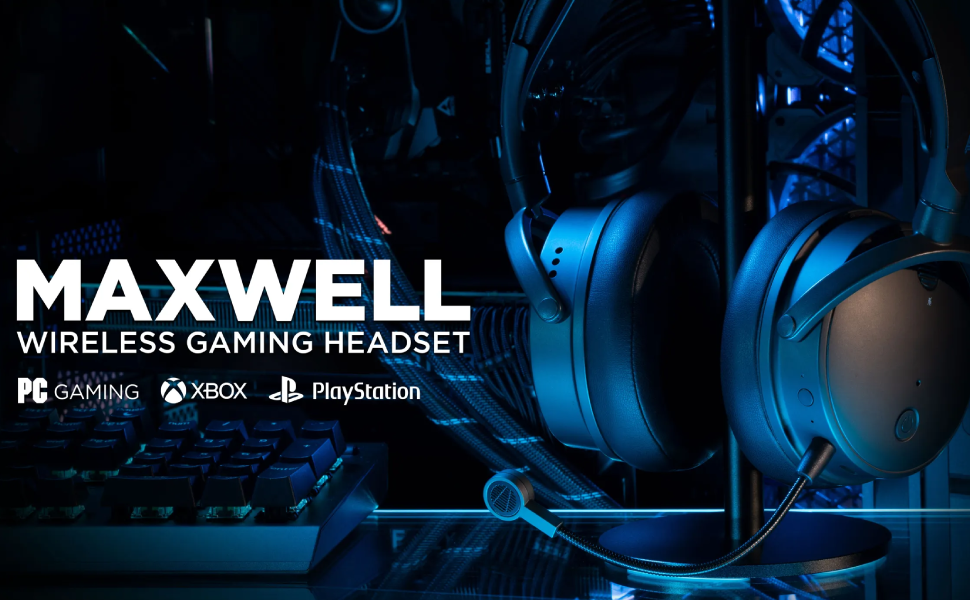
Image: Audeze Maxwell Wireless Gaming Headset banner.
Жайгашуу
Before using your Audeze Maxwell headset, ensure it is fully charged and properly connected to your desired device.
Гарнитураны заряддоо
The Maxwell headset boasts over 80 hours of low-latency wireless gameplay on a full charge. A quick 20-minute charge can provide a full day of gaming. Use the included USB-C cable to charge the headset.
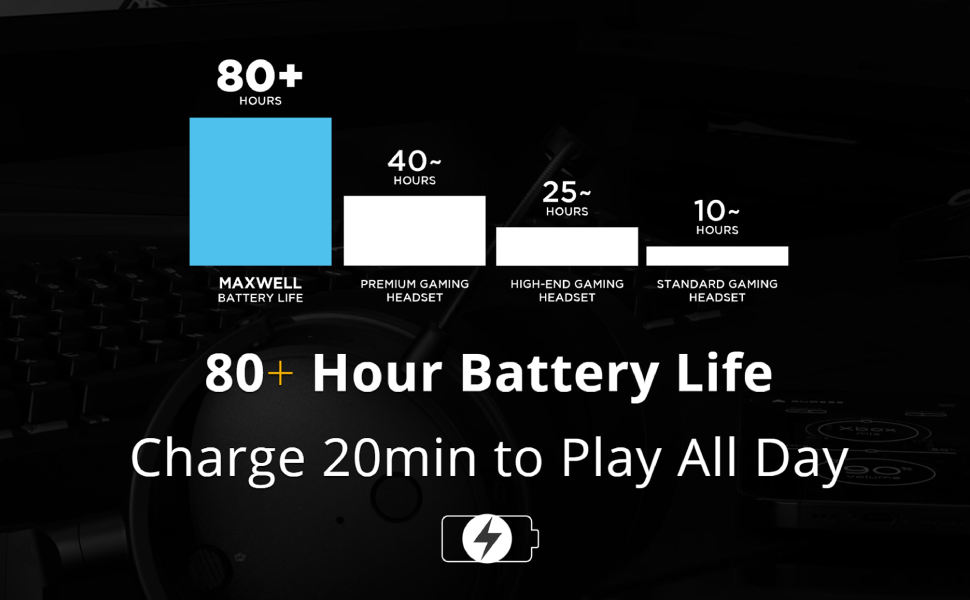
Image: Chart illustrating the Audeze Maxwell's 80+ hour battery life compared to other headsets.
Байланыш
The headset offers versatile connectivity options:
- Зымсыз: Utilize the included USB-C dongle for ultra-low latency wireless connection to PlayStation, PC, Mac, and Switch.
- Bluetooth: Connect wirelessly via Bluetooth to compatible devices.
- USB-C: Direct wired connection via USB-C for high-resolution audio.

Image: Graphic highlighting the ultra-low latency wireless capabilities of the headset.
Камтылган компоненттер
Your Audeze Maxwell headset package includes the following items:
- Audeze Maxwell Wireless Gaming Headset
- Алынуучу микрофон
- USB-C Wireless Dongle
- USB-C заряддоо кабели
- 3.5 мм аудио кабель

Image: The Audeze Maxwell headset displayed with its various included accessories, such as cables and the detachable microphone.
Гарнитураны иштетүү
Familiarize yourself with the controls and features of your Audeze Maxwell headset for optimal use.

Image: The Audeze Maxwell headset resting on a PlayStation 5 console, with labels indicating key features and controls such as the multi-function button, mic mute switch, and volume controls.
Key Controls and Features
- Кубат баскычы: Located on the earcup, press and hold to power on/off.
- Көп функциялуу баскыч: Used for various controls depending on the context (e.g., play/pause, answer calls).
- Mic Mute Switch: Toggle to mute or unmute the microphone.
- Гарнитуранын үнүн башкаруу: Угуу үнүн тууралаңыз.
- Микрофондун үнүн көзөмөлдөө: Adjust the microphone input level.
- Boom Mic Port: Connect the detachable boom microphone here.
- On-Board Mics: The headset also features built-in microphones.
Audeze HQ App
Download the free Audeze HQ app to customize your audio experience. The app allows you to set your own equalization (EQ) profiles and access other advanced features to fine-tune the headset's performance.
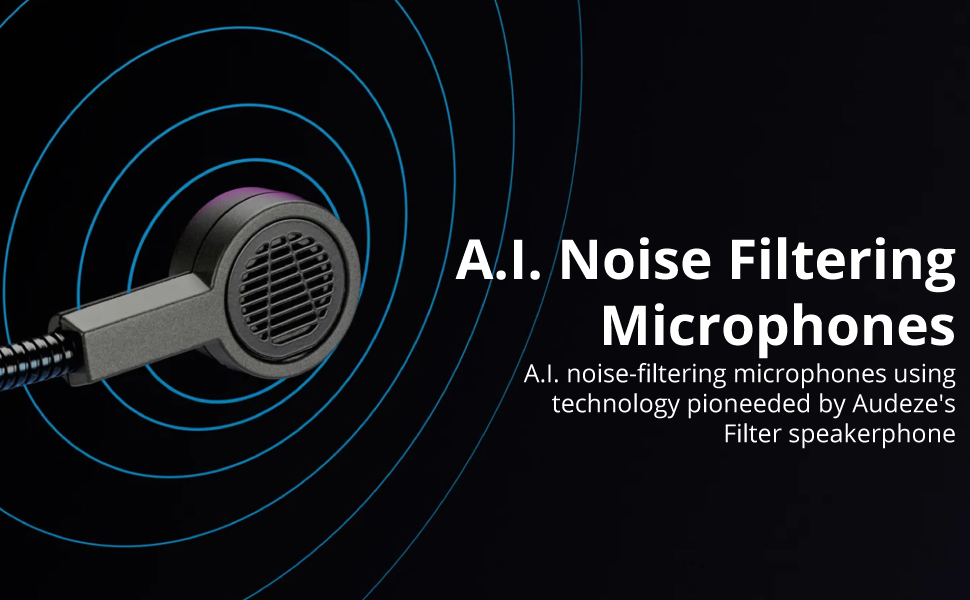
Image: Graphic illustrating the A.I. noise filtering technology used in the headset's microphones.
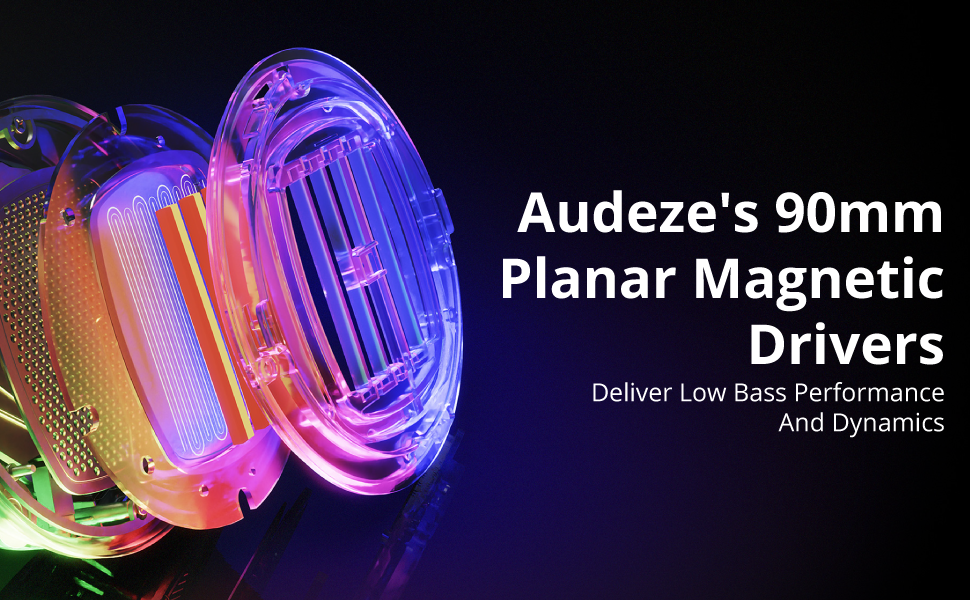
Image: Detailed graphic showcasing the internal structure of Audeze's 90mm Planar Magnetic Drivers.
Техникалык тейлөө
Proper care and maintenance will extend the life of your Audeze Maxwell headset.
- Тазалоо: Наушниктерди жана баш боолорду сүртүү үчүн жумшак, кургак чүпүрөктү колдонуңуз. Абразивдүү тазалагычтардан же эриткичтерден качыңыз.
- Кулакчалар: The earpads are replaceable. If they become worn or damaged, contact Audeze support for replacement options.
- Сактагыч: Гарнитураны күн нурунан жана экстремалдык температурадан алыс салкын, кургак жерде сактаңыз.
Проблемаларды чечүү
If you encounter issues with your Audeze Maxwell headset, refer to the following common solutions:
- Аудио жок/Аудио сапаты начар:
- Гарнитура күйгүзүлгөнүн жана толук заряддалганын текшериңиз.
- Verify the correct input/output device is selected on your computer or console.
- For PC users, significant audio improvement can often be achieved by adjusting EQ settings within the Audeze HQ app and considering software like Dolby Atmos.
- Check all cable connections if using a wired setup.
- Байланыш көйгөйлөрү (Зымсыз/Bluetooth):
- Ensure the USB-C dongle is securely plugged into a compatible port. Some Mac USB-C ports may require a USB hub for the dongle to function correctly.
- Re-pair the headset with your device if Bluetooth connection is unstable.
- Move closer to the dongle/device to reduce interference.
- Микрофон иштебей жатат/сапаты начар:
- Ensure the boom microphone is securely attached and the mic mute switch is disengaged.
- Түзмөгүңүздөгү микрофондун киргизүү жөндөөлөрүн текшериңиз.
- Verify that the A.I. noise filtering is enabled or configured correctly in the Audeze HQ app.
- Audio Crackling or Popping:
- This can sometimes occur with quiet audio or transitions between sound/no sound. Try updating headset firmware via the Audeze HQ app.
- Жакын жерде күчтүү зымсыз тоскоолдуктар жок экенин текшериңиз.
- Audeze HQ App Issues:
- If the app shows the headset as disconnected or with 0% battery, try restarting the app and ensuring the headset is connected and powered on.
- Колдонмонун акыркы версиясына жаңыртылганын текшериңиз.
Техникалык шарттар
| Өзгөчөлүк | Деталь |
|---|---|
| Модель аты | Maxwell for Playstation, PC, Mac, and Switch |
| Байланыш технологиясы | Wireless, Bluetooth, USB-C |
| Зымсыз байланыш технологиясы | Bluetooth 5.1 |
| Аудио драйвер түрү | Планардык магниттик айдоочу |
| Аудио драйверинин өлчөмү | 90 миллиметр |
| Жыштык диапазону | 10Гц - 50кГц |
| Батареянын иштөө мөөнөтү | 80 саат |
| Заряддоо убактысы | 2.5 Hours (for a full charge) |
| Noise Control | Active Noise Cancellation (via A.I. filtering) |
| Наушник уясы | 3.5 мм Джек |
| Элемент Салмагы | 490 грамм (1.08 фунт) |
| Материал | Пластик |
| Түс | Кара боз |
| Шайкеш түзмөктөр | Playstation, PC, Mac, Switch |
| Импеданс | 70 Ом |
| UPC | 819343014793 |
Кепилдик жана колдоо
For detailed warranty information, technical support, or service inquiries, please visit the official Audeze webсайтка же түздөн-түз кардарларды колдоо менен байланышыңыз. Кепилдик дооматтар үчүн сатып алганыңыздын далилин сактаңыз.
Audeze Official Webсайт: www.audeze.com
Тектеш документтер - 208-MW-1120-01
 |
Audeze Maxwell Wireless Gaming Headset Колдонуучу колдонмосу Comprehensive user guide for the Audeze Maxwell Wireless Gaming Headset, covering setup, connections, features, controls, and troubleshooting. Learn about Bluetooth pairing, USB and AUX connections, PlayStation and Xbox setup, firmware updates, and audio settings. |
 |
Audeze Maxwell зымсыз оюн гарнитурасы - Колдонуучунун колдонмосу Audeze Maxwell зымсыз оюн гарнитурасына комплекстүү жол, функцияларды, орнотууларды жана иштетүүнү камтыйт. Анын премиум аудиосу, ыңгайлуулугу жана туташуу параметрлери жөнүндө билип алыңыз. |
 |
Audeze Maxwell Wireless Gaming Headset Колдонуучу колдонмосу Audeze Maxwell Wireless Gaming Headset үчүн комплекстүү колдонуучу колдонмосу, PlayStation, PC, Mac жана мобилдик түзмөктөрдө орнотууларды, мүмкүнчүлүктөрдү, байланышты жана башкарууну камтыйт. |
 |
Audeze Maxwell 2 ANC UI Instructions User interface instructions for the Audeze Maxwell 2 ANC headphones, detailing button functions, dial controls, and touch gestures for volume, EQ, and communication settings. |
 |
Audeze Maxwell 2 Uživatelská příručka Oficiální uživatelská příručka pro herní sluchátka Audeze Maxwell 2. Návod k nastavení, aktualizaci firmwaru, připojení a ovládání. |
 |
Audeze Maxwell Wireless Gaming Headset Колдонуучу колдонмосу Comprehensive user guide for the Audeze Maxwell Wireless Gaming Headset, detailing setup, connectivity options (USB-C, Bluetooth, Wireless Dongle), PlayStation and Xbox compatibility, audio settings, firmware updates, microphone features, AI noise suppression, EQ presets, and LED indicator meanings. |
Ask a question about this manual
Ask about setup, troubleshooting, compatibility, parts, safety, or missing instructions. Manuals+ will review the question and use this page’s manual context to help answer it.