
1. Киришүү
Сатып алганыңыз үчүн рахматasing the SYLVOX Elf S2 Soundbar. This 60W Bluetooth soundbar is designed to enhance your audio experience with 3D surround sound and multiple EQ modes (Movie, Music, News). Its IP65 waterproof rating ensures durability for various environments. This manual provides essential information for safe and optimal use, including setup, operation, maintenance, and troubleshooting.
2. Коопсуздук маалыматы
Продукцияны колдонуудан мурун бардык коопсуздук нускамаларын кылдат окуп чыгыңыз. Бул колдонмону келечекте маалымат алуу үчүн сактаңыз.
- Do not expose the soundbar to extreme temperatures or direct sunlight for prolonged periods.
- Агрегаттын айланасын туура желдетүүнү камсыз кылыңыз.
- Аппарат менен кошо берилген кубат адаптерин гана колдонуңуз.
- Do not attempt to disassemble or modify the soundbar. Refer all servicing to qualified personnel.
- Саундбарды күчтүү магниттик талаалардан алыс кармаңыз.
- Despite its IP65 rating, avoid submerging the soundbar in water.
3. Пакеттин мазмуну
Төмөндө тизмеленген нерселердин баары пакетиңизге камтылганын текшериңиз:

- Soundbar x1
- Remote Control (AAA Batteries x2) x1
- HDMI кабели x1
- Оптикалык кабель x1
- Коаксиалдык кабель x1
- AC кубат кабели x1
- USB Transfer Cable x1
- Дубалга орнотуу комплект x1
- Колдонуучунун колдонмосу x1
- Кепилдик картасы x1
Image: The SYLVOX Elf S2 Soundbar and its accessories, including various cables, remote control, and wall mounting hardware.
4. Продукт бүтүп калдыview
4.1 Фронт View

Image: The front of the SYLVOX Elf S2 Soundbar, featuring a minimalist design with the brand logo.
4.2 Арткы панелдин туташуулары

Image: The rear panel of the soundbar, detailing the various input ports for connectivity.
- КОАКСИАЛДЫК: Коаксиалдык санариптик аудио киргизүү.
- ОПТИКАЛЫК: Оптикалык санариптик аудио киргизүү.
- HDMI ARC: HDMI Audio Return Channel input for TV connection.
- USB (5V=500mA): Медиа ойнотуу үчүн USB порту.
- AC IN: Кубат киргизүү.
4.3 Алыстан башкаруу

Image: The remote control for the soundbar, showing buttons for power, volume, input selection, and dedicated sound modes.
- Кубат баскычы: Саундбарды күйгүзөт же өчүрөт.
- Киргизүүнү тандоо: Cycles through available input sources (HDMI ARC, Optical, Coaxial, Bluetooth, USB).
- Үнүн жогорулатуу/төмөндөтүү: Негизги үндү тууралайт.
- Үнсүз: Үндүн үнүн өчүрөт же ачат.
- Sound Mode Buttons (SPORT, MUSIC, NEWS, MOVIE): Алдын ала коюлган эквалайзер режимдерин тандайт.
5. Орнотуу
5.1 Орнотуу
Place the soundbar on a stable, flat surface in front of your TV, or mount it on the wall below your TV. Ensure there are no obstructions blocking the soundbar's speakers.
5.2 Телевизоруңузга туташуу
Төмөнкү туташуу ыкмаларынын бирин тандаңыз:
- HDMI ARC (сунушталат): Connect one end of the HDMI cable to the HDMI ARC port on the soundbar and the other end to the HDMI ARC port on your TV. This allows for audio return and control via your TV remote.
- Оптикалык: Connect one end of the optical cable to the OPTICAL port on the soundbar and the other end to the optical output port on your TV.
- Коаксиалдуу: Connect one end of the coaxial cable to the COAXIAL port on the soundbar and the other end to the coaxial output port on your TV.
5.3 Кубат туташтыруу
Connect the AC power cord to the AC IN port on the soundbar, then plug the other end into a power outlet.
6. Иштөө нускамалары
6.1 Күйгүзүү/өчүрүү
басыңыз Күч button on the remote control or on the side panel of the soundbar to turn the unit on or off.
6.2 Үндү башкаруу
колдонуу Үнүн жогорулатуу (+) жана Үнүн азайтуу (-) үндүн деңгээлин жөндөө үчүн пульттун баскычтары.
6.3 Киргизүүнү тандоо
басыңыз Киргизүү button on the remote control to cycle through the available input sources (HDMI ARC, Optical, Coaxial, Bluetooth, USB).
6.4 Үн режимдери
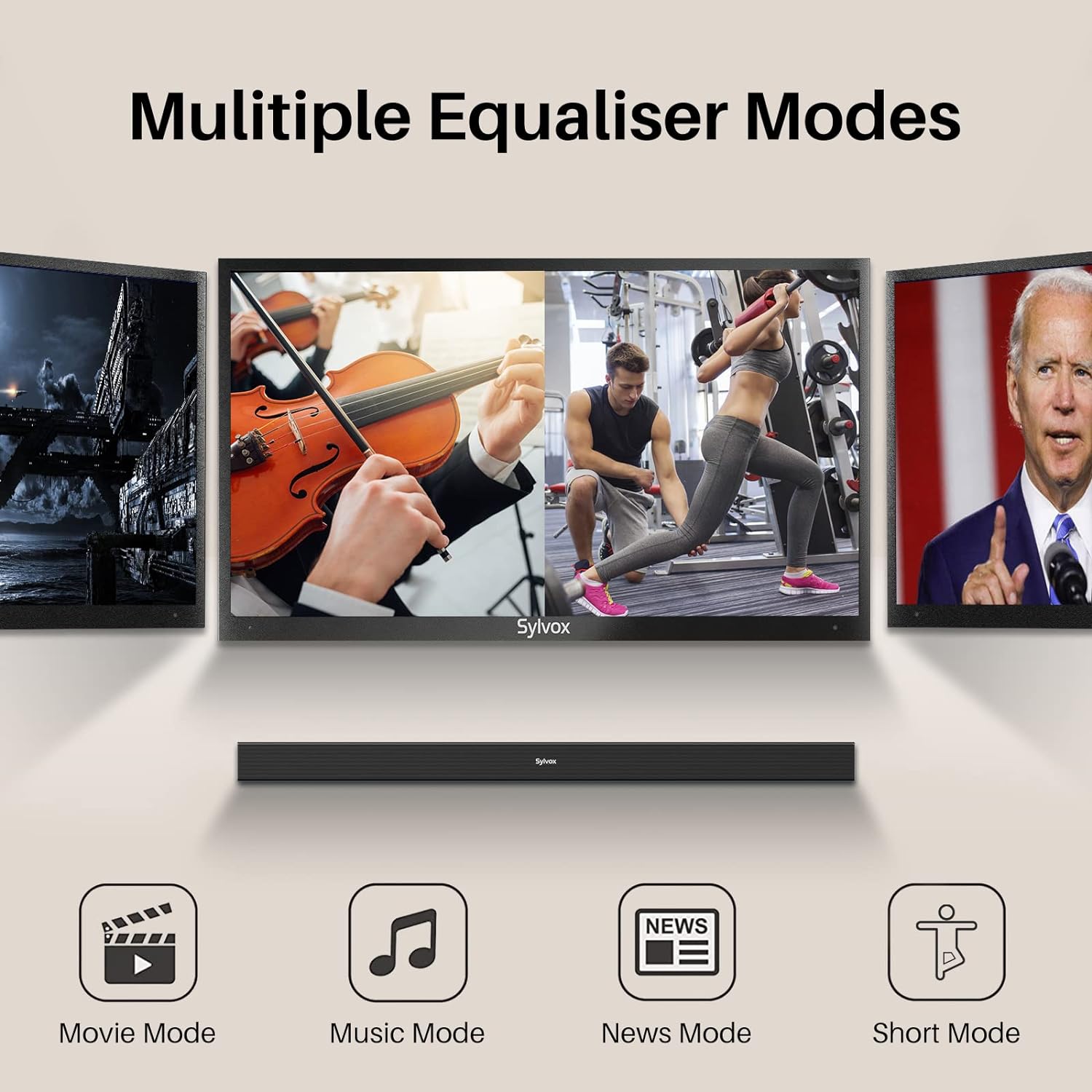
Image: Visual representation of the soundbar's multiple equalizer modes.
The soundbar features three preset equalizer modes to optimize your audio experience:
- Кино режими: Enhances dialogue clarity and provides a wider soundstagкинематографиялык мазмун үчүн.
- Музыка режими: Музыканы ойнотуу үчүн аудиону оптималдаштырып, тең салмактуу жогорку, орто жана төмөнкү үндөрдү сунуштайт.
- Жаңылыктар режими: Сөздүн мазмунун түшүнүүнү жеңилдетип, үн тактыгына басым жасайт.
Тийиштүү баскычты басыңыз КИНО, МУЗЫКА, же ЖАНЫЛЫКТАР button on the remote control to select your desired mode.
7. Байланыш
7.1 Bluetooth жупташтыруу

Image: Illustration of devices wirelessly connecting to the soundbar via Bluetooth for music streaming.
Bluetooth түзмөгүңүздү туташтыруу үчүн:
- Turn on the soundbar and select Bluetooth input mode. The Bluetooth indicator will flash.
- Түзмөгүңүздө Bluetooth'ду иштетиңиз (смартфон, планшет ж.б.) жана жеткиликтүү түзмөктөрдү издеңиз.
- Select "SYLVOX Elf S2" from the list. Once connected, the Bluetooth indicator will stop flashing and remain solid.
- Эми сиз түзмөгүңүздөн үн тактасына аудиону агылта аласыз.
7.2 USB ойнотуу
Insert a USB drive into the USB port on the rear panel. The soundbar will automatically switch to USB input mode and begin playing compatible audio files.
8. Дубалга орнотуу
The SYLVOX Elf S2 Soundbar can be wall-mounted using the included wall mount kit. Follow these steps for secure installation:
- Determine the desired mounting location below your TV. Ensure the wall can support the weight of the soundbar.
- Use the provided template (if applicable) or measure the distance between the mounting holes on the soundbar.
- Дубалга бургулоо пункттарын белгилеңиз.
- Drill pilot holes at the marked points. Insert wall anchors if necessary (for drywall).
- Secure the wall brackets to the wall using screws.
- Carefully attach the soundbar to the installed wall brackets. Ensure it is securely fastened before releasing.
9. Техникалык тейлөө
9.1 Тазалоо
Wipe the soundbar with a soft, dry cloth. Do not use liquid cleaners or abrasive materials, as they may damage the finish.
9.2 IP65 суу өткөрбөө рейтинги

Image: The soundbar shown outdoors in the rain, highlighting its IP65 waterproof capability.
The SYLVOX Elf S2 Soundbar has an IP65 waterproof rating, meaning it is protected against dust ingress and low-pressure water jets from any direction. This makes it suitable for outdoor use and environments where it may be exposed to splashes or light rain. However, it is not designed for submersion in water.
10. Кыйынчылыктарды
Саундбарыңызда көйгөйлөргө туш болсоңуз, төмөнкү жалпы көйгөйлөрдү жана чечимдерди караңыз:
| Көйгөй | Мүмкүн себеп | Чечим |
|---|---|---|
| Күч жок | Электр зымы туташкан эмес; Электр розеткалары активдүү эмес. | Электр шнурунун бекем туташтырылганын текшериңиз. Розетканы башка аспап менен текшериңиз. |
| Үн жок | Incorrect input selected; Volume too low; Cable not connected properly. | Туура киргизүү булагын тандаңыз. Үндү катуулатыңыз. Бардык аудио кабелдердин туташууларын текшериңиз. |
| Bluetooth жупташтырылган жок | Soundbar жупташтыруу режиминде эмес; Аппарат өтө алыс; Интерференция. | Ensure soundbar is in Bluetooth mode and indicator is flashing. Move device closer. Avoid other wireless devices. |
| Пульт иштебей жатат | Batteries are dead; Obstruction between remote and soundbar. | Replace batteries (2x AAA). Ensure clear line of sight to the soundbar's sensor. |
11. Техникалык шарттар
| Өзгөчөлүк | Деталь |
|---|---|
| Бренд | СИЛВОКС |
| Модель номери | OTA1ELFS2 |
| Динамиктин максималдуу чыгаруу күчү | 60 Ватт |
| Frequency Response | 20 KHz |
| Байланыш технологиясы | Bluetooth |
| Аудио чыгаруу режими | Курчап |
| Монтаж түрү | Дубалга орнотуу |
| Коргоочу материал | Пластик |
| Кошумча функциялар | Суу өткөрбөйт |
| Суу өткөрбөйт | TRUE (IP65) |
| Башкаруу ыкмасы | Алыстан |
| Динамик өлчөмү | 76 миллиметр |
| Bluetooth диапазону | 10 метр |
| Аудио каналдардын саны | 2.0 |
| Импеданс | 8 Ом |
| Power Source | Электр зымдары |
| Киргизүү көлөмүtage | 240 вольт |
| Элементтин өлчөмдөрү (D x W x Y) | 3.62"D x 38.38"W x 2.44"H |
| Элемент Салмагы | 2000 грамм |
| Шайкеш түзмөктөр | Телевидение |
12. Кепилдик жана колдоо
12.1 Продукциянын кепилдиги
The SYLVOX Elf S2 Soundbar comes with a hassle-free 12 айлык кепилдикБул кепилдик өндүрүштөгү кемчиликтерди камтыйт жана продукциянын сапатын камсыздайт.
12.2 Кайтаруу саясаты
An easy return policy is available, including 30 күндүк кыйынчылыксыз кайтарып берүү for quality issues. Original packaging is typically required for returns.
12.3 Кардарларды тейлөө
For any questions, technical assistance, or warranty claims, please contact SYLVOX customer service. Friendly 7x24 customer service is available to assist you.