
1. Киришүү
This manual provides comprehensive instructions for the Pro 5s Mini Earbuds (Model mz100), designed for wireless audio enjoyment. Please read this guide carefully to understand the features, setup, operation, and maintenance of your new earbuds to ensure optimal performance and longevity.
2. Пакеттин мазмуну
Төмөндө тизмеленген нерселердин баары пакетиңизге камтылганын текшериңиз:
- 1 Pair of Pro 5s Mini Bluetooth Earphones (Left and Right)
- 1 x USB заряддоо кабели
- 1 x User Manual
3. Продукт бүтүп калдыview
The Pro 5s Mini Earbuds are compact, wireless headphones featuring smart touch control, deep bass, noise cancellation, and transparency modes. They are designed for comfortable wear and compatibility with various devices.

Image: The Pro 5s Mini Earbuds in their sleek black charging case, ready for use.
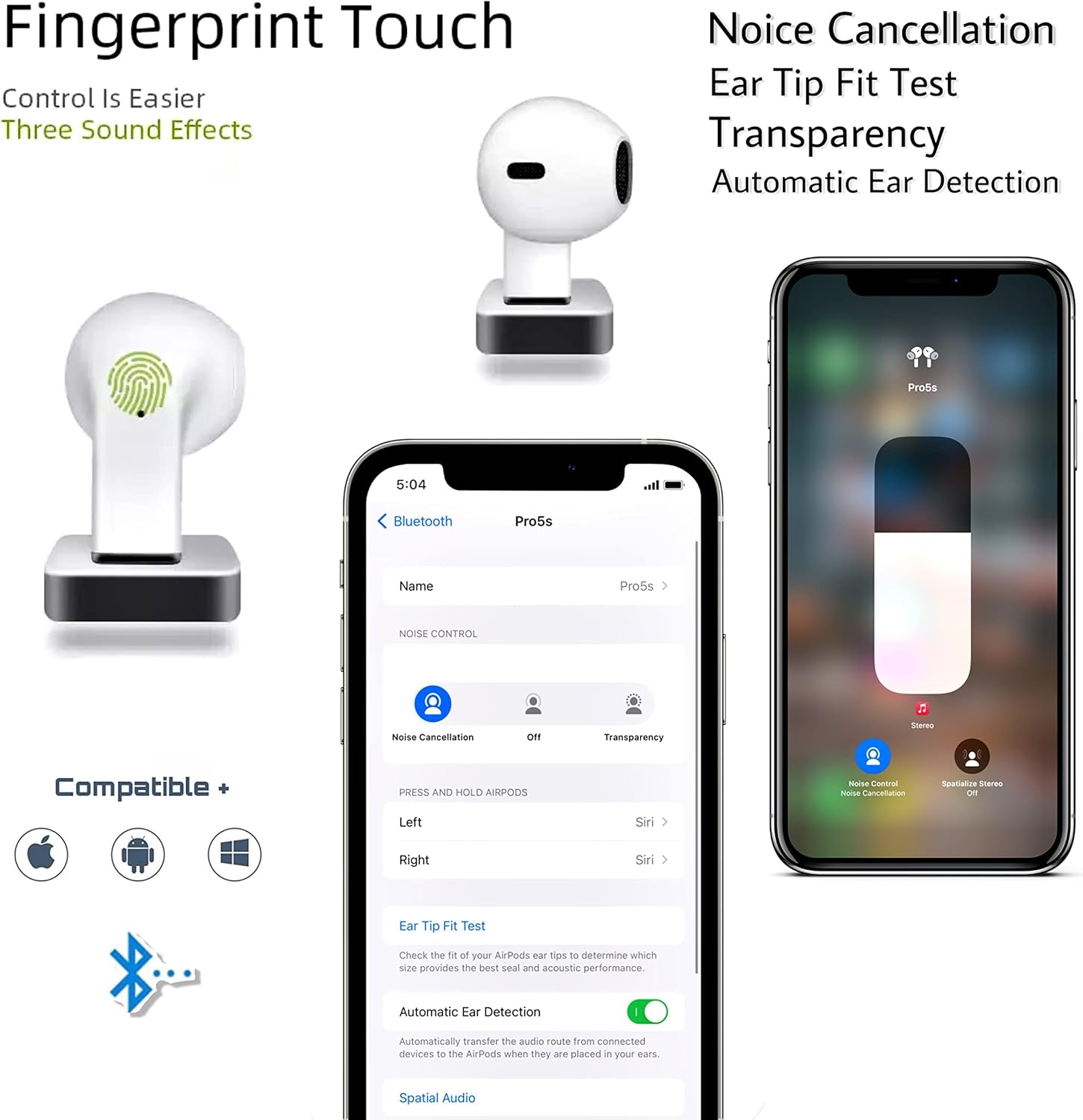
Image: An illustration highlighting key features such as intuitive fingerprint touch control, active noise cancellation, transparency mode, an ear tip fit test, and automatic ear detection. The image also confirms broad compatibility with iOS, Android, and Windows operating systems.
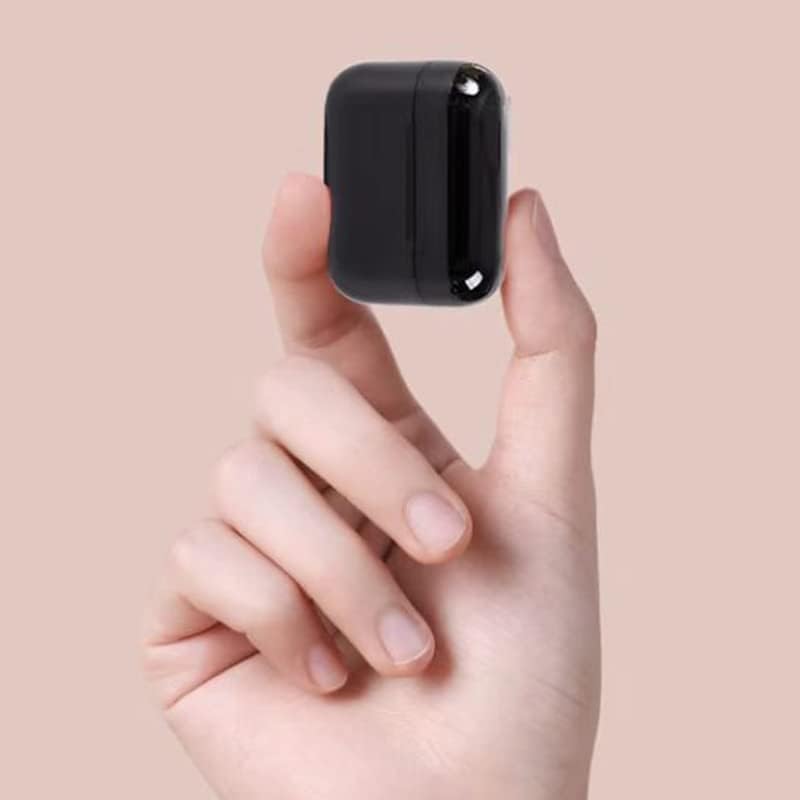
Image: The compact charging case of the Pro 5s Mini Earbuds held in a hand, illustrating its portable and mini design.
4. Орнотуу
4.1 Баштапкы жупташтыруу
- Кулакчындардын кубатталганын текшериңиз.
- Заряддоо кутусунун капкагын ачыңыз. Кулакчындар жупташтыруу режимине автоматтык түрдө кирет.
- On your mobile phone or device, navigate to the Bluetooth settings.
- Select "Pro 5s" or a similar name from the list of available devices to connect.
- For iOS devices, you may need to attempt the connection process twice for successful pairing.
4.2 Автоматтык кайра кошуу
Once paired, the earbuds will automatically connect to the last paired device when taken out of the charging case and the device's Bluetooth is active.
5. Иштөө нускамалары
5.1 Smart Touch Control
The Pro 5s Mini Earbuds feature intuitive touch controls for managing music playback and calls. Specific touch gestures may vary slightly, but common functions include:
- Ойнотуу/тындыруу: Кулакчындарды бир жолу таптаңыз.
- Кийинки трек: Оң кулакчынды эки жолу таптаңыз.
- Мурунку трек: Сол кулакчынды эки жолу таптаңыз.
- Чалууга жооп берүү/аяктоо: Кулакчындарды бир жолу таптаңыз.
- Чакырууну четке кагуу: Кулакчындардын бирин басып, кармап туруңуз.
- Үн Жардамчысын жандыруу: Кулакчындарды үч жолу басыңыз (мисалы, Siri, Google Жардамчы).
- Toggle Noise Cancellation/Transparency: Press and hold for a few seconds on either earbud.
5.2 Кулакчындарды жана кутучаны заряддоо
To charge the earbuds, place them back into the charging case. The earbuds will automatically begin charging. To charge the charging case, connect the provided USB charging cable to the case's charging port and a power source.
6. Техникалык тейлөө
Туура тейлөө кулакчыныңыздын узак иштөөсүн жана иштешин камсыздайт:
- Тазалоо: Кулакчындарды жана заряддоо кутусун жумшак, кургак, түксүз чүпүрөк менен дайыма тазалап туруңуз. Катуу химиялык заттарды же абразивдүү материалдарды колдонбоңуз.
- Сактагыч: Колдонулбаганда, кулакчындарды чаңдан жана бузулуудан коргоо үчүн кубаттоочу кутуга салып сактаңыз.
- Заряддоо: Charge the earbuds and case regularly, even if not in frequent use, to maintain battery health. Avoid fully depleting the battery for extended periods.
- Суу каршылык: The earbuds are waterproof. However, avoid prolonged exposure to water or submersion. Dry them thoroughly if they get wet before placing them back in the charging case.
7. Кыйынчылыктарды
If you encounter issues with your Pro 5s Mini Earbuds, please refer to the following common solutions:
- Кулакчындар туташпай жатат: Ensure Bluetooth is enabled on your device. Place earbuds back in the case, close the lid, wait a few seconds, then open the lid and try pairing again. For iOS devices, a second attempt at connection may be necessary.
- Бир гана кулакчын иштейт: Place both earbuds back in the charging case, close the lid, and then take them out simultaneously to re-sync.
- Үн жок: Түзмөгүңүздөгү үн деңгээлин текшерип, кулакчындардын туура туташтырылганын текшериңиз.
- Заряддоо маселелери: Кубаттоочу кабелдин бекем туташтырылганын жана кубат булагы иштеп турганын текшериңиз. Кулакчындардын жана каптын заряддоо контакттарын тазалаңыз.
- Үн сапаты начар: Ensure the earbuds are clean and free of debris. Try adjusting the earbud's position in your ear for a better seal.
8. Техникалык шарттар
| Өзгөчөлүк | Спецификация |
|---|---|
| Модель аты | Pro 5s mini Earbuds |
| Элемент моделинин номери | mz100 |
| Байланыш технологиясы | Зымсыз |
| Зымсыз байланыш технологиясы | Bluetooth 5.0 |
| Башкаруу түрү | Touch Control |
| Гарнитуранын Батареясынын Жөндөмдүүлүгү | 30mAh |
| Музыканы ойнотуу убактысы | 4 саат |
| Күтүү убактысы | 120 саат |
| Заряддоо убактысы | 1 саат |
| Battery Box Capacity | 400mAh |
| Өткөрмө аралык | 15 м |
| Сууга туруктуулук деңгээли | Суу өткөрбөйт |
| Түс | Кара |
| Материал | Дат баспаган болот |
| Элемент Салмагы | 4.8 унция |
9. Кепилдик жана колдоо
Specific warranty information for the Pro 5s Mini Earbuds is not provided in the product description. For details regarding warranty coverage, technical support, or service, please contact the manufacturer or the retailer from whom you purchased the product. Keep your proof of purchase for any warranty claims.