
Jectse Jectseyk2xncfqmi-15
Jectse Voice Activated Watch with Digital Audio Recorder User Manual
Model: Jectseyk2xncfqmi-15
Introduction
This manual provides comprehensive instructions for the Jectse Voice Activated Watch with Digital Audio Recorder. This device is designed for discreet audio and video recording, featuring noise reduction, automatic file saving, and OTG connectivity. Please read this manual thoroughly before using the product to ensure proper operation and to maximize its features.
Продукт өзгөчөлүктөрү
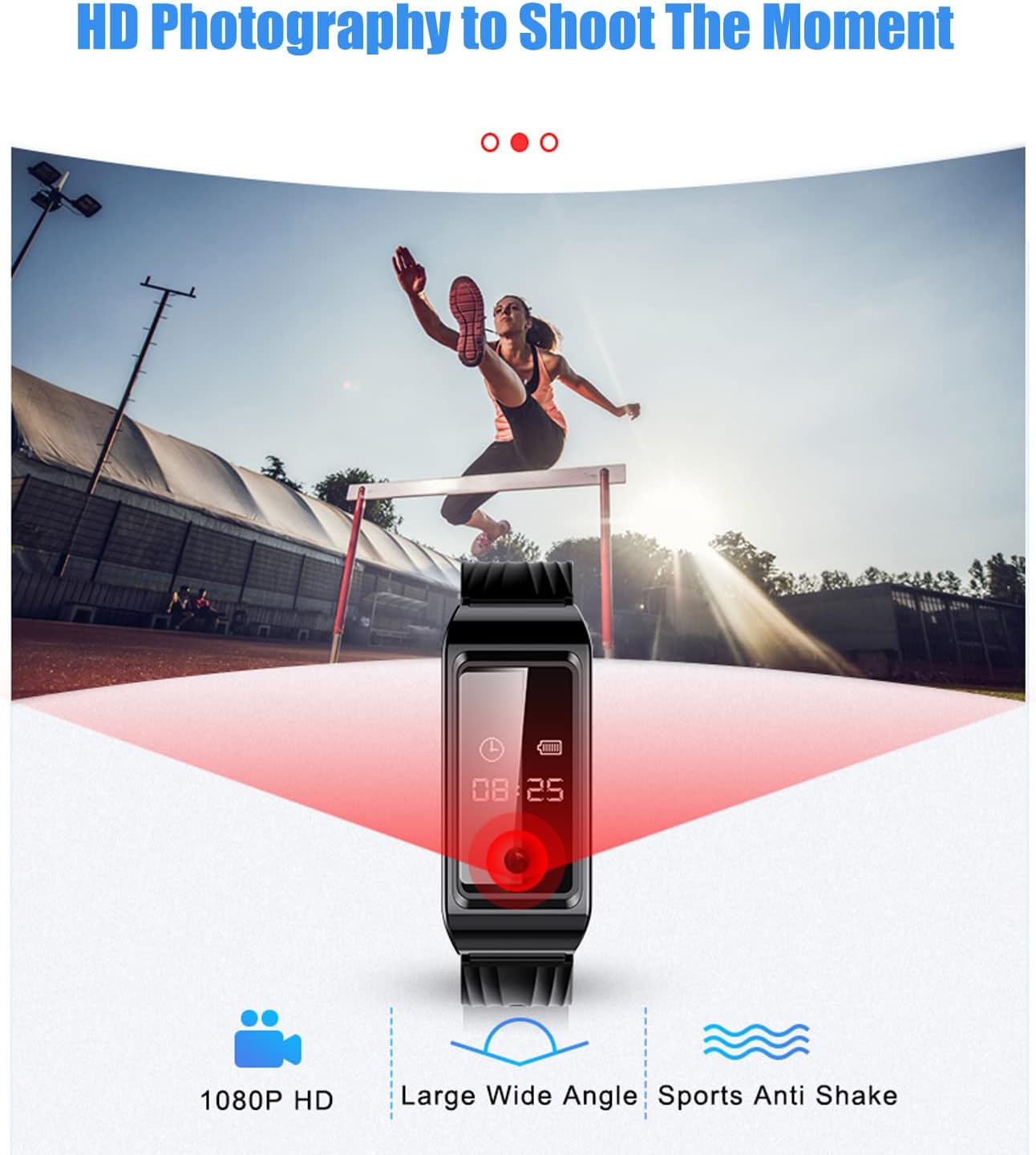
- Видео жаздыруу: Supports HD video recording for capturing visual moments.
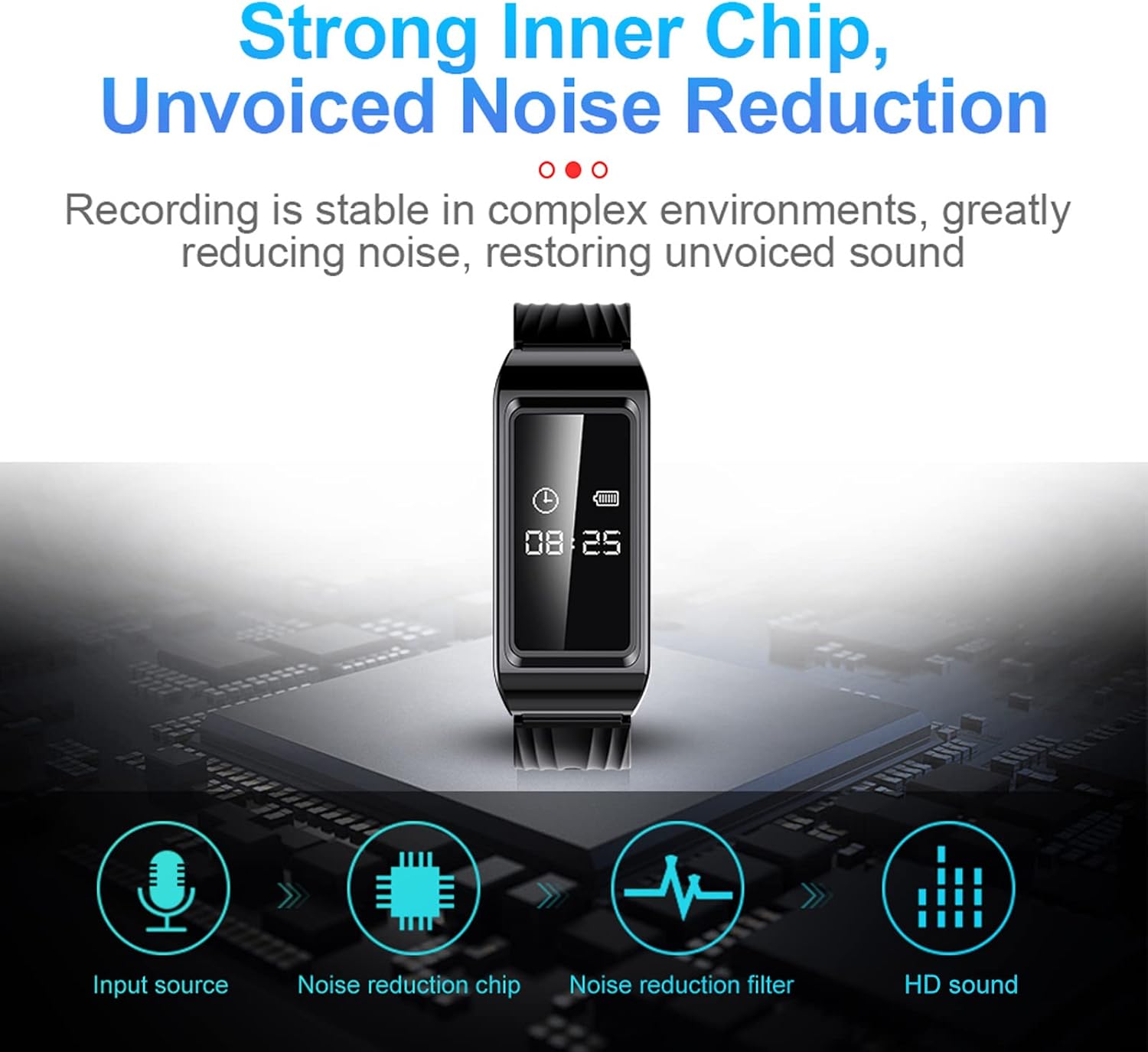
- Ызы-чууну азайтуу: Built-in chip for stable recording in complex environments, reducing noise for clear sound.
- OTG Connection: Allows direct connection to a phone for file access without a computer.
- Унаам сактоо: Автоматтык түрдө сакталат files when the battery is low to prevent data loss.
- Туруктуу дизайн: Shakeproof and sweat-proof for reliable use in various conditions.
Жайгашуу
1. Аппаратты заряддоо
Before first use, fully charge the recorder watch. Connect the provided charging cable to the USB Data socket on the device and to a power source (e.g., computer USB port or USB wall adapter). The indicator light will show charging status.
2. Күйгүзүү/өчүрүү
To power on the device, long press the power button. To power off, long press the power button again. The device will indicate its status via the indicator light.
Иштөө нускамалары
1. Аудио жазуу
To start audio recording, slide the Voice Activated Switch to the 'ON' position. The indicator light will flash to confirm recording has started. To stop and save the recording, slide the switch to the 'OFF' position.
2. Видео жаздыруу
The device supports HD video recording. Refer to the detailed diagram for the 'Recording/Video Recording' button. Press this button to initiate video recording. The indicator light will change to signify video recording is active. Press again to stop recording and save the file.
3. Ызы-чууну азайтуу
The built-in noise reduction chip automatically processes audio during recording to ensure high-quality, clear sound even in noisy environments.
4. OTG Connection Function
For urgent file access without a computer, use the OTG connection function. Connect the device to your phone using a compatible OTG cable to read and manage fileтүздөн-түз с.

5. Automatic Timestamp
Баары жазылган files are automatically stamped with the current date and time, facilitating easy organization and retrieval of specific recordings.

6. Ойнотуу
To listen to recordings, connect the device to a computer or use the provided earphones. Navigate through the files to select and play your desired recordings.
Техникалык тейлөө
- Түзмөктү таза жана кургак кармаңыз. Ашыкча температурага же түз күн нуруна дуушар кылбаңыз.
- Түзмөктү бөлүп алууга аракет кылбаңыз, анткени бул кепилдикти жокко чыгарат.
- Маалыматтардын жоголуп кетишине жол бербөө үчүн жаздырууларыңыздын камдык көчүрмөсүн үзгүлтүксүз сактап туруңуз.
- The device is sweat-proof, but avoid prolonged submersion in water.

Проблемаларды чечүү
- Түзмөк күйбөй жатат: Ensure the device is fully charged. If the issue persists, try resetting the device using the reset button (if available, refer to the product diagram).
- Recording not saving: Check battery level. The device automatically saves fileБатареянын заряды аз болгондо сактагычты жетиштүү кылып коюңуз.
- Аудио сапаты начар: Ensure the microphone is not obstructed. Try recording in a quieter environment. The built-in noise reduction should help in most situations.
- Cannot connect to PC/Phone: Ensure the USB cable or OTG adapter is correctly connected. Try a different port or cable.

Техникалык шарттар
| Элемент түрү | Recorder Watch |
| Материал | ABS |
| Заряддоо убактысы | 2 саат |
| Сүрөт форматы | JPG |
| Жазуу форматы | WAV |
| Video Format | AVI |
| Линзанын параметрлери | F NUMBER 2.25 |
| Сүрөттүн чечилиши | 1920 x 1080 |
| Камтылган батарея | 300mAh |
| Эстутум сактоо сыйымдуулугу | 128 ГБ |
| Санарип жазуу убактысы | 8 саат |
| Микрофон форма фактору | Камтылган |
| Микрофондун иштөө режими | Стерео |
| Шайкеш түзмөктөр | Персоналдык компьютер |
| Аппараттык интерфейс | USB |
| Наушник уясы | No headphones jack |
| Почталардын өлчөмдөрү | 14.2 x 8.9 x 4.3 см; 145 г |
| Келип чыккан өлкө | Кытай |


Кепилдик жана колдоо
For warranty information or technical support, please refer to the official Jectse website or contact their customer service. Details can often be found on the product packaging or through the retailer where the product was purchased.
Ask a question about this manual
Ask about setup, troubleshooting, compatibility, parts, safety, or missing instructions. Manuals+ will review the question and use this page’s manual context to help answer it.