1. Киришүү
Welcome to the user manual for your new ASTOUND S109 Wireless Bluetooth In-Ear Headset. This manual provides detailed instructions on how to set up, operate, and maintain your headset, ensuring you get the best experience from its advanced features. Please read this manual carefully before using the product.
2. Продукт бүтүп калдыview
2.1 Негизги өзгөчөлүктөрү
- Жогорку тактыктагы үн: Equipped with intelligent noise reduction for maximum signal quality and excellent sound.
- Bluetooth 5.0 туташуусу: Ensures fast pairing and stable connection with compatible devices.
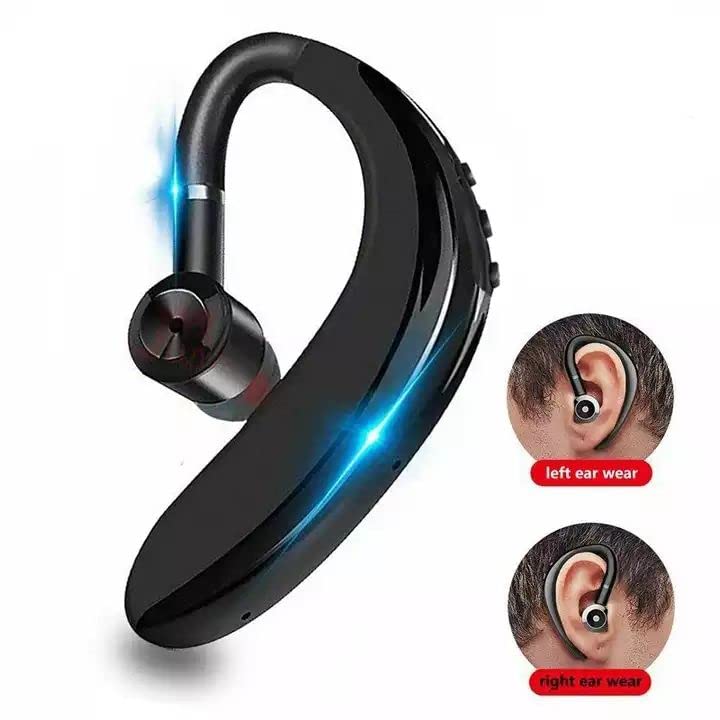
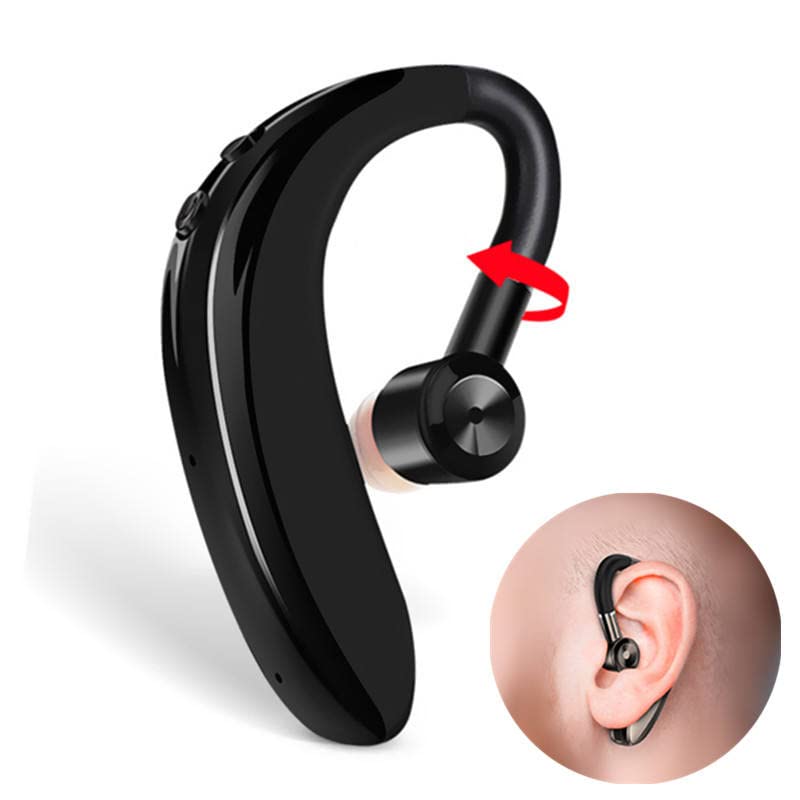
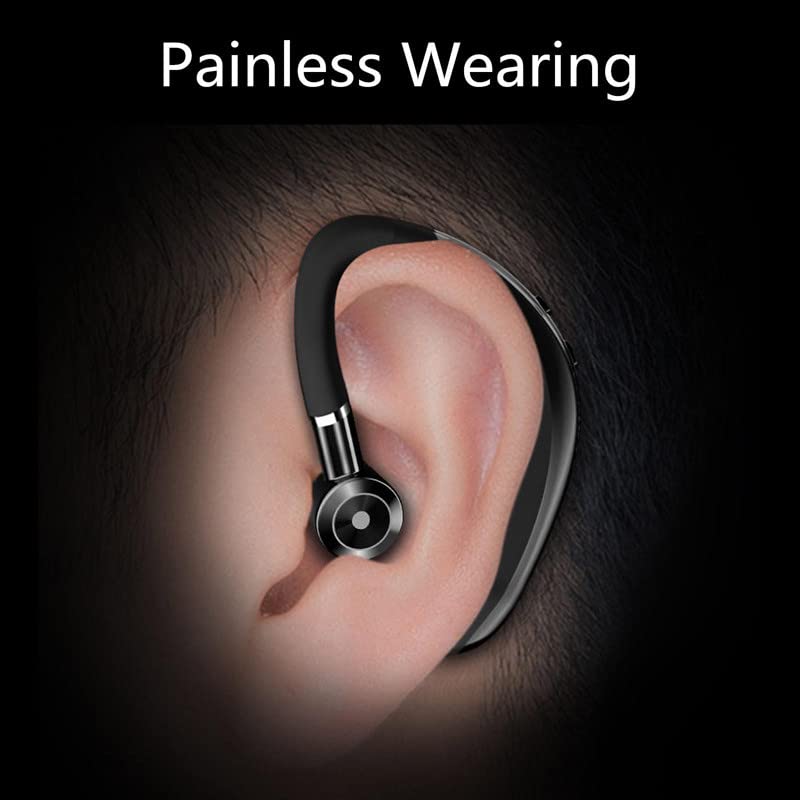
- Эргономикалык дизайн: Ultra-light and comfortable in-ear design with ear hooks, suitable for extended wear. The 180-degree flip arm allows for use in both left and right ears.
- Батареянын узак иштөө мөөнөтү: Up to 4 hours of working time and 70 hours of standby time, with 1-hour fast charging.
- DSP Digital Noise Reduction: Enhances call clarity and music transparency.
- 10mm Graphene High-Fidelity Dynamic Coil Unit: Delivers layered and full sound quality with professional three-frequency adjustment.
- Тер өткөрбөйт: Designed to withstand sweat, making it suitable for fitness and active use.
- Сенсордук башкаруу: Оңой иштөө үчүн интуитивдик сенсордук башкаруу элементтери.
2.2 Кутуда эмне бар
- ASTOUND S109 Wireless Bluetooth Headset
- Заряддоо кабели
- Headband (likely referring to the ear hook design)
- Колдонуучунун Колдонмосу (бул документ)
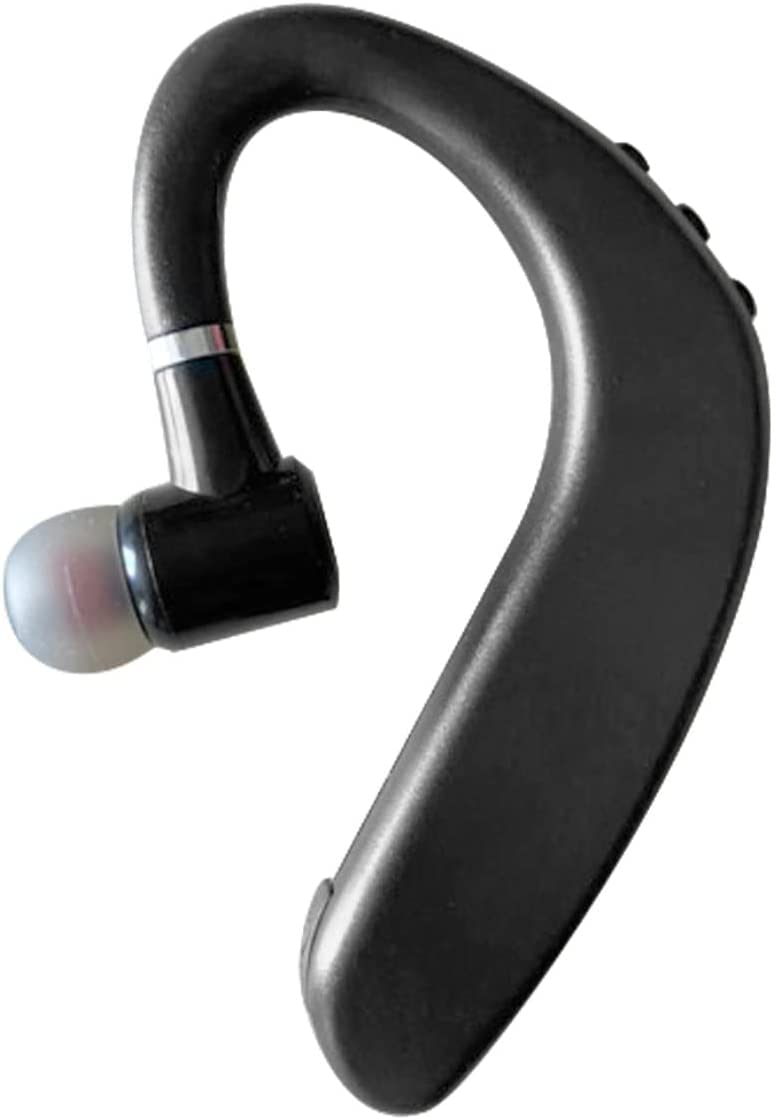
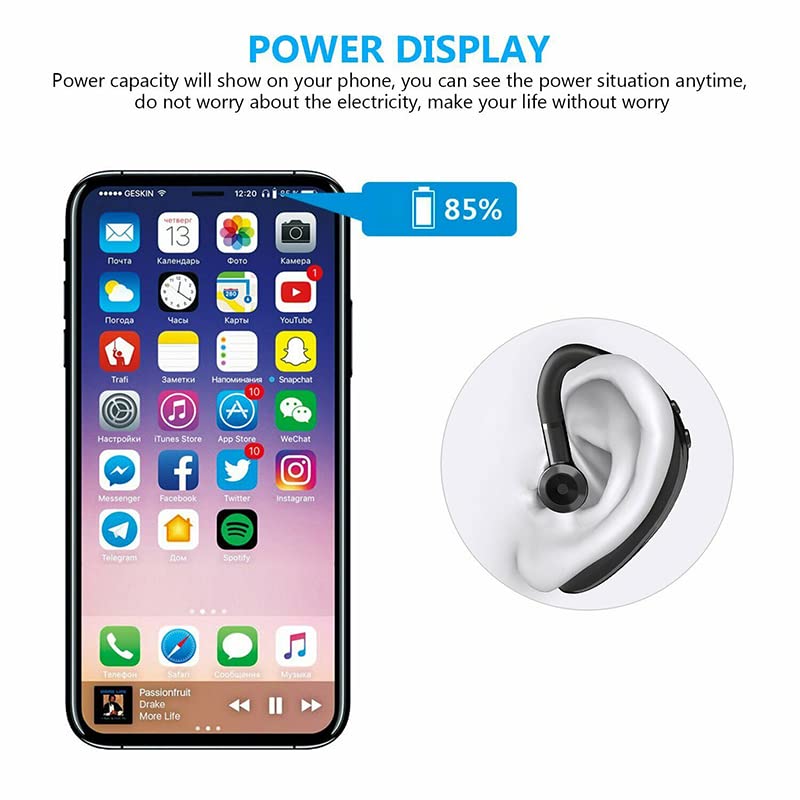
2.3 Продукциянын визуалдык көрүнүштөрү
3. Орнотуу
3.1 Гарнитураны заряддоо
Before first use, fully charge your ASTOUND S109 headset. Connect the provided charging cable to the headset's charging port and a USB power source. A full charge typically takes approximately 1 hour. The headset provides up to 4 hours of working time and 70 hours of standby time on a single charge. Ensure the headset is fully charged for optimal performance.
3.2 Bluetooth түзмөгү менен жупташтыруу
- Күйгүзүү: Press and hold the power button on the headset until you hear a voice prompt indicating it's powered on and in pairing mode. The indicator light will typically flash blue and red.
- Bluetooth иштетүү: On your mobile phone, tablet, or other Bluetooth-enabled device, go to the Bluetooth settings and turn Bluetooth on.
- Издөө Түзмөктөр: Your device will automatically search for nearby Bluetooth devices. Look for "S109 Bluetooth Headset" or a similar name in the list of available devices.
- Туташуу: Select "S109 Bluetooth Headset" from the list. Once connected, the indicator light on the headset will typically stop flashing and remain solid blue, and you will hear a confirmation sound.
- Автоматтык кайра туташуу: After the initial pairing, the headset will automatically connect to the last paired device when powered on, provided Bluetooth is active on the device and it is within range (up to 10 meters).
Эскертүү: The headset is compatible with 99% of Bluetooth devices, including mobile phones and tablets.
4. Иштөө нускамалары
4.1 Негизги башкаруу элементтери (сенсордук ыкма)
The ASTOUND S109 headset features intuitive touch controls. Specific touch gestures may vary slightly, but common functions include:
- Күйгүзүү/өчүрүү: Көп функциялуу баскычты көпкө басыңыз.
- Музыканы ойнотуу/тындыруу: Single tap the multi-function button.
- Чалууга жооп берүү/аяктоо: Single tap the multi-function button during an incoming call.
- Чакырууну четке кагуу: Кирүүчү чалуу учурунда көп функциялуу баскычты көпкө басыңыз.
- Кийинки трек: Double tap the multi-function button (may vary).
- Мурунку трек: Triple tap the multi-function button (may vary).
- Үндү көзөмөлдөө: Use your connected device's volume controls or specific touch areas on the headset if available (refer to quick start guide for exact locations).
4.2 Чалууларды башкаруу
The integrated microphone and DSP digital noise reduction technology ensure clear communication. You can easily answer calls while driving or performing other activities.
- Чалууларга жооп берүү: Tap the multi-function button once.
- Аяктаган чалуулар: Tap the multi-function button once during a call.
- Чалууларды четке кагуу: Көп функциялуу баскычты болжол менен 2 секунд басып туруңуз.
4.3 Гарнитураны тагынуу
The ASTOUND S109 is designed for comfortable and stable wear. Its ergonomic in-ear earplugs and ear hooks ensure it stays securely in place without feeling heavy, even during prolonged use. The 180-degree flip arm allows you to adjust the headset for optimal fit on either your left or right ear.
5. Техникалык тейлөө
5.1 Тазалоо
To maintain the performance and hygiene of your headset:
- Wipe the headset regularly with a soft, dry, lint-free cloth.
- For ear tips, gently remove them and clean with a mild soap solution if necessary, then rinse thoroughly and dry completely before reattaching.
- Абразивдүү тазалагычтарды, эриткичтерди же аэрозолдук спрейлерди колдонуудан алыс болуңуз.
5.2 Сактоо
When not in use, store the headset in a cool, dry place, away from direct sunlight and extreme temperatures. Avoid placing heavy objects on the headset.
5.3 Сууга туруктуулук
The ASTOUND S109 headset is water resistant and sweatproof, making it suitable for workouts and light exposure to moisture. However, it is not designed for submersion in water. Avoid prolonged exposure to heavy rain or direct water jets.
6. Кыйынчылыктарды
If you encounter issues with your ASTOUND S109 headset, please refer to the following common solutions:
| Көйгөй | Мүмкүн себеп | Чечим |
|---|---|---|
| Гарнитура күйбөйт. | Батарея аз. | Charge the headset for at least 1 hour. |
| Түзмөк менен жупташтыруу мүмкүн эмес. | Bluetooth is off on device; headset not in pairing mode; device too far. | Ensure Bluetooth is enabled on your device. Put headset in pairing mode (flashing red/blue). Move headset closer to device (within 10 meters). |
| Үн жок же үн сапаты начар. | Volume too low; headset not properly connected; interference. | Increase volume on both headset and connected device. Reconnect the headset. Move away from sources of strong electromagnetic interference. |
| Чалуу сапаты начар. | Сигнал начар; микрофондун тыгылып калышы. | Ensure you are in an area with good signal. Check if anything is blocking the microphone. |
| Гарнитура бат-баттан ажыратылат. | Out of range; low battery. | Keep headset within 10 meters of the connected device. Charge the headset if battery is low (low battery reminder will activate). |
7. Техникалык шарттар
| Өзгөчөлүк | Деталь |
|---|---|
| Модель аты | S109 Bluetooth гарнитура |
| Бренд | ASTOUND |
| Байланыш технологиясы | Зымсыз (Bluetooth 5.0) |
| Зымсыз диапазон | 10 метрге чейин |
| Форма фактору | In-ear with ear hook |
| Микрофон | Included, with DSP digital noise reduction |
| Башкаруу ыкмасы | тийүү |
| Батареянын иштөө мөөнөтү (иштөө) | 4 саатка чейин |
| Батареянын иштөө мөөнөтү (күтүү режими) | 70 саатка чейин |
| Заряддоо убактысы | Approximately 1 hour (fast charge) |
| Материал | Пластик |
| Сууга туруктуулук деңгээли | Сууга чыдамдуу, терге чыдамдуу |
| Элемент Салмагы | 100 г |
| Өндүрүүчү | ASTOUND ASIA |
| Келип чыккан өлкө | Кытай |
8. Кепилдик жана колдоо
For warranty information and customer support, please refer to the documentation provided with your purchase or contact ASTOUND customer service directly. You may also consider purchasing an extended warranty for additional coverage, such as the 1-year extended warranty available for this product.
Өндүрүүчү: ASTOUND ASIA