
MaedHawk MG-BT500
Maedhawk Aux Bluetooth 5.3 Receiver User Manual
Model: MG-BT500 | Brand: MaedHawk
1. Киришүү
The Maedhawk Aux Bluetooth 5.3 Receiver is designed to upgrade your car audio system, home stereo, or speakers with Bluetooth capabilities. This device allows for wireless music streaming and hands-free calling, transforming traditional audio systems into modern Bluetooth-enabled setups. It features Bluetooth 5.3 technology for stable and fast audio transmission.

Image 1.1: The Maedhawk Aux Bluetooth 5.3 Receiver, featuring a USB plug, a 3.5mm audio jack, and a coiled cable.
2. Негизги өзгөчөлүктөрү
- Bluetooth 5.3 технологиясы: Provides stable and fast audio transmission with support for SBC codec, ensuring high-quality sound.
- Кеңири шайкештик: Designed to add Bluetooth functionality to car audio systems, home stereos, and speakers equipped with a 3.5mm AUX input and a USB power source.
- Plug and Play операциясы: Simple to use; no batteries required. Powers directly via a USB port and automatically reconnects to previously paired devices.
- Hands Free Чалуу: Equipped with a built-in silicon microphone and a high-end noise reduction chip to minimize background noise during calls.
- Voice Navigation Support: Facilitates voice navigation through your car's speakers, enhancing driving safety.
- Туруктуу дизайн: Features a zinc alloy shell for enhanced durability and a high-quality nylon braided cable with a spring design (0.5M-1.5M) for flexibility.
- Кеңейтилген диапазон: Bluetooth connectivity range of up to 15 meters, suitable for both car and home use.

Image 2.1: Illustration of the Bluetooth 5.3 connection in a car, highlighting CD-level sound, lower power consumption, and improved reliability.
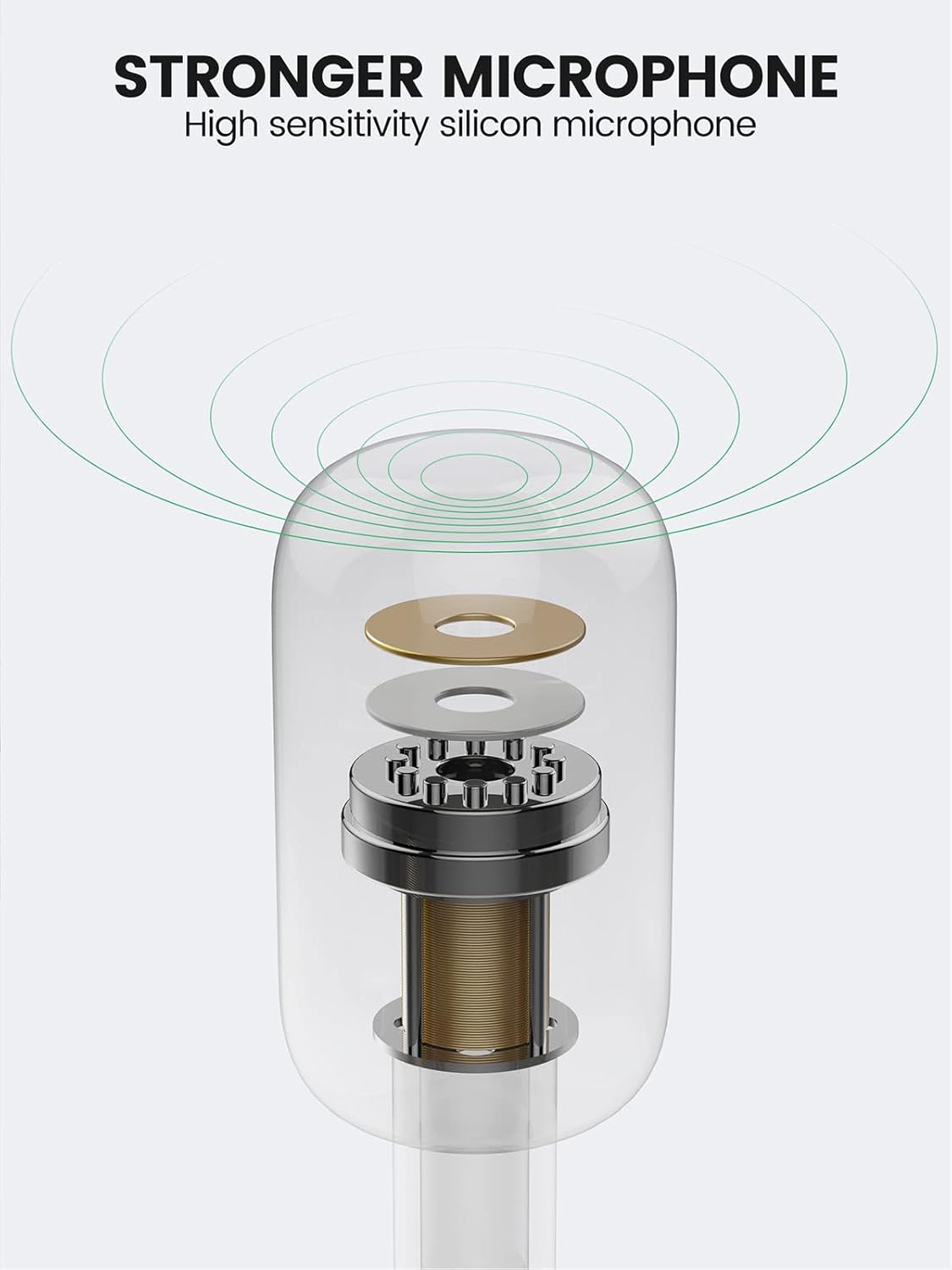
Image 2.2: Diagram illustrating the high-sensitivity silicon microphone component for clear audio capture.

Image 2.3: Visual representation of the adapter's wide applicability, connecting to various audio systems with Aux input, including car stereos, home speakers, laptops, and tablets.
3. Пакеттин мазмуну
Сураныч, бардык буюмдар бар экенин текшерүү үчүн пакетти текшериңиз:
- Maedhawk Aux Bluetooth 5.3 Receiver (MG-BT500)
Note: Additional accessories such as USB power adapters are not included and must be provided by the user.
4. Орнотуу нускамалары
Follow these simple steps to set up your Maedhawk Aux Bluetooth 5.3 Receiver:
- Кабылдагычты туташтыруу: Plug the 3.5mm audio jack of the receiver into your car's AUX input or your home stereo/speaker's 3.5mm audio input.
- Кубат менен камсыз кылуу: Insert the USB plug of the receiver into a USB power port (e.g., car USB port, USB charger, or power bank). The device will power on automatically.
- Bluetooth иштетүү: On your mobile device (smartphone, tablet, etc.), go to the Bluetooth settings and enable Bluetooth.
- Түзмөк менен жупташтыруу: Look for "Maedhawk BT500" in the list of available Bluetooth devices and select it to pair. Once connected, the indicator light on the receiver will typically turn solid blue.

Image 4.1: Visual guide showing the three steps for setup: inserting the receiver into the car's AUX and USB ports, activating phone Bluetooth, and connecting to the device.
5. Иштөө нускамалары
5.1. Музыканы ойнотуу
Once successfully paired, you can play music from your Bluetooth-enabled device. The audio will be transmitted wirelessly to your car stereo or home speaker system through the 3.5mm AUX input.
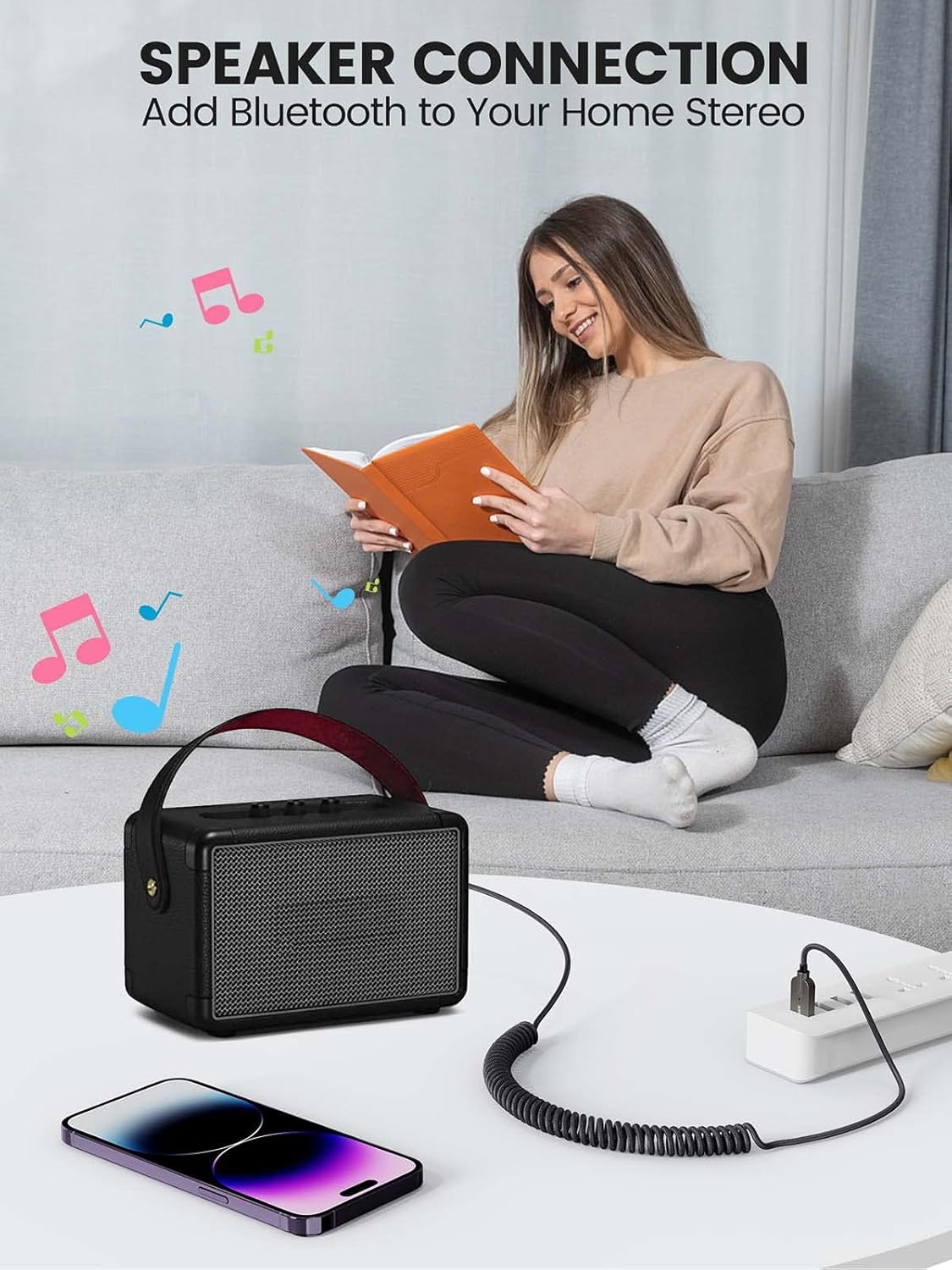
Сүрөт 5.1: Мисample of connecting the Bluetooth receiver to a home speaker system, enabling wireless audio streaming from a smartphone.
5.2. Hands Free Чалуу
When a call comes in, the receiver will automatically switch to call mode. You can answer calls through the connected audio system. The built-in microphone will pick up your voice, and the noise reduction technology will help ensure clear communication.
5.3. Автоматтык кайра туташуу
The Maedhawk Aux Bluetooth 5.3 Receiver is designed to automatically reconnect to the last paired device when it is powered on. This feature is particularly convenient for car use, as it connects automatically when you start your vehicle.

Image 5.2: Diagram illustrating the automatic reconnection feature, showing the receiver connecting to a smartphone upon power-on.
6. Техникалык тейлөө
To ensure the longevity and optimal performance of your Maedhawk Aux Bluetooth 5.3 Receiver, please follow these maintenance guidelines:
- Тазалоо: Аппаратты тазалоо үчүн жумшак, кургак чүпүрөктү колдонуңуз. Суюк тазалагычтарды же аэрозолдорду колдонбоңуз.
- Сактагыч: Аппаратты түз күн нурунан жана экстремалдык температурадан алыс салкын, кургак жерде сактаңыз.
- Колдонуу: Avoid dropping the device or subjecting it to strong impacts. Do not attempt to disassemble or modify the receiver, as this will void the warranty.
- Кабельге кам көрүү: Handle the coiled cable gently to prevent damage or kinks.
7. Кыйынчылыктарды
If you encounter issues with your Maedhawk Aux Bluetooth 5.3 Receiver, refer to the following common problems and solutions:
| Көйгөй | Мүмкүн себеп | Чечим |
|---|---|---|
| Түзмөк күйбөйт. | No power from USB port or faulty USB port. | Ensure the USB port is functional and providing power. Try a different USB port or power source. |
| Телефон менен жупташтыруу мүмкүн эмес. | Bluetooth not enabled on phone; device already paired; out of range. | Ensure Bluetooth is enabled on your phone. Turn off and on the receiver. Move closer to the receiver. Forget previous pairings on your phone and try again. |
| Аудио чыгышы жок. | Incorrect AUX input selected; volume too low; loose connection. | Verify that your car stereo or home stereo is set to the correct AUX input. Increase volume on both your phone and the audio system. Ensure the 3.5mm jack is fully inserted. |
| Аудио сапаты начар же статикалык. | Interference; device too far from phone; low quality audio source. | Move your phone closer to the receiver. Avoid placing the receiver near strong electromagnetic interference sources. Try a different audio source. |
| Hands-free call quality is poor. | Микрофон тосулуп калган; фондо ашыкча ызы-чуу чыгып жатат. | Ensure the microphone on the receiver is not covered. Reduce background noise in the environment. |
8. Техникалык шарттар
| Өзгөчөлүк | Деталь |
|---|---|
| Модель номери | MG-BT500 |
| Бренд | MaedHawk |
| Байланыш технологиясы | Bluetooth 5.3 |
| Аудио чыгаруу | 3.5 мм AUX уячасы |
| Power Input | USB (5 вольт) |
| Шайкеш түзмөктөр | Car audio systems, speakers, iOS devices, Android devices, amplifiers, laptops, tablets |
| Зымсыз диапазон | 15 метрге чейин |
| Кабелдин узундугу | 0.5M-1.5M (spring design) |
| Материал | Zinc alloy shell, nylon braided cable |
| Түс | Silvery |
9. Кепилдик жана колдоо
The Maedhawk Aux Bluetooth 5.3 Receiver comes with a 1 жылдык өндүрүүчүнүн кепилдиги. Бул кепилдик нормалдуу колдонуудагы материалдардагы жана жасалгадагы кемчиликтерди камтыйт.
For technical support, warranty claims, or any inquiries regarding your product, please contact MaedHawk customer service through the retailer where you purchased the product or visit the official MaedHawk brand store online.
Сураныч, кепилдик максаттары үчүн сатып алганыңыздын далилин сактап коюңуз.
Ask a question about this manual
Ask about setup, troubleshooting, compatibility, parts, safety, or missing instructions. Manuals+ will review the question and use this page’s manual context to help answer it.