
Introduction
Thank you for choosing the Cellularline Wireless Power Bank MAG 5000. This portable charger is designed to provide convenient and efficient power to your compatible devices, especially those supporting MagSafe technology. Please read this manual carefully before using the product to ensure proper operation and to maximize its lifespan.
Пакеттин мазмуну
- Cellularline Wireless Power Bank MAG 5000
- USB-Cден USB-Cге чейин кубаттоочу кабель
- Колдонуучунун Колдонмосу (бул документ)
Техникалык шарттар
| Модель аты | PBMAGSFCOL5000WIRK |
| Бренд | Cellularline |
| Батарея сыйымдуулугу | 5000 мАч (миллиampсаат) |
| Зымсыз кубаттоо чыгышы | 7.5 Вт |
| Зымдуу заряддоо чыгышы | 1 x USB-C 18 W |
| Туташтыргыч түрү | USB түрү C |
| Тtage | 5 вольт |
| Батареянын курамы | Полимер |
| Түс | Кара |
| Өзгөчө өзгөчөлүк | Компакт дизайн |
| Сунушталган колдонуу | Mobile Phones (especially iPhone 12 and later with MagSafe) |
| Power Source | Электр кабели |
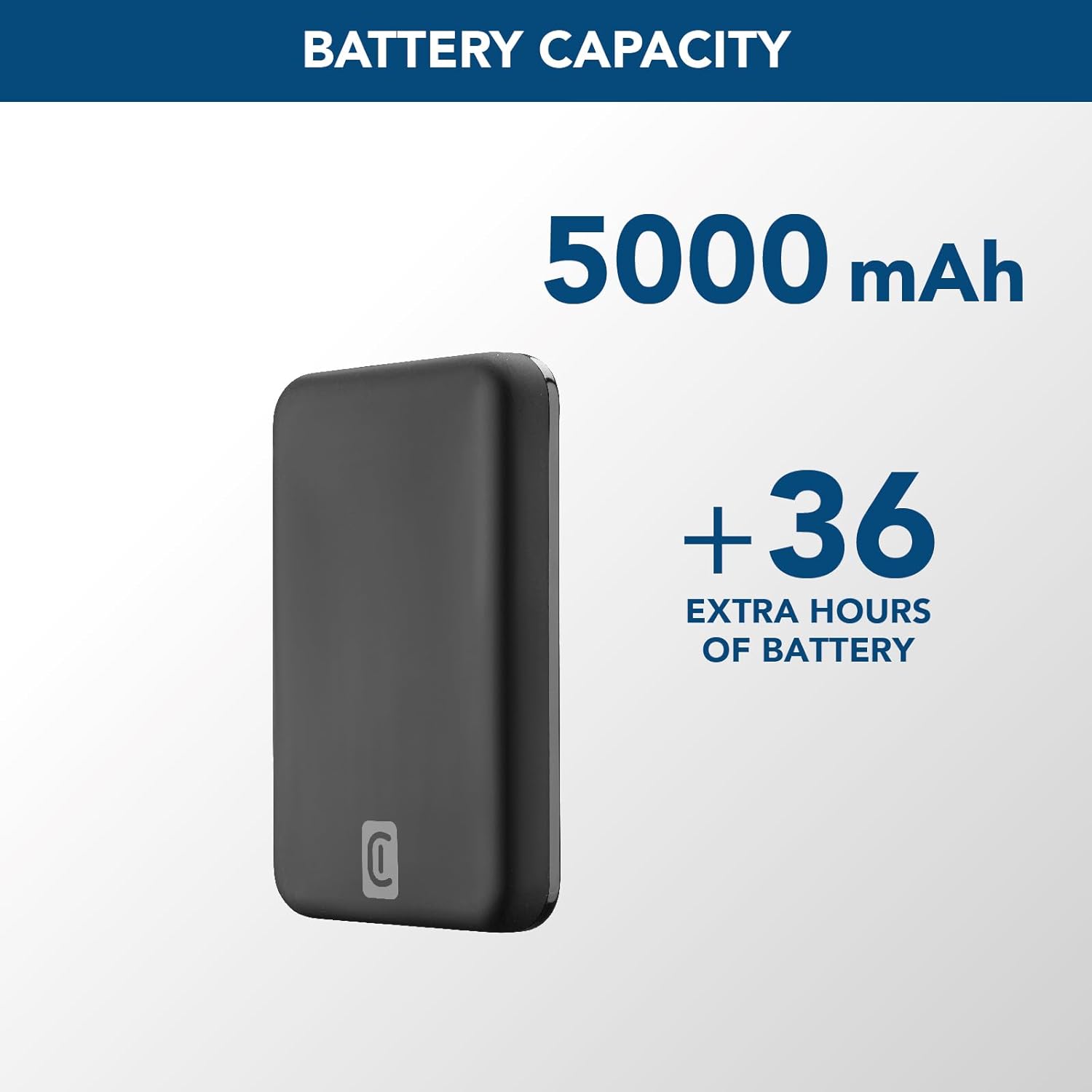
Image: A graphic highlighting the 5000 mAh battery capacity of the power bank, indicating extended battery life for devices.
Жайгашуу
Power Bank заряддоо
Before initial use, fully charge your Cellularline Wireless Power Bank MAG 5000. This ensures optimal performance and battery longevity.
- Берилген USB-Cден USB-Cге кабелди кубат банкындагы USB-C портуна туташтырыңыз.
- Connect the other end of the USB-C cable to a compatible USB-C wall adapter (not included) or a powered USB-C port on a computer.
- Кубаттуу банктагы LED индикаторлору кубаттоо абалын көрсөтүү үчүн күйөт. Бардык светодиоддор бекем болгондон кийин, кубат банкы толук заряддалат.

Image: The Cellularline Wireless Power Bank MAG 5000 shown magnetically attached to the back of an iPhone, demonstrating its compact size and MagSafe compatibility. The power bank is black, and the iPhone has a clear case revealing the MagSafe ring.
Иштөө нускамалары
Зымсыз кубаттоо (MagSafe менен шайкеш)
The power bank features magnetic wireless charging, ideal for iPhone 12 and later models, or other devices with MagSafe compatible cases.
- Ensure your device supports wireless charging and has MagSafe technology, or is equipped with a MagSafe compatible case.
- Align the power bank with the back of your compatible device. The magnets will automatically snap the power bank into place, ensuring proper alignment for wireless charging.
- Wireless charging will begin automatically. The LED indicators on the power bank may show charging activity.
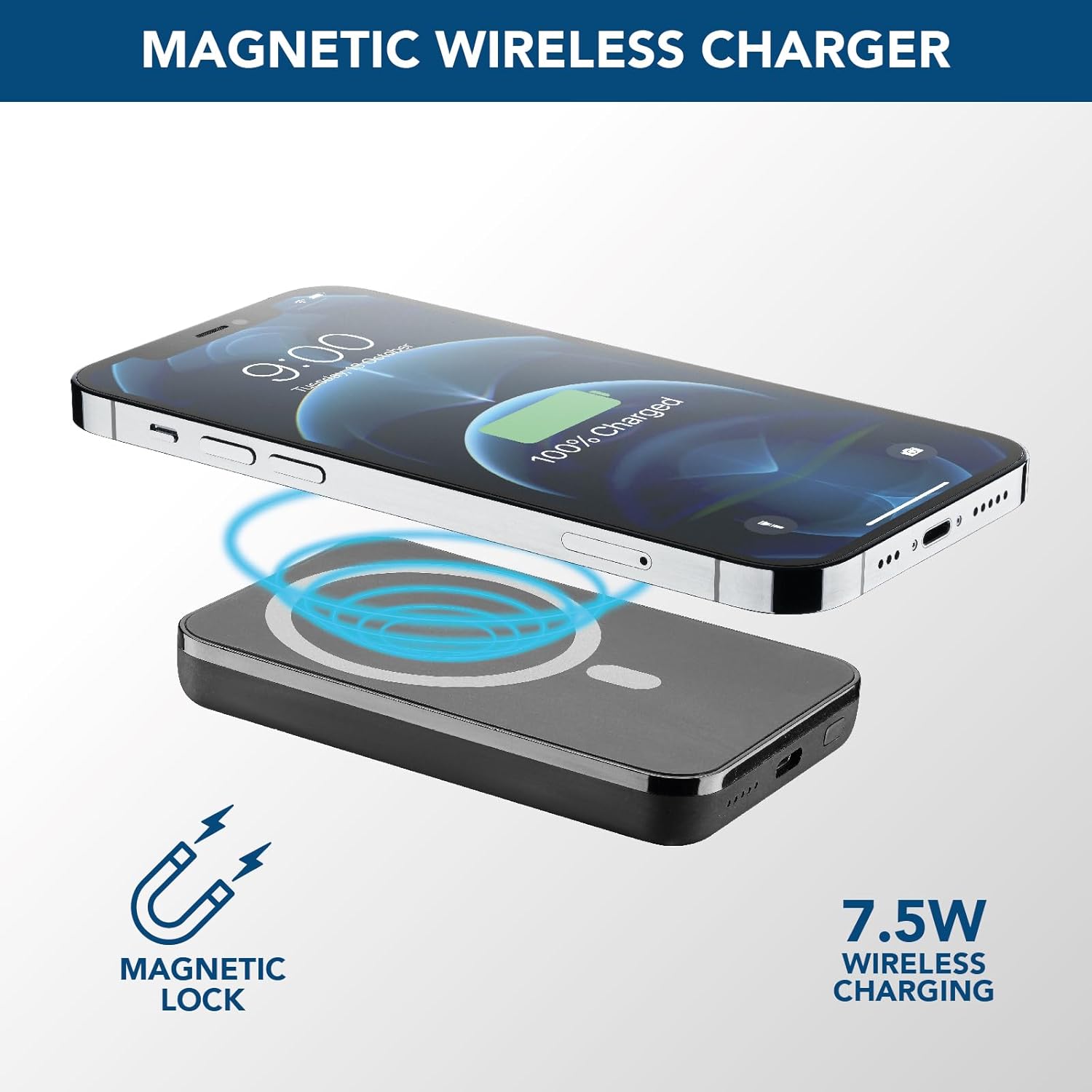
Image: An illustration showing the Cellularline power bank wirelessly charging an iPhone. Blue magnetic waves emanate from the power bank to the phone, indicating the magnetic lock and 7.5W wireless charging capability.
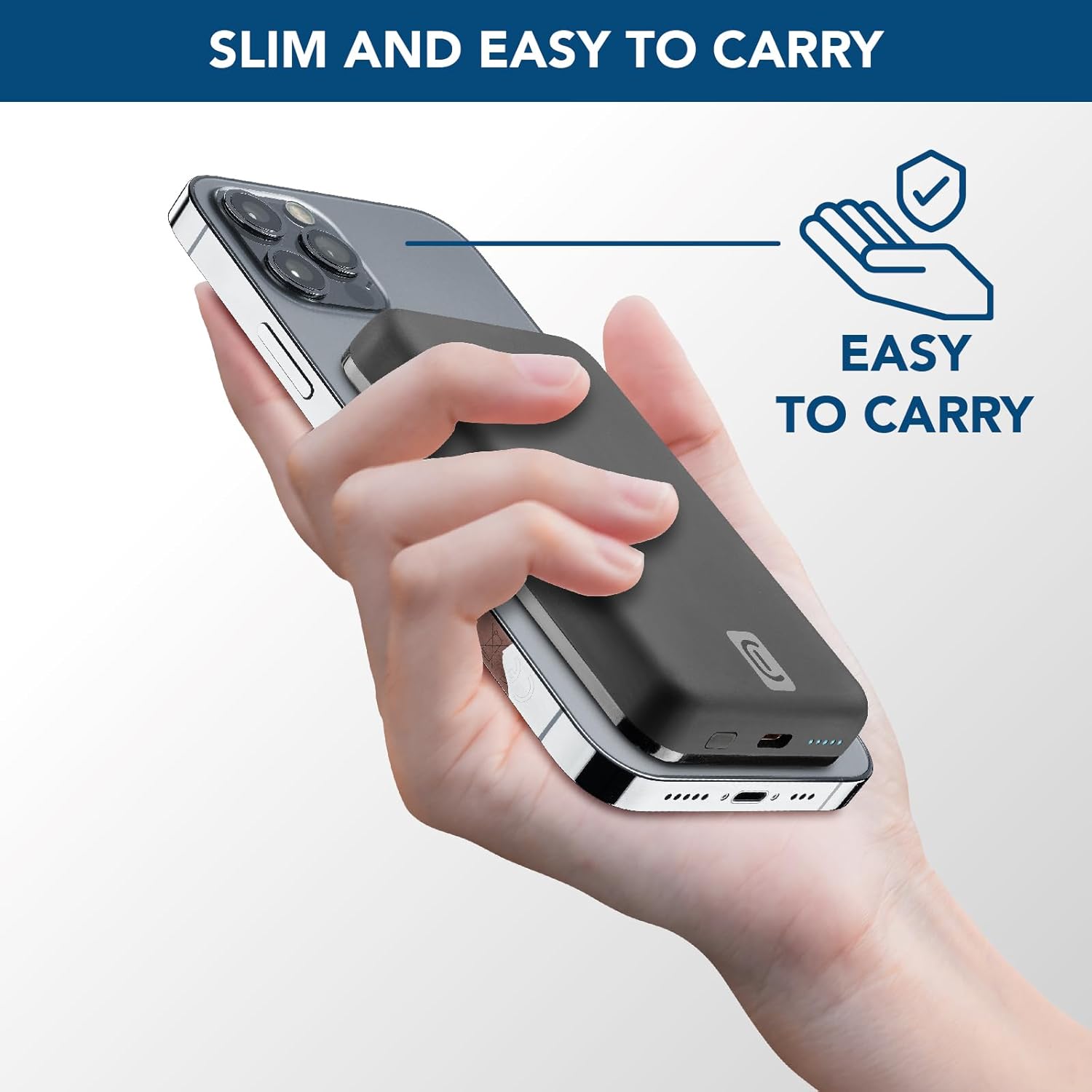
Image: A hand holding an iPhone with the Cellularline power bank magnetically attached to its back, highlighting the product's slim profile and ease of carrying.

Image: A collection of colorful MagSafe compatible phone cases, illustrating that the power bank can be used with any MagSafe case for secure magnetic attachment and charging.
Зымдуу кубаттоо (USB-C)
For devices that do not support wireless charging or for faster charging, use the USB-C port.
- Connect one end of a USB-C cable (the one supplied or another compatible cable) to the USB-C port on the power bank.
- USB-C кабелинин экинчи учун түзмөгүңүздүн кубаттоо портуна туташтырыңыз.
- Заряддоо автоматтык түрдө башталат.
Эскертүү: The power bank can charge one device wirelessly and another via the USB-C port simultaneously, though total output may be shared.
Техникалык тейлөө
- Тазалоо: Power банкты тазалоо үчүн жумшак, кургак чүпүрөктү колдонуңуз. Катуу химиялык заттарды же абразивдүү материалдарды колдонбоңуз.
- Сактагыч: Power банкты күн тийбеген жана экстремалдык температурадан алыс, салкын, кургак жерде сактаңыз.
- Батареяга кам көрүү: Батареянын иштөө мөөнөтүн узартуу үчүн, эгерде үзгүлтүксүз колдонулбаса, Power Bankты жок дегенде үч айда бир жолу толук кубаттаңыз. Батареяны тез-тез толук заряддоодон алыс болуңуз.
- Колдонуу: Power bankты түшүрүп албаңыз, бөлүктөргө бөлбөңүз же өзүңүз оңдоого аракет кылбаңыз. Бул кепилдикти жокко чыгарып, зыян келтириши мүмкүн.
Проблемаларды чечүү
| Көйгөй | Мүмкүн себеп | Чечим |
|---|---|---|
| Power банк заряддалбай жатат |
|
|
| Түзмөк зымсыз кубатталбай жатат |
|
|
| Түзмөк USB-C аркылуу кубатталбай жатат |
|
|
| Power банк колдонуу учурунда ысып кетет |
|
|
Кепилдик жана колдоо
Cellularline products are designed and manufactured to the highest quality standards. For information regarding warranty coverage, technical support, or service inquiries, please refer to the warranty card included with your purchase or visit the official Cellularline webсайт. Кепилдик дооматтары үчүн сатып алганыңыздын далилин сактап коюңуз.
Официалдуу Webсайт: www.cellularline.com